
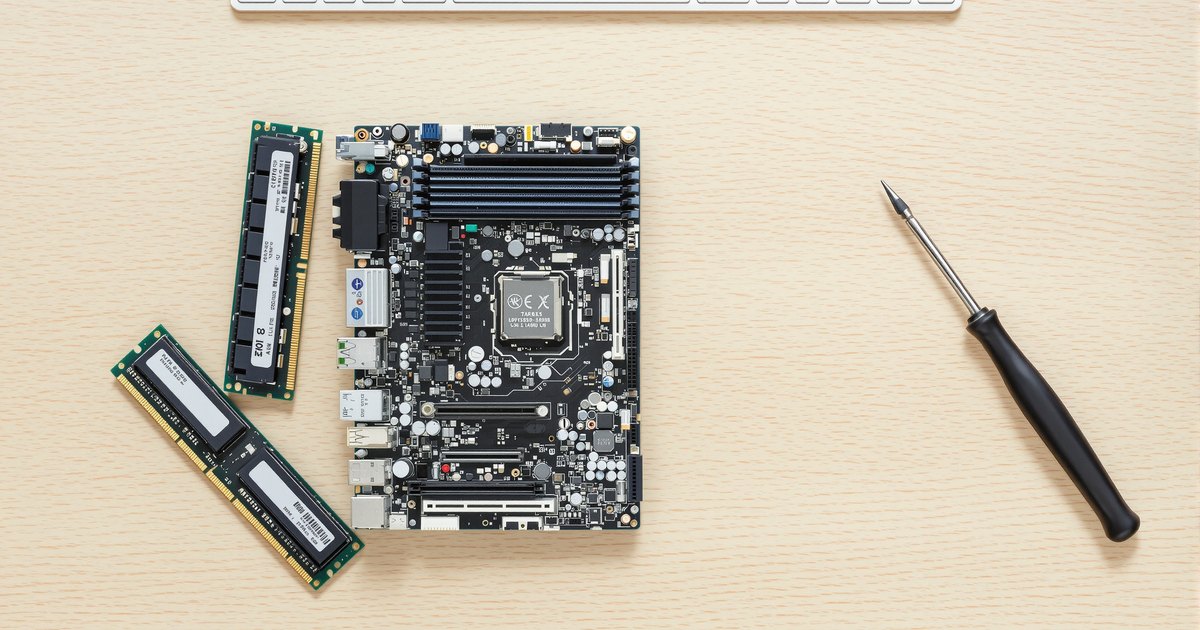
A motherboard's memory support is written down in three places: the maker's specification page, the qualified vendor list, and the processor's specification. Read all three and there is nothing left to guess. This guide is the sequence for reading them, what each line means, and how to turn the result into a module order. It is the detailed companion to how to find compatible RAM for your motherboard, which covers reading an installed system, and to the chipset guide, which covers inferring support from the chipset when the board page is thin.
The short answer
Board specification page for generation, type, slots, maximum, speeds and ECC. QVL for proof that a density or speed works and which firmware it needs. Processor page for the controller's limits. Then buy one module per channel, identical, at the largest supported density that reaches your capacity.
Step by step
- Find the exact board model and revision. Printed on the board between the slots, shown on the firmware home screen, and reported by system information tools. Revisions can differ in supported memory.
- Open the board maker's specification page. Read the memory section: generation, module type, slot count, maximum capacity, supported speeds, and ECC support. This page is updated when firmware changes the limits.
- Open the memory QVL. The qualified vendor list names modules the maker has tested on the board. Search it for the capacity and speed you want; note any BIOS version requirement beside the entry.
- Check the processor's own limits. The processor page gives supported generation, maximum speed and channel count. The board cannot exceed them.
- Check the firmware version. Compare your installed version with the one the QVL or specification notes require for the module size you want. Update first if needed.
- Confirm the module type and ECC. UDIMM or RDIMM; ECC or not. These are hard requirements, not preferences.
- Match a module. Search the board model on NEMIX; board-level listings carry the right type and the largest supported density. A QVL-listed part number or an equivalent specification both qualify.
Reading the specification page
| Line | What it tells you | Example |
|---|---|---|
| Memory type | Generation and module type | DDR5 UDIMM; DDR5 ECC RDIMM |
| Slots | How many modules | 4 x DIMM; 8 x DIMM |
| Maximum | Total the board and firmware support | 256GB; 2TB |
| Speed | Supported transfer rates, often with an OC note | DDR5 5600 / 6000 (OC) |
| Channels | Dual, quad or eight | Dual channel; 8-channel |
| ECC | Whether ECC modules function as ECC | ECC UDIMM supported; non-ECC only |
| Notes | Firmware requirements, density limits, population rules | 48GB modules require BIOS 1.20 |
Reading the QVL
The QVL is a table of part numbers with capacity, speed, rank, chip maker and, often, a tick per slot configuration (one module, two, four). Three uses: confirm that the capacity you want has been tested on the board, confirm the speed at the population you plan, and read any BIOS version note. A module absent from the list is not unsupported; the list is what was tested, and modules of the same specification behave the same. For high-density modules (48GB, 64GB, 96GB and up) the QVL and its firmware notes are the surest check, as the density guide explains.
Reading the processor page
Intel and AMD specification pages list memory type, maximum speed, maximum capacity and channel count for every processor. If the board says DDR5-6400 and the processor says DDR5-5600, 5600 is the supported figure and 6400 is overclocking. If the board lists 256GB and the processor 128GB, the processor wins. Choosing RAM by processor and board has the channel and type table by processor family, and the channel guide explains why the count sets the module number.
Common misreads
- Overclocked speeds as supported speeds. Speeds marked OC need an XMP or EXPO profile and are not supported figures on workstations or servers.
- Maximum per board as maximum per processor. Older processors on a newer board are limited by the processor.
- "ECC supported" as "ECC required". Some boards run either; some require one. Read the exact wording.
- DDR4 RDIMM and UDIMM share a key. On DDR4 boards the wrong type fits and fails to boot; the specification line is the only guard. See ECC UDIMM vs ECC RDIMM.
- Box figures. The maximum on the retail box is from launch; the web page reflects later firmware.
Server and workstation boards
Server makers publish a memory configuration table rather than a single maximum: supported module sizes, ranks, the speed at one and two DIMMs per channel, and the population order by slot. Read the row for your processor generation. The Supermicro memory guide and Supermicro X14, X13 and H13 compatibility guide show how those tables read, and the Dell PowerEdge and HPE guides do the same for branded servers. The EPYC motherboard guide covers the board choice for AMD servers.
Buying
Search the board model on nemixram.com; listings are titled by board and carry the right type at the largest supported density. By type: DDR5 UDIMM, DDR5 ECC UDIMM, DDR5 RDIMM, DDR4 UDIMM, DDR4 ECC UDIMM, DDR4 RDIMM. Brand hubs: ASUS, ASRock, Supermicro.
Frequently asked questions
Does a module have to be on the QVL to work?
No. The QVL is what the maker tested, not an exhaustive list. A module of the same generation, type, density, rank and speed as a QVL entry works the same way. The QVL is most useful for confirming high densities and speeds.
Where is the maximum memory figure?
On the board's specification page under memory, and in the manual's memory section. If the two disagree, the web page is newer.
What if my board is no longer on the maker's site?
Search the model with 'specifications' or 'manual'; makers keep archive pages. Failing that, the processor page gives generation, type and maximum, and the slot count gives the ceiling.
How do I read what is installed now?
The firmware memory screen, or in Windows Task Manager's Memory tab and the wmic memorychip command, or on Linux dmidecode --type memory. Each shows size, speed, type and often the part number.
Memory for workstations, servers and fleets
Once you have read the specification and the QVL, the module is a search away. Request a quote with your systems and quantities, or contact our sales team. Related: data center server memory, business fleet memory and education and government.