DELL | LATITUDE | BUSINESS | RUGGED EXTREME | LAPTOP | RAM UPGRADE
6 products
Showing 1 - 6 of 6 products
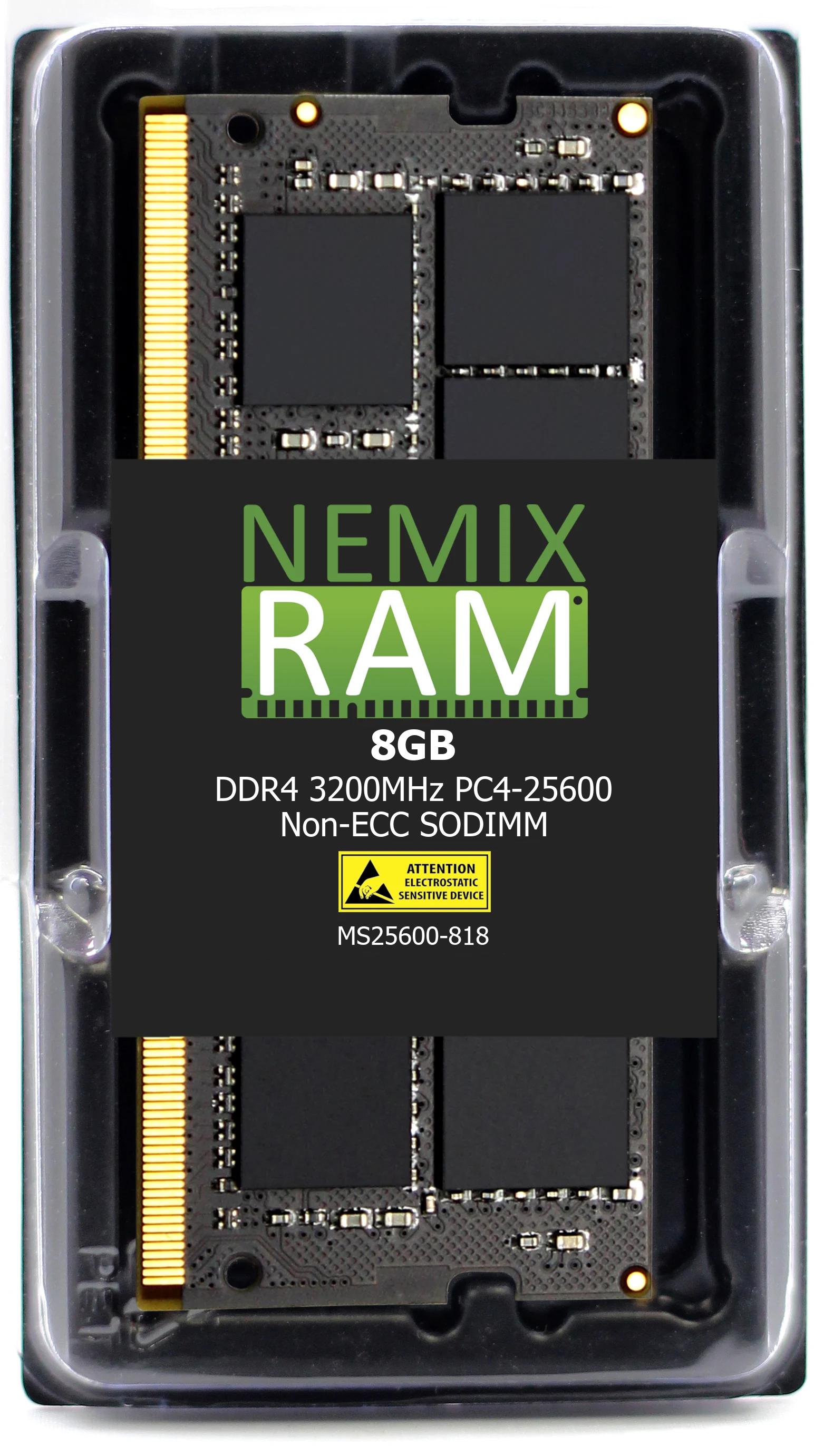
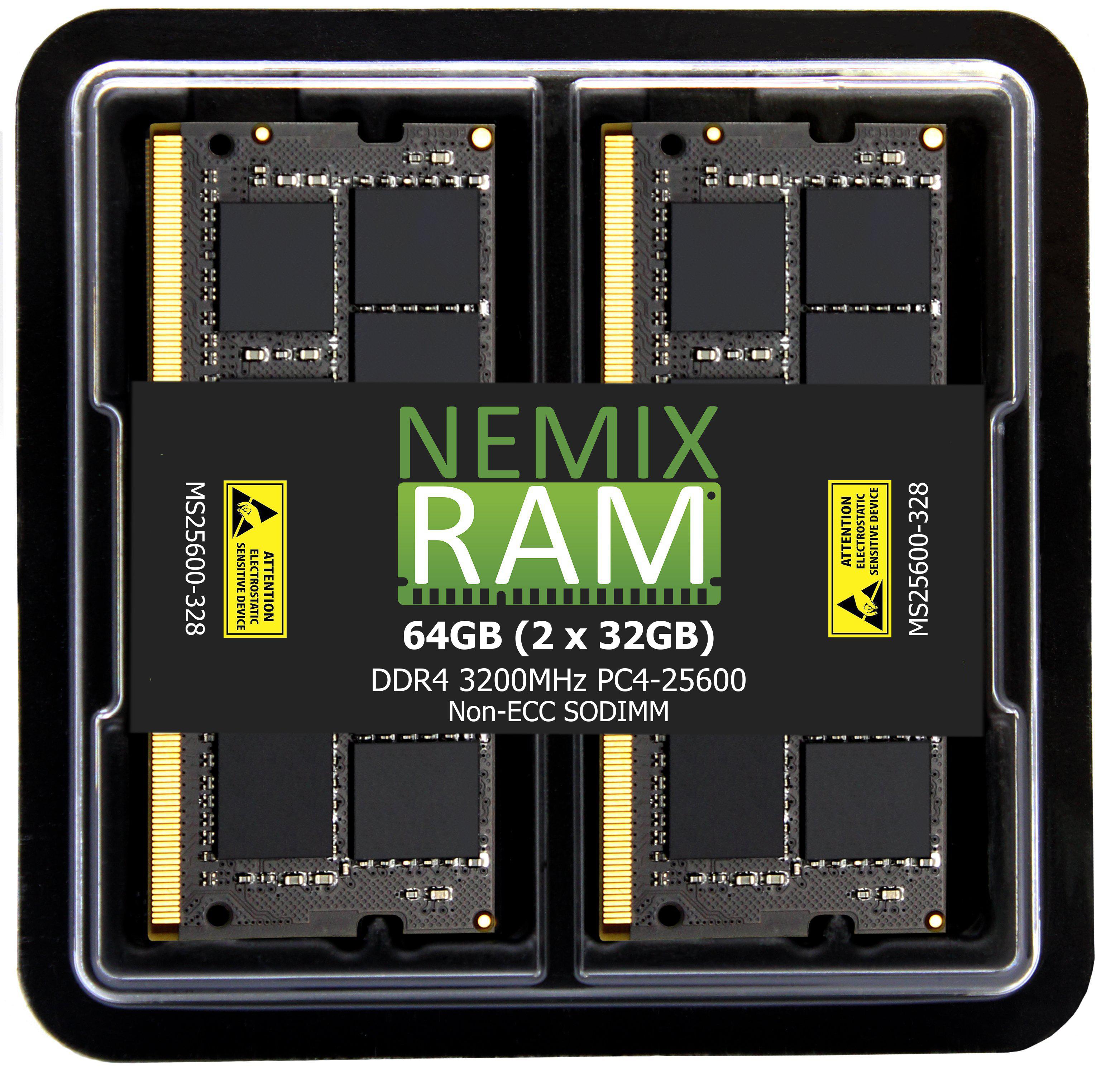
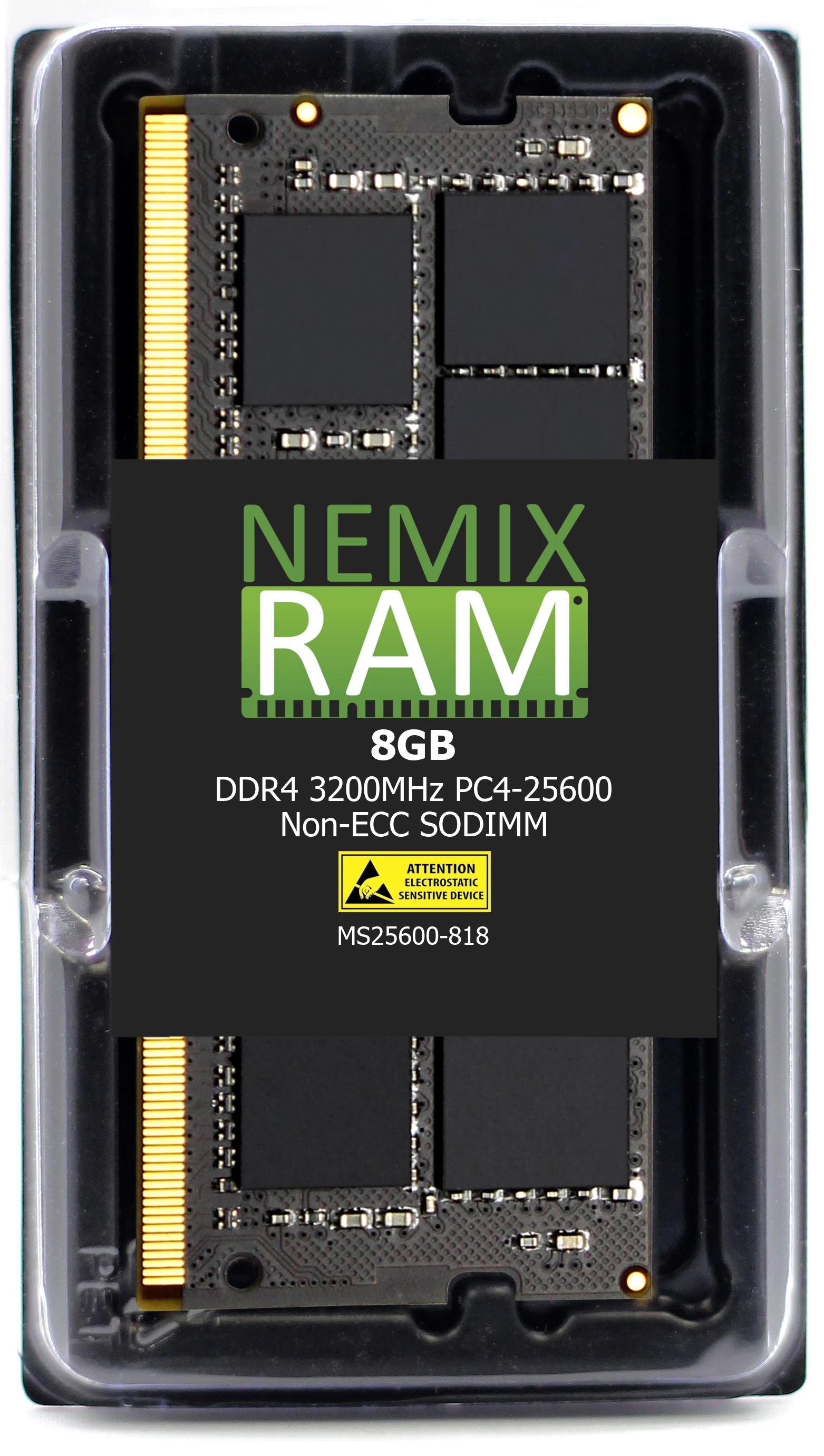
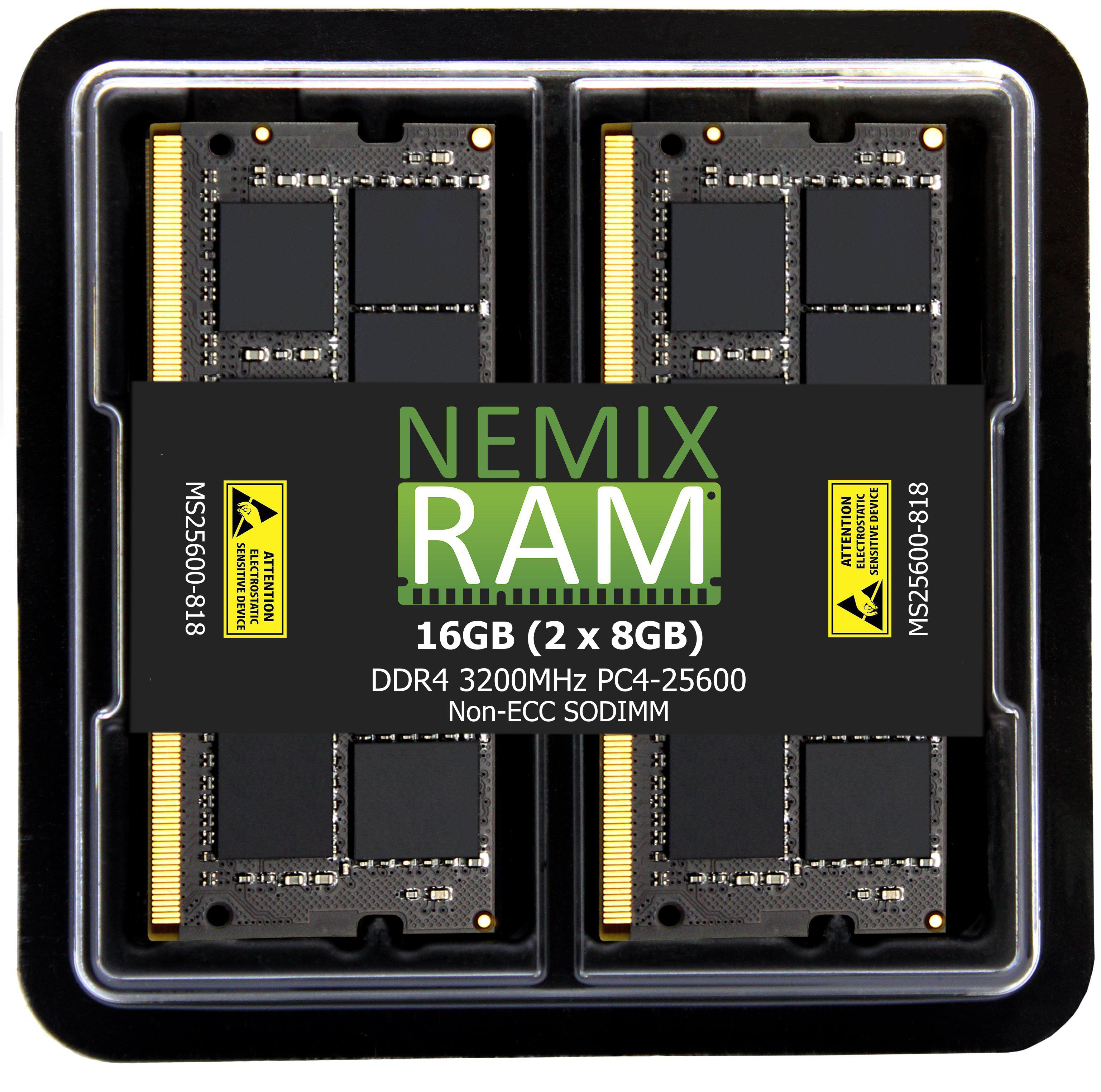
Memory upgrades for Dell Latitude business laptops — 3000, 5000 and Rugged Extreme series. Every module on this page is a non-ECC SODIMM matched to the exact Latitude model it ships for, so you are not cross-referencing part numbers against a Dell manual to find out whether a stick fits.
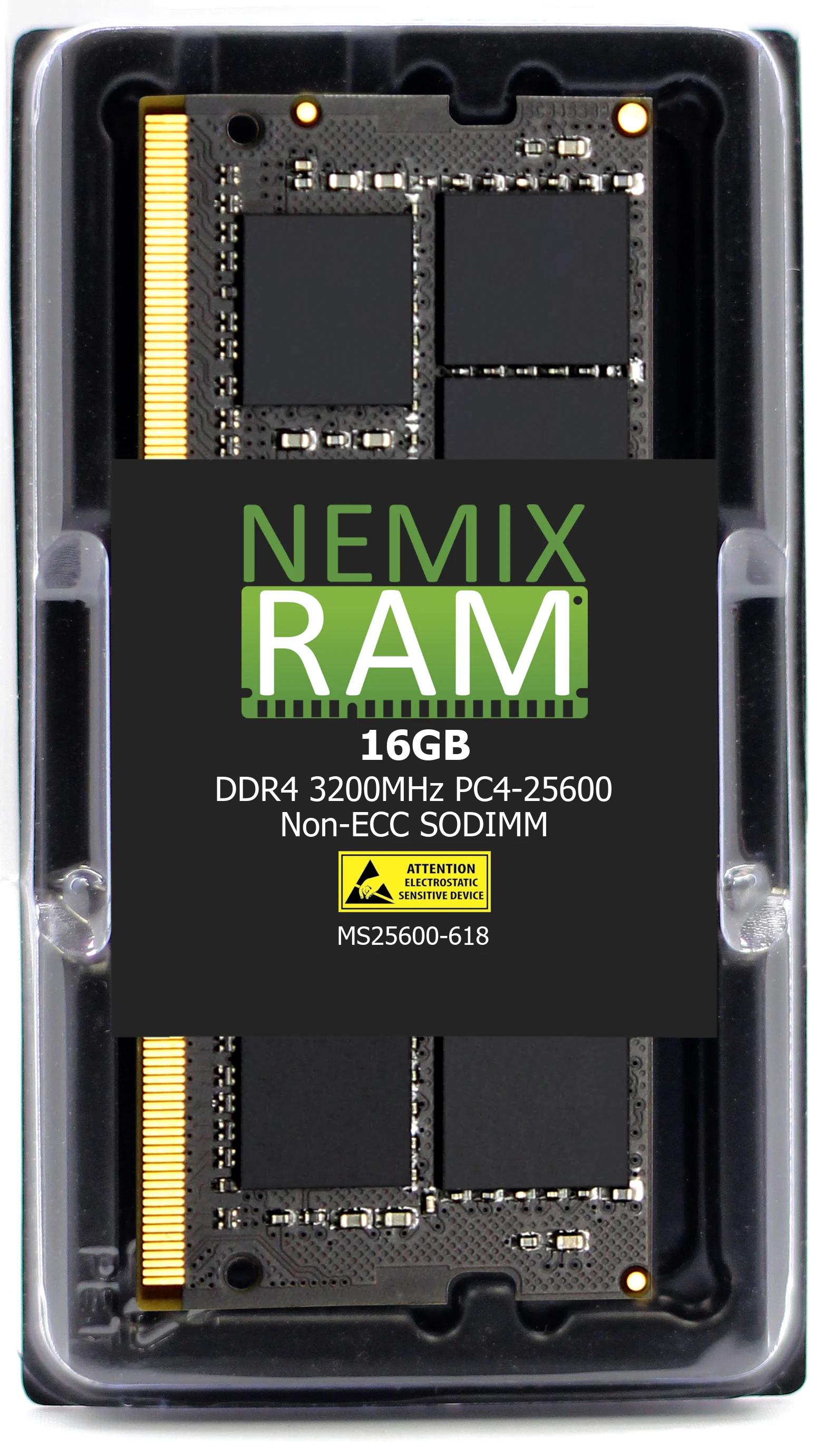
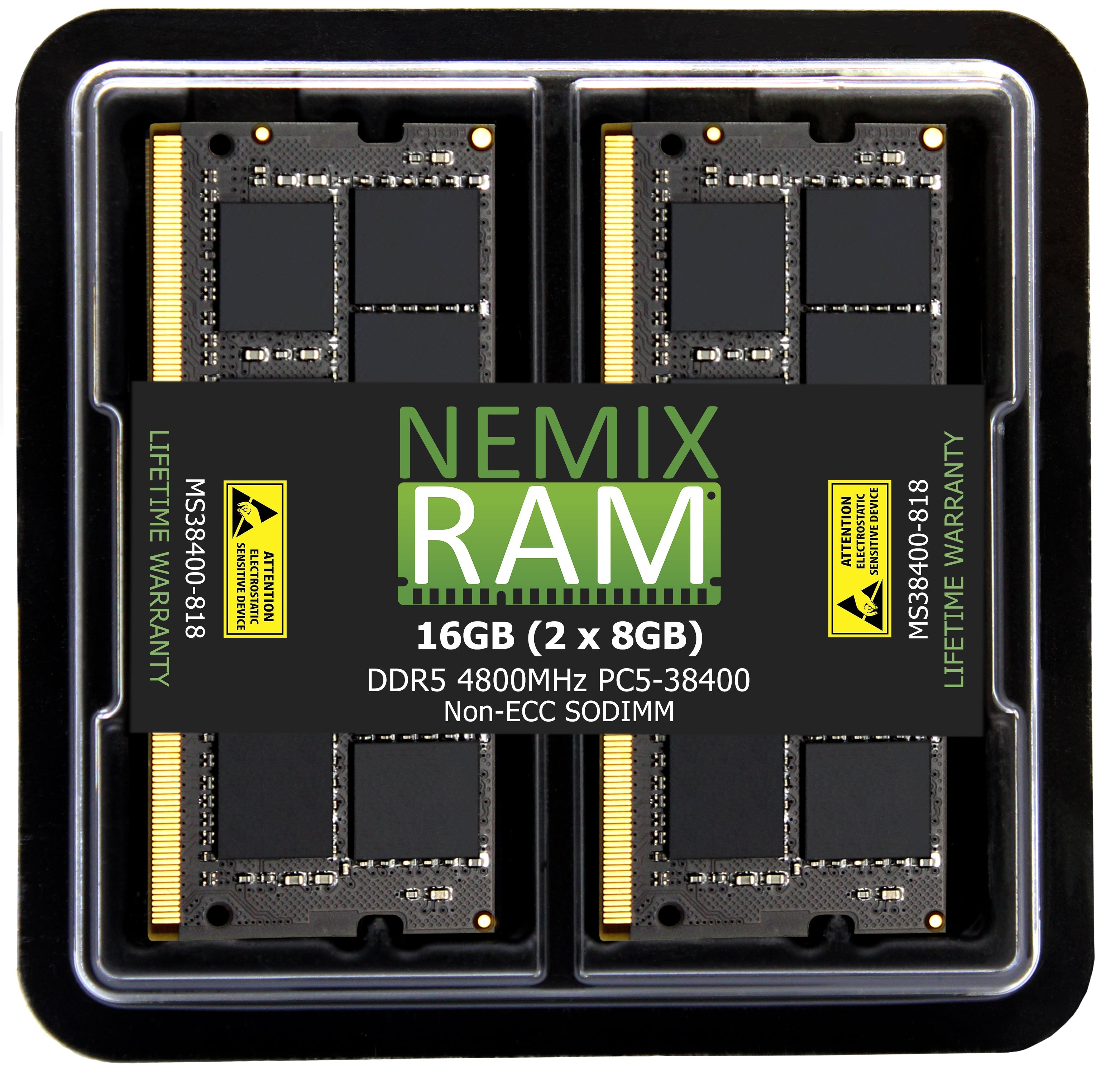
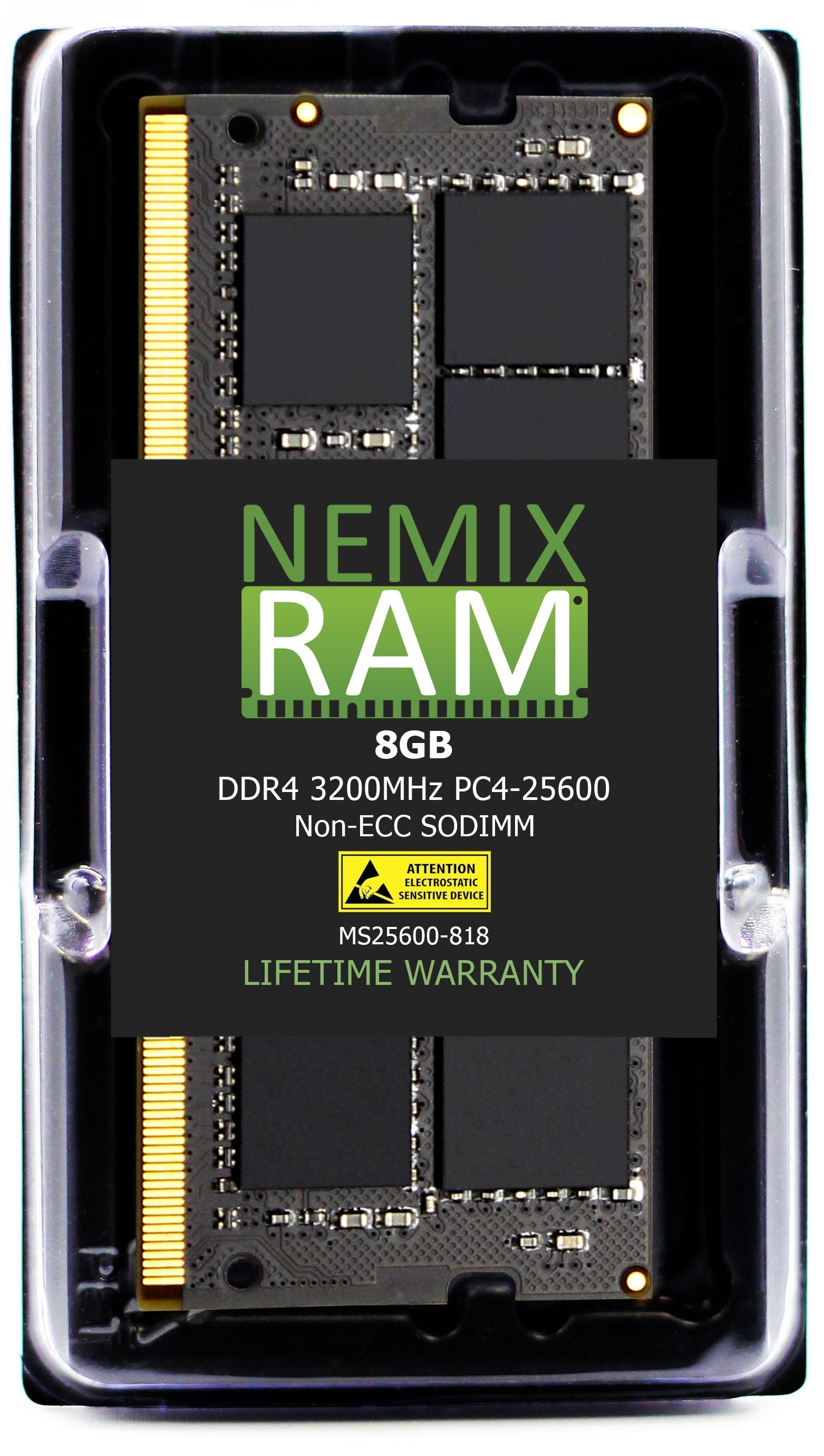
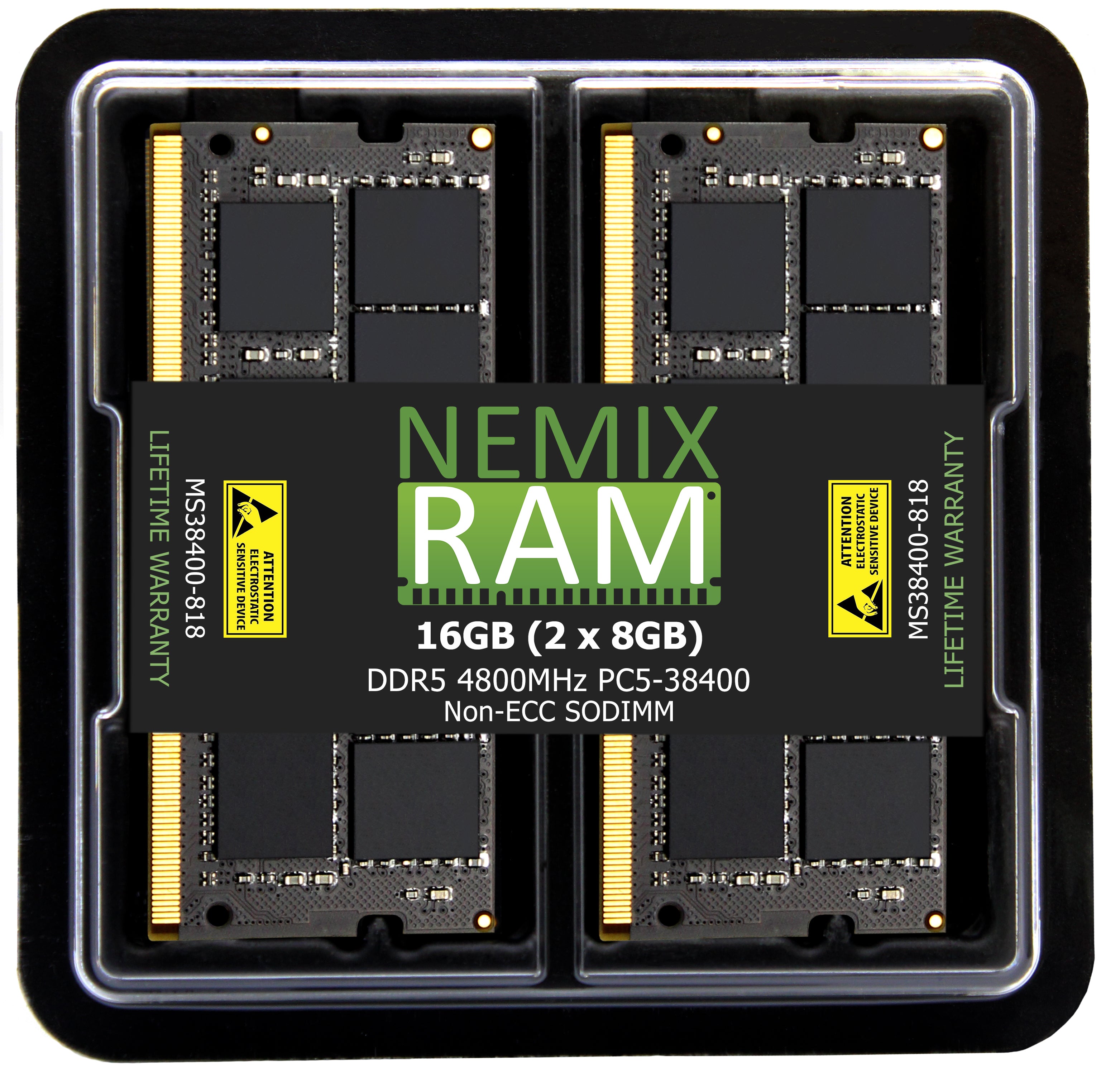
Latitude platforms are split across two memory generations. The 3420, 3520, 3440, 3540, 5430 and 5430 Rugged Extreme take DDR4-3200 (PC4-25600). The 5440 and 5540 are available in both DDR4-3200 and DDR5-4800 (PC5-38400) depending on build — check your system's existing module before ordering.
Use the Shop by System Model filter to jump straight to your machine. Buying for a fleet or need a quote across multiple Latitude models? Contact us for volume and purchase-order terms.
Memory by Latitude model
Latitude model numbers encode series and year: 3000 = value, 5000 = mainstream, and the last two digits are the year (3520 = 2020 platform, 5540 = 2024). Every model on this page has socketed memory; the 7000 and 9000 series are soldered and are not upgradeable, which is why they are not here.
| Latitude | Platform | Memory | Slots / max |
|---|---|---|---|
| 5440 / 5540 (DDR5 build) | 13th Gen Core, P-series | DDR5-4800 (PC5-38400) non-ECC SODIMM | 2 slots, max 64GB (2×32GB). |
| 5440 / 5540 (DDR4 build) | 13th Gen Core, U-series | DDR4-3200 (PC4-25600) non-ECC SODIMM | 2 slots, max 64GB. Same chassis as the DDR5 build — the CPU decides which memory the board takes. |
| 5430 / 5530 | 12th Gen Core | DDR4-3200 (PC4-25600) non-ECC SODIMM | 2 slots, max 64GB. |
| 5430 Rugged / 5430 Rugged Extreme | 11th Gen Core | DDR4-3200 (PC4-25600) non-ECC SODIMM | 2 slots, max 64GB. Behind the sealed memory door; reseal the gasket on reassembly. |
| 3440 / 3540 | 13th Gen Core | DDR4-3200 (PC4-25600) non-ECC SODIMM | 2 slots, max 64GB. |
| 3420 / 3520 | 11th Gen Core | DDR4-3200 (PC4-25600) non-ECC SODIMM | 2 slots, max 64GB. Ships from Dell at 4GB or 8GB in a single slot; the second slot is usually empty. |
Model lists are representative. The module already installed is the authority. Not sure? Send us the Service Tag and we confirm the part before you order.
5440 and 5540: DDR4 or DDR5?
Dell built both with the same chassis and model number, which is why this page carries both parts. The processor decides: builds with a 13th Gen U-series CPU (i5-1335U, i7-1355U) are DDR4-3200; builds with a P-series CPU (i5-1340P, i7-1360P) are DDR5-4800. Three ways to confirm before ordering:
- Windows Task Manager → Performance → Memory shows the speed: 3200 means DDR4, 4800 means DDR5. It also shows "slots used," so you know whether you are adding or replacing.
- Dell Support → Service Tag → View original configuration lists the memory line with its 370- code and speed.
- The module label once the base cover is off: DDR4 modules are 260-pin, DDR5 are 262-pin with the notch in a different position, and the two do not interchange.
Fleet upgrades: why and how
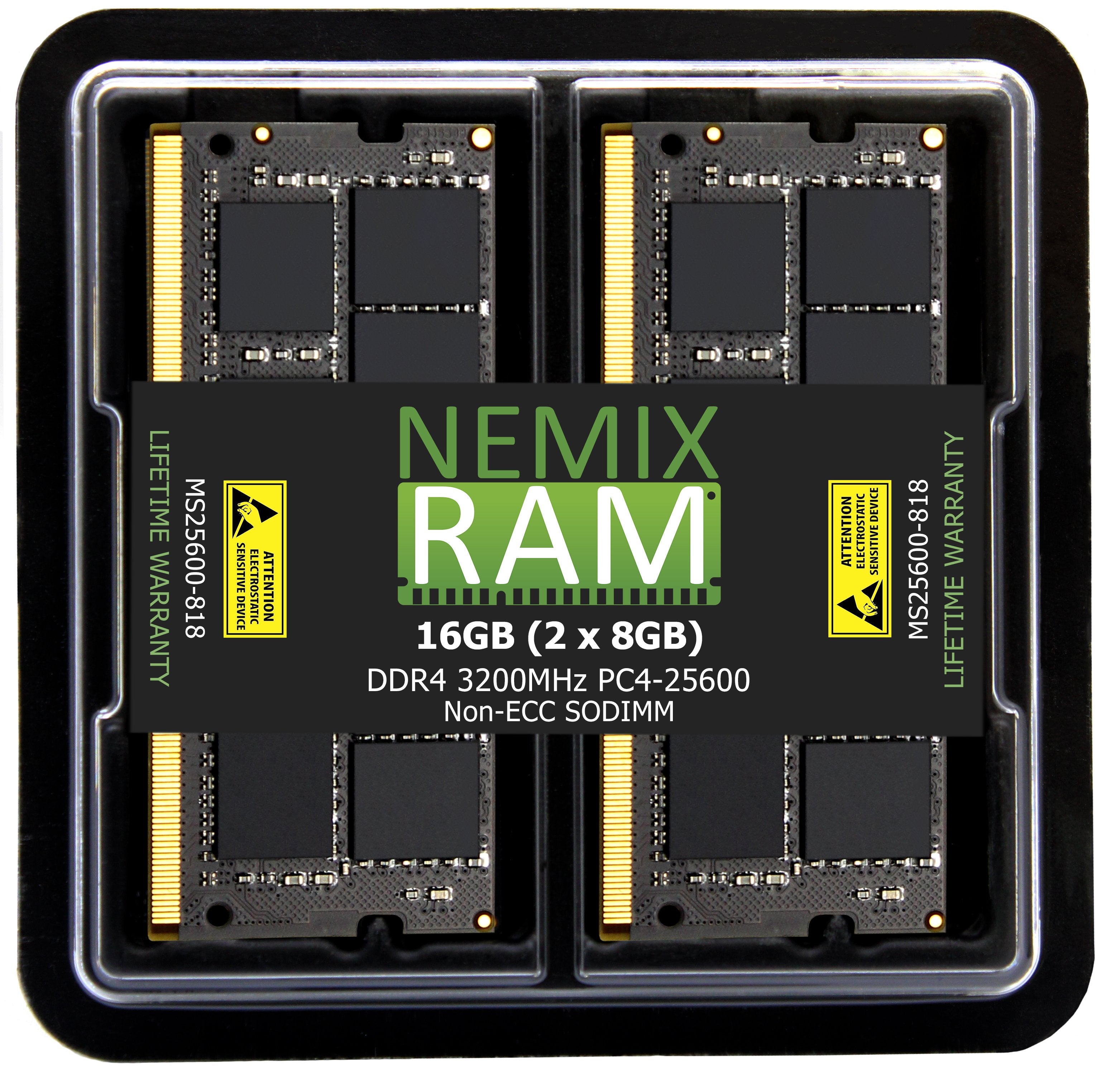
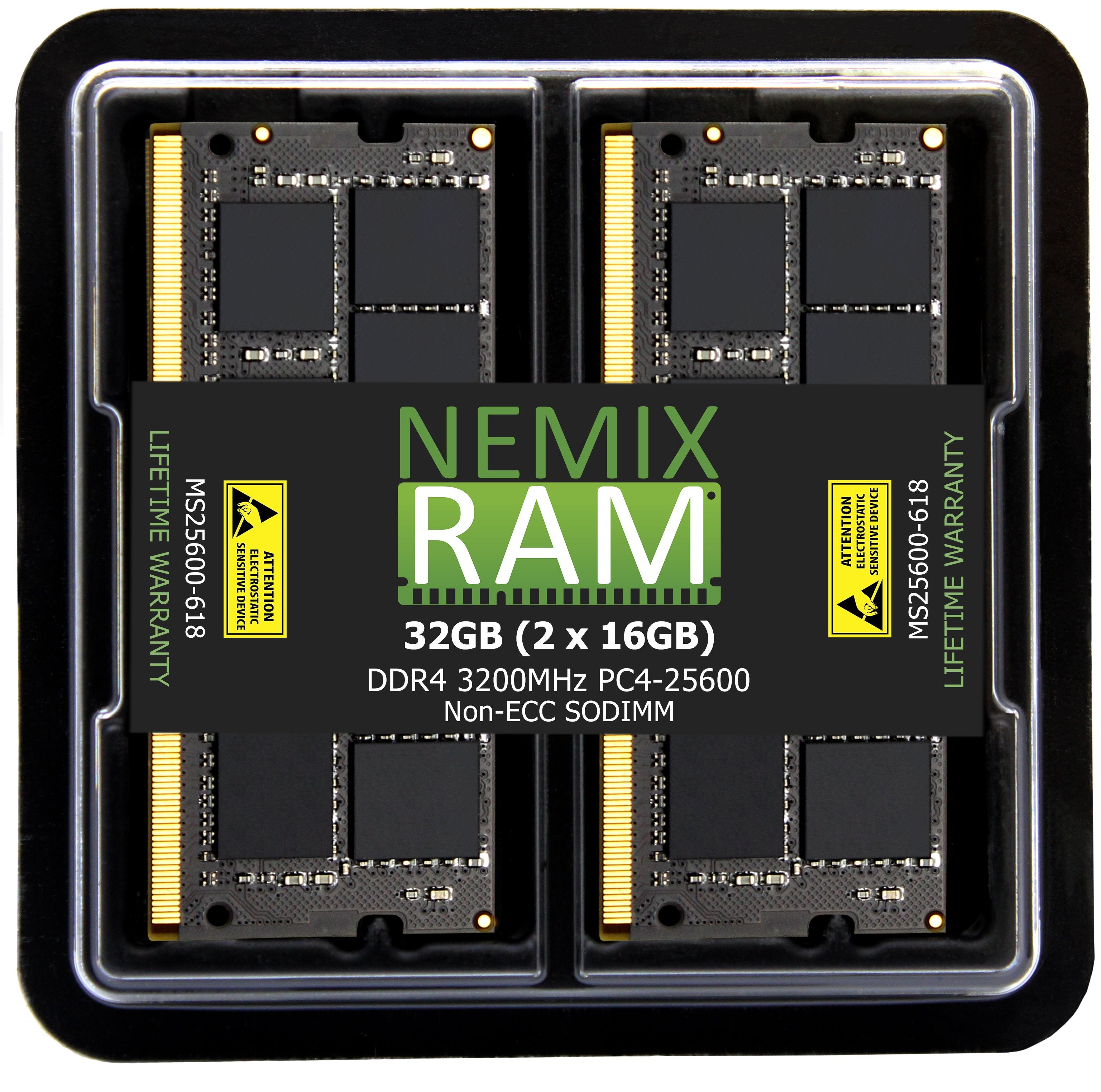
Most Latitudes ship at 8GB, and Windows 11 with Teams, a browser, and an endpoint agent running is already pressing on that. Moving a fleet to 16GB (2×8GB) or 32GB (2×16GB) is the cheapest way to extend a refresh cycle by two to three years and cut the "my laptop is slow" tickets that come from memory pressure. For fleet orders:
- Send Service Tags, not model numbers. A 5440 fleet can contain both DDR4 and DDR5 builds. We match each tag to the right part and return one quote by system.
- Standardize on matched pairs. Two identical modules run dual-channel; a factory 8GB plus an added 8GB works but a matched 2×8GB or 2×16GB kit is the cleaner image for a fleet and easier to support.
- Purchase orders, net terms, and volume pricing are available for business, government, and education buyers. NEMIX RAM is a registered federal supplier (UEI GV8MMYNDJ5J1, CAGE 59AB2).
Population rules
- Two slots, dual-channel. Matched pairs give full memory bandwidth; a single module runs single-channel and is measurably slower in graphics and multitasking.
- Adding to a factory module: match the speed (Task Manager shows it) and, ideally, the capacity. Mixed capacities work but run in flex mode, which is partly single-channel.
- Speed is fixed by the CPU. A DDR4-3200 Latitude will not run faster than 3200; a 4800 module in a DDR5 Latitude runs at 4800. Buy the speed your row lists.
- Maximums: 64GB (2×32GB) on every model listed. Stay within Dell's published maximum for the configuration.
What "same spec" means
A NEMIX RAM module listed for a Latitude matches the Dell-qualified part on generation, capacity, speed, voltage, rank, and the 260-pin (DDR4) or 262-pin (DDR5) SODIMM form factor, and is tested in the target model before listing. Dell laptops do not require Dell-branded memory; BIOS reports the module's manufacturer and runs it at spec with no warning. Every module carries a lifetime replacement warranty with free US-based technical support.
Frequently asked
Will upgrading void the Dell warranty or ProSupport? No. Memory is a customer-replaceable unit on every Latitude listed here, documented in Dell's service manual. Dell may decline to troubleshoot issues it attributes to third-party memory, which is what our lifetime warranty covers.
Does a memory change trip BitLocker? Not on its own. BitLocker's TPM measurements cover firmware and boot configuration, not installed memory. Have the recovery key on hand as a precaution on any hardware change, but a memory swap does not normally prompt for it.
The Rugged Extreme — same memory as the regular 5430? Yes, DDR4-3200 SODIMM. The difference is access: the memory door is gasketed. Reseat the gasket on closing to keep the ingress rating.
My Latitude is a 7000 or 9000 series. Those have memory soldered to the board and cannot be upgraded. Order the capacity you need at purchase.
Do I need to do anything after installing? No. Power on; the system detects the new capacity. Confirm the total in Task Manager or BIOS.
NEMIX RAM can deliver any Configuration your Fleet Requires
Speak to a Sales Representative