DELL | PRO | PRO MAX | BUSINESS | CONSUMER | RAM UPGRADE
6 products
Showing 1 - 6 of 6 products
Memory upgrades for Dell's current-generation Dell Pro and Dell Pro Max systems — the naming that replaced Latitude, OptiPlex and Precision on new commercial hardware. Every system on this page runs DDR5-5600 (PC5-44800).
Form factor is the thing to get right here, and it does not follow the laptop/desktop line you'd expect. The Pro Max 16 Laptop and the Pro Micro Desktop both take SODIMM. The Pro Max Micro, Pro Max Slim, Pro Max Tower T2 and Pro Precision 7 T1 take full-size non-ECC UDIMM. A Pro Micro and a Pro Max Micro sit side by side on a desk and take different memory.
The Tower T2, Slim and Precision 7 T1 support four-module configurations up to 128GB — use the Kit filter to see 4-module kits, or request a quote if you're speccing more than a few systems. Purchase-order terms available for business, government and education buyers.
How Dell's new naming maps to the old lines
Dell retired the Latitude, OptiPlex, and Precision names on 2025-and-later commercial systems. Dell Pro replaces Latitude laptops and OptiPlex desktops; Dell Pro Max replaces Precision workstations. Within each line, Base, Plus, and Premium are the trim tiers, and on desktops the suffix is the chassis: Micro (1-liter), Slim (small form factor), Tower T1 / T2 (mini-tower / mid-tower). "Pro Precision 7 T1" is the workstation-class tower under the Pro name.
Memory by system
| System | Replaces | Memory | Slots / notes |
|---|---|---|---|
| Dell Pro Max Tower T2 | Precision 3680 Tower | DDR5-5600 non-ECC UDIMM, 288-pin | 4 slots, up to 128GB (4×32GB). Populate in pairs across channels. |
| Dell Pro Max Slim | Precision 3480 SFF class | DDR5-5600 non-ECC UDIMM, 288-pin | 4 slots, up to 128GB. |
| Dell Pro Precision 7 T1 | Precision 3000-series mini-tower | DDR5-5600 non-ECC UDIMM, 288-pin | 4 slots, up to 128GB. |
| Dell Pro Max Micro | Precision 3280 Compact | DDR5-5600 non-ECC UDIMM, 288-pin | Full-size DIMM in a micro chassis — not the SODIMM you would expect. 2 slots; install in pairs. |
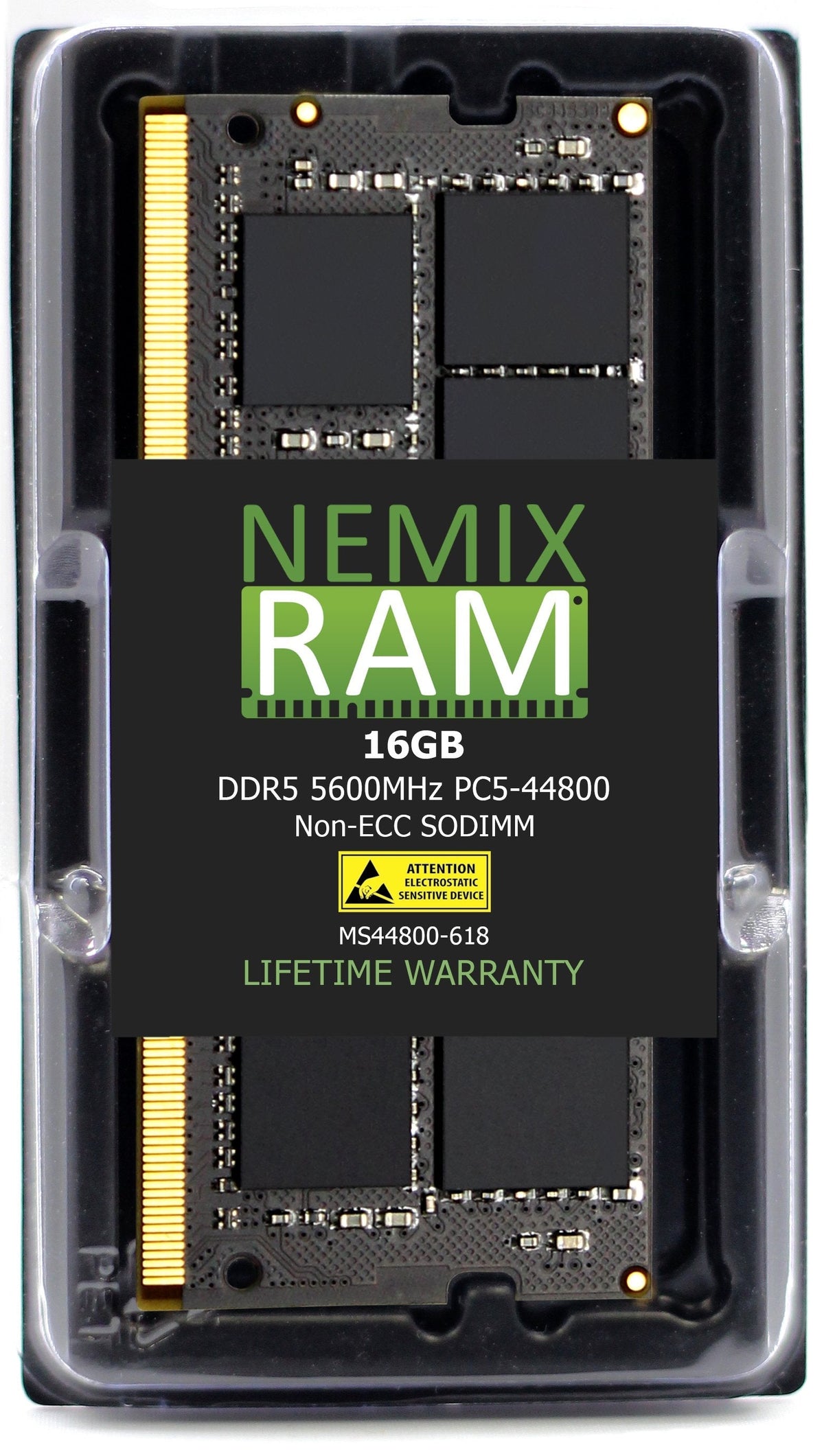
| Dell Pro Micro | OptiPlex Micro | DDR5-5600 non-ECC SODIMM, 262-pin | 2 slots. Sits next to the Pro Max Micro on a desk and takes the other form factor. |
| Dell Pro Max 16 Laptop | Precision 3590 / 5690 mobile | DDR5-5600 non-ECC SODIMM, 262-pin | 2 slots. Confirm the exact configuration — see the soldered-memory note below. |
Every system on this page runs DDR5-5600 (PC5-44800), 1.1V, non-ECC. None of these platforms accept ECC or registered modules; a server RDIMM or an ECC UDIMM will not post. If your Dell Pro system is not listed, send us the model and Service Tag and we will match it.
Before you buy a laptop upgrade: is the memory socketed?
Dell moved most of the Pro laptop line to soldered LPDDR5x. The Dell Pro 13, 14, and 16 Base / Plus / Premium laptops and the Pro Max 14 and 16 Plus / Premium models ship with memory on the board, or on Dell's CAMM2 module, and cannot take SODIMMs. The Pro Max 16 configurations with two SODIMM slots are the upgradeable ones and are what this page covers. Check the Service Tag → original configuration before ordering: if the memory line reads "onboard" or "LPDDR5x," the system is not upgradeable; if it reads "SODIMM," it is.
How to check what is installed
- Dell Support → Service Tag → View original configuration. Shows the memory the system shipped with, its 370- code, and whether it is SODIMM, UDIMM, CAMM2, or onboard.
- BIOS setup (F2 at boot) → System Information → Memory. Installed capacity, speed, and slot population.
- Windows Task Manager → Performance → Memory. Total, speed, and "slots used" — enough to tell you whether a slot is free.
Population and capacity rules
- Pairs first. All of these are dual-channel platforms. Two identical modules in the paired slots run in dual-channel; a single module or an odd pair halves memory bandwidth. Install matched pairs, which is why this page sells 2-module and 4-module kits.
- Match what stays in. If you keep a factory module and add one, match its capacity and rank. If you are going from 16GB to 64GB or more, replace the set with a matched kit.
- Speed is fixed at 5600. The Core Ultra memory controller runs DDR5-5600 at spec. Faster modules are not a bonus, and modules with XMP profiles run at their JEDEC 5600 baseline on these systems.
- Maximums: 128GB on the 4-slot towers and slim (4×32GB); 64GB on the 2-slot Micro systems and the Pro Max 16 (2×32GB). Stay within Dell's published maximum for the configuration.
What "same spec" means
A NEMIX RAM module listed for a Dell Pro or Pro Max system matches the Dell-qualified part on every attribute the controller checks: DDR5, capacity, 5600 MT/s, 1.1V, rank organization, and the correct 288-pin UDIMM or 262-pin SODIMM form factor. It is built on DRAM from the same manufacturers Dell sources from and tested in the target system before listing. Dell systems do not require Dell-branded memory; BIOS reports the module's manufacturer and runs it at the qualified spec. Every module carries a lifetime replacement warranty with free US-based technical support.
Fleet, government, and education purchasing
New Dell Pro deployments usually arrive at the base 16GB or 32GB configuration. NEMIX RAM is a registered federal supplier (UEI GV8MMYNDJ5J1, CAGE 59AB2) and accepts purchase orders with net terms for business, government, and education buyers. Send the Dell quote, the Service Tags, or a count by model and we return a matched upgrade kit per system, shipped together. Volume and reseller pricing is available on request.
Frequently asked
The Pro Max Micro and Pro Micro look the same. Why different memory? The Pro Max Micro is a workstation-class chassis built around a full-size DIMM layout; the Pro Micro is the OptiPlex-class chassis built around SODIMM. Same footprint, different board. Check the model name on the front badge before ordering.
Can I use ECC memory for reliability? No. These platforms use Core Ultra processors and chipsets without ECC support; an ECC UDIMM will not post.
Will the system show a warning with non-Dell memory? No. BIOS reports the module's manufacturer and part number and runs it at spec. There is no lock and no performance penalty.
Does adding memory void the Dell warranty? Memory is a customer-replaceable unit on every system listed here. Dell's warranty on the system remains; Dell may decline to troubleshoot issues it attributes to third-party modules, which is what our lifetime warranty and support cover.
What if I ordered a Pro Max 16 and it turns out to be onboard memory? Return the module unopened within the return window; we will help you confirm the configuration before you order if you send the Service Tag first.
NEMIX RAM can deliver any Configuration your Fleet Requires
Speak to a Sales Representative