
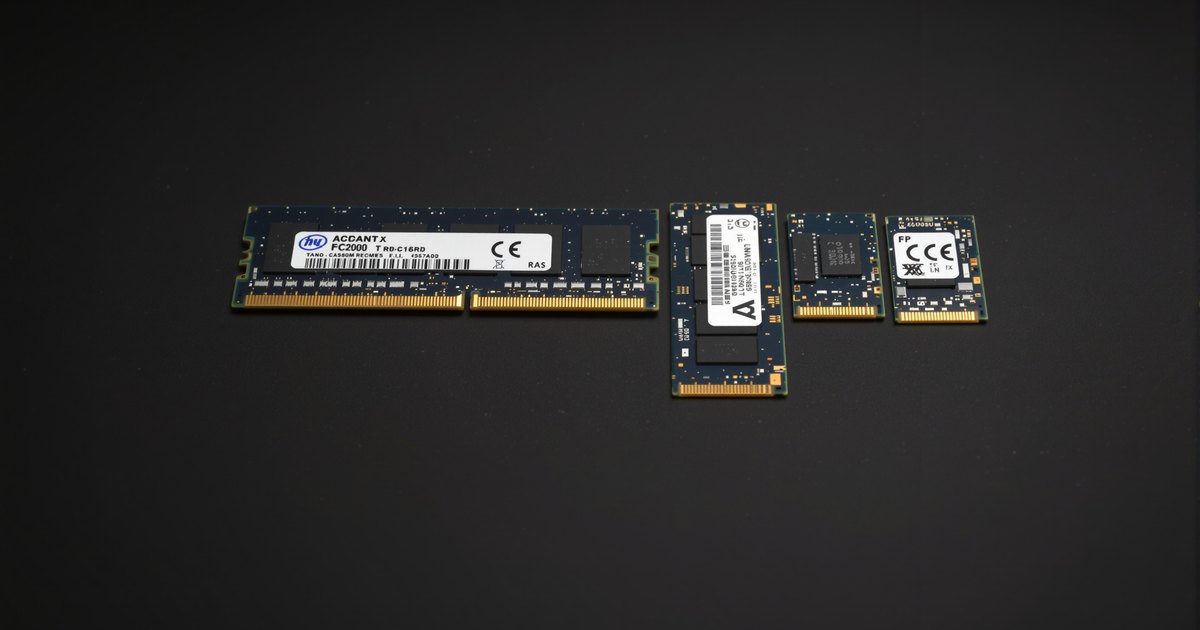
The largest module a board can take is not printed on the box. It depends on the processor's memory controller, the firmware version, and the DRAM die density the module is built from. Boards that shipped with a 128GB limit now take 192GB or 256GB after a firmware update, and boards that list 64GB per slot may need a specific BIOS to see a 48GB module. This guide explains how densities map to modules and how to check your board.
The short answer
| Module | Built from | Platform support |
|---|---|---|
| 32GB DDR4 UDIMM | 16Gb dies, dual rank | Any DDR4 board with current firmware; the DDR4 desktop maximum |
| 32GB DDR5 UDIMM | 16Gb dies, dual rank | All DDR5 desktop boards |
| 48GB DDR5 UDIMM | 24Gb dies | AM5 and LGA1700/1851 boards with firmware from 2023 or later |
| 64GB DDR5 UDIMM | 32Gb dies | Newer boards with 2024 or later firmware; check the specification |
| 64GB DDR4 or DDR5 RDIMM | 16Gb or 32Gb dies, dual rank | Servers and RDIMM workstations |
| 96GB DDR5 RDIMM | 24Gb dies, dual rank | DDR5 servers and Threadripper PRO, Xeon W |
| 128GB and 256GB DDR5 RDIMM | 32Gb dies or stacked dies | DDR5 servers; check the platform memory table |
What sets the limit
The memory controller
The controller lives in the processor, and it has a maximum per channel and per module that the board cannot exceed. Desktop controllers on AM5 and recent Intel sockets started at 128GB total and rose to 192GB and then 256GB as larger dies arrived and firmware caught up. Server controllers on EPYC and Xeon address terabytes, and their limits are expressed as a maximum per DIMM and per socket in the platform's memory table.
The firmware
Firmware has to know how to address a die density. 24Gb dies (the ones in 48GB and 96GB modules) arrived after many boards shipped, and 32Gb dies (64GB UDIMMs, 128GB RDIMMs) later still. A board that predates a density needs the BIOS update that added it. Board makers list the supported maximum on the specification page and update it when firmware changes, so the page is the current answer and the box is not.
The slot count
Maximum memory is the largest supported module times the slots. A two-slot mini-ITX board with 64GB modules reaches 128GB; a four-slot board reaches 256GB; an eight-slot WRX90 board with 128GB RDIMMs reaches 1TB. How channels affect that is its own subject.
How to check your board
- Open the board's specification page and read the memory line. It states the generation, the type, the maximum total and often the largest module.
- Open the memory QVL and search for the capacity you want. A 48GB or 64GB entry proves the board has seen that density work.
- Check your BIOS version against the QVL's notes. High-density entries usually say "requires BIOS xxxx or later".
- Check the processor too: a board that supports 256GB only does so with a processor whose controller does. On AM5 and LGA1700 that is every current chip; on older sockets it is not.
The guide to determining which RAM your board supports covers reading the QVL in detail, and how to fix RAM not detected by the BIOS is the page to read if a module is installed and invisible.
Servers and workstations
On RDIMM platforms the question moves from "will it be seen" to "which combination keeps full speed". Platform memory tables list the supported module sizes, the ranks, and the speed at one and two DIMMs per channel. 96GB and 128GB DDR5 RDIMMs are standard on current EPYC and Xeon, and 256GB modules are on the newest tables. The WRX90 memory guide shows the workstation case, and the server memory refresh guide covers choosing densities for a fleet.
Buying
Desktop and workstation UDIMM: DDR5 UDIMM, DDR5 ECC UDIMM, DDR4 UDIMM. Server and RDIMM workstation: DDR5 RDIMM, DDR4 RDIMM, LRDIMM. Model-level listings for a board or system already carry the largest supported density, so searching the board name is the shortest route.
Frequently asked questions
Why does my board not see a 48GB DIMM?
48GB modules use 24Gb DRAM dies, a density that older firmware does not recognize. Update the BIOS to a version whose notes mention 24Gb or non-binary DIMM support, then retest.
What is the largest DDR4 UDIMM?
32GB, built from 16Gb dies in a dual-rank layout. 64GB DDR4 modules are RDIMM or LRDIMM, for servers.
Can an AM5 or LGA1700 board take 256GB?
Recent boards with updated firmware support 4 x 64GB, which is 256GB, on DDR5. The original launch firmware for both platforms topped out at 128GB. Check the board's current specification page.
Does 2 x 48GB work the same as 96GB in one module?
No. 96GB in one module is an RDIMM density for servers and workstations. On a desktop board, 96GB means two 48GB UDIMMs, which also gives you dual-channel operation.
Memory for workstations, servers and fleets
High-density modules are where a BIOS check before ordering saves a return. Request a quote with your systems and quantities, or contact our sales team. Related: data center server memory, business fleet memory and education and government.