DELL | INSPIRION | LAPTOP | ALL-IN-ONE AIO | RAM UPGRADE
6 products
Showing 1 - 6 of 6 products
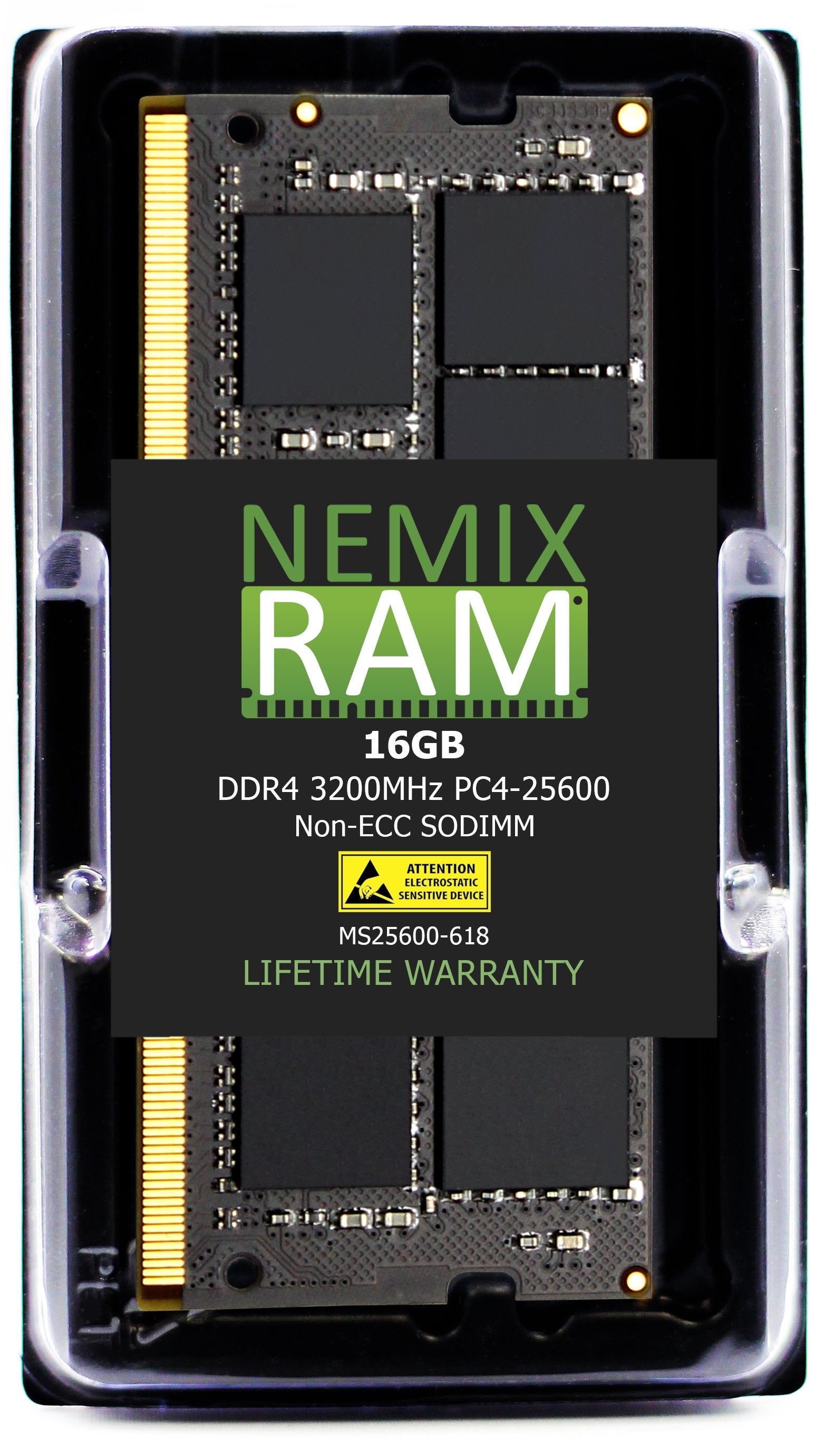
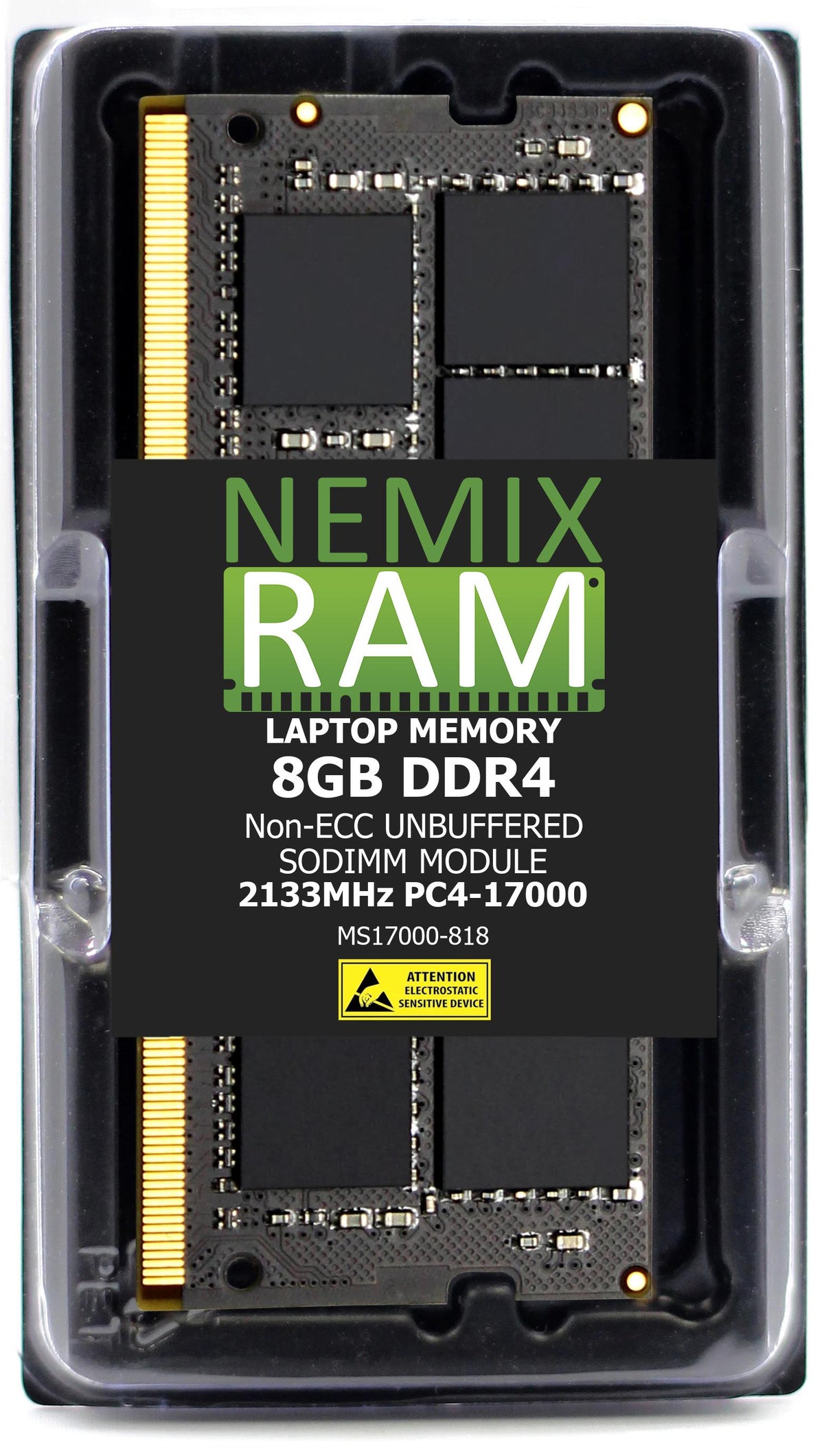
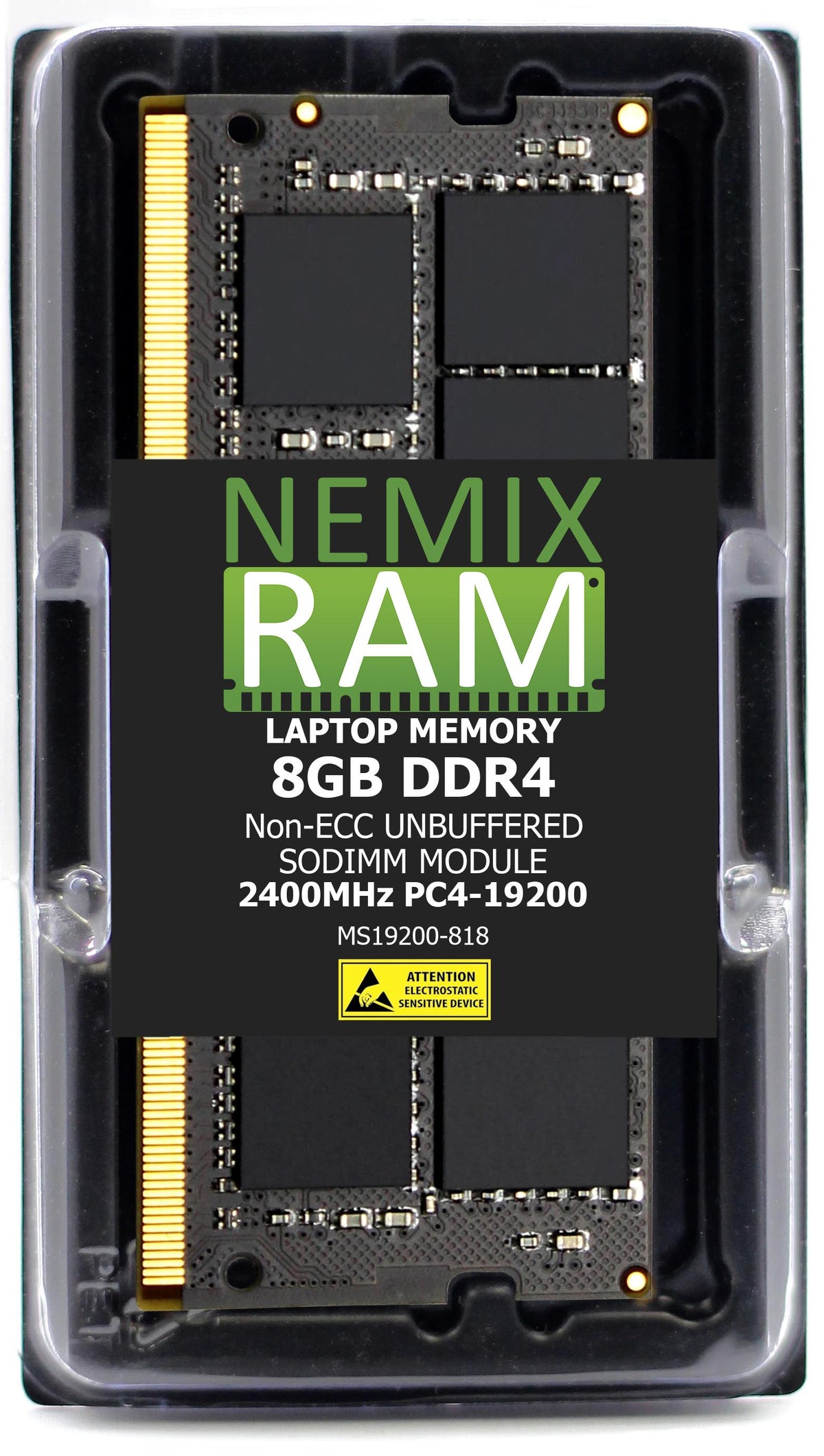
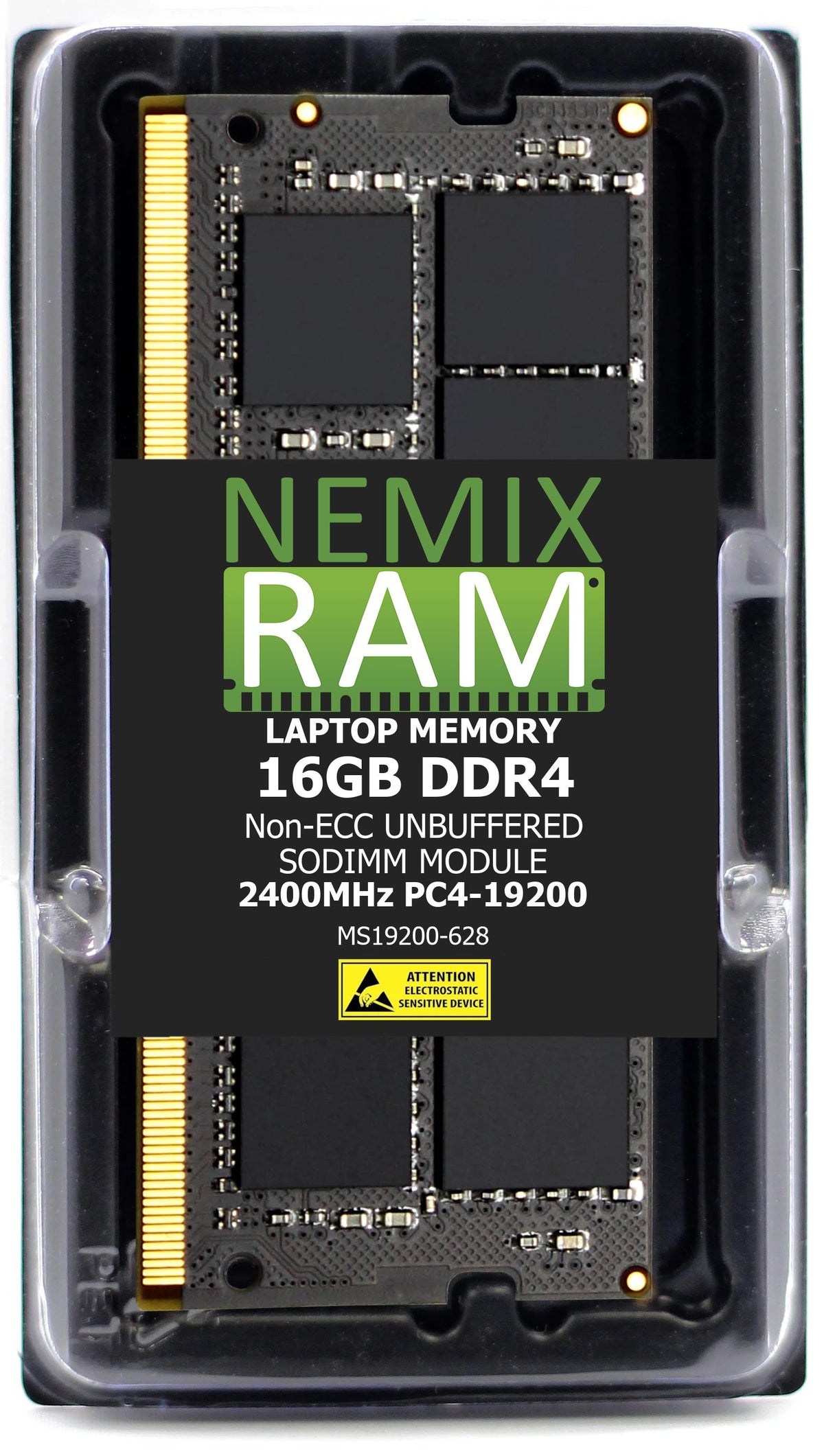
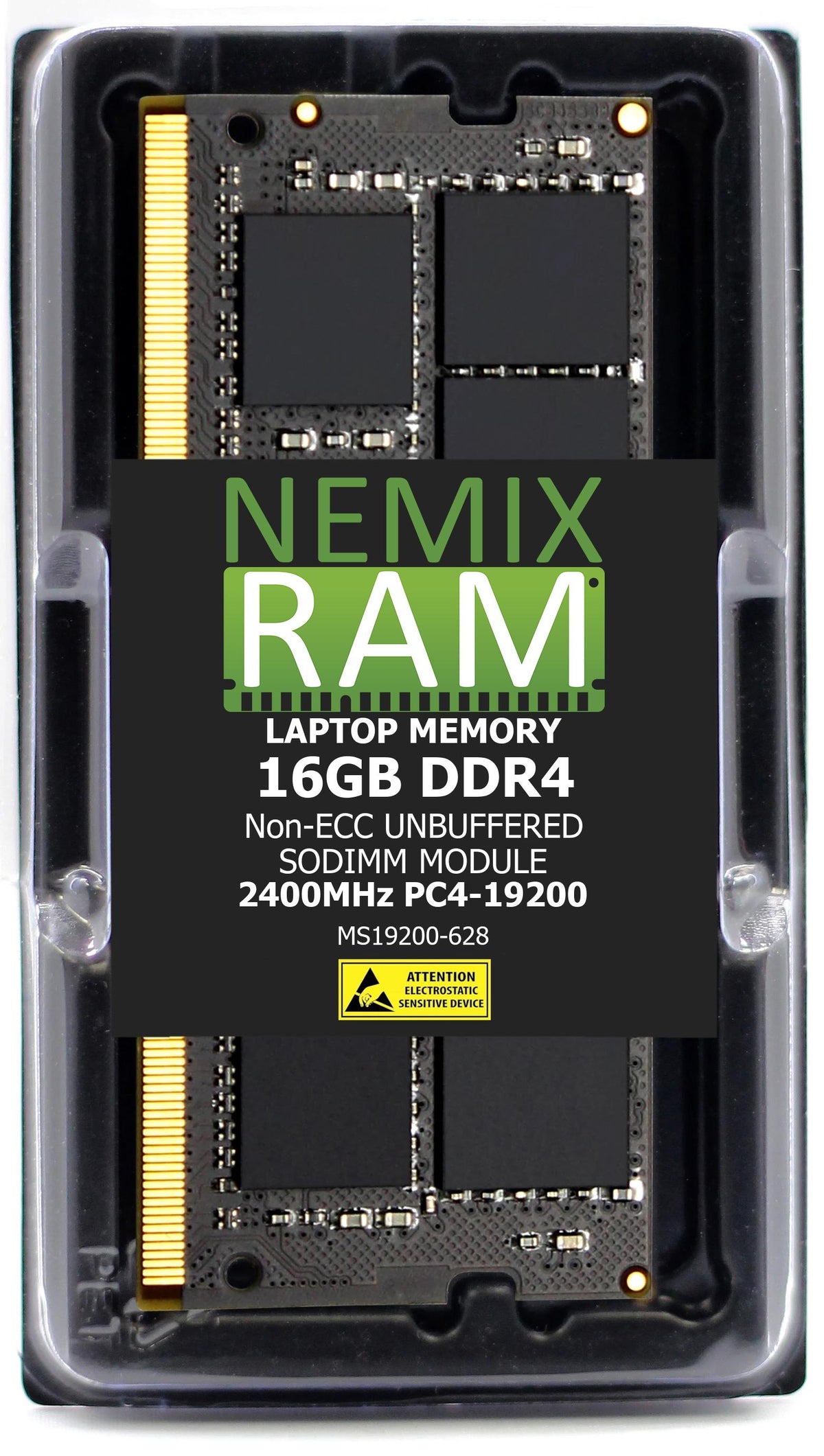
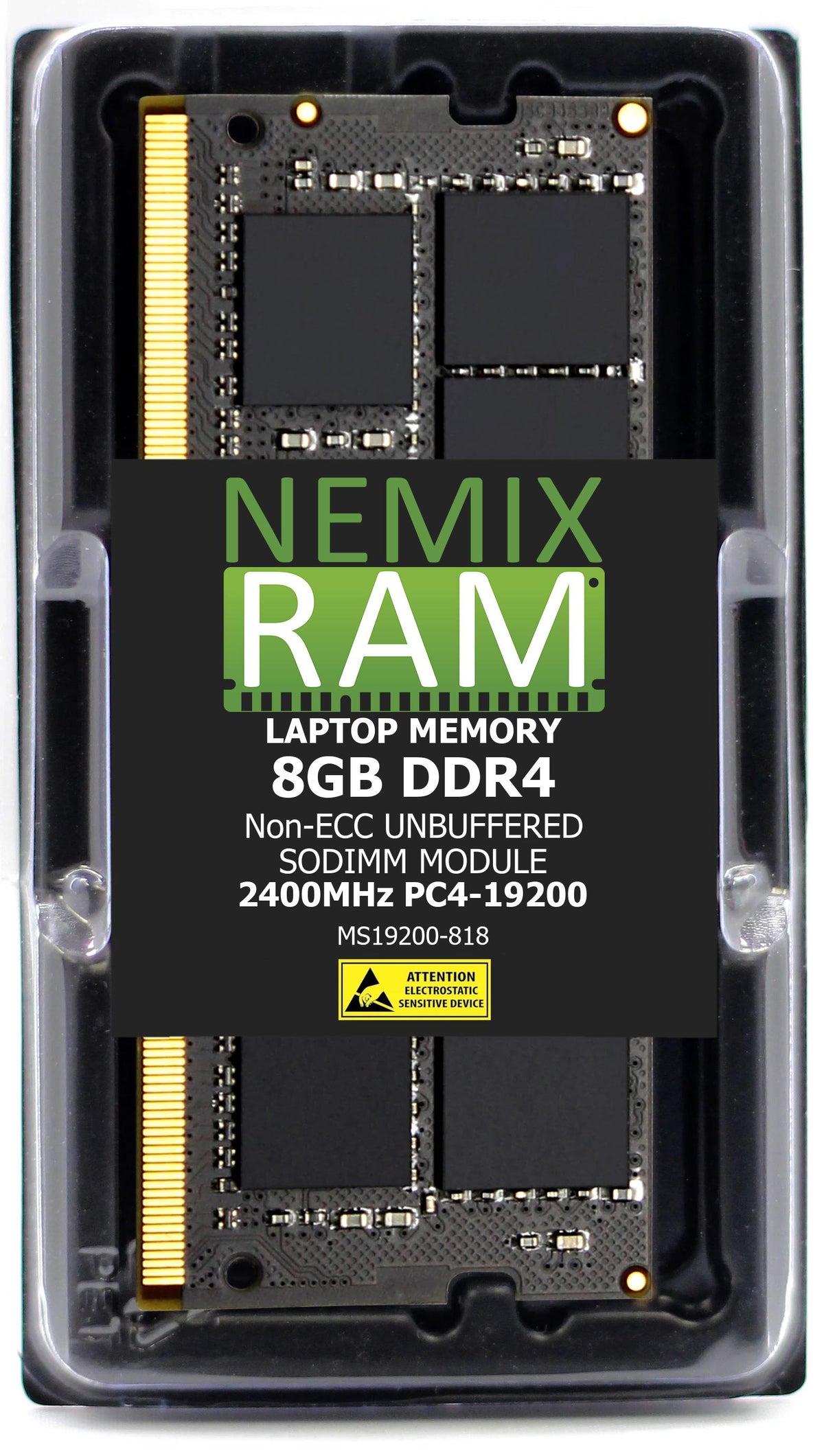
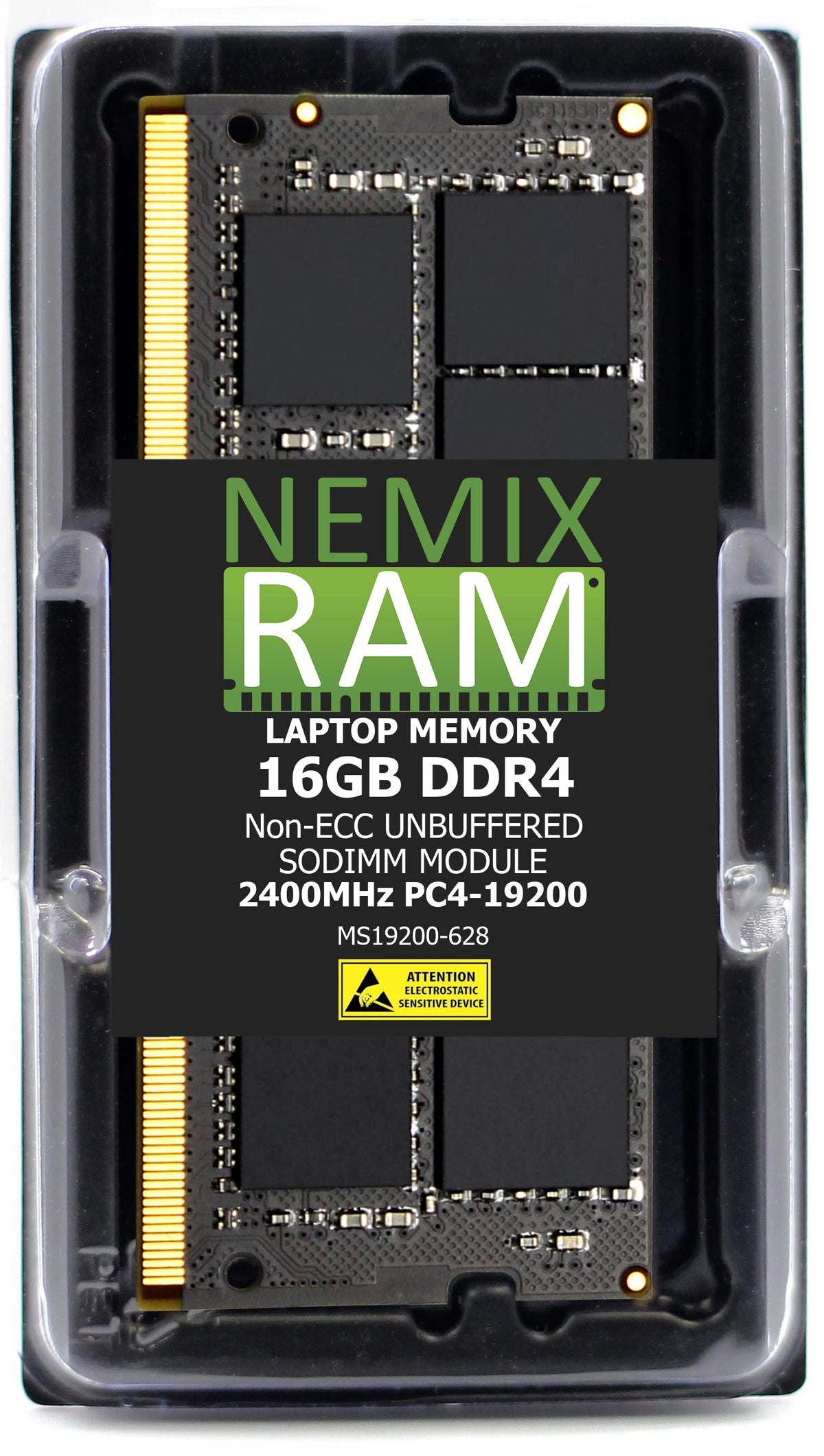
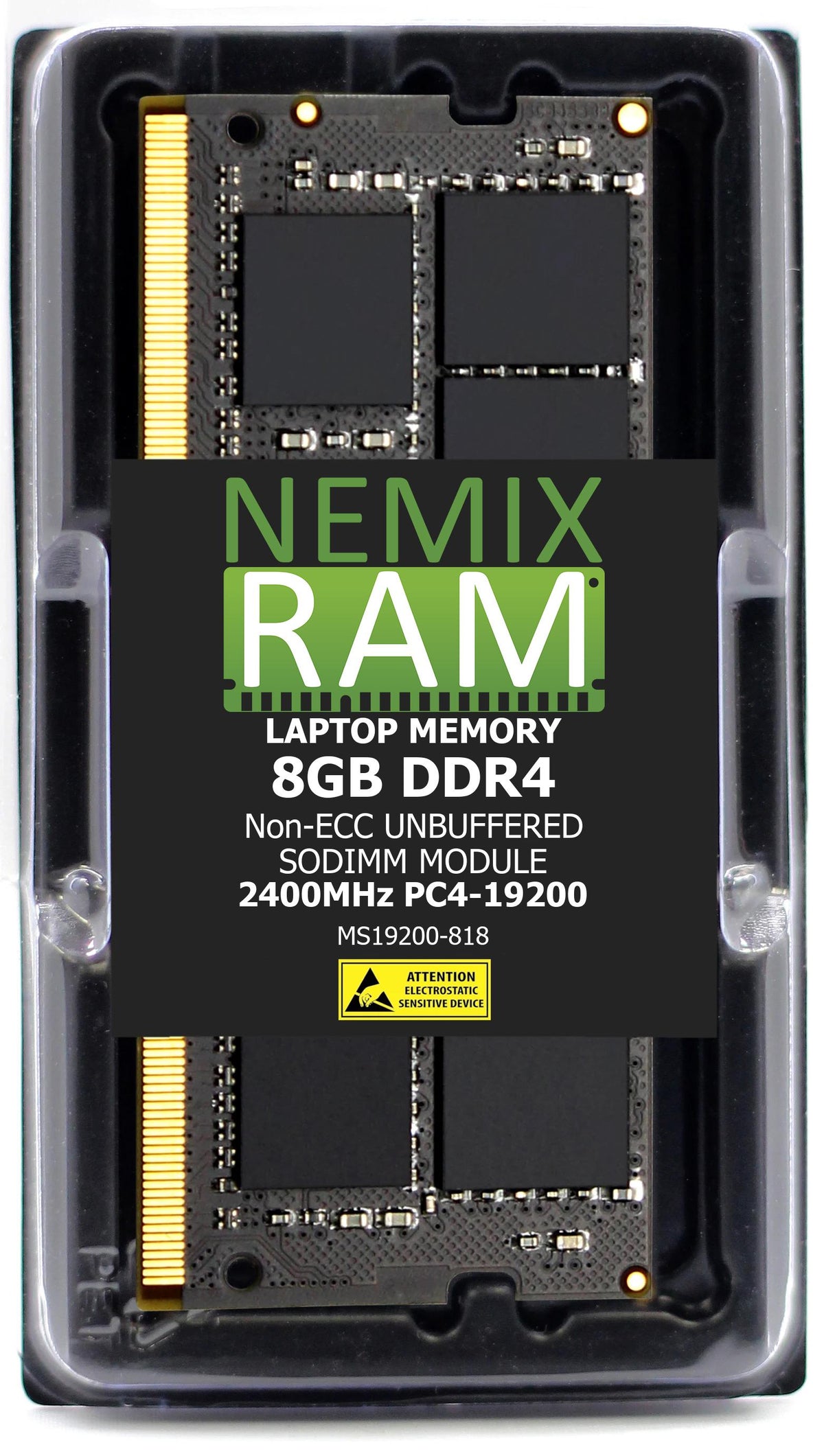
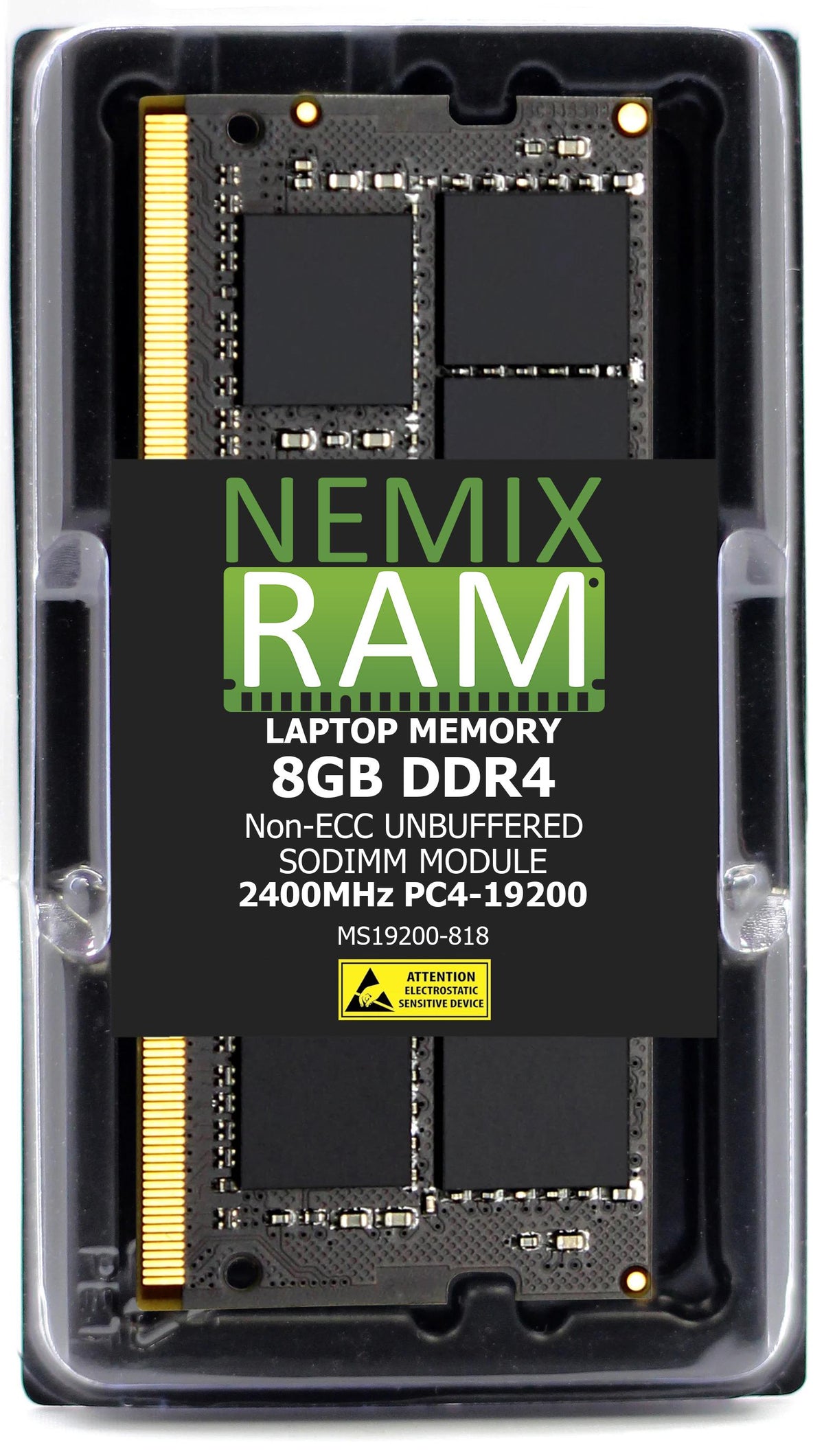
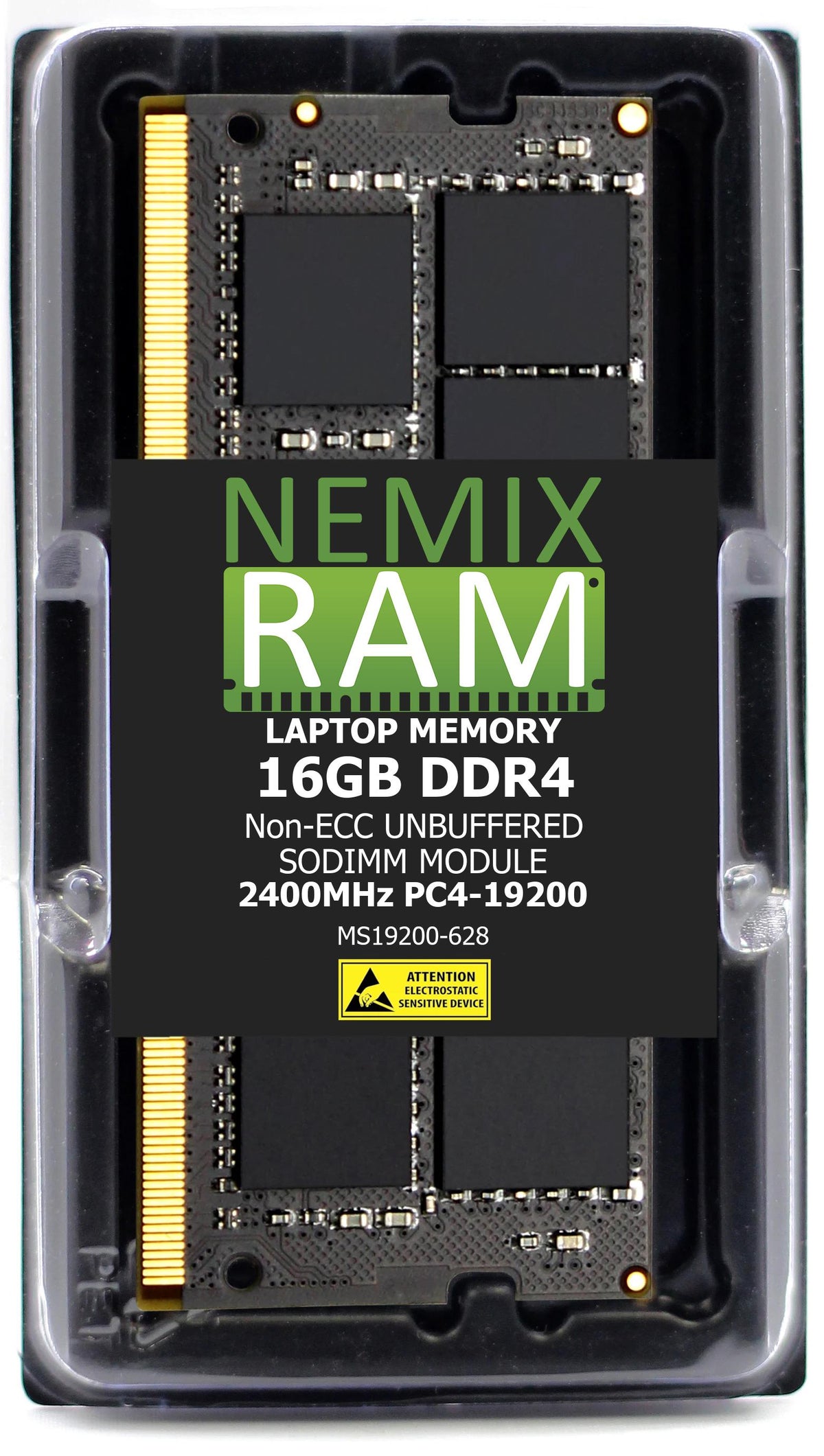
Memory upgrades for Dell Inspiron laptops and all-in-one desktops. Every module here is a non-ECC SODIMM — including the all-in-ones, which use laptop-format memory despite being desktop machines, a detail that trips up a lot of Inspiron buyers.
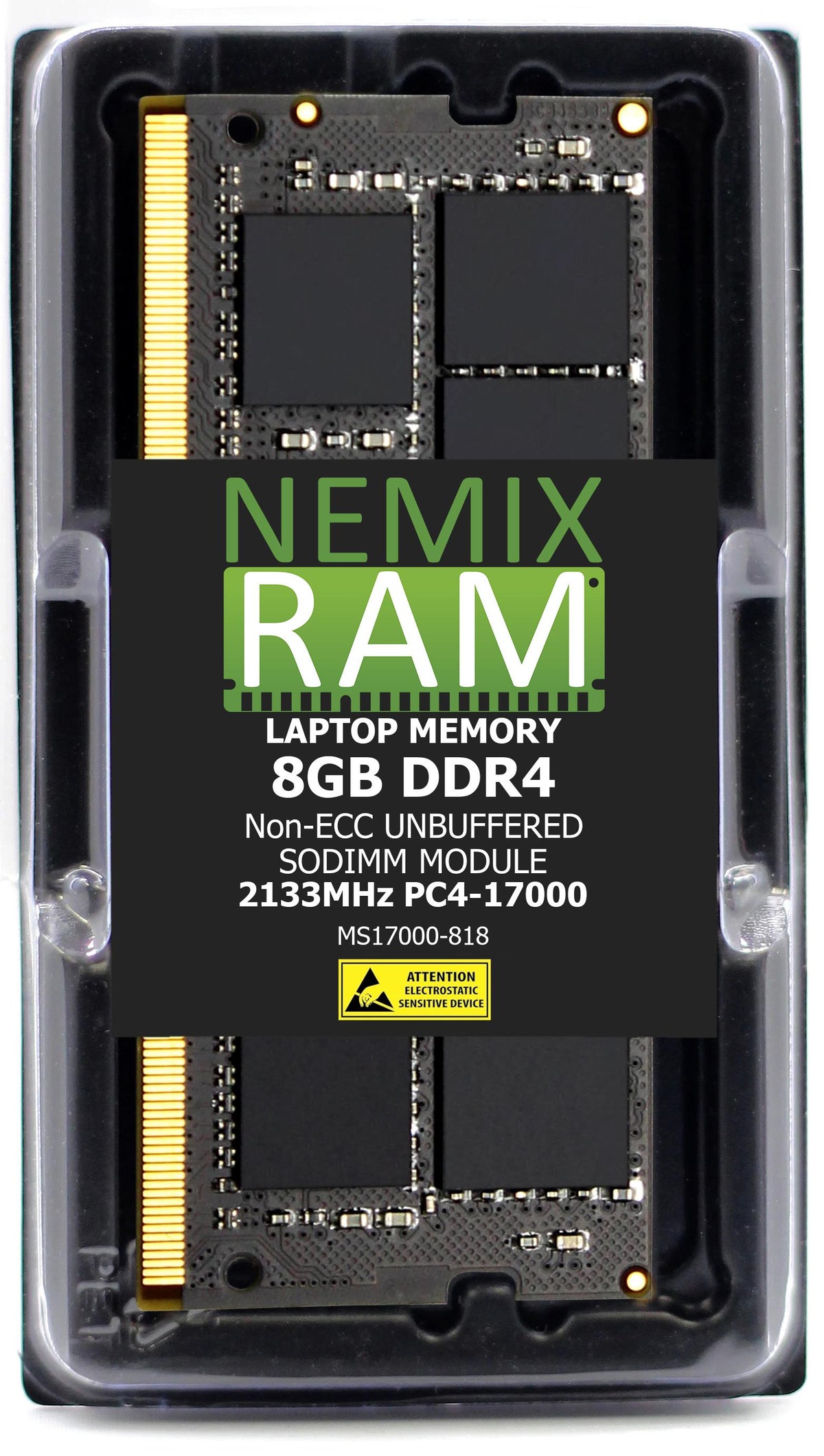
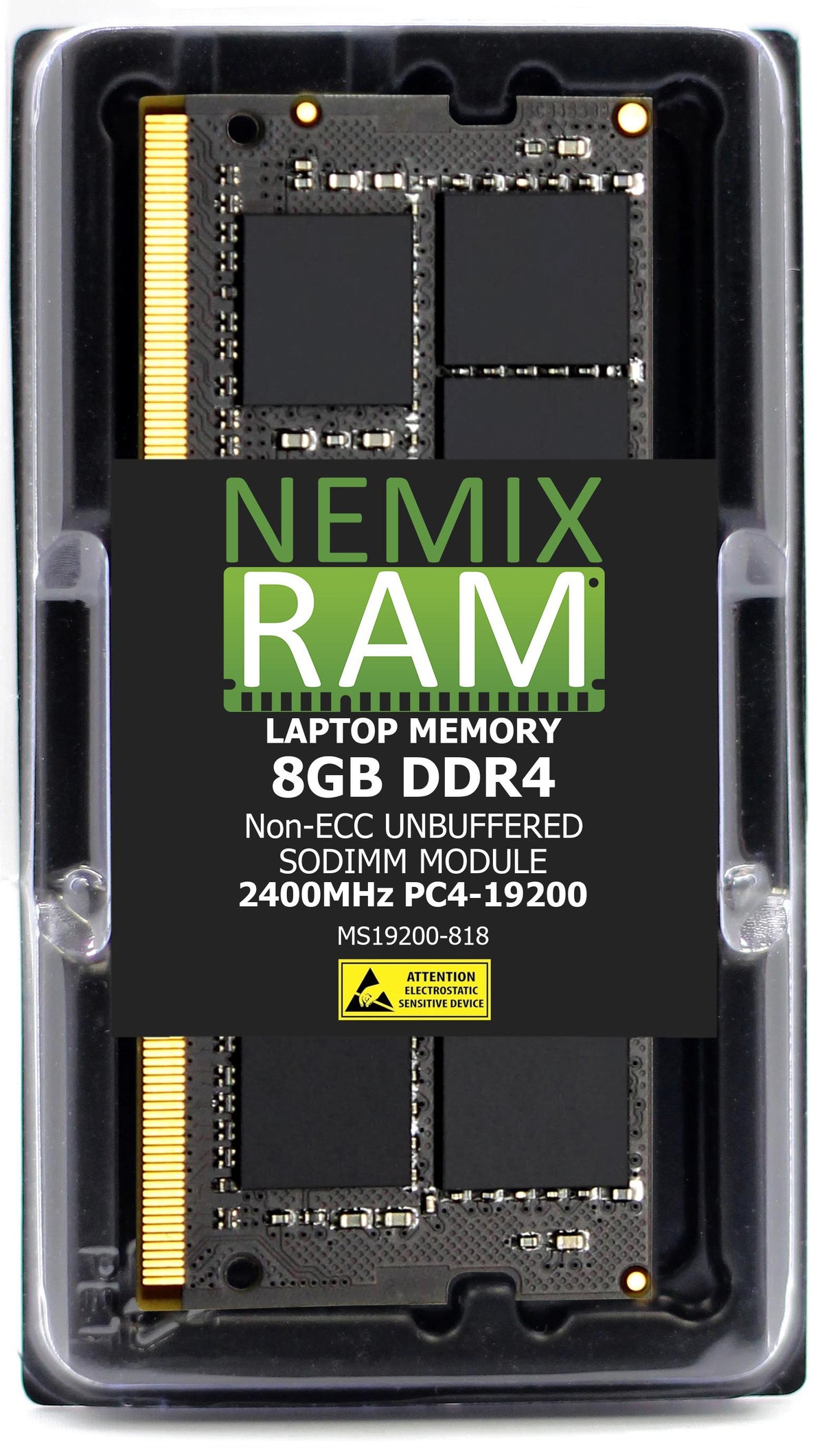
Inspiron spans three memory generations and they are not interchangeable. The 14 Plus and 16 Plus take DDR5-4800 (PC5-38400). The 24 and 27 All-in-One take DDR4-3200 (PC4-25600). The Inspiron 15 ships in both DDR4-3200 and DDR4-2666 (PC4-21300) depending on model year — check your existing module before ordering, or contact us with your service tag and we'll confirm it.
Use the Shop by System Model filter to go straight to your machine.
Memory by Inspiron model
Inspiron model numbers carry the year in the last two digits (3520 = 2022, 3530 = 2023), and the memory generation changed twice across the range on this page. Find your model number on the bottom label or the Dell Support page, then match the row.
| Inspiron | Model numbers | Memory | Slots / notes |
|---|---|---|---|
| Inspiron 15 (2021–2024) | 3511, 3515, 3520, 3525, 3530, 3535, 5510, 5515 | DDR4-3200 (PC4-25600) non-ECC SODIMM | 2 slots on most; a few 5000-series models have one soldered module and one slot. Common max 32GB, some accept 64GB. |
| Inspiron 15 (2019–2020) | 3593, 3505, 3501, 5593, 5594, 5598, 7590, 7591 | DDR4-2666 (PC4-21300) non-ECC SODIMM | 2 slots. Max 32GB. 3200 modules work but run at 2666; buy the 2666 part and save the difference. |
| Inspiron 14 Plus | 7420, 7430 | DDR5-4800 (PC5-38400) non-ECC SODIMM | 2 slots, max 32GB (2×16GB) on most configurations. The 2024 7440 uses soldered LPDDR5x and is not upgradeable. |
| Inspiron 16 Plus | 7620, 7630 | DDR5-4800 (PC5-38400) non-ECC SODIMM | 2 slots, max 32GB or 64GB by configuration. The 2024 7640 uses soldered LPDDR5x and is not upgradeable. |
| Inspiron 24 All-in-One | 5410, 5415, 5420, 5421 | DDR4-3200 (PC4-25600) non-ECC SODIMM | 2 slots behind the rear cover. Laptop-format memory in a desktop. |
| Inspiron 27 All-in-One | 7710, 7720 | DDR4-3200 (PC4-25600) non-ECC SODIMM | 2 slots behind the rear cover. Max 32GB (2×16GB) or 64GB on later units. |
Model lists are representative. Your model number and the module already installed are the authority. Not sure? Send us the Service Tag and we confirm the part before you order.
Check that your Inspiron can be upgraded
Dell solders the memory on many thin Inspiron models — most Inspiron 13, the 14 and 16 "Plus" from 2024 on, the 5000-series 2-in-1s, and every Inspiron 7000 2-in-1. Those cannot take a SODIMM. Some mid-range 14 and 15 models split the difference: one module soldered, one open slot. Three ways to know what you have:
- Dell Support → enter your Service Tag → View original configuration. The memory line says "onboard" (soldered) or "SODIMM" (upgradeable), and shows the speed the system shipped with.
- Windows Task Manager → Performance → Memory. The bottom right shows "Slots used: 1 of 2" — that free slot is what you are filling. It also shows the speed, which tells you 2666 vs 3200 vs 4800.
- The module label once the cover is off carries the Dell SNP part number and the speed.
Pairs, mixing, and the right capacity
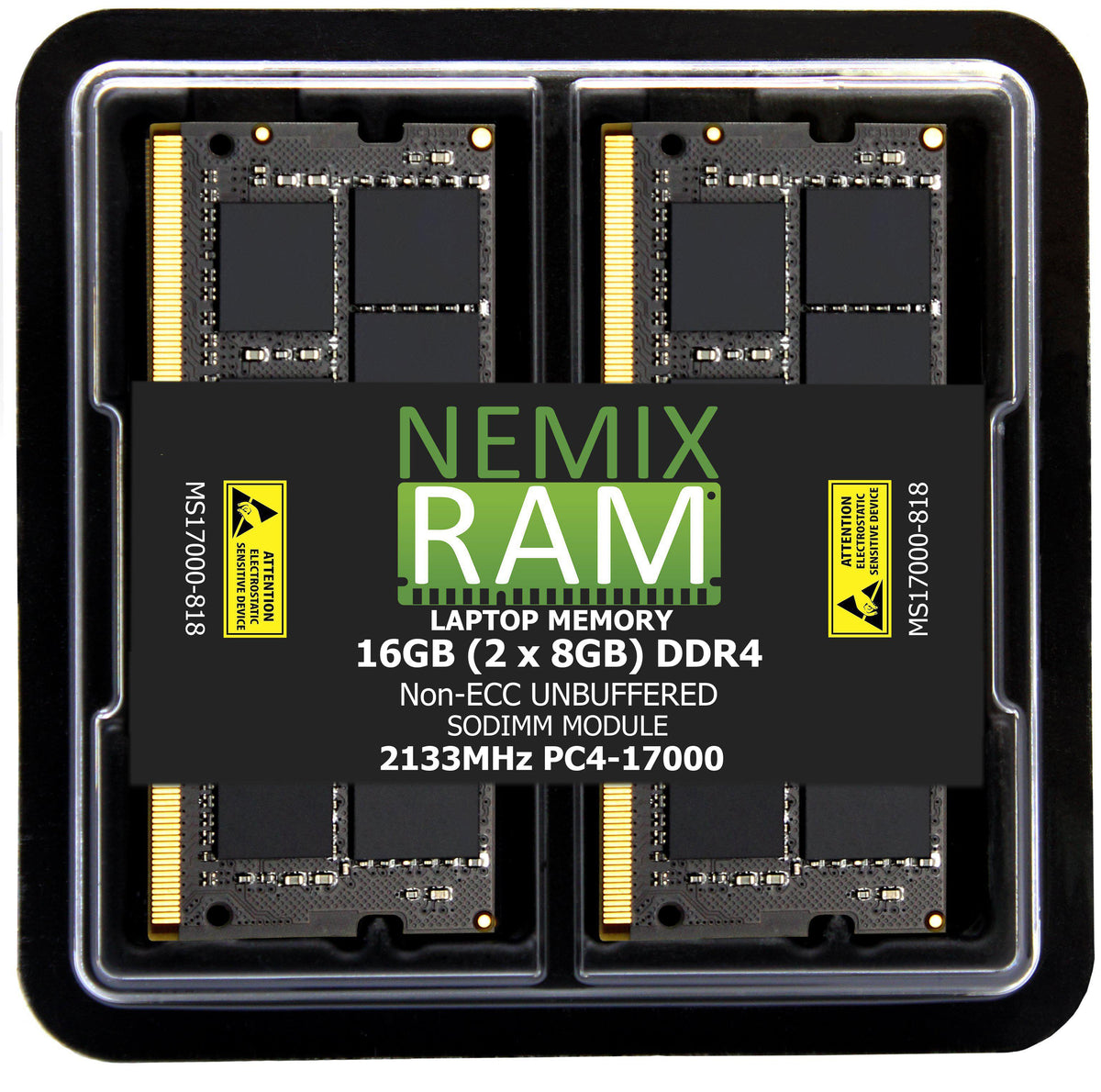
- Two matched modules beat one big one. Every Inspiron here is dual-channel. Two identical modules (2×8GB, 2×16GB) run in dual-channel mode; a single module or an unmatched pair runs slower. The 2-module kits on this page are sized for that.
- Adding to a factory module: match its capacity and speed. Task Manager shows both. If the factory module is soldered, the added SODIMM should match its speed; capacity can differ.
- Going from 8GB: 16GB (2×8GB) is the upgrade most people feel — browser tabs, Office, Zoom, and photo editing stop fighting for memory. 32GB (2×16GB) is for video editing, large spreadsheets, virtual machines, or a laptop you want to keep for five more years.
- Speed is set by the system. A DDR4-2666 Inspiron runs 3200 modules at 2666; a DDR4-3200 Inspiron will not run faster than 3200. Buy the speed your row lists.
- DDR4 and DDR5 are not interchangeable. Different slot, different key. A DDR5 module will not fit a DDR4 Inspiron and the reverse.
What "same spec" means
A NEMIX RAM module listed for an Inspiron matches the Dell-qualified part on generation, capacity, speed, voltage, rank, and the 260-pin (DDR4) or 262-pin (DDR5) SODIMM form factor, and is tested in the target model before listing. Dell laptops do not require Dell-branded memory; the system recognizes the module and runs it at spec with no warning. Every module carries a lifetime replacement warranty with free US-based technical support, and installation is a five-minute job with a small Phillips screwdriver.
Frequently asked
Will upgrading void my Dell warranty? No. Memory is user-replaceable on every model listed here, and Dell's own service manual documents the procedure. Dell may decline to troubleshoot issues it attributes to third-party memory, which is what our lifetime warranty covers.
My Inspiron 15 — is it 2666 or 3200? Task Manager → Performance → Memory shows the speed. 2019–2020 models (3593, 5593, 7590) are 2666; 2021 onward (3511, 3520, 3530) are 3200. If in doubt, the 3200 module works in both and runs at whichever speed the system supports.
Can I put 64GB in? Only if Dell's spec page for your exact model lists 64GB as the maximum. Many Inspiron 15 and 16 Plus units do; older 3000-series and most all-in-ones top out at 32GB. A module above the ceiling may not be recognized.
The all-in-one takes laptop memory? Yes. The Inspiron 24 and 27 All-in-One use SODIMM behind the rear cover, not desktop DIMMs. The modules on this page are the right ones.
Do I need to do anything after installing? No. Power on; the system detects the new capacity automatically. Check Task Manager to confirm the total.
NEMIX RAM can deliver any Configuration your Fleet Requires
Speak to a Sales Representative