Apple Mac Memory Upgrades: Mac Pro, iMac, Mac mini & MacBook Pro
Memory for Intel Macs — matched to your exact model
Apple changed memory specs almost every model year, and the wrong module simply won't post. Every upgrade here is listed against the machine it fits — by year and by Apple's model identifier, so iMac19,1 and MacPro7,1 get you to the right module instead of a guess.
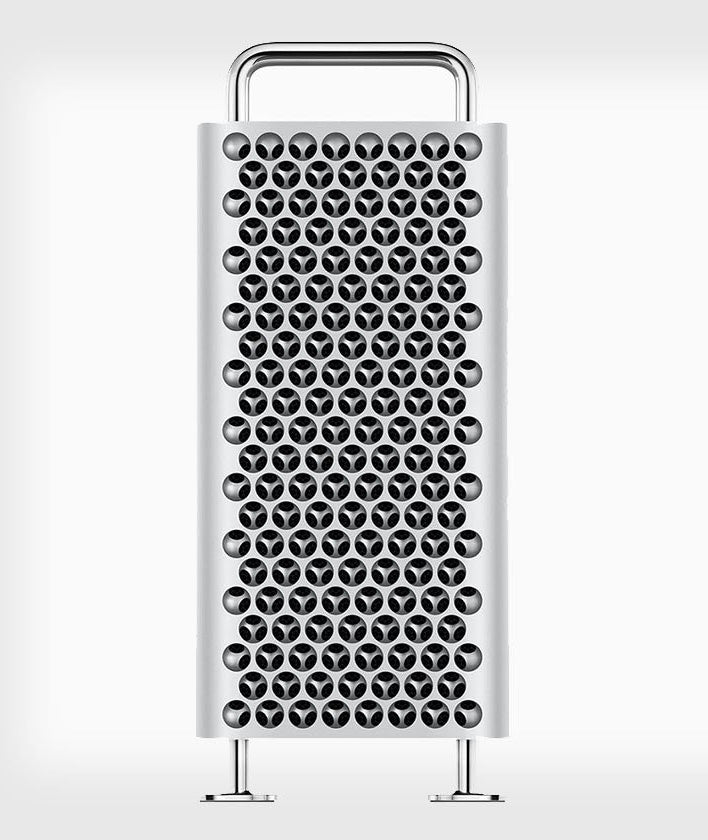
Mac Pro and iMac Pro — ECC Registered RDIMM and Load-Reduced LRDIMM for the 2019/2020 Mac Pro 7,1 and Mac Pro Rack, the 2013 6,1, and the 2010–2012 5,1, in DDR4 2933MHz PC4-23400 and DDR4 2666MHz PC4-21300, up to 64GB per module. The same server-grade ECC memory we supply for enterprise servers, in the spec Apple's workstations require.
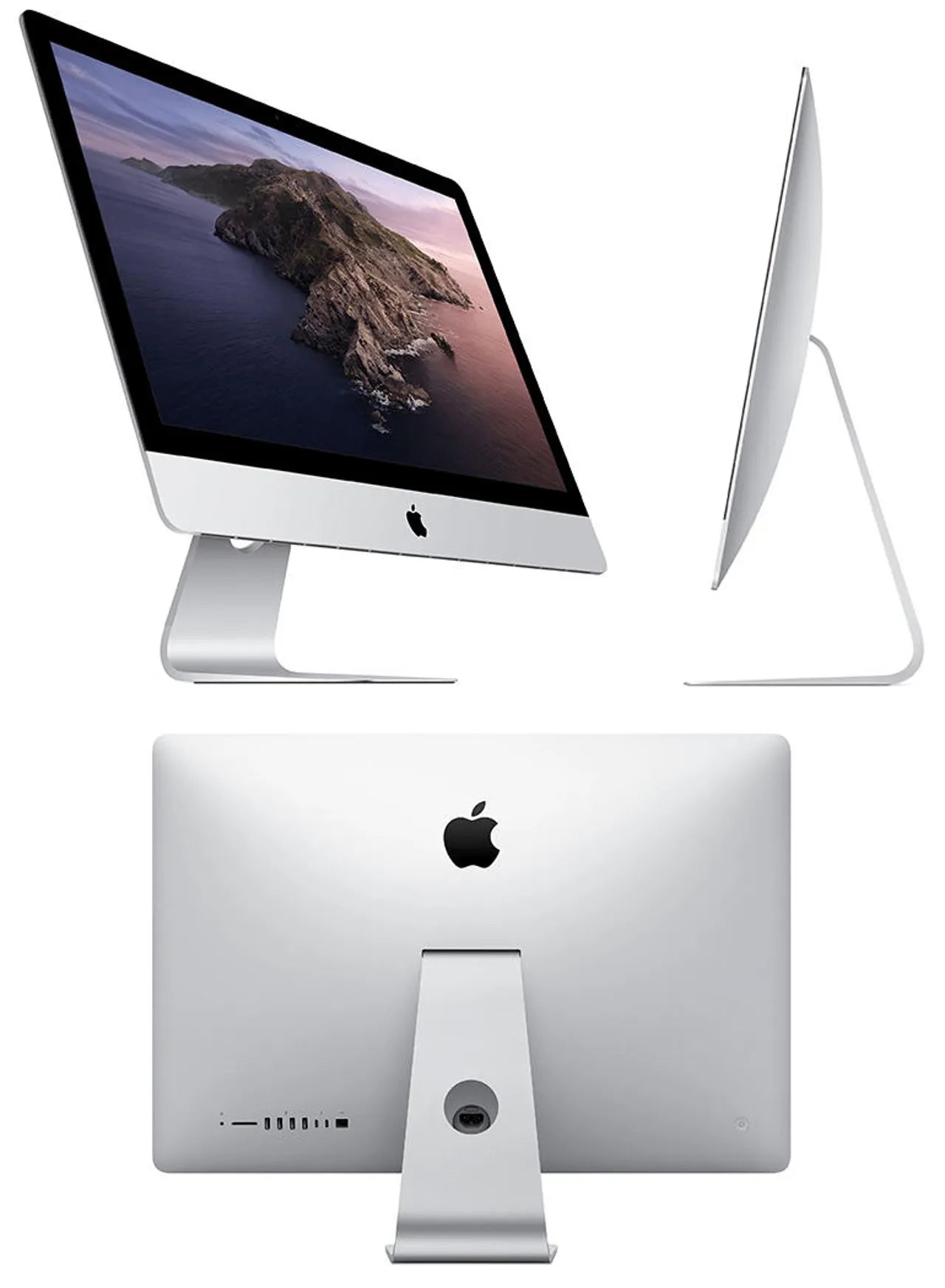
iMac — SODIMM upgrades from the 2009 27" and 21.5" through the Retina 5K models and the 2019/2020 iMac19,1, 20,1 and 20,2.
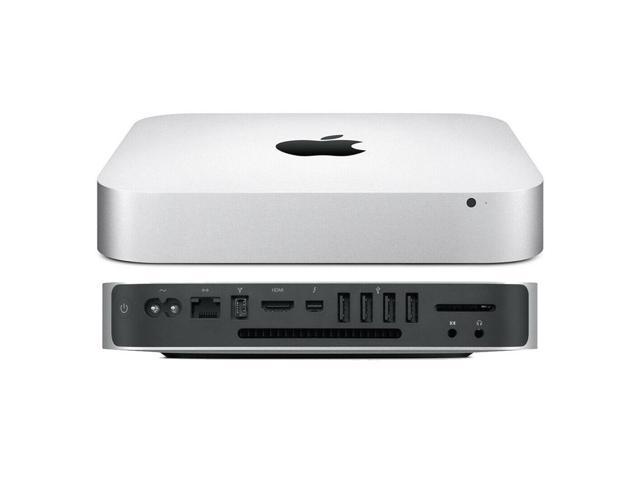
Mac mini — 2011, 2012 and the Late 2018 Mac mini 8,1.
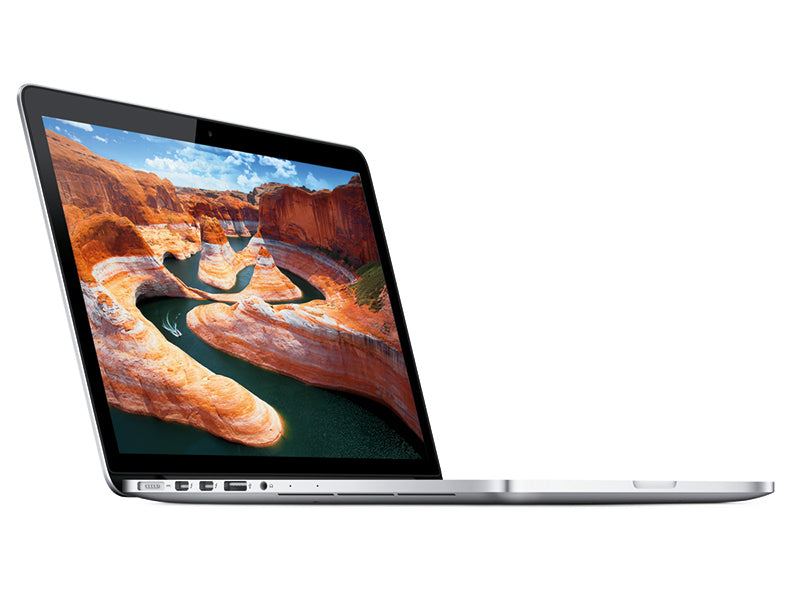
MacBook Pro — Late 2008 through the 2012–2016 non-Retina models, the last MacBook Pros with socketed memory.
Before you order: Apple soldered the RAM on most MacBook Pros from 2016, and every Apple Silicon Mac (M1 and later) uses unified memory built into the chip — those machines cannot be upgraded at all. If your Mac isn't listed here, it almost certainly isn't upgradeable. We'd rather tell you that than sell you a module you can't use.
Every module is compatibility-tested for the machine it's listed against and backed by a Lifetime Replacement Warranty. Not sure which model you have? Apple menu → About This Mac shows your identifier. Volume and reseller pricing available
Find your model identifier first — it settles everything
Apple sold machines with the same name and different memory for a decade, so the marketing name is not enough. Open Apple menu → About This Mac → System Report and read Model Identifier under Hardware Overview — iMac19,1, MacPro7,1, Macmini8,1, MacBookPro9,2. On any Mac with socketed memory, About This Mac → Memory also shows every slot, what is in it, and its speed; if the Memory tab is missing, the machine has no user-serviceable slots. Every listing on this site carries the identifier it fits, so once you have it the module is determined.
Mac Pro
| Model | Identifier | Memory | Slots | Documented maximum |
|---|---|---|---|---|
| Mac Pro 2019 / 2020 (tower and Rack) | MacPro7,1 | DDR4-2933 ECC RDIMM or LRDIMM | 12 (6-channel) | 768GB with RDIMM on 8-, 12-, and 16-core; 1.5TB with 128GB LRDIMM on 24- and 28-core |
| Mac Pro Late 2013 (cylinder) | MacPro6,1 | DDR3-1866 ECC RDIMM | 4 (quad-channel) | 64GB (4×16GB) |
| Mac Pro 2010 / 2012 | MacPro5,1 | DDR3-1333 ECC UDIMM | 4 (single CPU) or 8 (dual CPU), triple-channel | 32GB single / 64GB dual with 8GB modules |
| Mac Pro 2009 | MacPro4,1 | DDR3-1066 ECC UDIMM | 4 or 8, triple-channel | 32GB / 64GB |
Mac Pro 7,1 population rules. Apple supports 4, 6, 8, or 12 modules, all the same capacity and all the same type — RDIMM and LRDIMM never mix, and a mixed set will not boot. Six or twelve modules use all six channels and is the configuration Apple ships; four modules runs four channels and is the entry configuration; eight is supported but leaves two channels doubled and two single. All modules run at 2933 regardless of processor. Apple's slot order is printed on the inside of the DIMM cover and shown in the Memory tab, and it is not left-to-right — follow it. The Mac Pro 7,1 checks the SPD and reports non-Apple modules by maker in About This Mac; it does not restrict them.
Mac Pro 6,1. Four slots, quad-channel, so fill all four with identical modules. The 2013 machine is the one Mac Pro where the memory is behind a latch you can reach in seconds. Apple documents 64GB; 32GB RDIMMs are outside the stated configuration.
Mac Pro 4,1 and 5,1. Triple-channel Nehalem and Westmere: three modules per CPU is the optimal population, four fills the slots at a small bandwidth cost, and on a dual-CPU tray both processors should be populated identically. These machines take unbuffered ECC DDR3; the 5,1 runs 1333, the 4,1 runs 1066, and a 1333 module in a 4,1 runs at 1066. A 4,1 flashed to 5,1 firmware follows the 5,1 rules.
iMac Pro
The 2017 iMac Pro (iMacPro1,1) takes four DDR4-2666 ECC RDIMMs, 256GB maximum, on a Xeon W. Apple does not document it as user-upgradeable — reaching the slots means removing the display — and Apple's own upgrade path is through an authorized service provider. The modules are standard server RDIMMs and are listed here for the buyer who is having the work done or is comfortable doing it; the four slots should be populated identically.
iMac
| Model | Identifier | Memory | Slots | Documented maximum |
|---|---|---|---|---|
| 27" 2020 | iMac20,1 · iMac20,2 | DDR4-2666 SODIMM | 4 | 128GB |
| 27" 2019 | iMac19,1 | DDR4-2666 SODIMM | 4 | 128GB |
| 27" 2017 | iMac18,3 | DDR4-2400 SODIMM | 4 | 64GB |
| 27" Late 2015 (Retina 5K) | iMac17,1 | DDR3-1866 SODIMM | 4 | 64GB |
| 27" Late 2014 / Mid 2015 (Retina 5K) | iMac15,1 | DDR3-1600 SODIMM | 4 | 32GB |
| 27" Late 2012 / Late 2013 | iMac13,2 · iMac14,2 | DDR3-1600 SODIMM | 4 | 32GB |
| 27" and 21.5" Mid 2010 / Mid 2011 | iMac11,x · iMac12,x | DDR3-1333 SODIMM | 4 | 16GB (32GB works with 8GB modules) |
| 27" and 21.5" Late 2009 | iMac10,1 · iMac11,1 | DDR3-1066 SODIMM | 4 | 16GB |
The four slots on the 27" models are behind the small door above the power inlet — press the button and the door opens; no tools. Two matched pairs is the correct population; Apple's own 8GB configuration is 2×4GB in the upper pair, so a pair added to the lower slots is the common upgrade, and all four identical is the best one. From Late 2012 onward the 21.5" iMac has socketed memory that is only reachable by removing the display, and the 2019 and 2021 21.5" 4K (iMac19,2) is the same; Apple documents those as not user-upgradeable. Those slots take the same SODIMM as the 27" of the same year if the work is being done.
Mac mini
| Model | Identifier | Memory | Slots | Documented maximum |
|---|---|---|---|---|
| Mac mini 2018 | Macmini8,1 | DDR4-2666 SODIMM | 2 | 64GB |
| Mac mini Late 2012 | Macmini6,1 · Macmini6,2 | DDR3-1600 SODIMM | 2 | 16GB |
| Mac mini Mid 2011 | Macmini5,x | DDR3-1333 SODIMM | 2 | 16GB |
| Mac mini Mid 2010 | Macmini4,1 | DDR3-1066 SODIMM | 2 | 16GB |
The 2010 through 2012 minis open with a twist of the bottom cover and the slots are right there. The 2018 mini is upgradeable but the logic board has to come out to reach the slots; Apple documents it as a service-provider upgrade and it is a 30-minute job for a careful owner. The 2014 mini has soldered memory and is not on this page. Two identical modules on every mini for dual-channel.
MacBook Pro
| Model | Identifier | Memory | Slots | Documented maximum |
|---|---|---|---|---|
| 13" Mid 2012 (non-Retina, sold through 2016) | MacBookPro9,2 | DDR3-1600 SODIMM | 2 | 8GB (16GB works) |
| 15" Mid 2012 (non-Retina) | MacBookPro9,1 | DDR3-1600 SODIMM | 2 | 8GB (16GB works) |
| 13" / 15" / 17" Early and Late 2011 | MacBookPro8,x | DDR3-1333 SODIMM | 2 | 8GB (16GB works) |
| 13" / 15" / 17" Mid 2010 | MacBookPro6,x · 7,1 | DDR3-1066 SODIMM | 2 | 8GB |
| 13" / 15" / 17" Late 2008 – Mid 2009 (unibody) | MacBookPro5,x | DDR3-1066 SODIMM | 2 | 8GB (Late 2008 documented 4GB) |
The bottom cover comes off with ten small Phillips screws and the two slots are stacked at the center. Every Retina MacBook Pro — the 15" from Mid 2012 and the 13" from Late 2012 onward — has soldered memory, which is why the last socketed model is the Mid 2012 non-Retina 13" that Apple kept on sale into 2016. "16GB works" in the table means the machine posts and runs with two 8GB modules despite Apple's stated maximum; it is widely done and outside Apple's documentation, and the choice is yours.
Rules that apply across every Mac here
- Pairs, always. Every iMac, mini, and MacBook Pro on this page is dual-channel; two identical modules is the configuration, and four identical on the 27" iMac. A single larger module works and runs single-channel.
- Speed is set by the machine. A faster module of the right generation posts and runs at the machine's speed — DDR3-1600 in a 1333 machine runs at 1333. Buying the exact speed Apple lists is the clean choice; buying faster costs more and gains nothing.
- DDR3 voltage. Apple's 2012-and-later DDR3 machines shipped with 1.35V low-voltage (DDR3L) modules; the earlier ones are 1.5V. A DDR3L module runs in either, which is why the modules on this page for those machines are DDR3L.
- ECC belongs only in the Mac Pro and iMac Pro. The iMac, mini, and MacBook Pro take non-ECC SODIMM; an ECC SODIMM will not run in them. The Mac Pro and iMac Pro require ECC and a non-ECC module will not post.
- macOS reports, it does not restrict. About This Mac shows the installed modules by maker and speed and will run any module that meets the specification. There is no Apple-only check on Intel Macs.
If your Mac is not on this page
The intro above covers it: soldered memory on every Retina MacBook Pro, every MacBook Air, the 2014 Mac mini, and the 12" MacBook; unified memory on every Apple Silicon Mac. None of those can be upgraded by anyone, and we will not sell you a module for one. If you are unsure, send us the model identifier and we will tell you plainly.
Why NEMIX RAM for a Mac Memory Upgrade
Every module listed against a Mac is matched to the specification of the module Apple installed — the same generation, speed, voltage, and ECC. Researched, matched, and compatibility-tested by NEMIX RAM, a US-based server memory specialist since 1993, and backed by a lifetime warranty. The Mac Pro modules are the same server RDIMMs and LRDIMMs we supply for Dell, HPE, and Supermicro servers, because that is what Apple put in the tower. Lifetime replacement warranty and free US-based support on every module.
Fleets, labs, and studios
A room of 27" iMacs or a rack of Mac Pro 7,1s is upgraded the same way as any other fleet. NEMIX RAM is a registered federal supplier (UEI GV8MMYNDJ5J1, CAGE 59AB2) and accepts purchase orders with net terms for business, government, and education buyers. Send the model identifiers, unit count, and target capacity to our sales team and we return one quote with a matched set per machine. Volume and reseller pricing is available on request.
Frequently asked
Can I put 128GB in my 2019 iMac? Yes — four 32GB DDR4-2666 SODIMMs, and Apple documents it. It is the single most cost-effective upgrade on this page against Apple's own price.
RDIMM or LRDIMM for a Mac Pro 7,1? RDIMM up to 64GB per module and 768GB total; LRDIMM only if you need 128GB modules for the 1.5TB configuration on a 24- or 28-core. Do not mix them. Twelve RDIMMs at 64GB is the practical ceiling for most.
Will a 1.5V DDR3 module work in my 2012 iMac? Apple shipped 1.35V; the modules listed here are 1.35V. Stay with what Apple installed.
Do I need to remove the factory modules? Not if they match what you are adding in capacity and speed, and there are open slots. On a two-slot machine with two factory modules, the upgrade is a replacement pair.
Does upgrading void AppleCare? Apple lists memory as user-installable on the 27" iMac, the 2010–2012 mini, the pre-Retina MacBook Pro, and the Mac Pro; on the 2018 mini and the iMac Pro Apple directs the work to a service provider, and damage caused during an upgrade is not covered — the upgrade itself is not a violation. Our lifetime warranty covers the module.
NEMIX RAM can deliver any Configuration your Fleet Requires
Speak to a Sales Representative