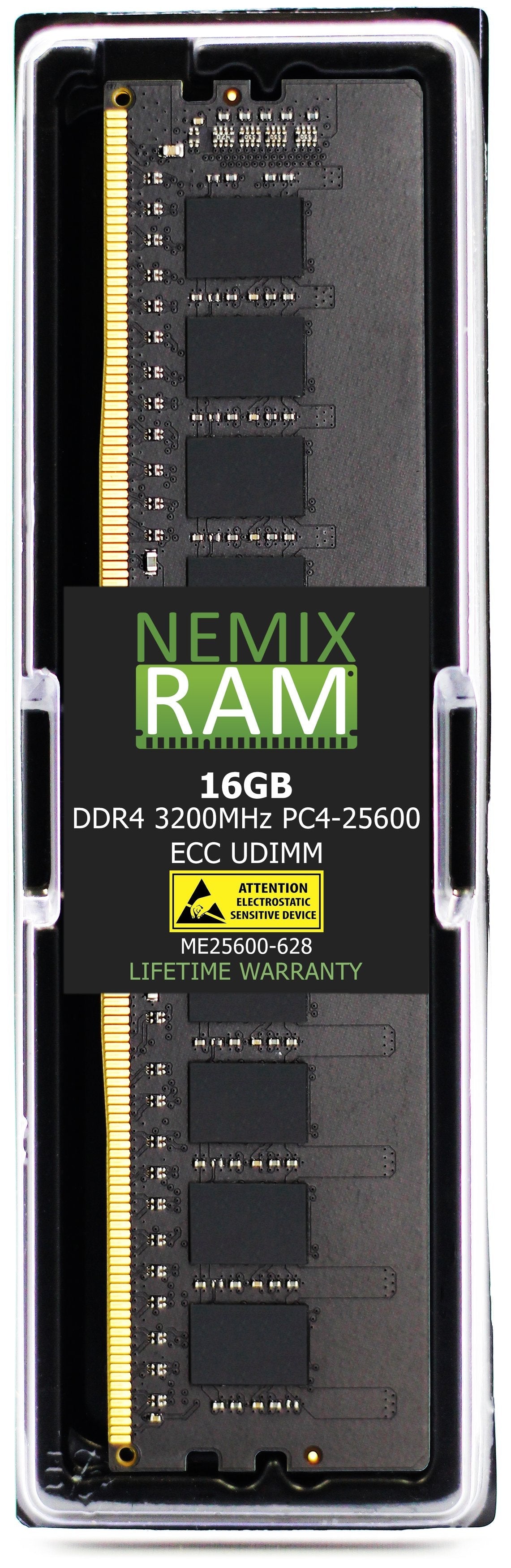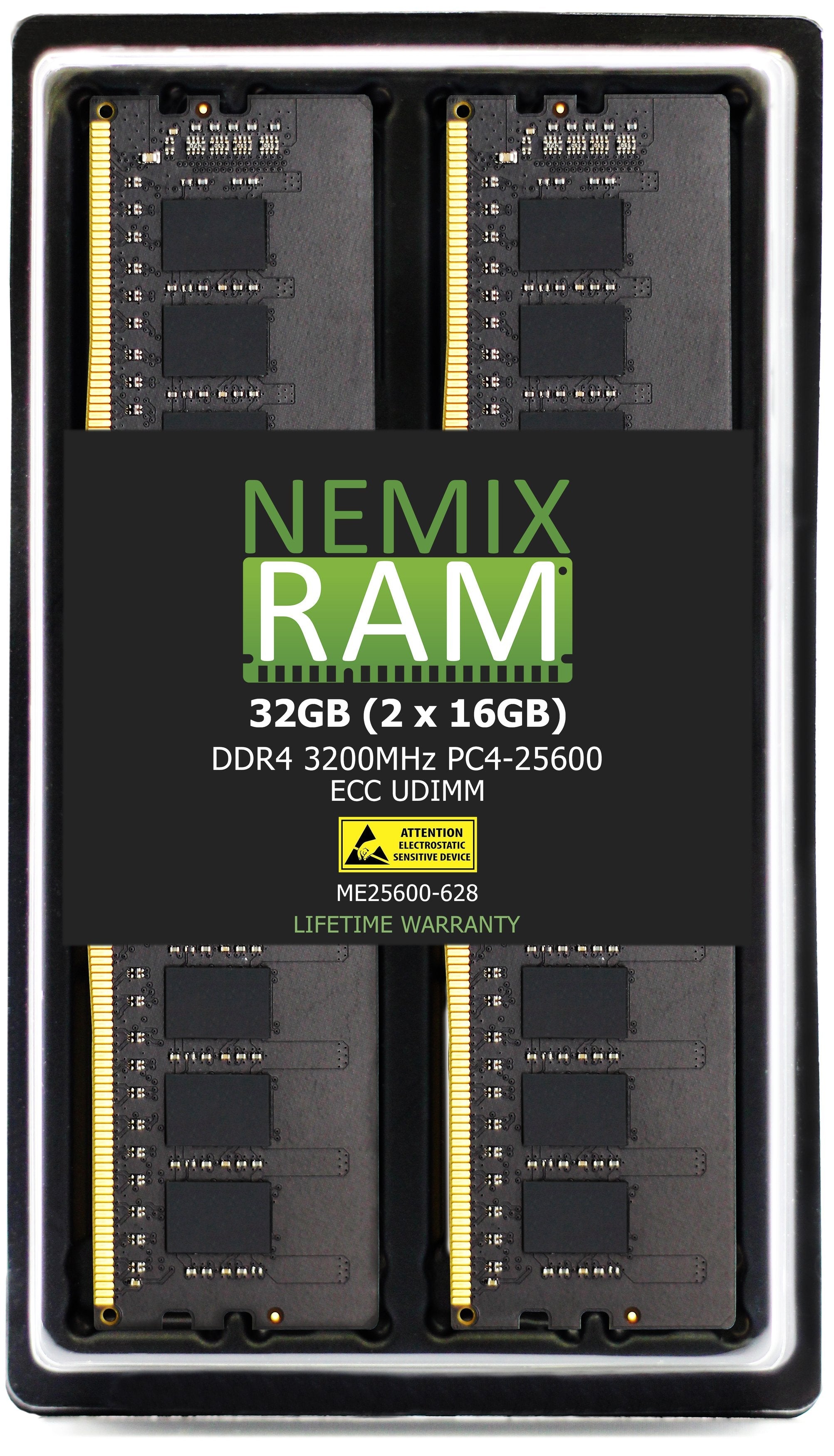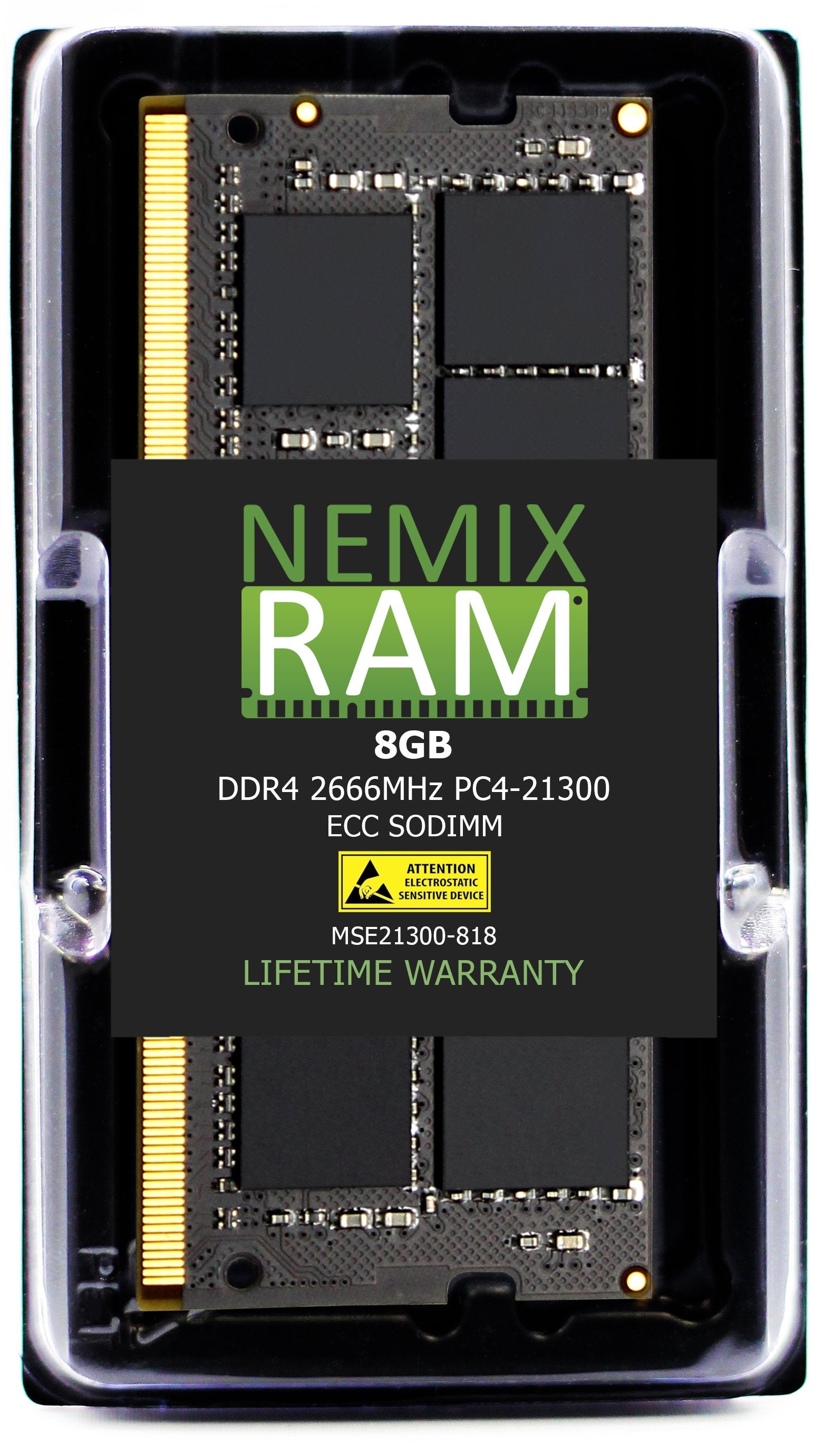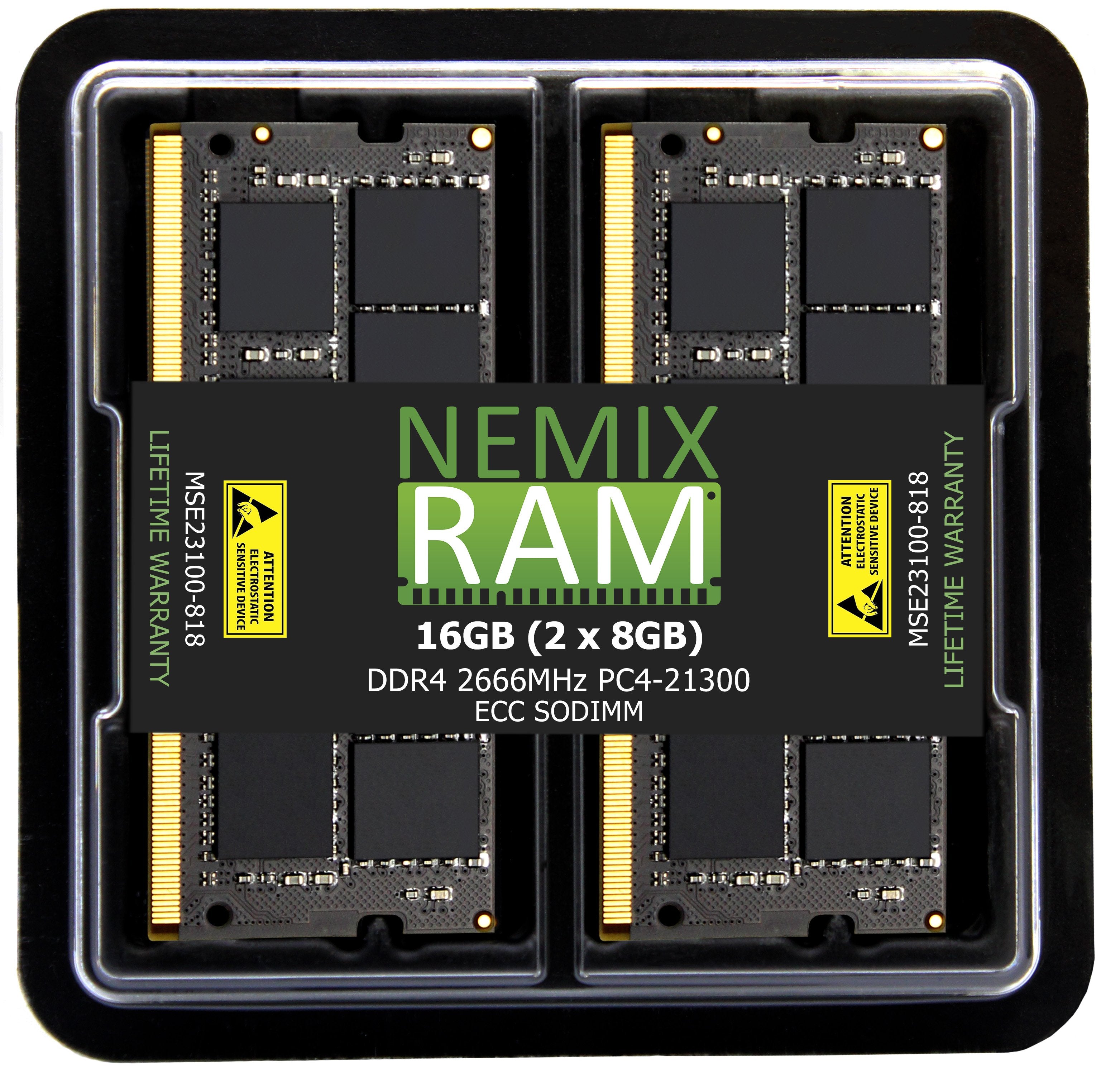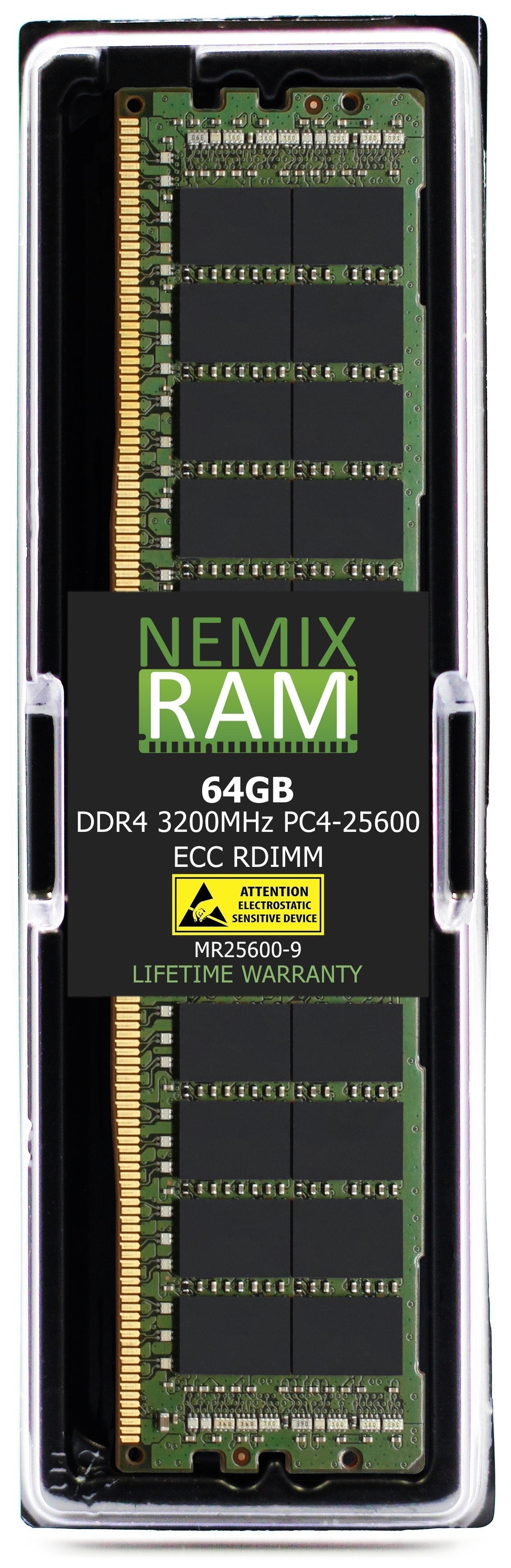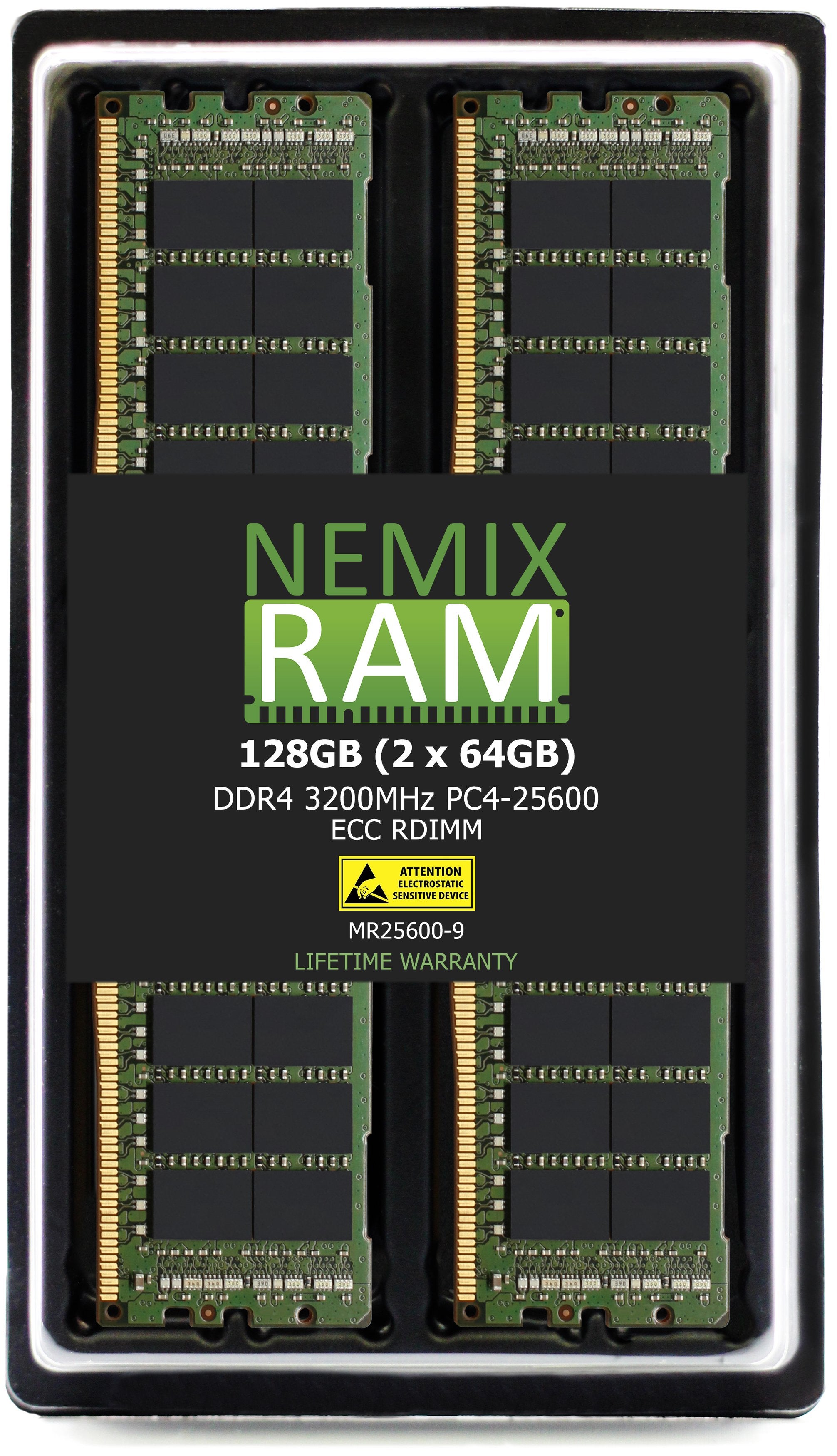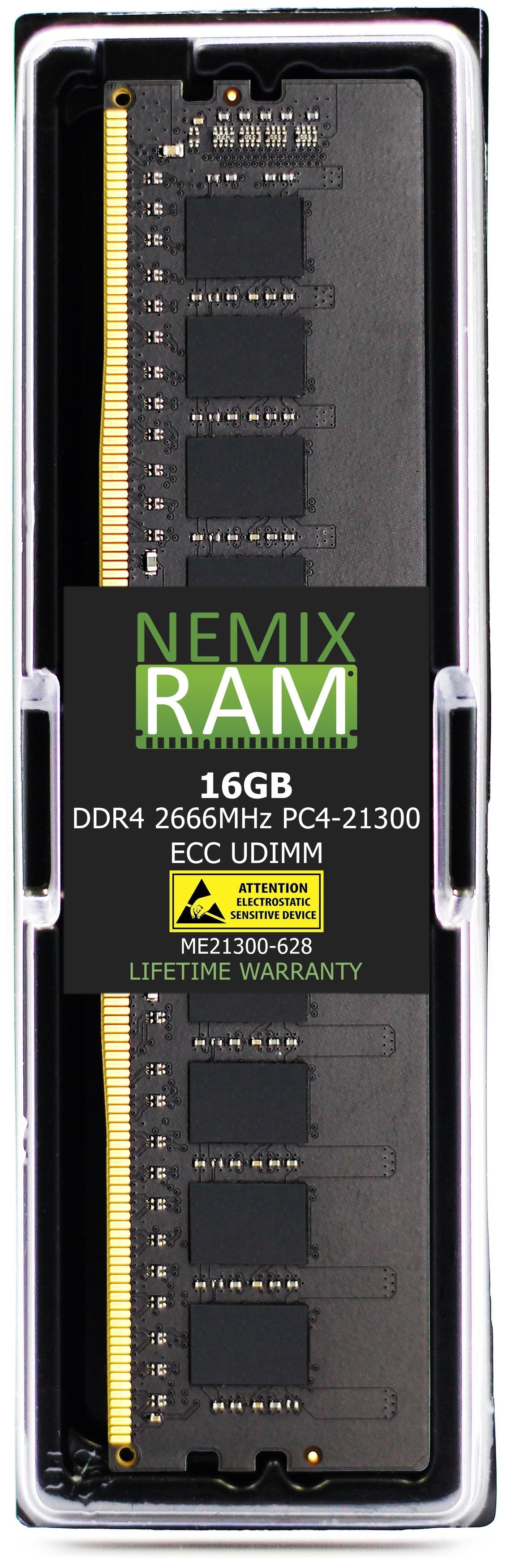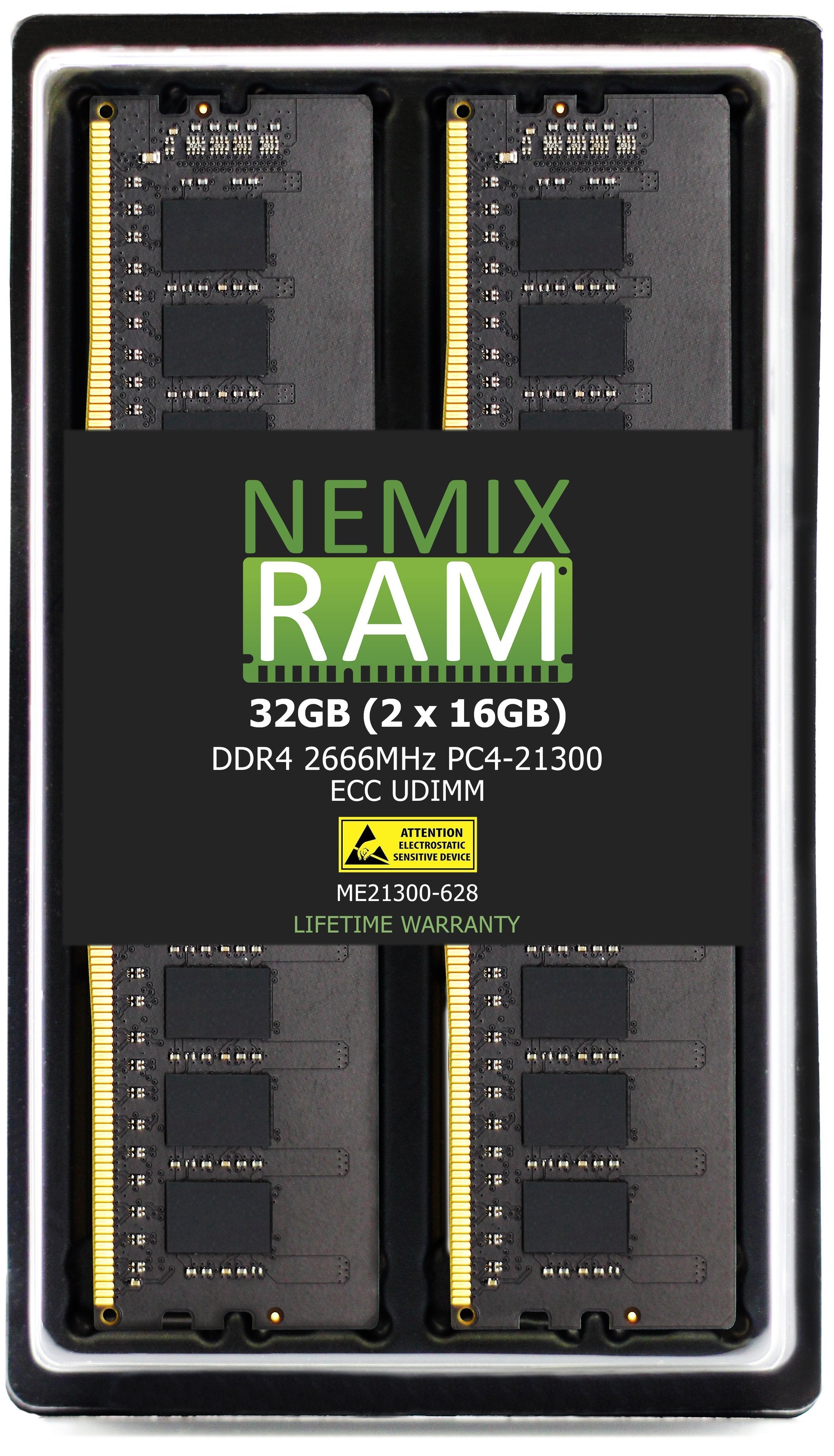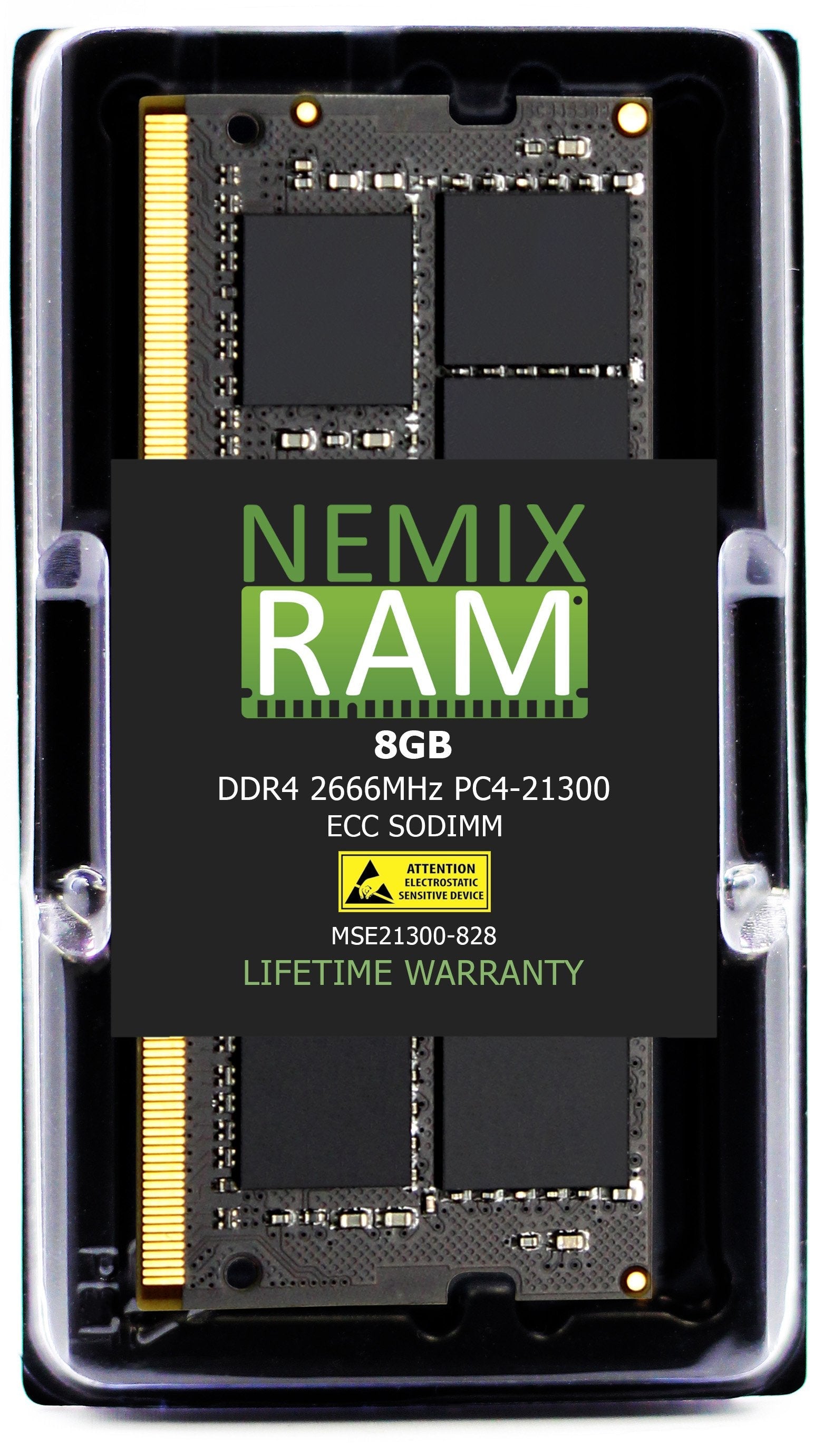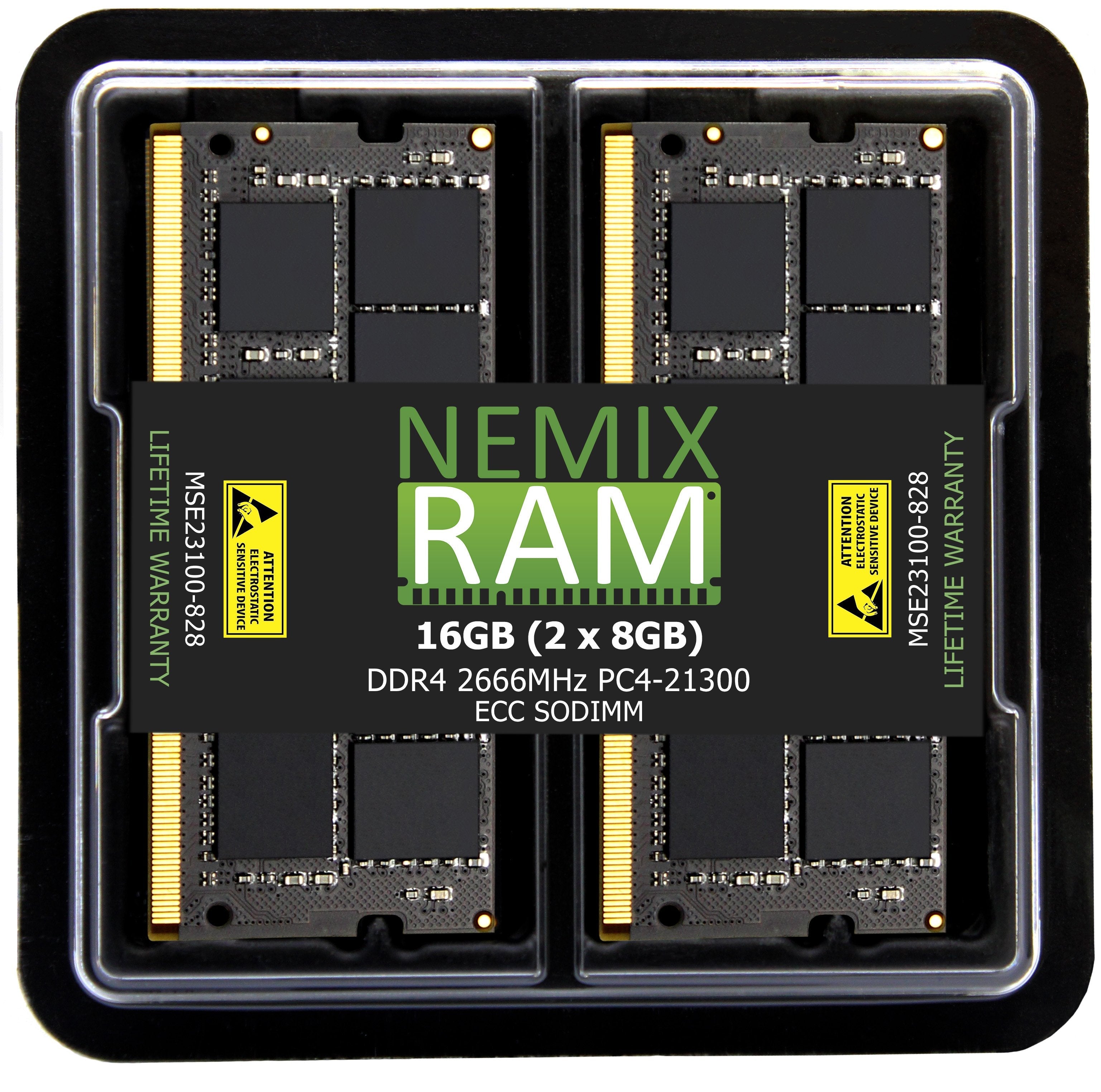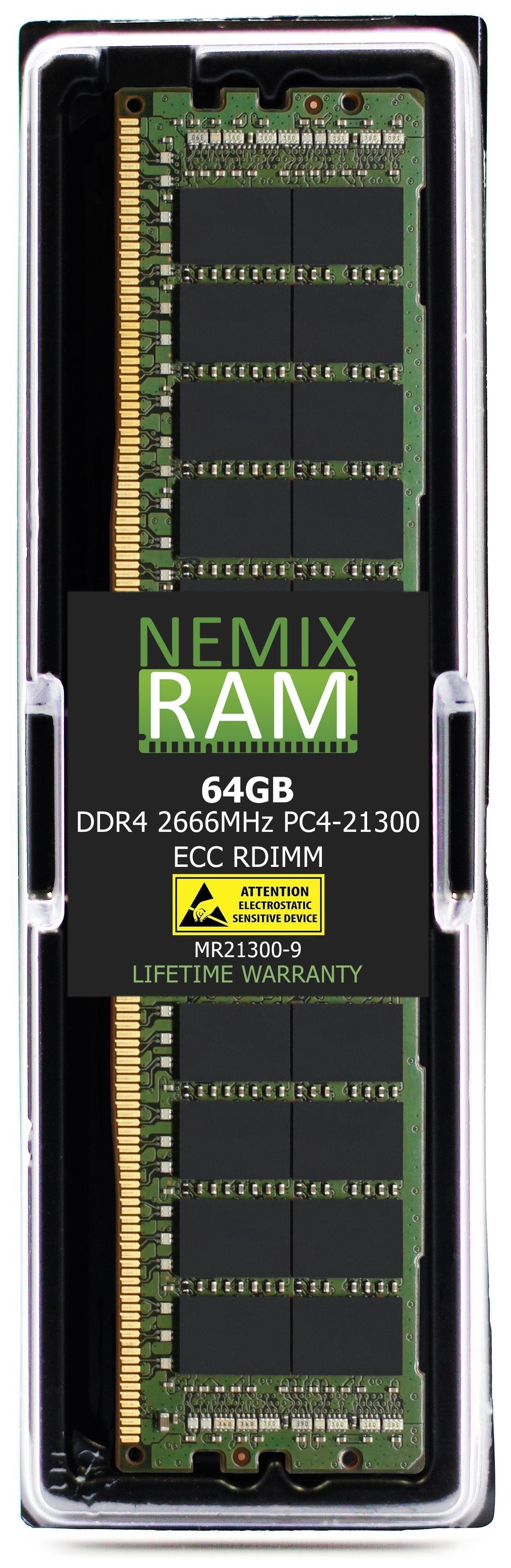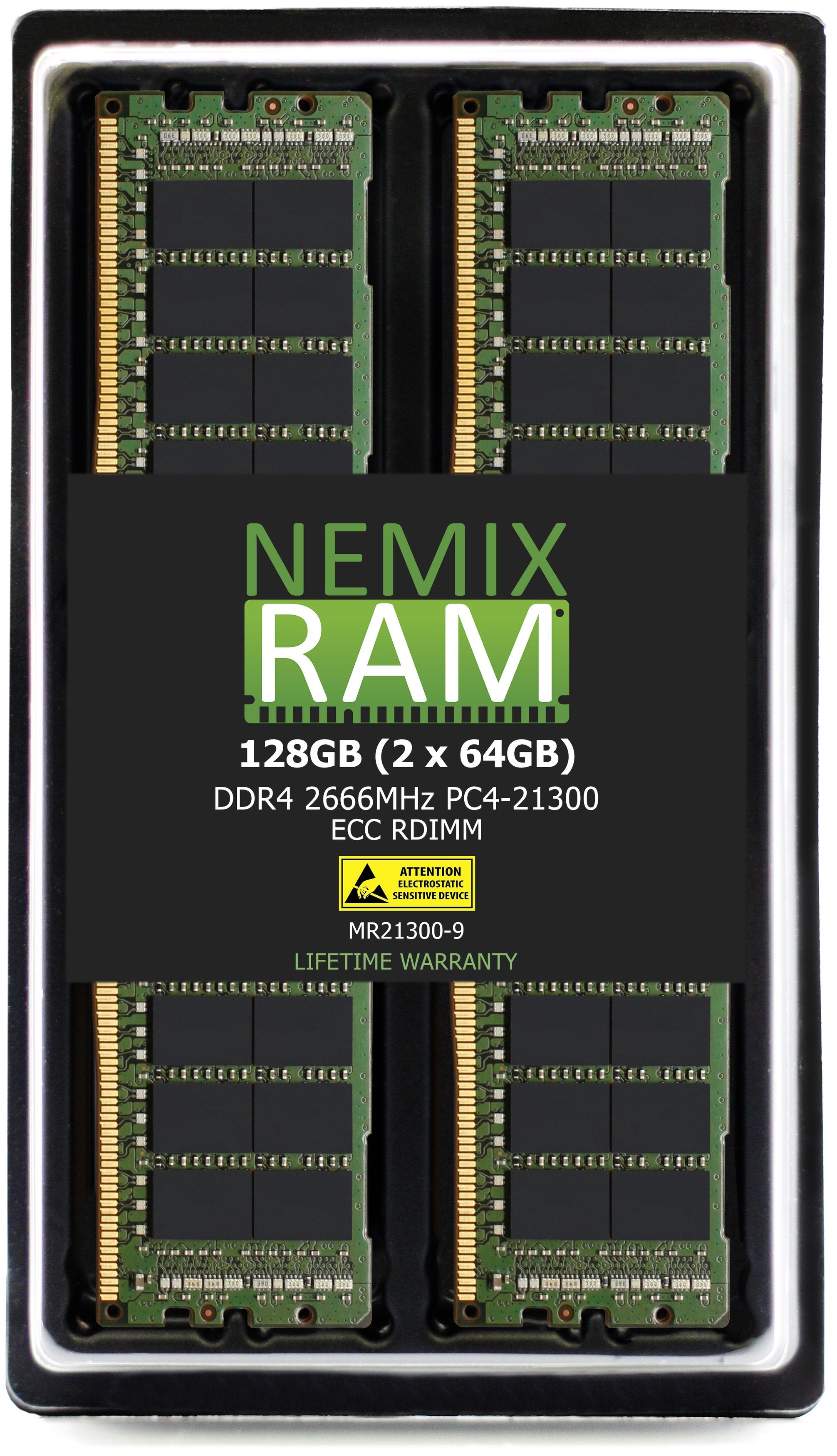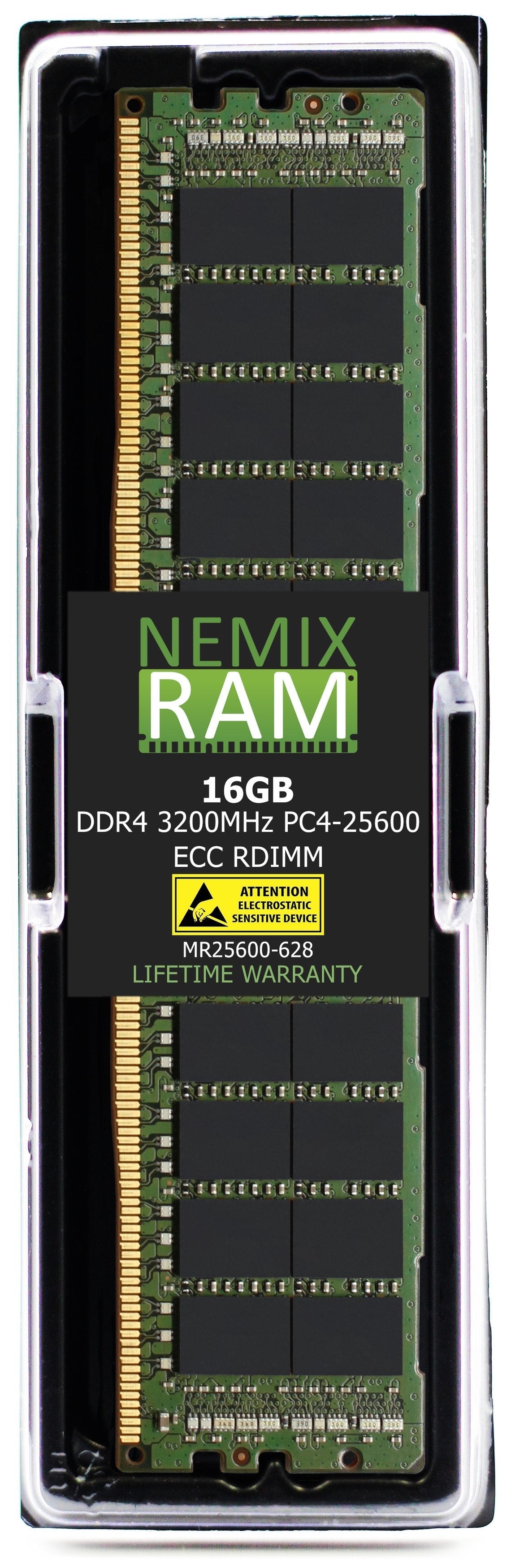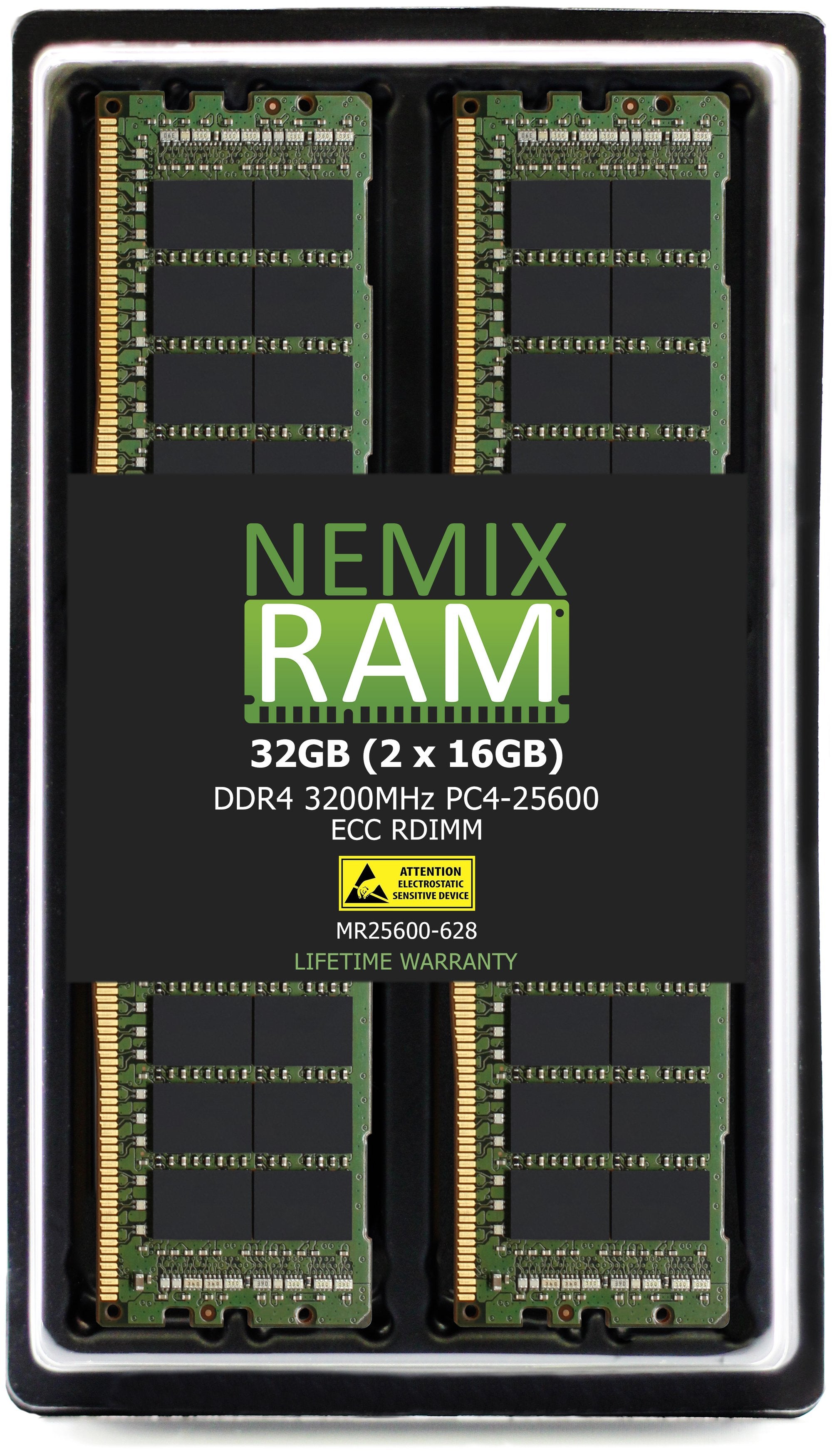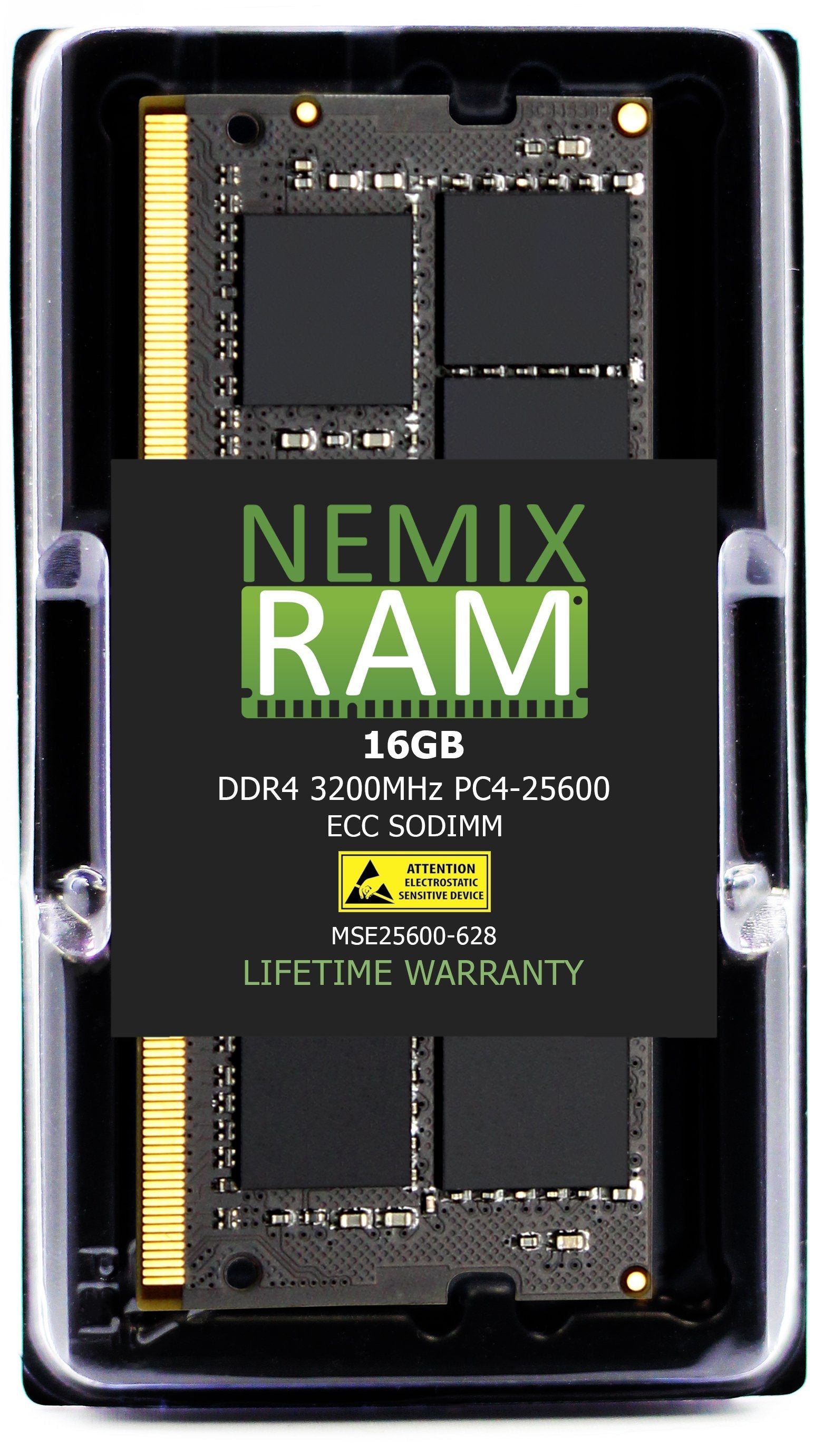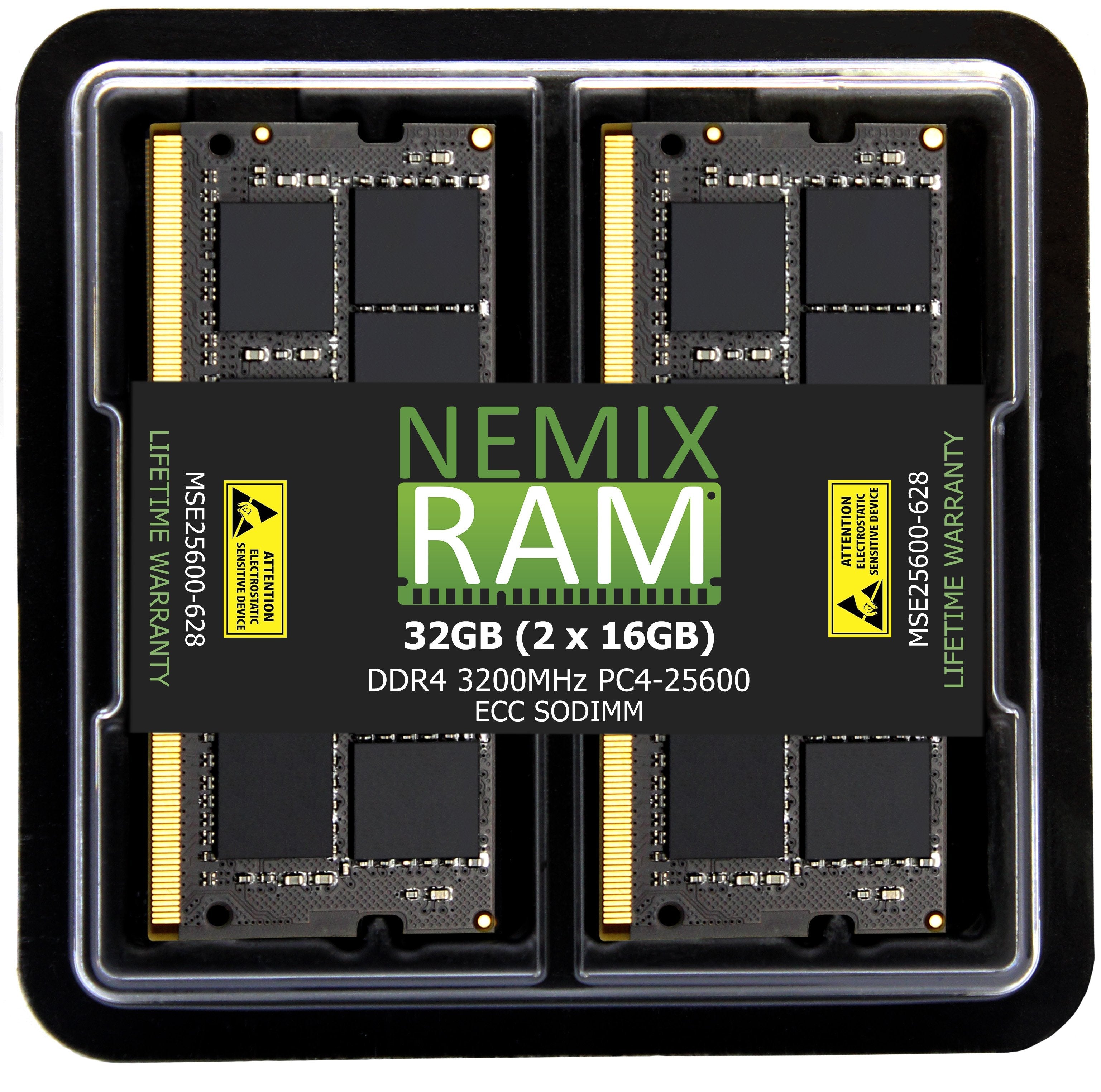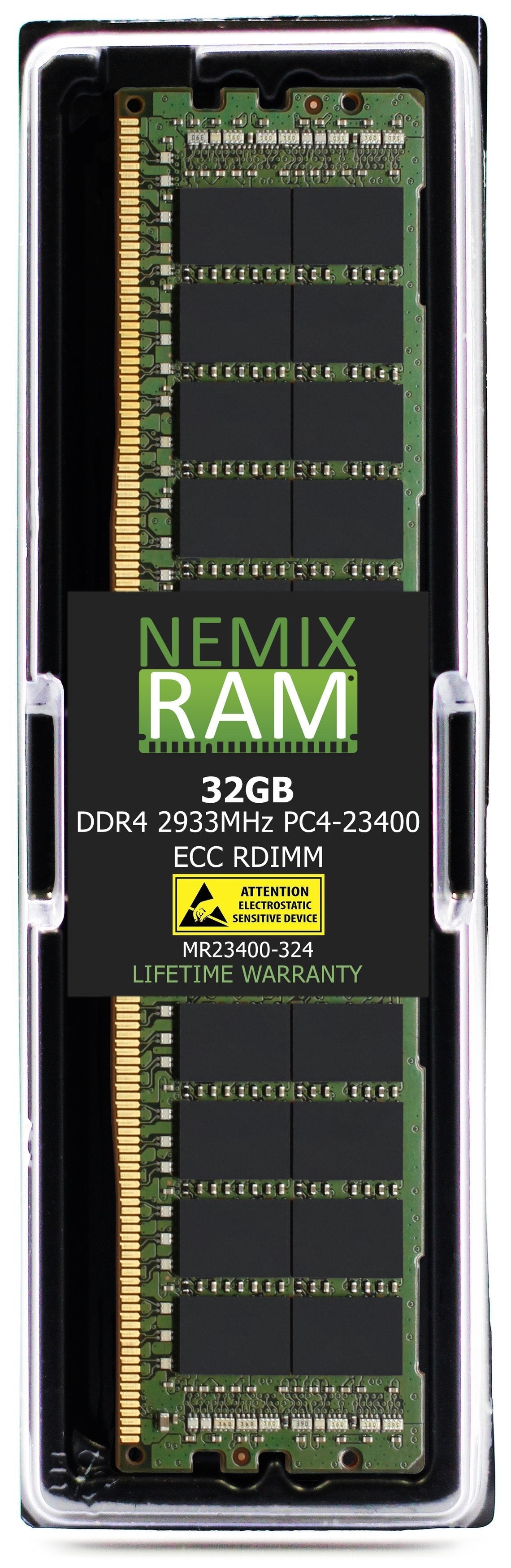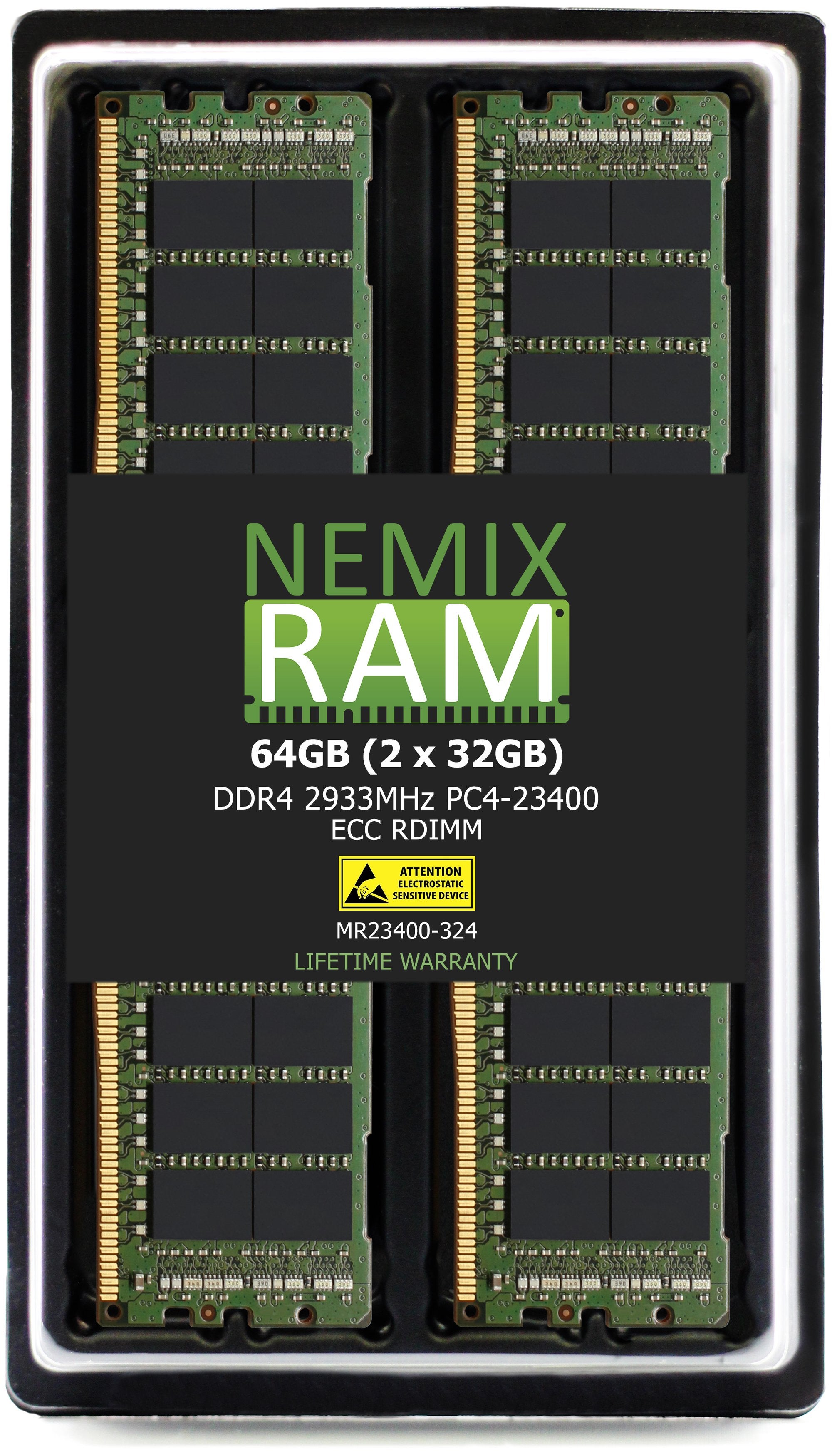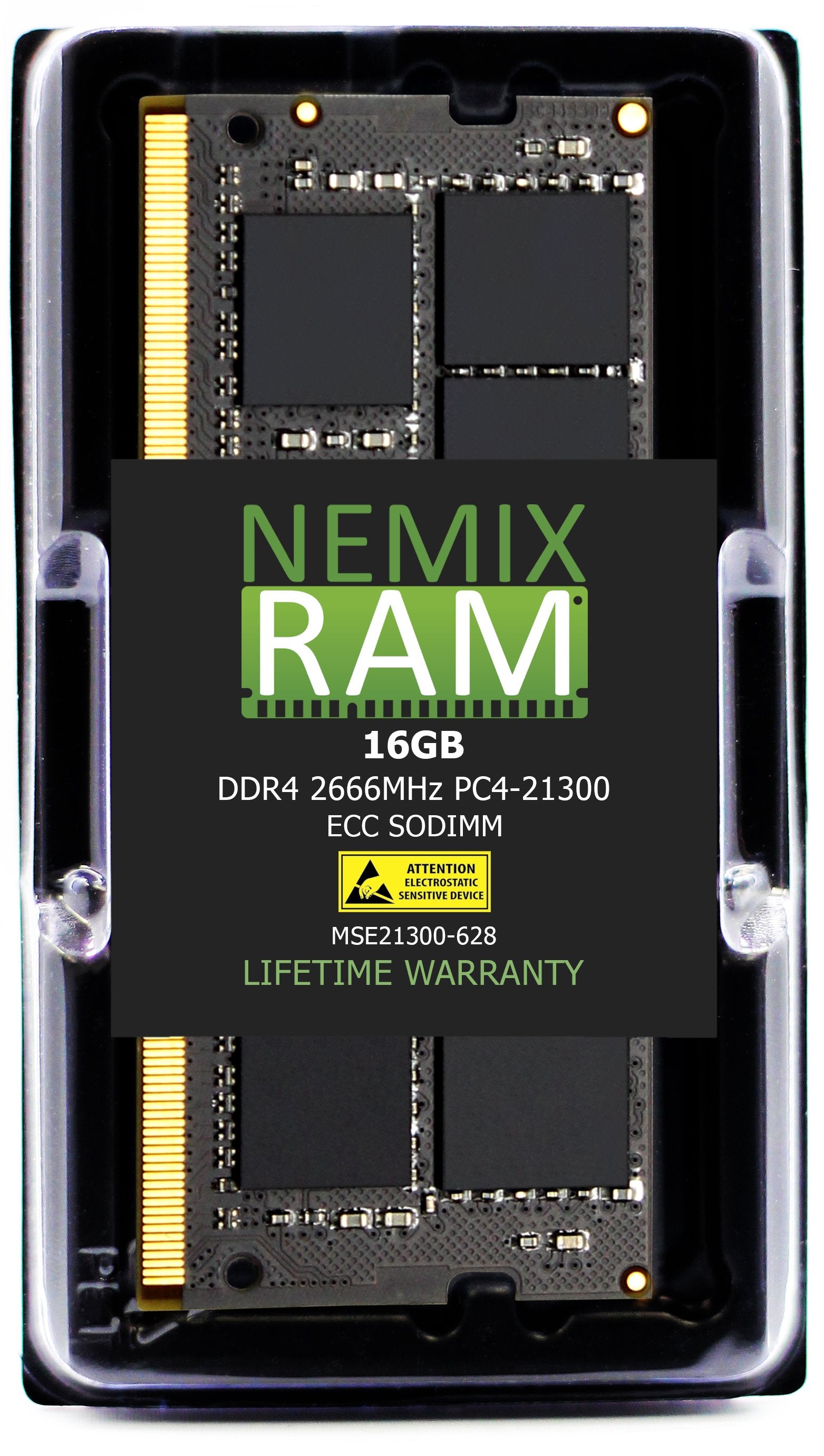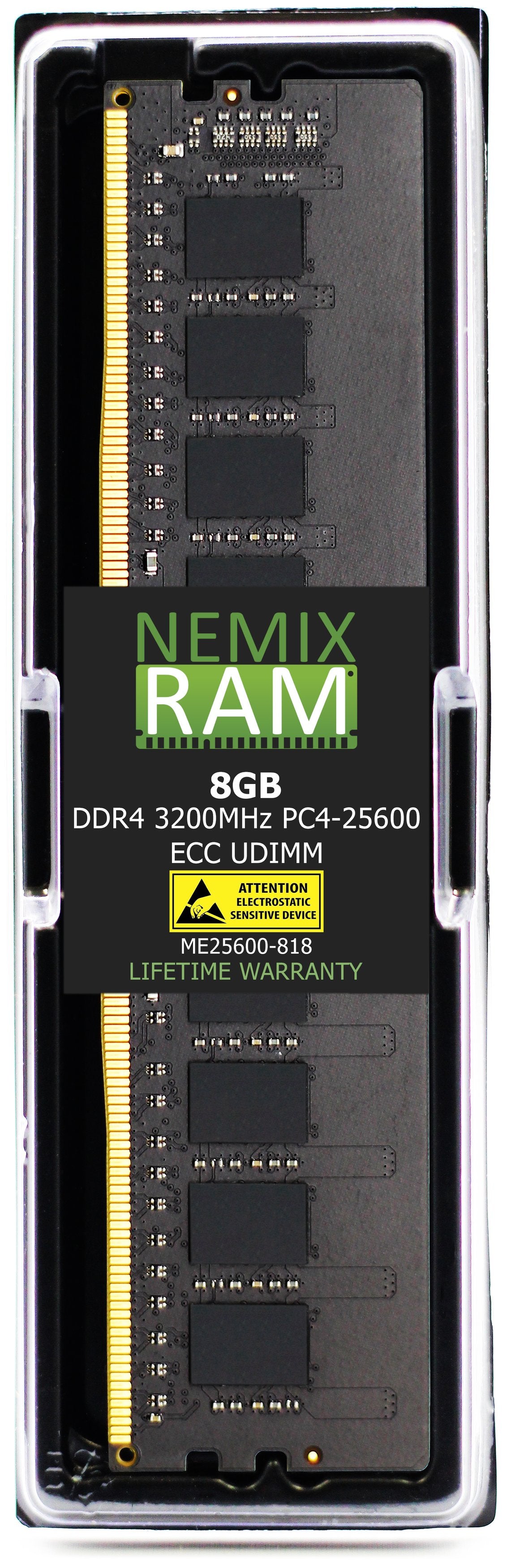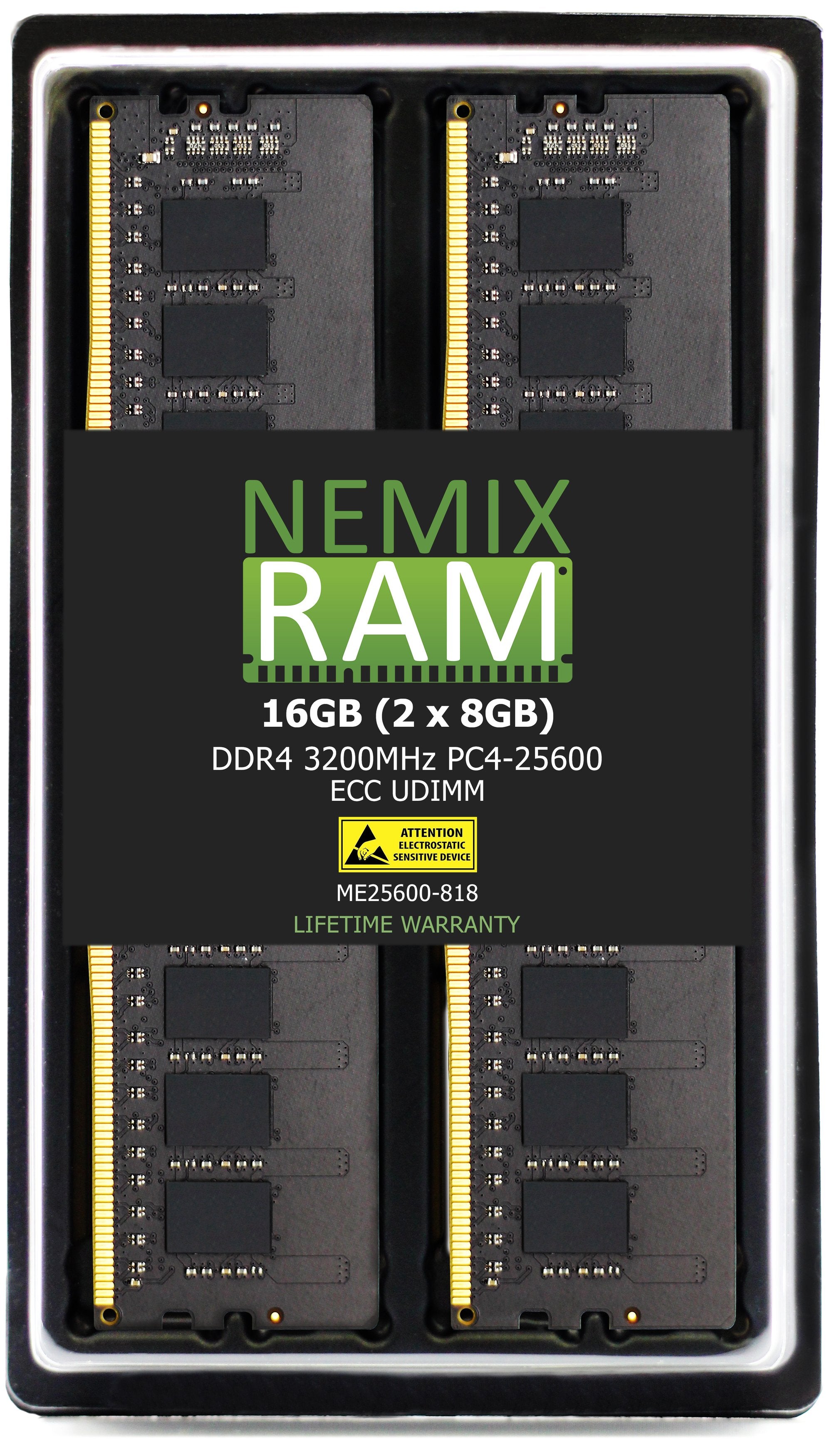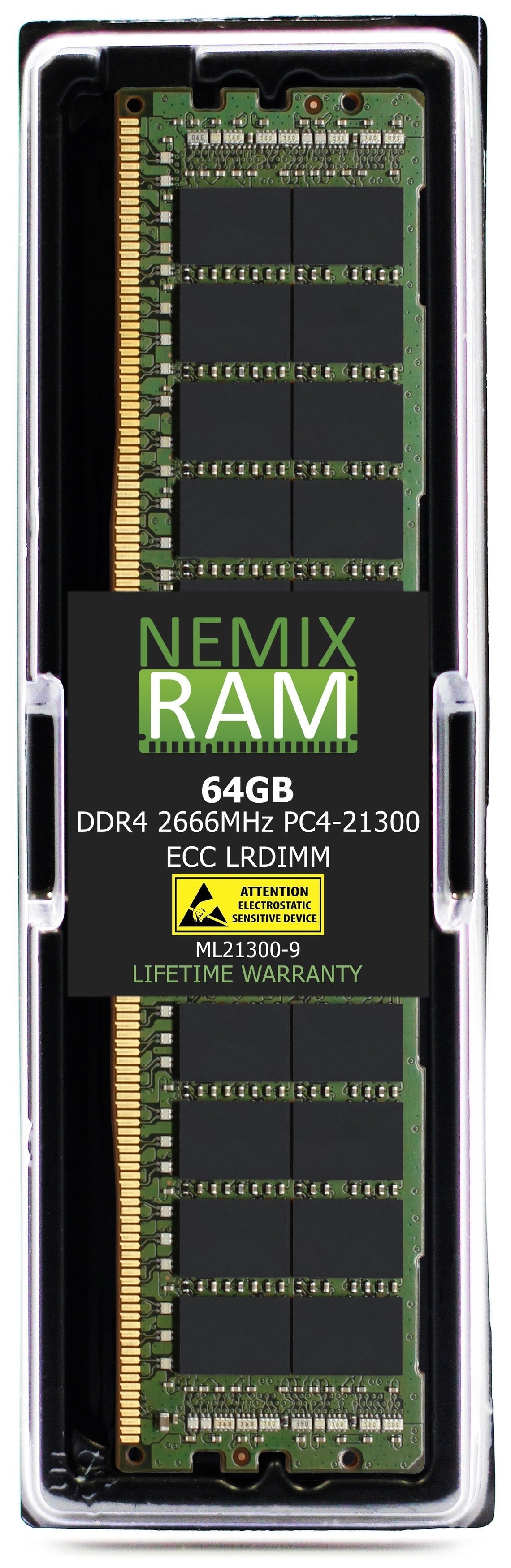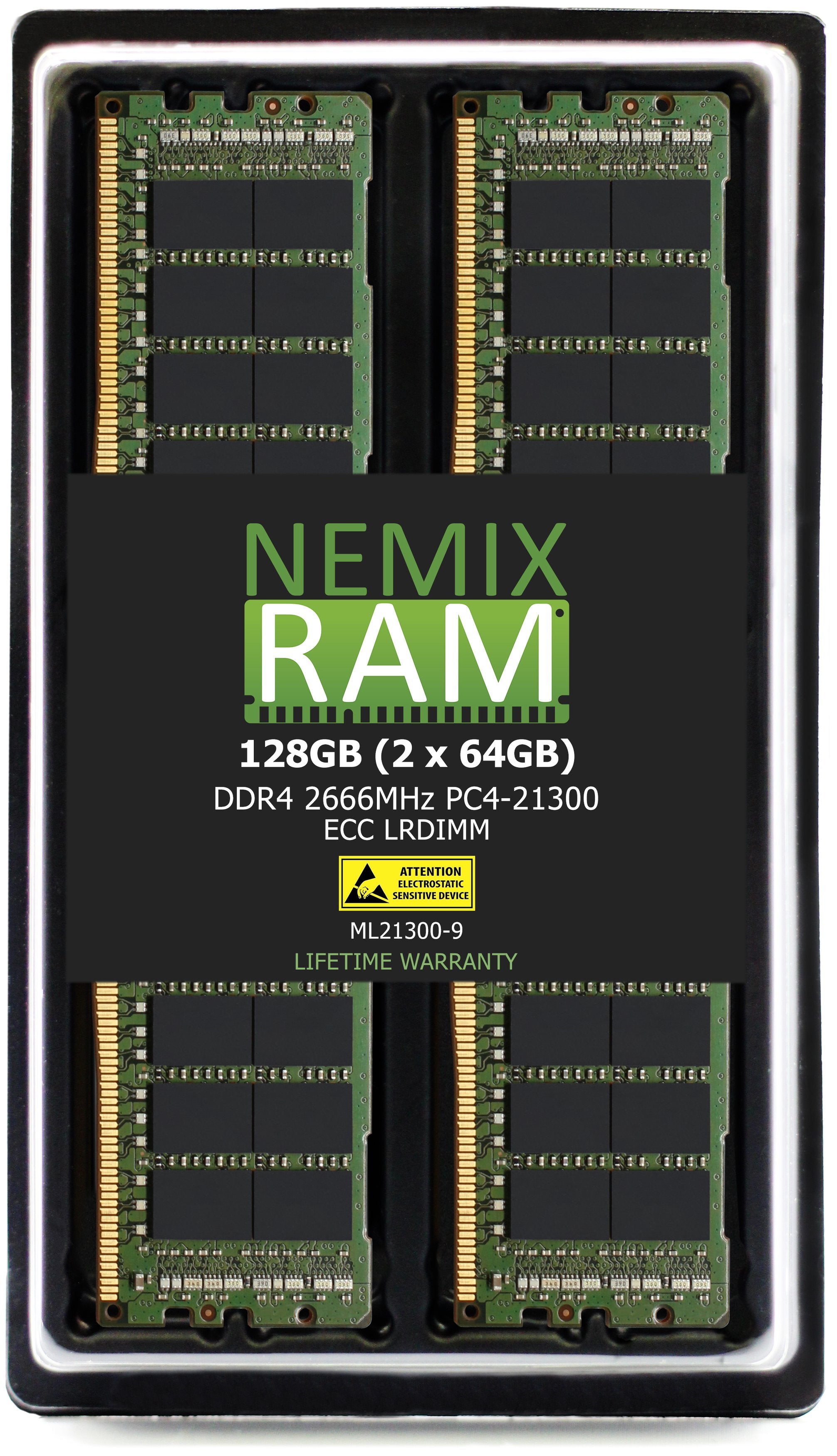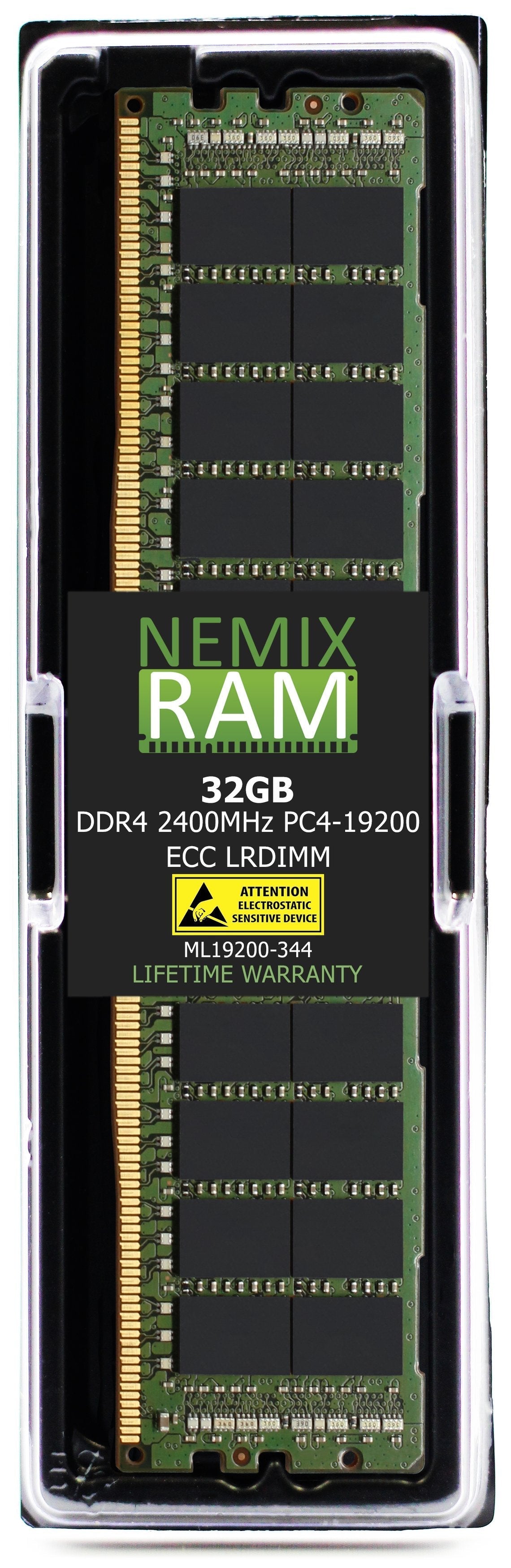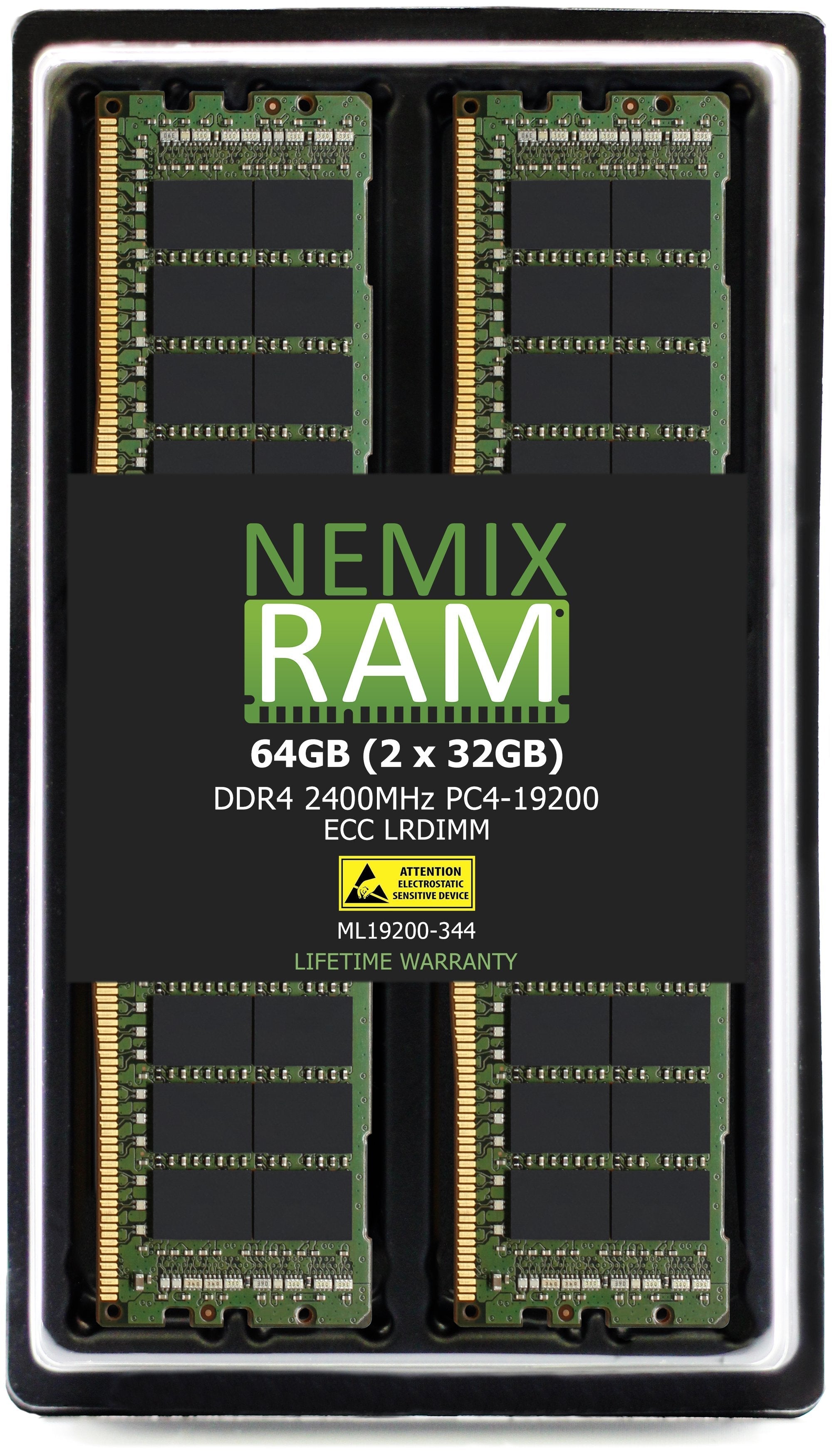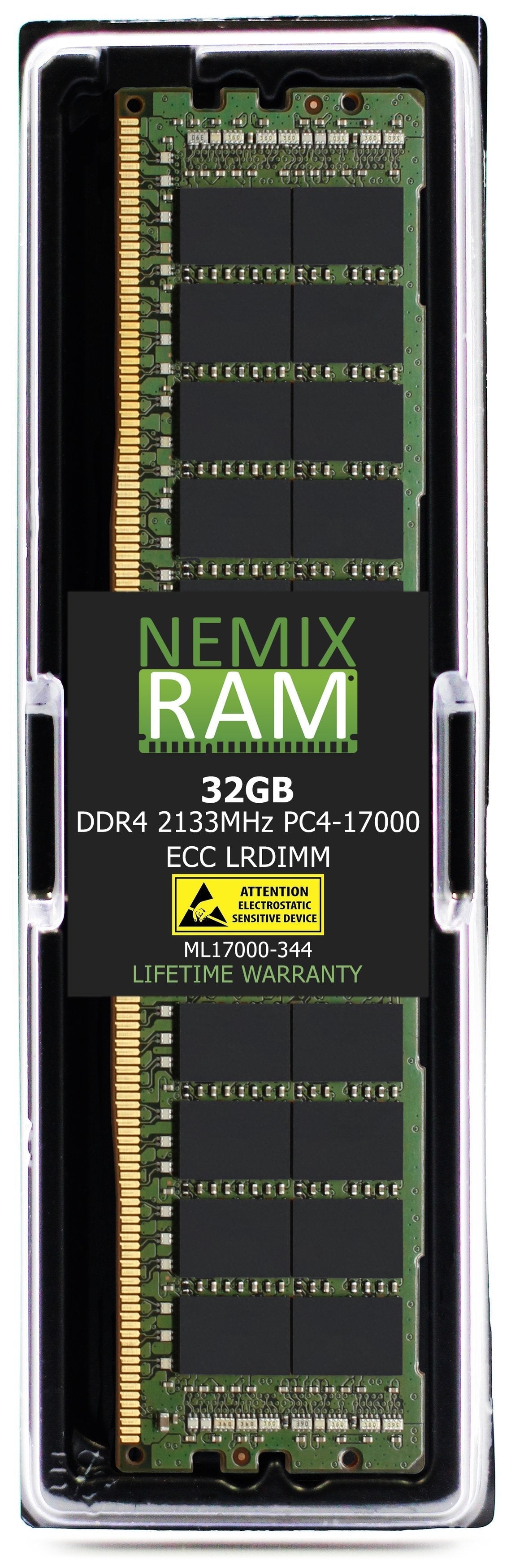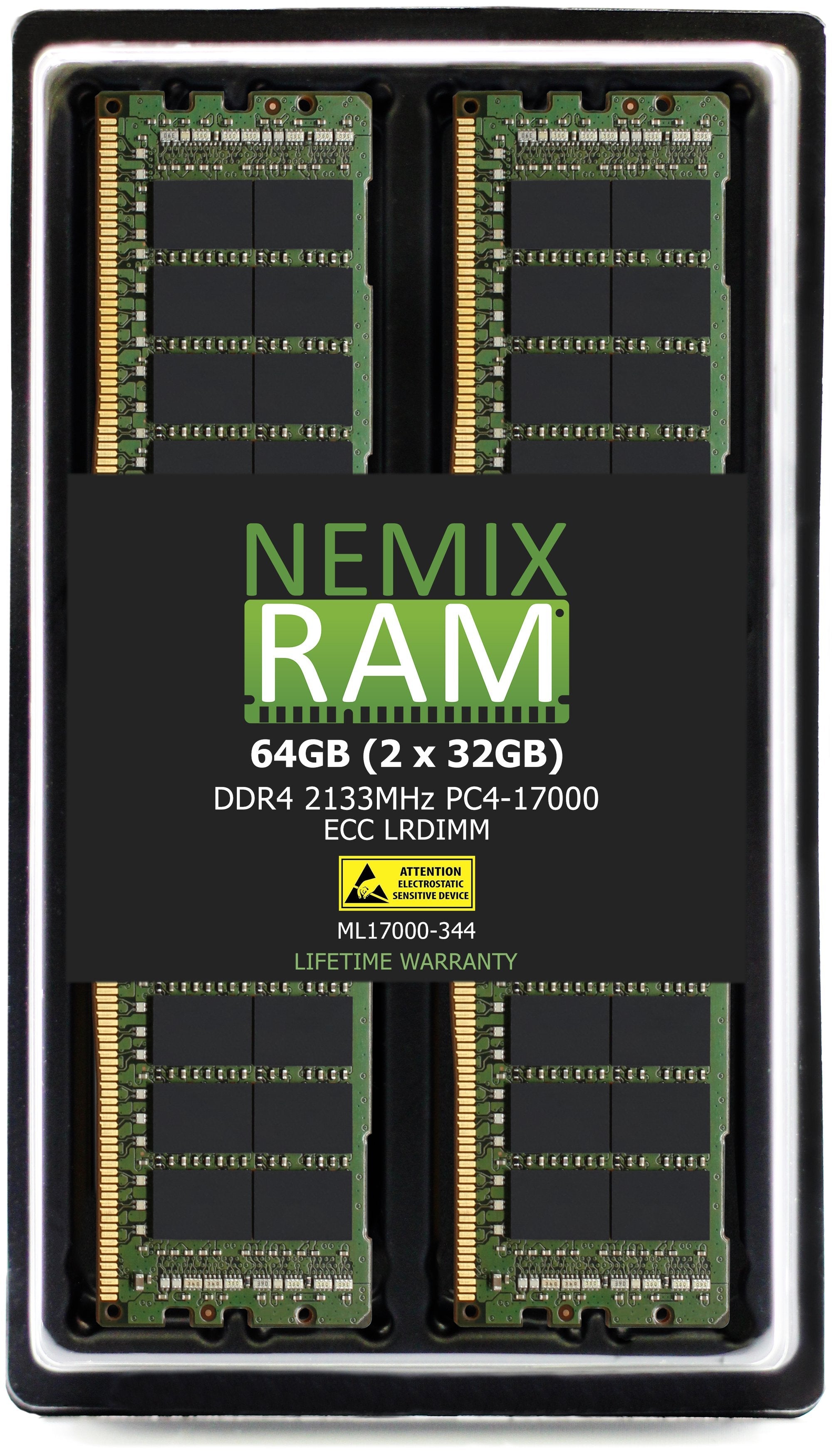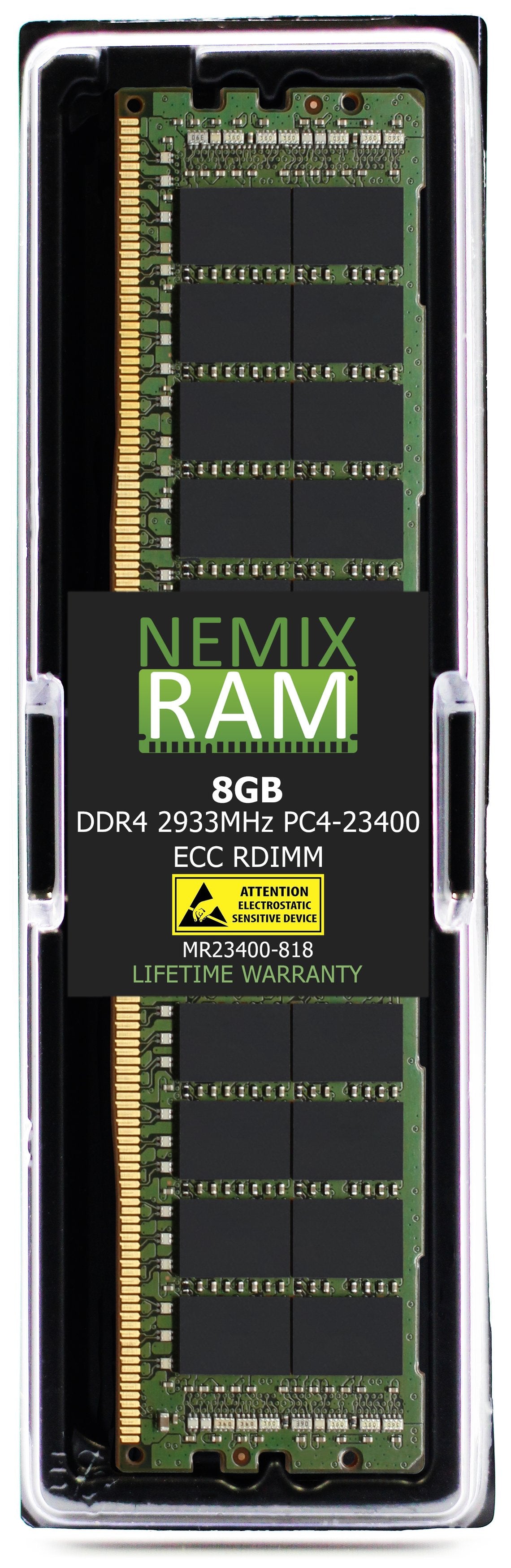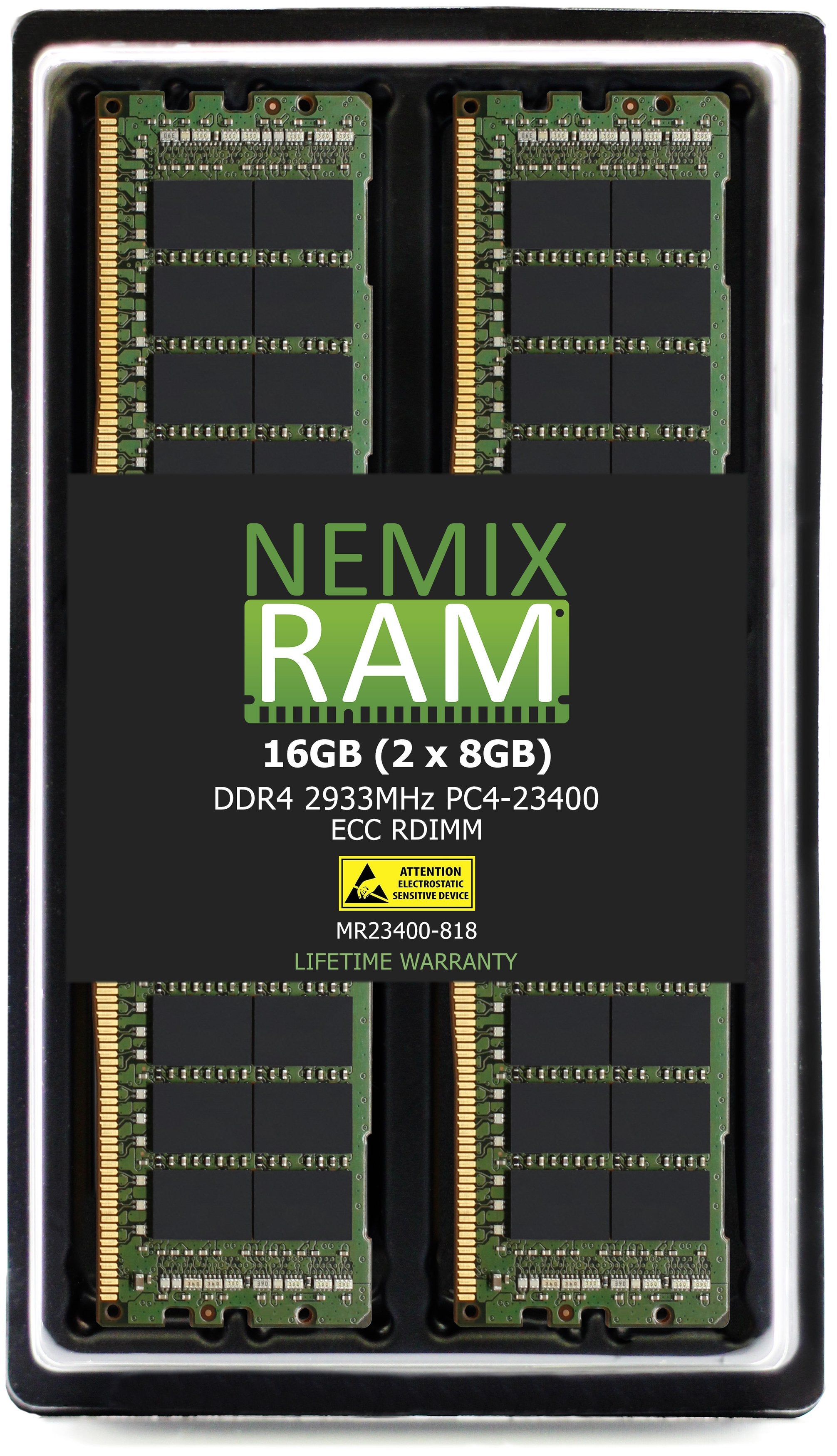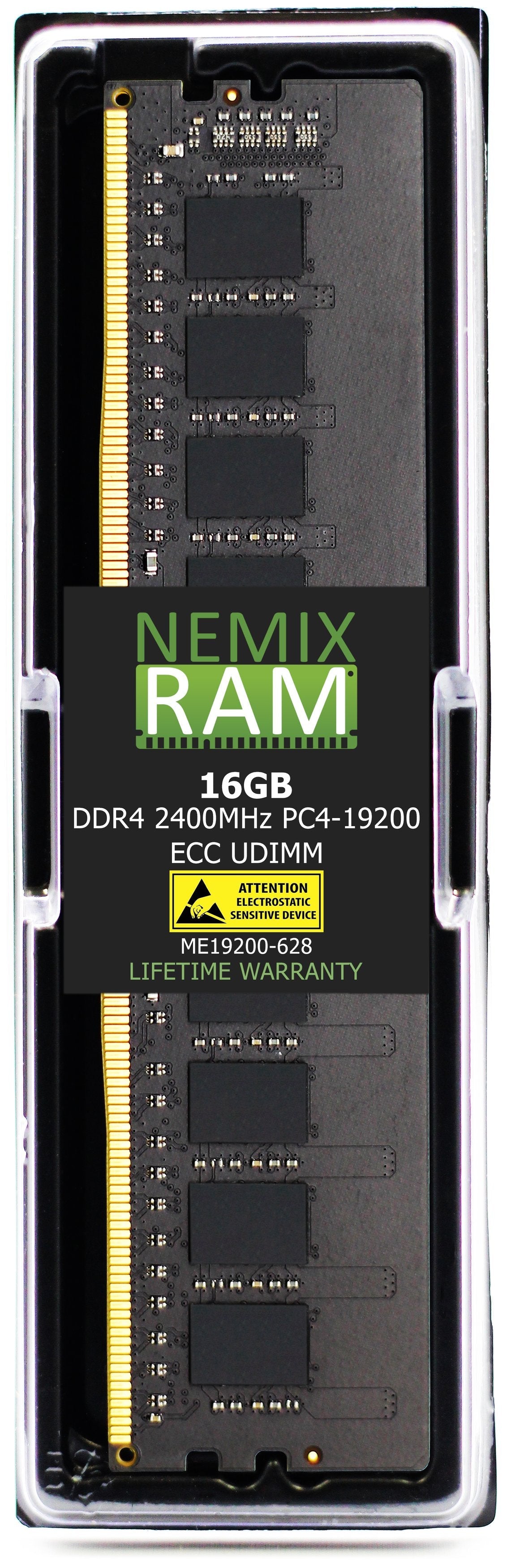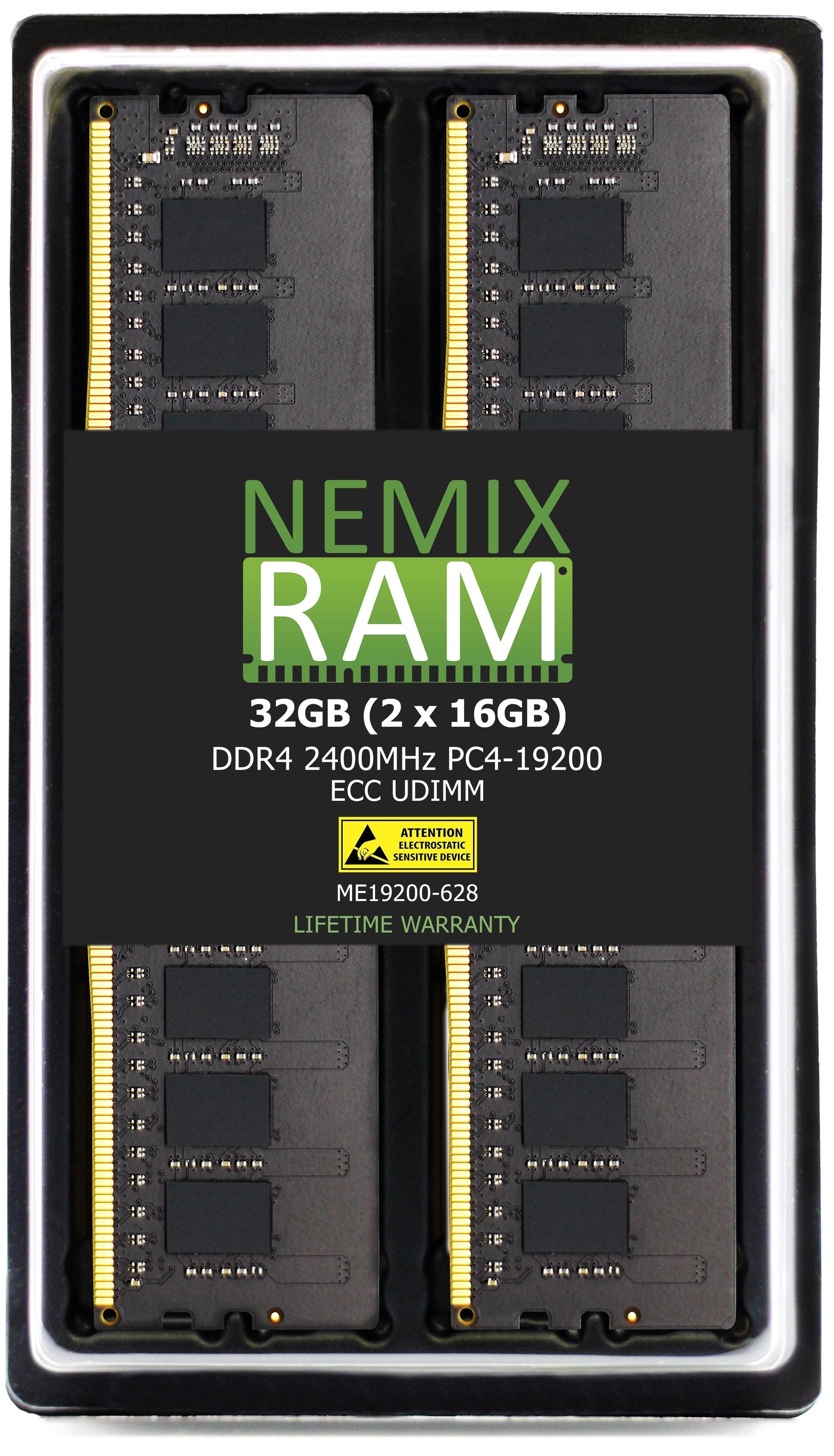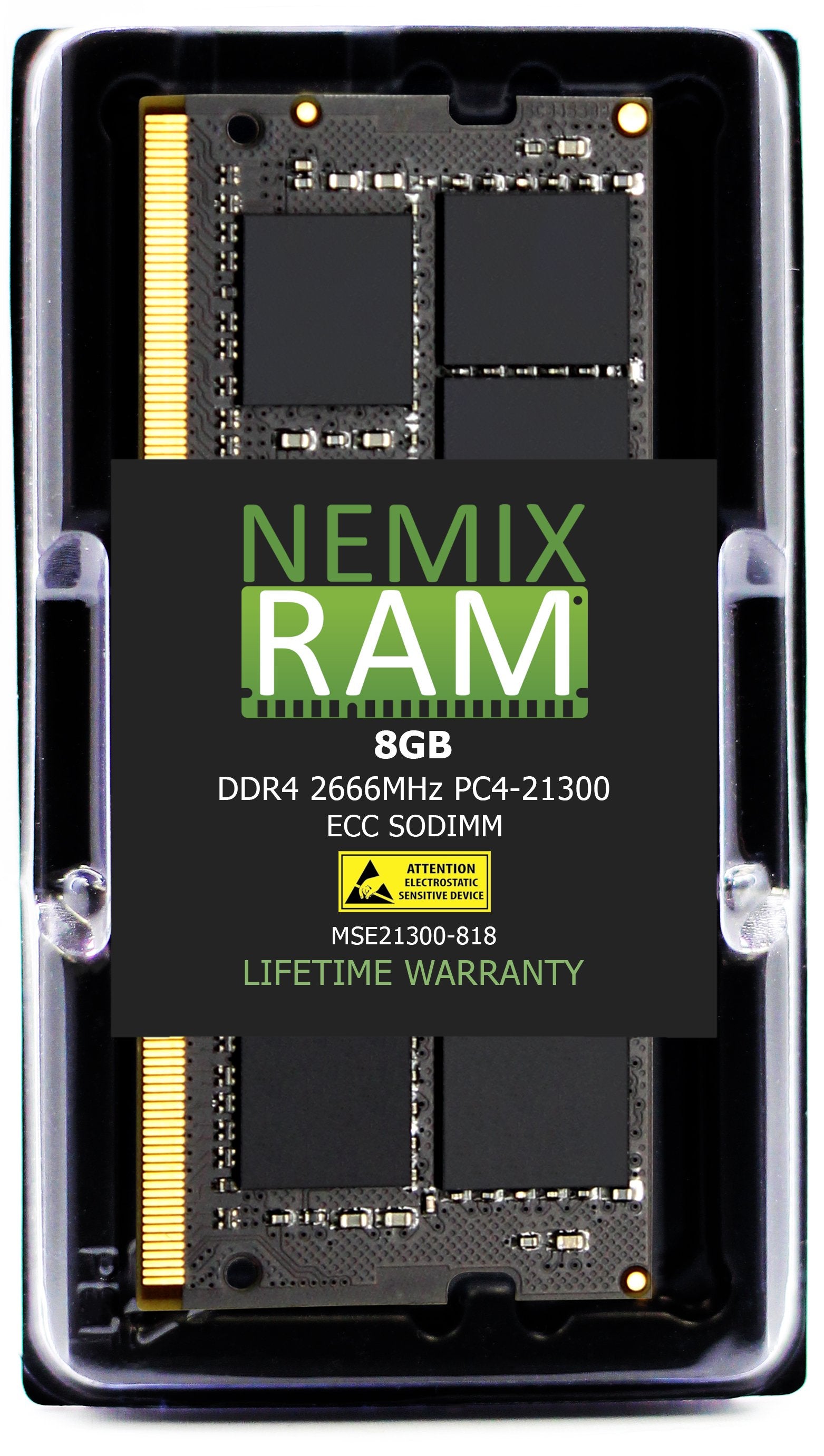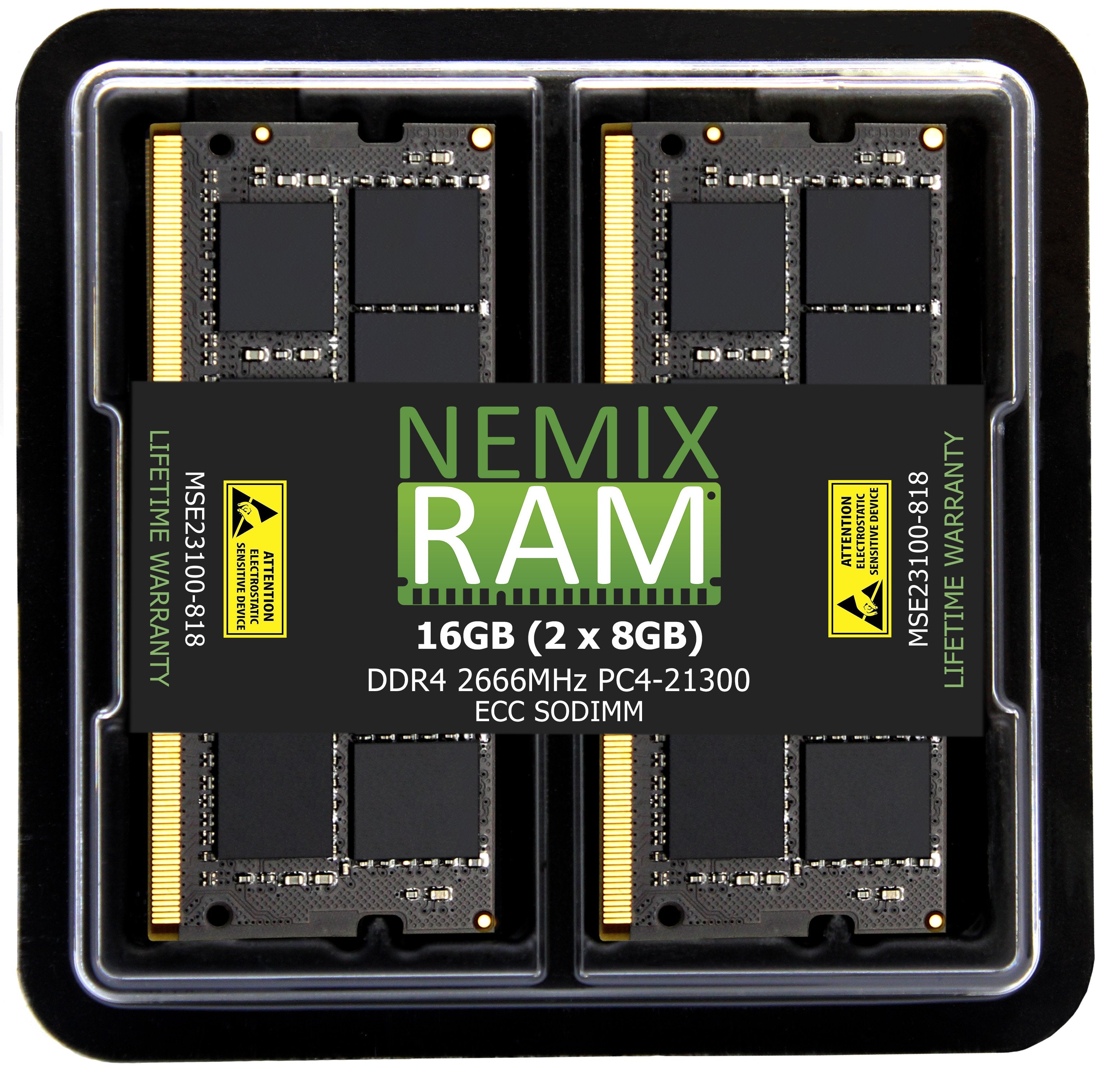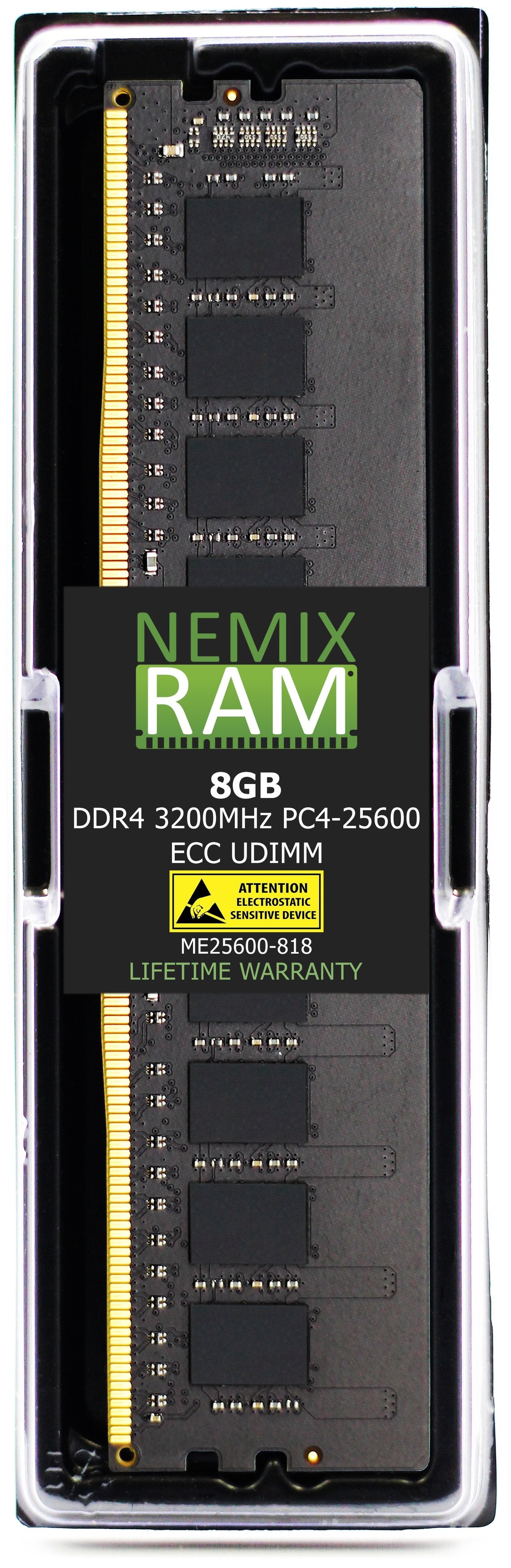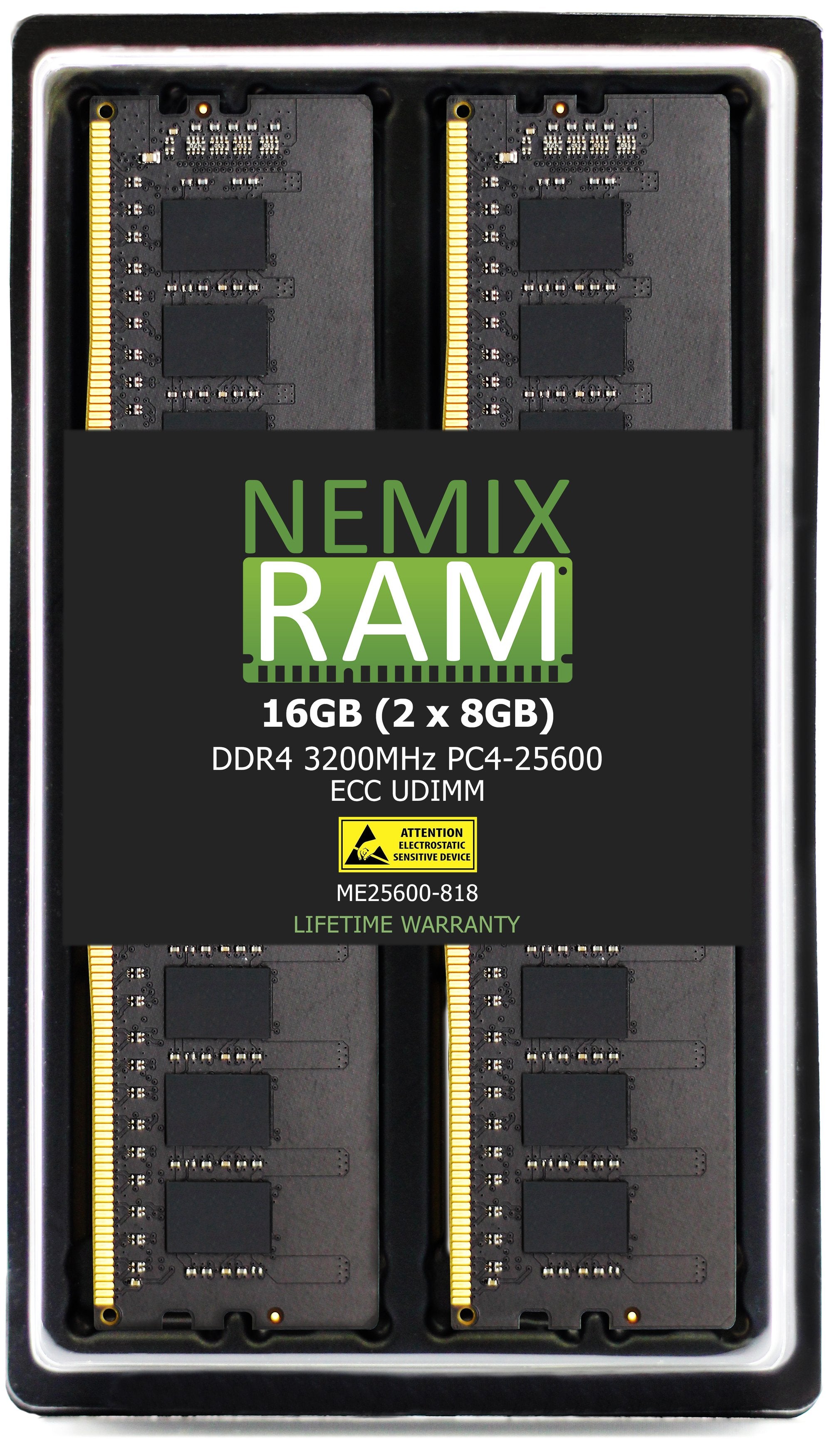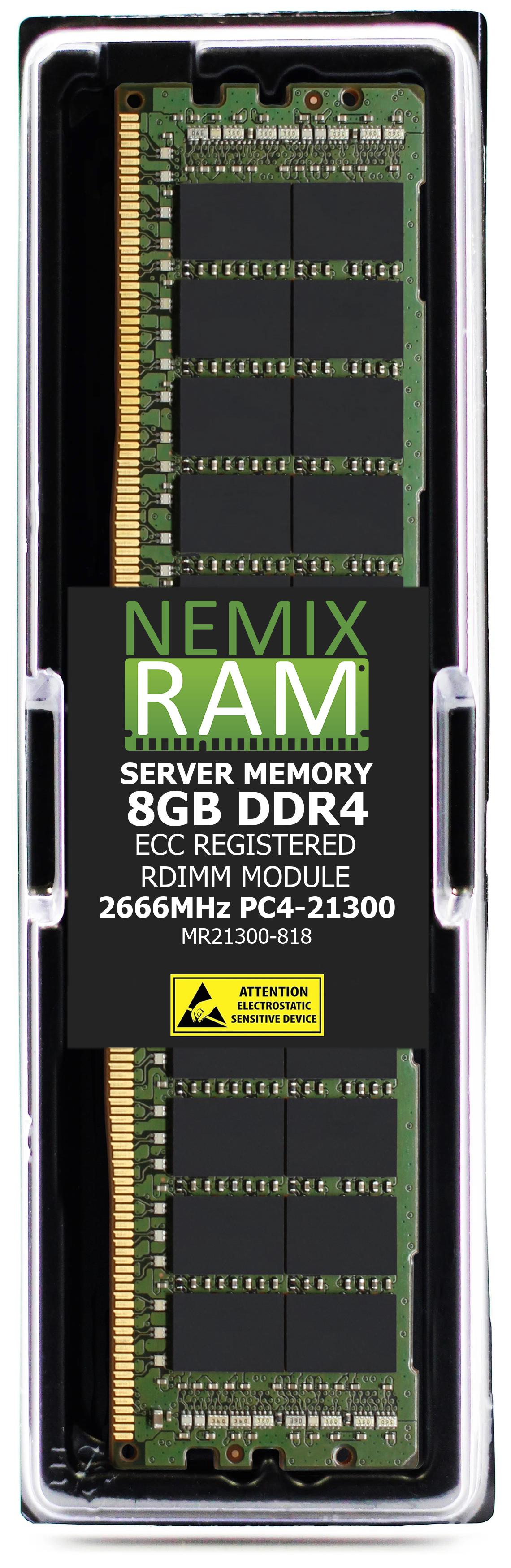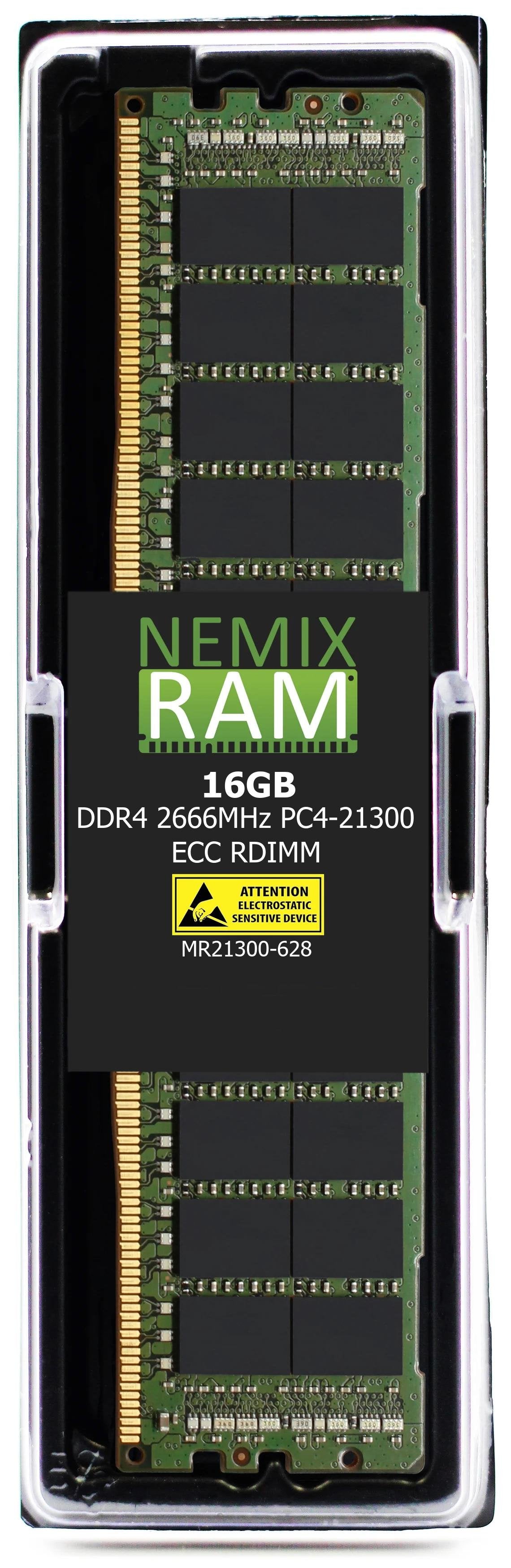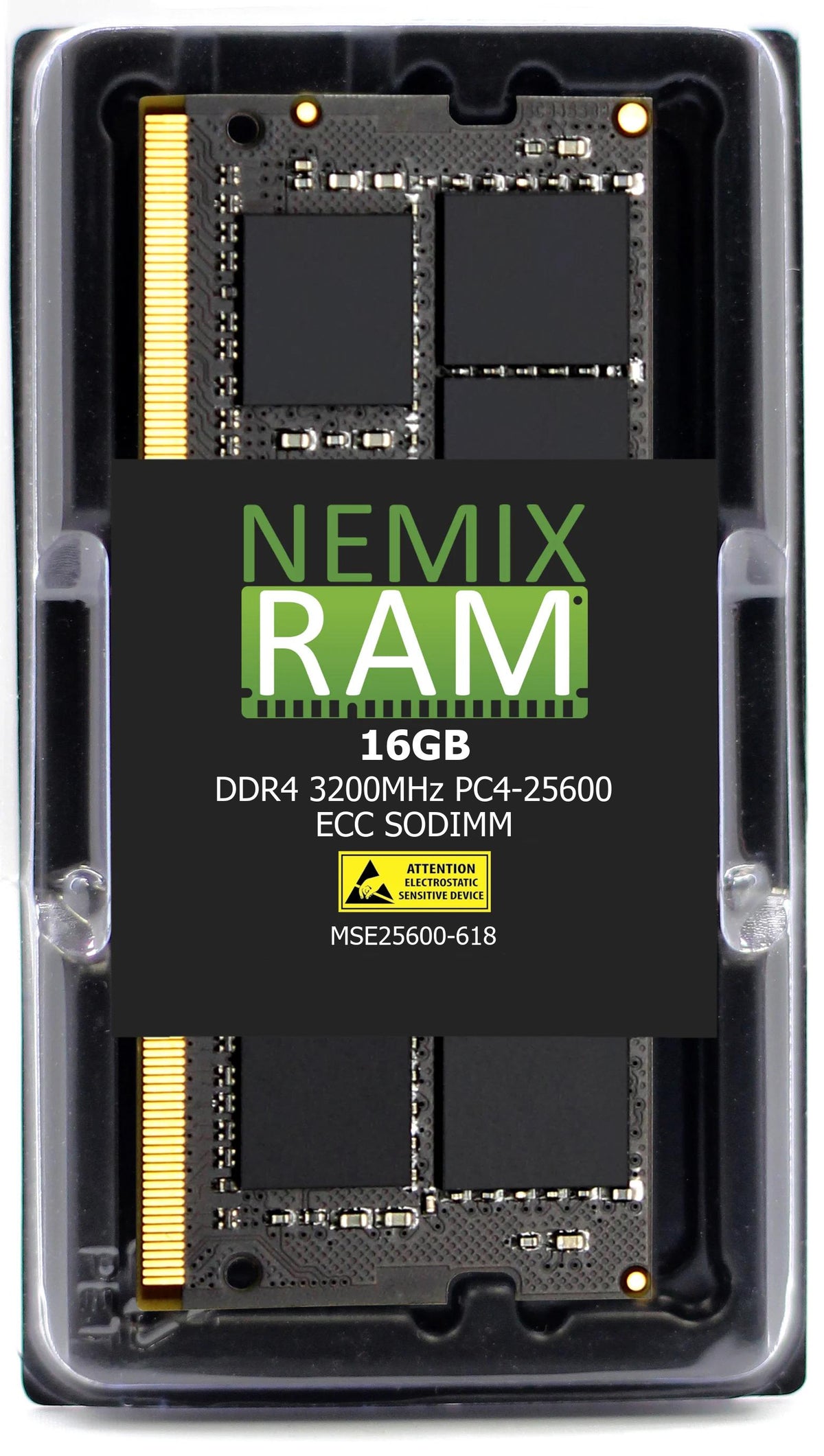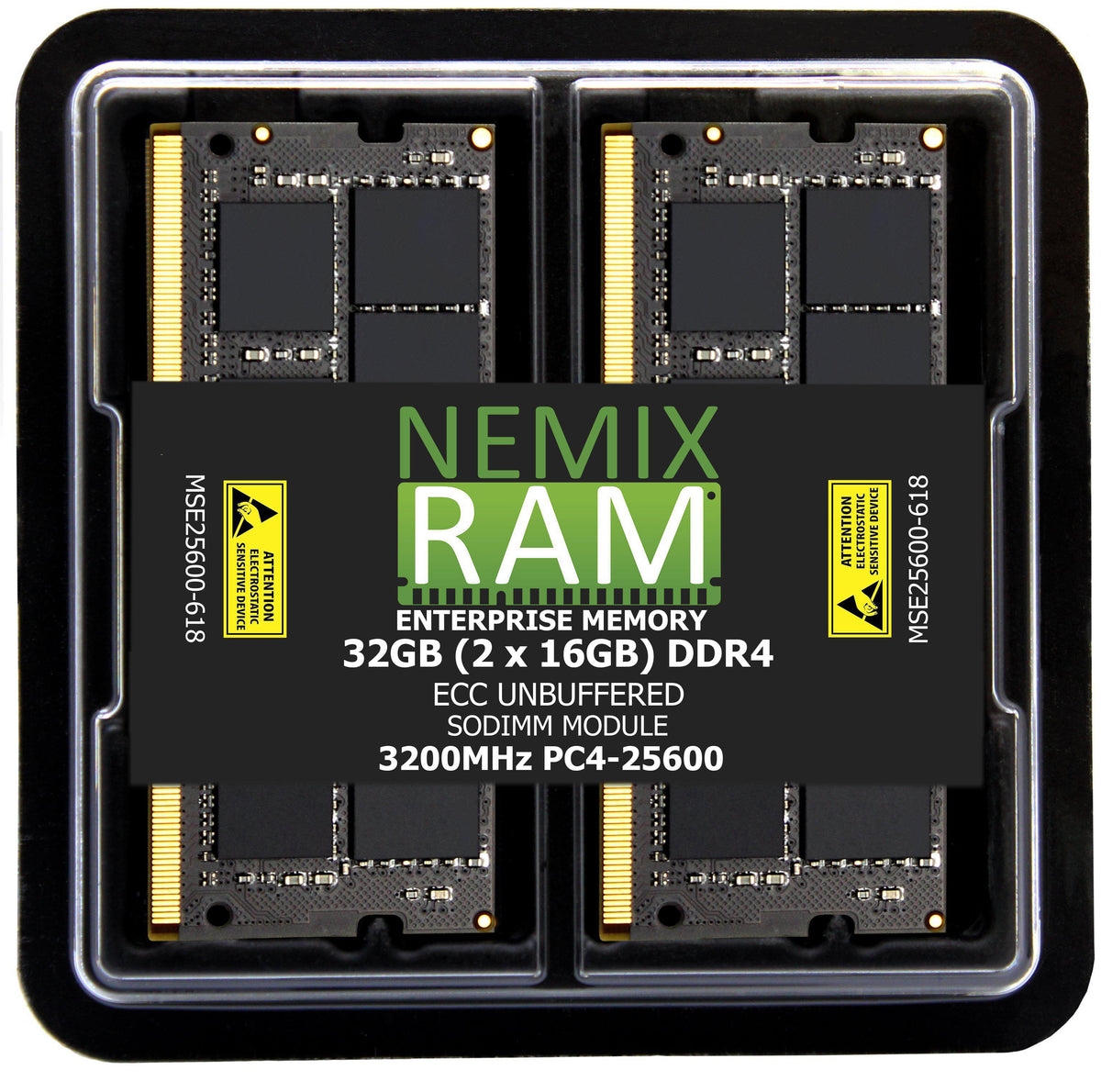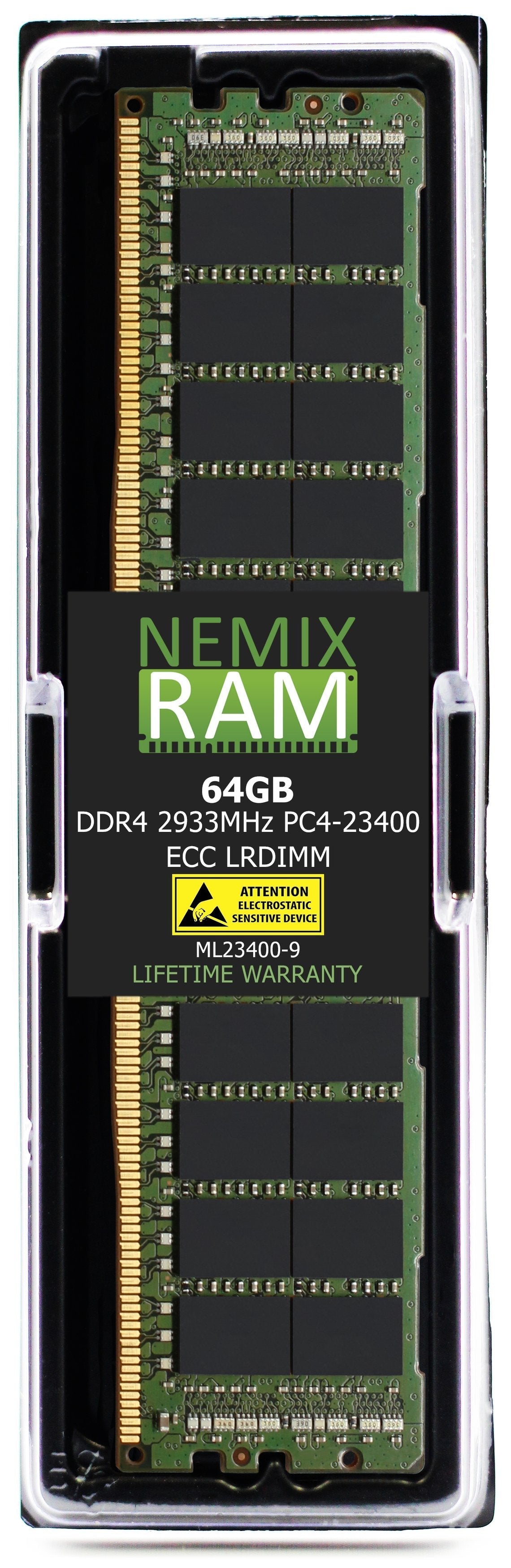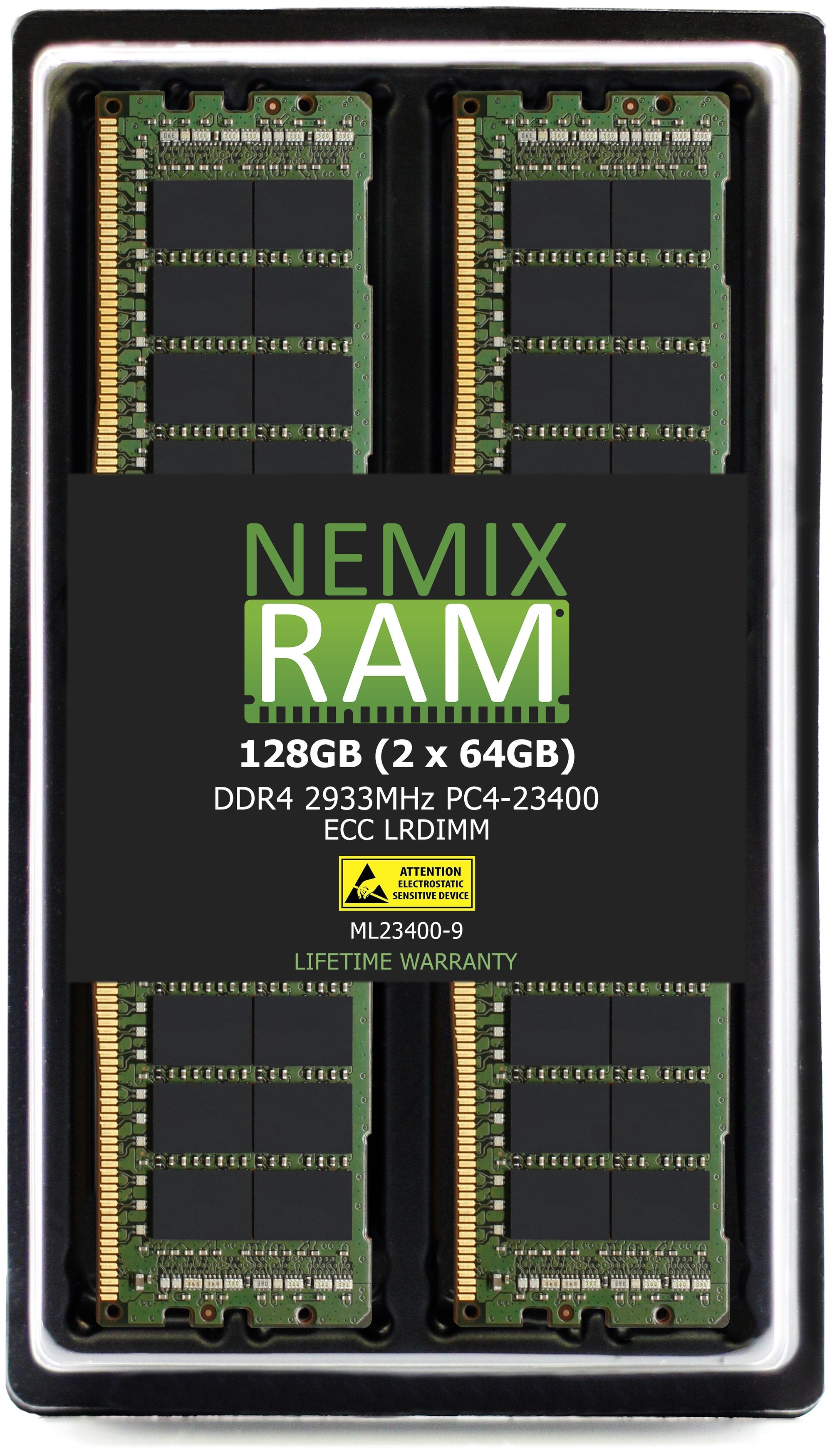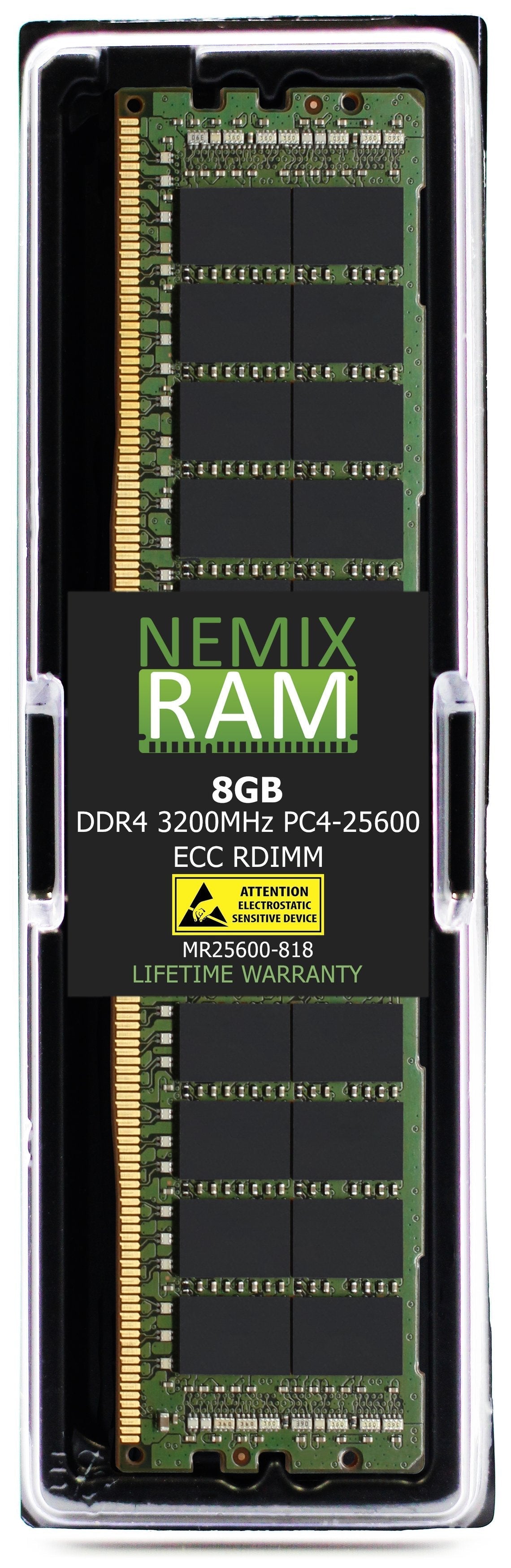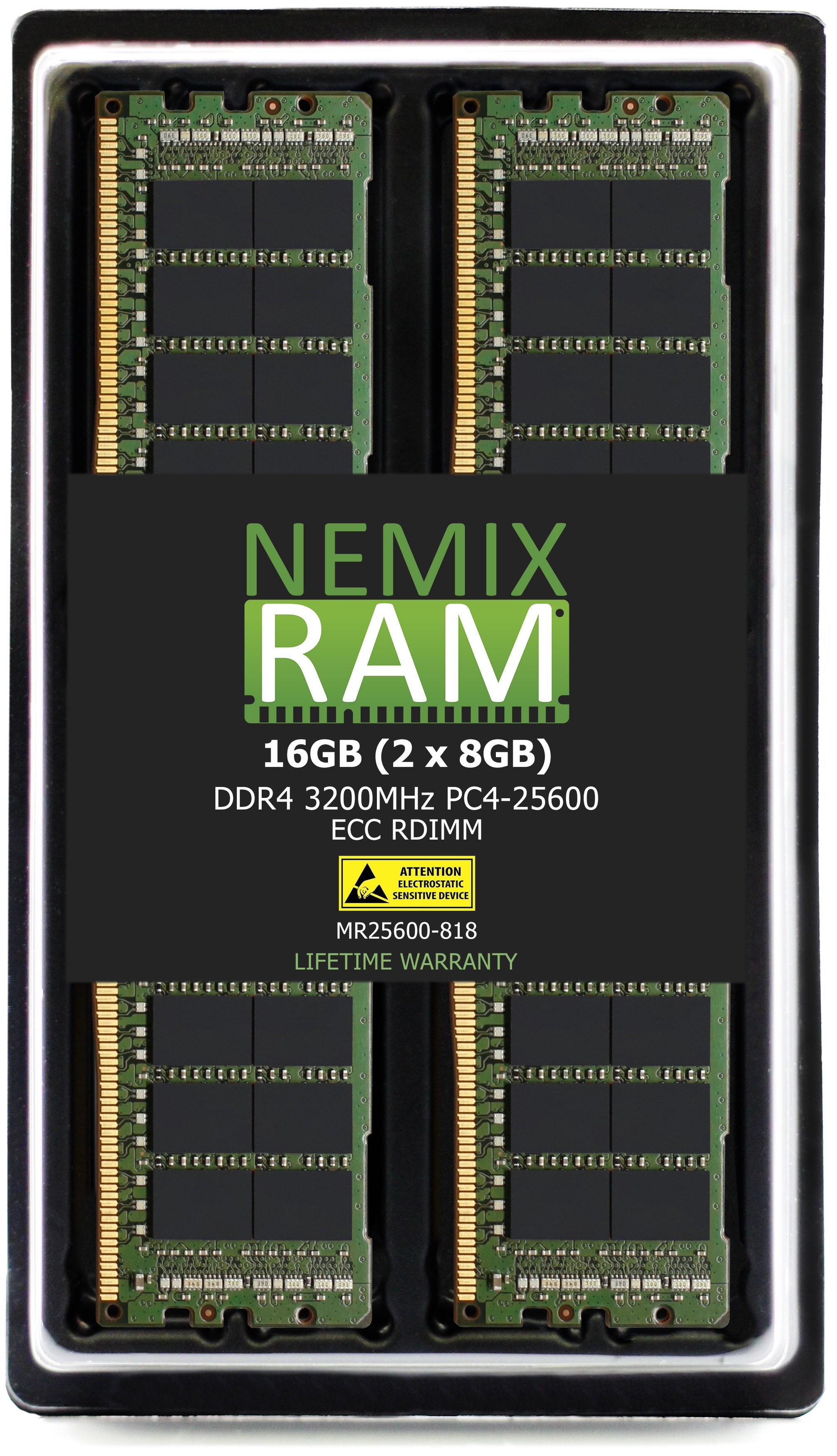
Every DDR4 ECC module NEMIX RAM supplies for servers and workstations: RDIMM, LRDIMM, ECC UDIMM and ECC SODIMM, DDR4-2133 to DDR4-3200, from 4GB to 256GB per module plus matched kits. DDR4 is still the installed base in most server rooms, and adding memory is usually the fastest, cheapest way to get more years out of it.
DDR4 ECC RDIMMDDR4 LRDIMMDDR4 ECC UDIMMDDR4 ECC SODIMM
Call 1-800-662-7466Request a Quote
Shop by form factor
DDR4 ECC RDIMM
Rack and tower servers on Xeon E5 v3 and v4, Xeon Scalable 1st to 3rd Gen and EPYC 7001 to 7003, plus Xeon W and Threadripper PRO workstations.
DDR4 LRDIMM
The highest capacity per slot, 64GB to 256GB, for fully populated servers.
DDR4 ECC UDIMM
Entry servers on Xeon E-2100 to E-2300, ECC workstation boards and tower NAS.
Shop DDR4 ECC UDIMM
3200 · 2933 · 2666 · 2400
DDR4 ECC SODIMM
Compact NAS, embedded and edge boards, and mobile workstations.
Narrow the list with the Form Factor, Technology Speed, Module Density, Kit and Rank filters, or use Shop by System Model to see only the modules matched to one machine.
Which DDR4 module your platform takes

| Processor platform | Module | Rated speed (MT/s) | Example systems |
|---|---|---|---|
| Intel Xeon E5-2600 v3 | RDIMM or LRDIMM | 2133 | Dell PowerEdge 13G, HPE ProLiant Gen9, Cisco UCS M4, Supermicro X10 |
| Intel Xeon E5-2600 v4 | RDIMM or LRDIMM | 2400 | Same platforms as v3, later BIOS |
| Intel Xeon Scalable 1st Gen | RDIMM or LRDIMM | 2666 | Dell PowerEdge 14G, HPE ProLiant Gen10, Lenovo ThinkSystem, Cisco UCS M5, Supermicro X11 |
| Intel Xeon Scalable 2nd Gen | RDIMM or LRDIMM | Up to 2933 | Same platforms as 1st Gen |
| Intel Xeon Scalable 3rd Gen | RDIMM or LRDIMM | 3200 | Dell PowerEdge 15G, HPE ProLiant Gen10 Plus, Lenovo ThinkSystem V2, Cisco UCS M6, Supermicro X12 |
| AMD EPYC 7001 | RDIMM or LRDIMM | 2666 | Dell PowerEdge R7415 and R7425, HPE ProLiant DL385 Gen10, Supermicro H11 |
| AMD EPYC 7002 and 7003 | RDIMM or LRDIMM | 3200 | Dell PowerEdge R6525 and R7525, HPE ProLiant DL385 Gen10 Plus, Supermicro H12 |
| Intel Xeon W-2100, W-2200 and W-3200 | RDIMM | 2666 to 2933 | Dell Precision 5820, HP Z4 G4, ThinkStation P520, Mac Pro 2019 |
| AMD Threadripper PRO 3000 WX and 5000 WX | RDIMM | 3200 | Lenovo ThinkStation P620, Dell Precision 7865, WRX80 boards |
| Intel Xeon E-2100 and E-2200 | ECC UDIMM | 2666 | Dell PowerEdge T140, R240 and R340, HPE ProLiant ML30 and DL20 Gen10, C246 boards |
| Intel Xeon E-2300 | ECC UDIMM | 3200 | Dell PowerEdge T150, R250 and R350, HPE ProLiant ML30 and DL20 Gen10 Plus |
| Business NAS on Ryzen Embedded V1000 or Xeon D | ECC SODIMM, ECC UDIMM or RDIMM, by model | 2400 to 2666 | Synology Plus and xs models, QNAP and ASUSTOR business NAS |
Rated speeds are for one module per channel and vary by processor model within a family. Most platforms run slower with two or three modules per channel, so check the system model listing for the speed it runs at your slot count.
DDR4 server memory by system
| Dell | PowerEdge servers · Precision workstations |
| HPE | ProLiant DL rack · ProLiant ML tower · by part number |
| Lenovo | ThinkSystem and ThinkEdge · ThinkStation |
| Cisco | UCS DDR4 · UCS LRDIMM |
| HP and Apple | HP Z workstations · Mac Pro 2019 · Mac Pro rack |
| Supermicro | servers · DDR4 by part number · storage servers |
| Other server brands | GIGABYTE · ASRock Rack · ASUS · QCT · MiTAC TYAN · NEC Express5800 |
| Workstation and server boards | C621 and C422 · C246 · Threadripper · X570 · B550 |
| NAS | Synology · QNAP |
All NAS brands are on the NAS memory page. Know the model but not the brand page? Search the model or OEM part number at the top of the site, or browse RAM by system.
Choosing the right DDR4 server module
- RDIMM and LRDIMM do not mix. Neither mixes with ECC UDIMM. Start from what the server already runs and add the same type.
- LRDIMM for the largest capacity. It is the route to 128GB and 256GB per slot and to the maximum memory a platform supports.
- Match rank when adding. Match the rank of the installed modules (1Rx4, 2Rx4, 2Rx8, 4Rx4). Mixed ranks can lower the speed the channel runs at.
- Speed follows the platform. A faster module runs at the platform's speed, and a slower module pulls every channel down to its own.
- Fill channels evenly. Install matched sets across every channel: 4 per socket on Xeon E5 v3 and v4, 6 per socket on Xeon Scalable 1st and 2nd Gen, 8 per socket on Xeon Scalable 3rd Gen and EPYC 7001 to 7003.
- ECC UDIMM and ECC SODIMM need ECC support. They run with error correction only on boards and processors that enable it.
Keep DDR4 servers in service longer

Most DDR4 servers still have years of useful work in them, and memory is usually what runs out first. Filling empty slots or moving to higher-capacity modules lets a 14G or 15G PowerEdge, a Gen10 ProLiant or an EPYC 7002 host take on more virtual machines, larger databases and bigger caches without a platform migration. We quote matched kits for whole racks, with the correct module and slot layout for each system.
Upgrading a rack or a fleet of DDR4 servers? Get one quote
Call a memory specialist at 1-800-662-7466 (Monday to Friday, 9am to 5pm Eastern), or send a quote request and a representative replies within one business day.
What to send: the system models or service tags, the installed memory and the capacity you want per system, and the quantity. We match the module to each system, confirm the slot layout and quote volume pricing.
Call 1-800-662-7466Request a Quote
Prefer email? Write to sales@nemixram.com. A fillable credit application for net terms is on the quote page.
DDR4 server memory for your industry
Data center and server · Workstation · Education and government · Telecom and edge · Industrial and embedded · NAS and storage · Resellers and MSPs
Related: DDR5 server and workstation memory · Memory by specification · All LRDIMM
Frequently asked questions
Can I mix RDIMM and LRDIMM in one server?
No. RDIMM and LRDIMM use different buffering and cannot run together in the same system. Add more of whichever type is installed, or replace the full set.
Will DDR4-3200 work in a server rated for 2666?
Yes. It runs at the server's 2666 speed. Buying the speed the platform runs at is usually the more economical choice.
Why did my server slow down after I added memory?
Most DDR4 servers lower the memory speed when two or three modules are installed per channel, and mixing ranks can lower it further. The system model listing shows the speed at each slot count.
Can DDR4 go in a DDR5 server?
No. DDR4 and DDR5 are keyed differently and will not seat in each other's slots. For current platforms, see DDR5 server and workstation memory.
Is it worth upgrading memory in an older server?
Usually, yes. Memory is often the limit on a DDR4 server, and a matched upgrade costs far less than a new platform. Send us the model and installed configuration and we will quote the most cost-effective route to the capacity you need.
Need DDR4 memory for a rack, a fleet or a single server? Call 1-800-662-7466 or request a quote.