
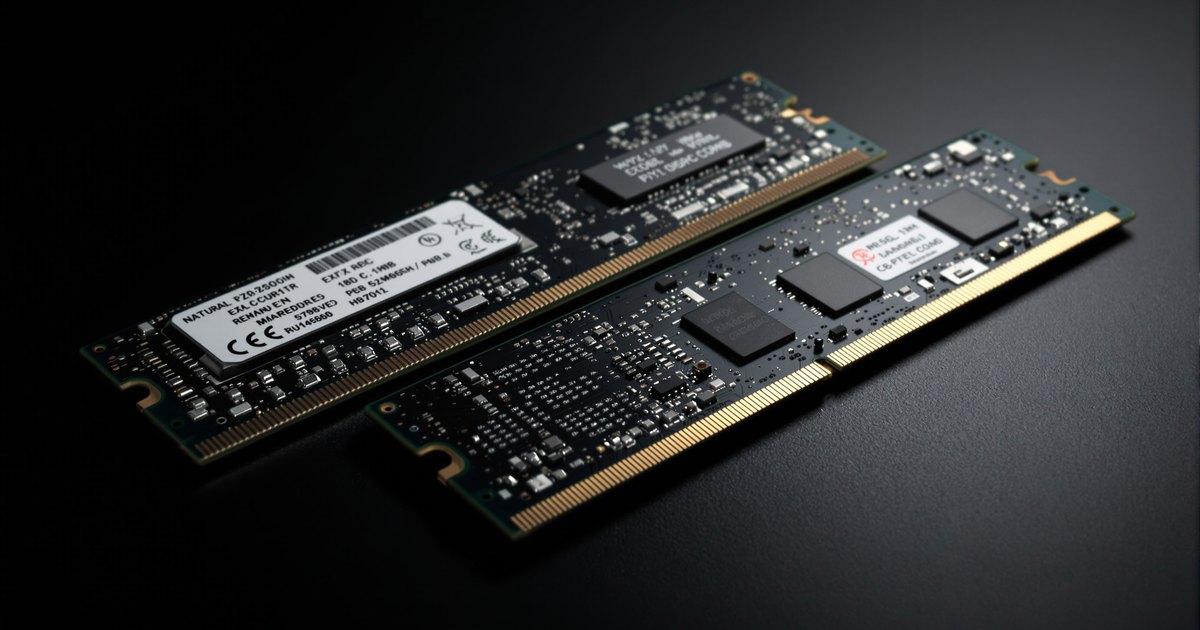
A server that holds both registered and load-reduced DIMMs will not boot, or will boot with half its memory missing. Every major server maker states the rule, and it still catches buyers who have a drawer of RDIMMs and find LRDIMMs on sale. This guide explains what the two buffers do differently, why the controller cannot run both at once, and how to add capacity without breaking the rule.
The short answer
RDIMMs buffer the address and command signals. LRDIMMs buffer those and the data signals. The memory controller sets up each channel for one of those two electrical arrangements when the system starts, and a channel, or on most platforms the whole system, cannot be in both. Mixing the two leaves the controller with modules it cannot train together, so it halts or drops one set.
What each buffer does
| RDIMM | LRDIMM | |
|---|---|---|
| Address and command lines | Buffered by the register | Buffered by the register |
| Data lines | Driven directly by the DRAM chips | Buffered by data buffers on the module |
| Loads the controller sees on the data bus | One per rank | One per module |
| Latency | One clock added | More than RDIMM |
| Purpose | More modules per channel at speed | Very high capacity per module (128GB on DDR4) with quad-rank modules behaving as a single load |
| Where used | Nearly all servers | DDR3 and DDR4 servers at the top of the capacity range; rare on DDR5 |
The guide to why servers use RDIMM explains the register; the memory types guide covers the physical differences.
Why the controller cannot run both
When a server powers on, the memory controller runs training: it measures the timing of every signal to every module and sets delays so that reads and writes land on the right clock edge. The data path on an RDIMM goes straight to the DRAM; on an LRDIMM it passes through a data buffer that adds its own delay and has to be configured by the controller. The controller trains a channel for one data path. Server firmware goes further and requires one type system-wide, because the processor's memory configuration applies across channels and because the maker only validates uniform sets. Dell, HPE, Lenovo and Supermicro all state it in their memory rules.
What you see when it happens
- The server stops at POST with a memory configuration error, or a status LED pattern that points at memory.
- The server boots but reports less memory than installed; firmware disabled the minority type. See server not recognizing all installed RAM.
- Nothing is damaged. Remove one type and the system trains normally. Server won't boot after memory upgrade covers the recovery sequence.
Adding capacity without breaking the rule
- Identify what is installed. The label says RDIMM or LRDIMM; the firmware memory screen says registered or load-reduced.
- Add more of the same type, in the sizes and ranks the platform table allows for mixed-capacity channels.
- Or replace the whole set. If reaching the target capacity needs LRDIMMs, every module comes out. On DDR5 platforms this is rarely necessary, because DDR5 RDIMMs reach 128GB and 256GB.
- Keep the removed modules together for another system of the same generation.
The guide to upgrading an older board to maximum RAM covers the DDR4 case where LRDIMM was the route to the top capacity, and the server memory refresh guide covers doing it across a fleet.
Other mixing rules worth knowing
The same training logic is behind the other rules in server memory tables: do not mix DDR4 and DDR5 (they do not fit), do not mix ECC and non-ECC (the set runs non-ECC or fails), fill channels in the documented slot order, and keep modules within a channel matched in rank and size. Can mixing different RAM modules cause problems covers the general case.
Buying
DDR4 RDIMM, DDR4 LRDIMM and DDR5 RDIMM. Model-level listings for Dell PowerEdge, HPE and Lenovo ThinkSystem are built to each system's rules.
Frequently asked questions
Can I mix RDIMM and LRDIMM on different channels?
No. Server makers require one type across the whole system, not just within a channel. The controller is configured for one buffering mode at training time.
What happens if I mix them?
The system fails to complete memory training and stops at POST, or the firmware disables the modules of one type and reports less memory. Either way, nothing is damaged, but nothing works until the set is uniform.
Can I mix RDIMMs of different sizes?
Within the platform's rules, usually yes, in matched pairs per channel. Dell, HPE and Lenovo publish the allowed combinations. Mixing ranks and sizes freely lowers speed and can fail training.
Should I replace RDIMMs with LRDIMMs to add capacity?
Only as a complete replacement of every module in the system. The usual reason is reaching 128GB per module on DDR4; on DDR5 RDIMMs reach that capacity and LRDIMMs are rarely needed.
Memory for workstations, servers and fleets
One module type per server is the rule; our model-level listings keep you on the right side of it. Request a quote with your systems and quantities, or contact our sales team. Related: data center server memory, business fleet memory and education and government.