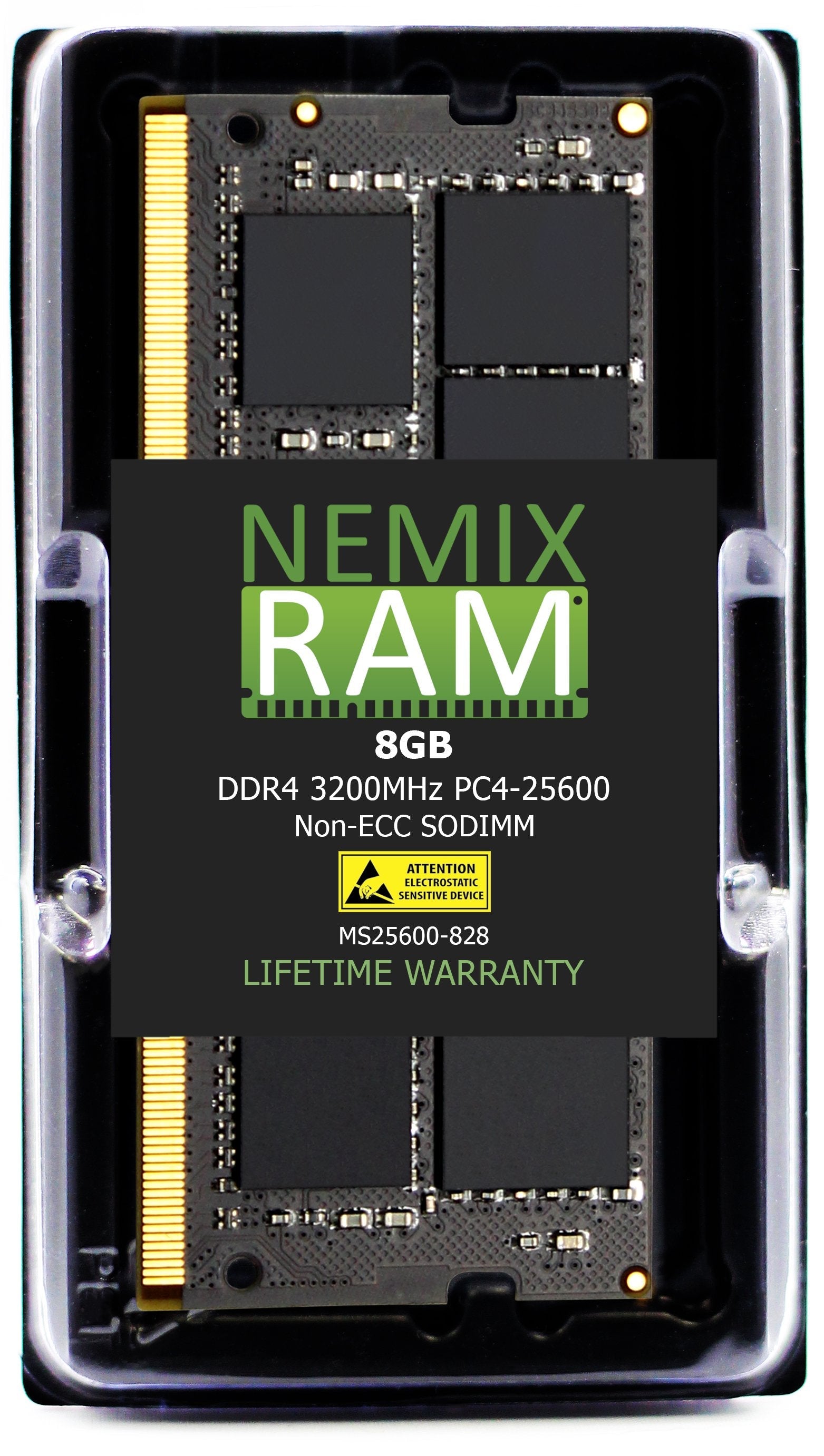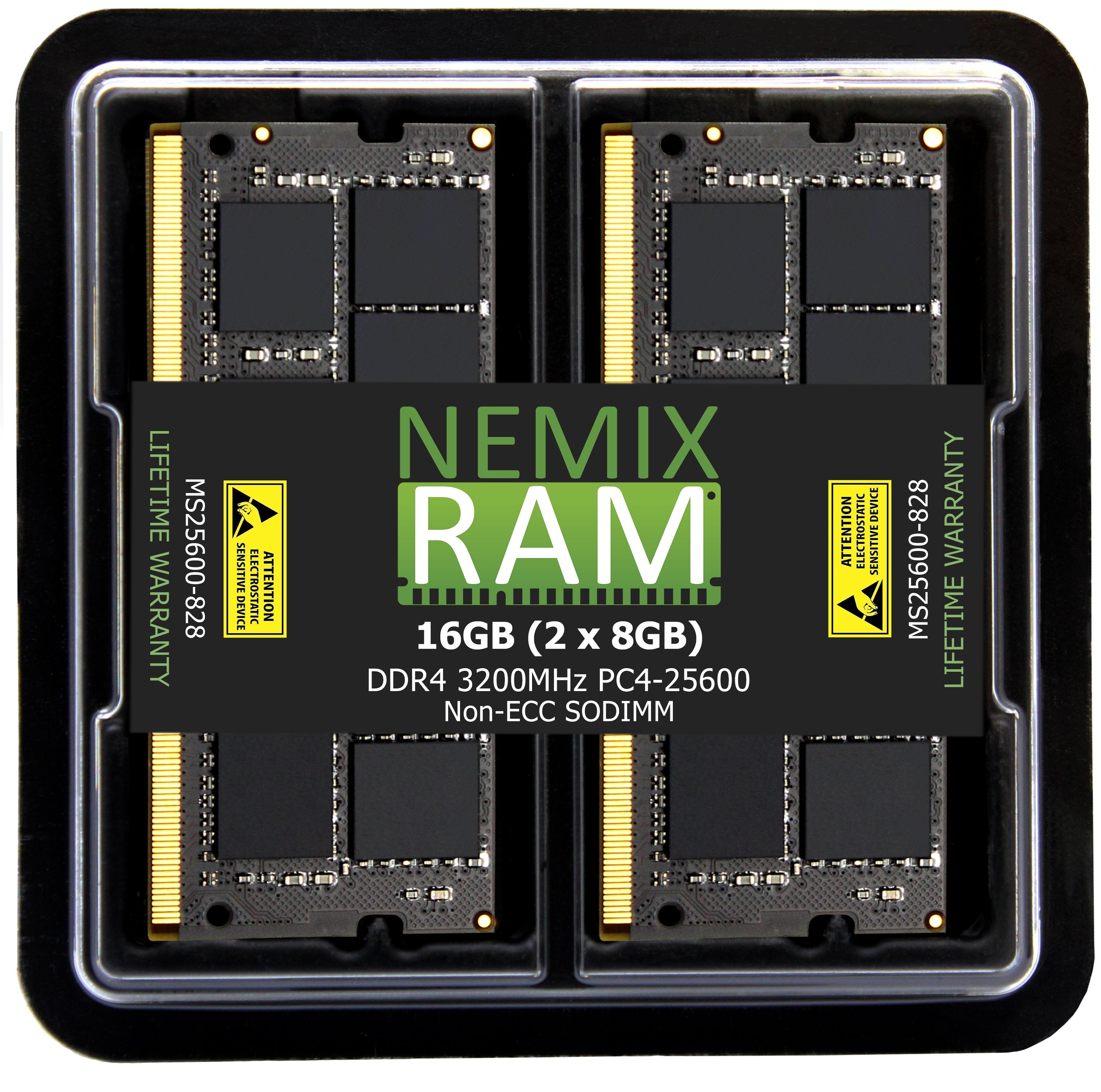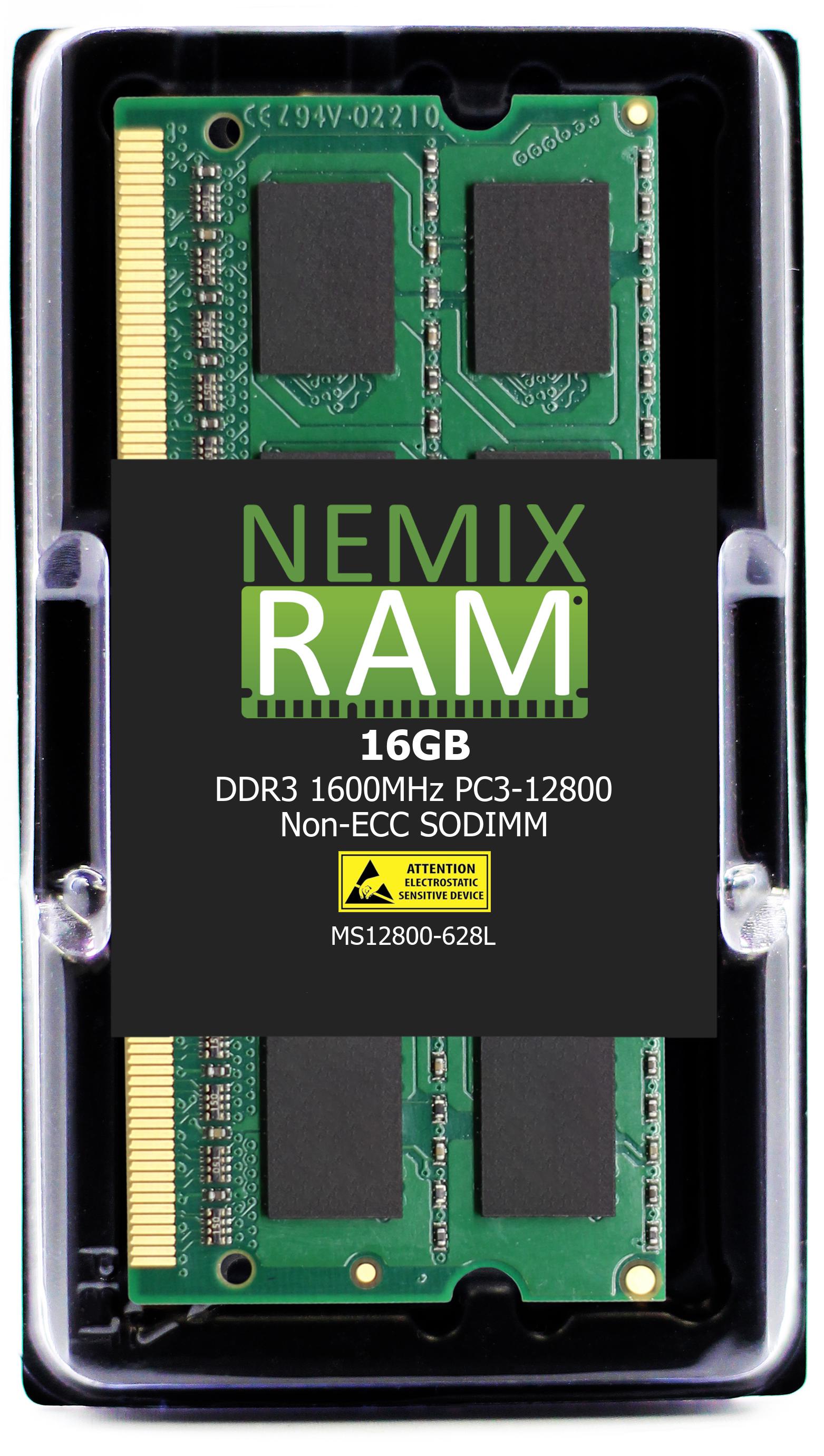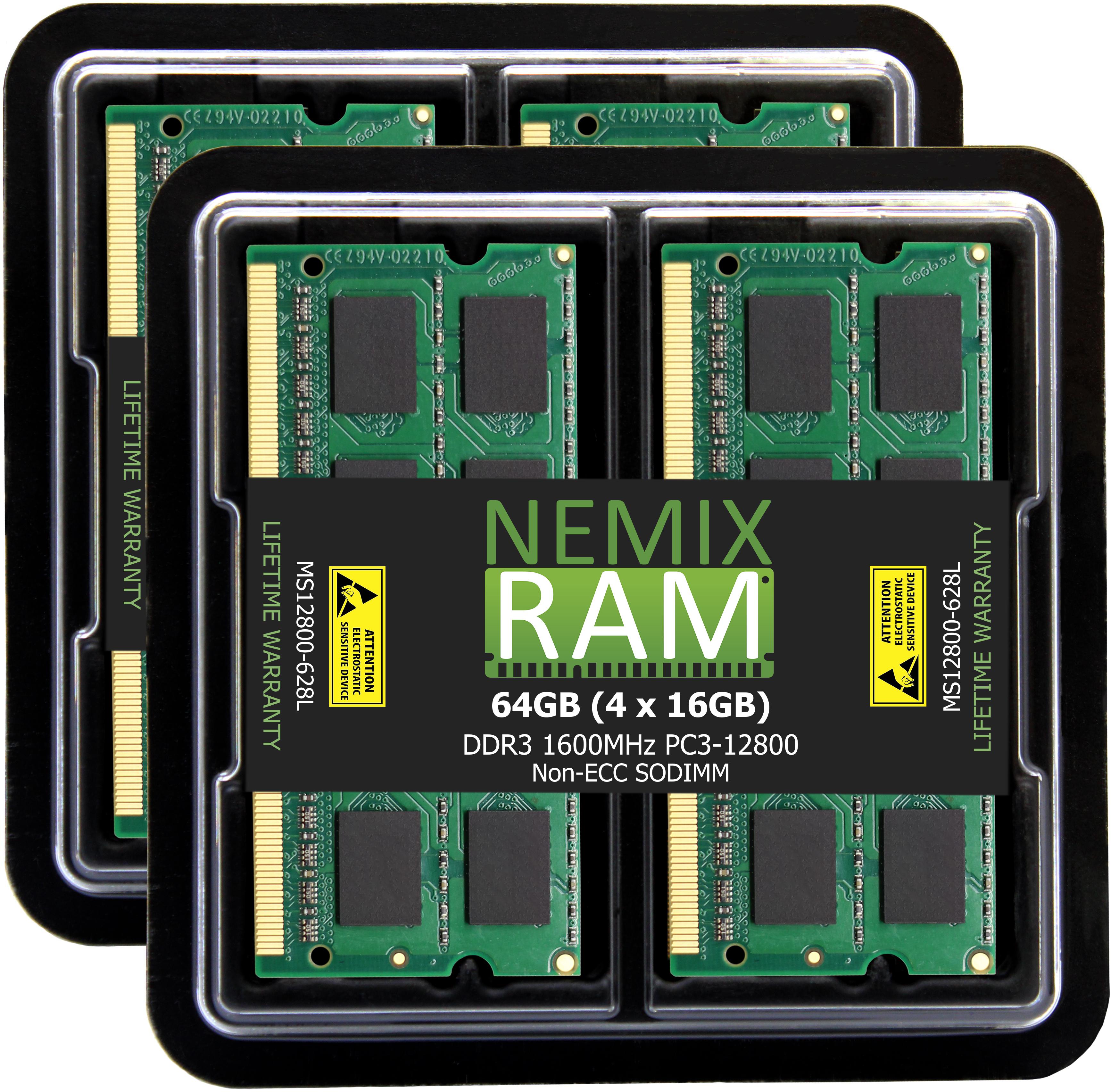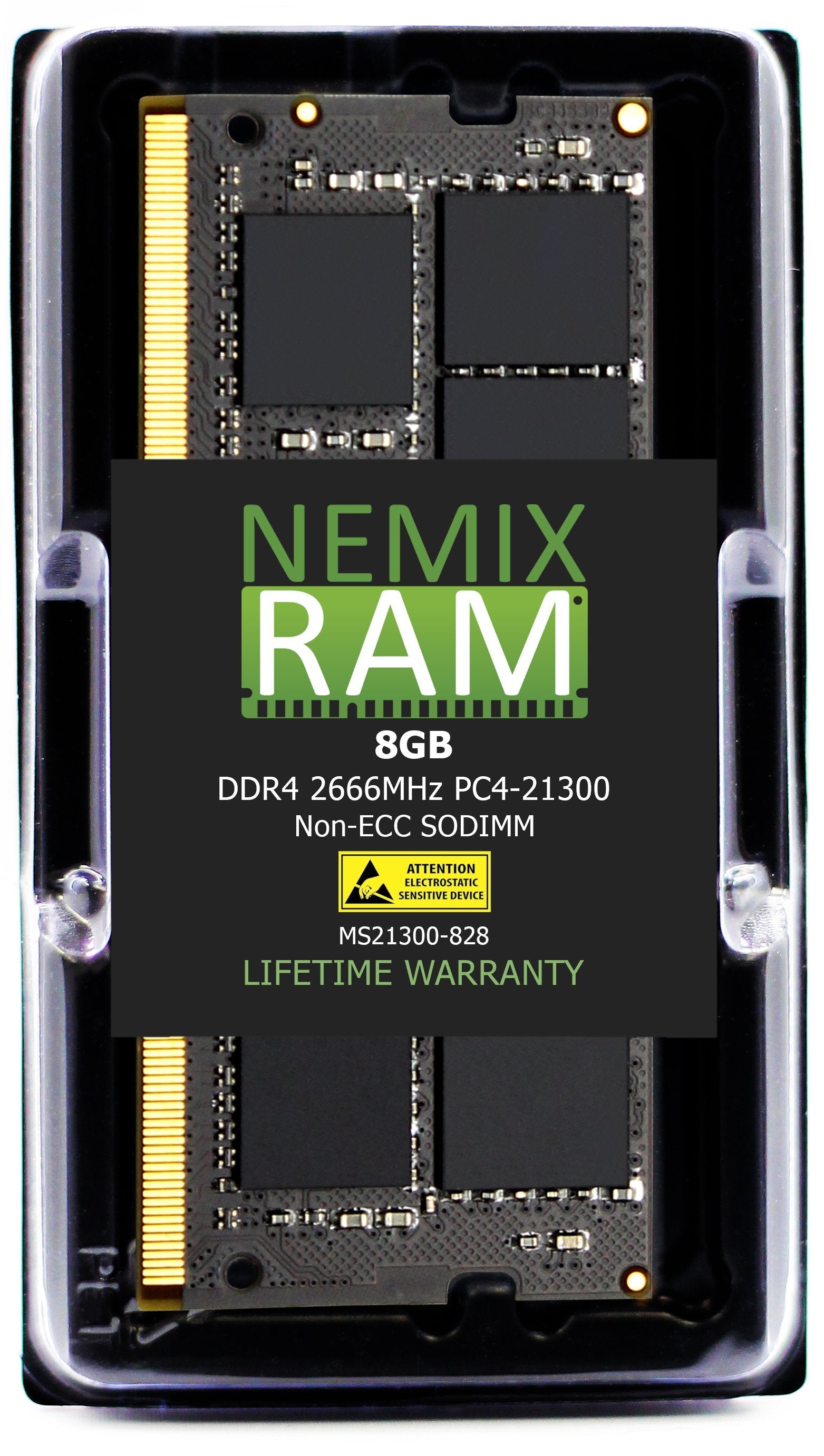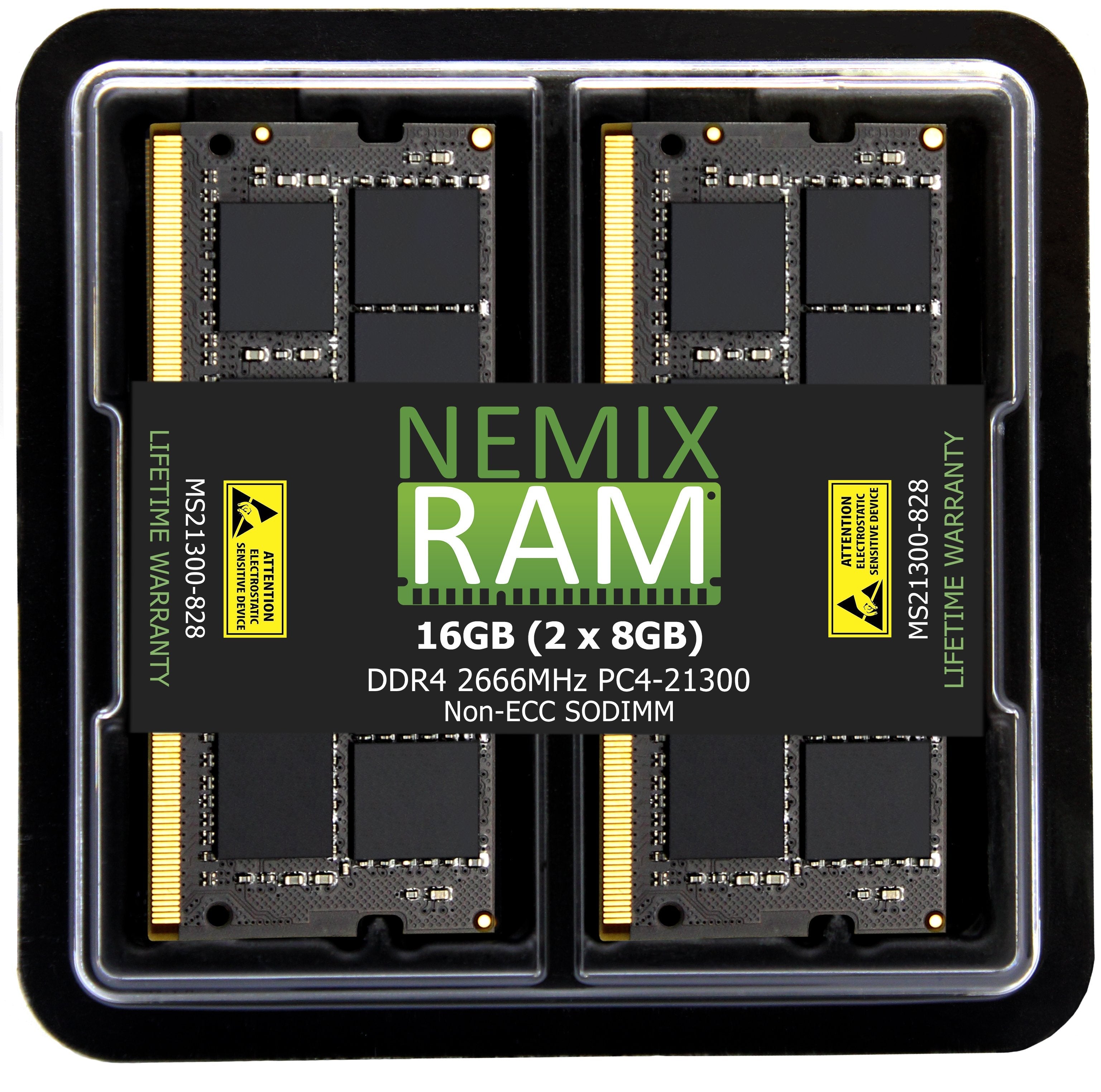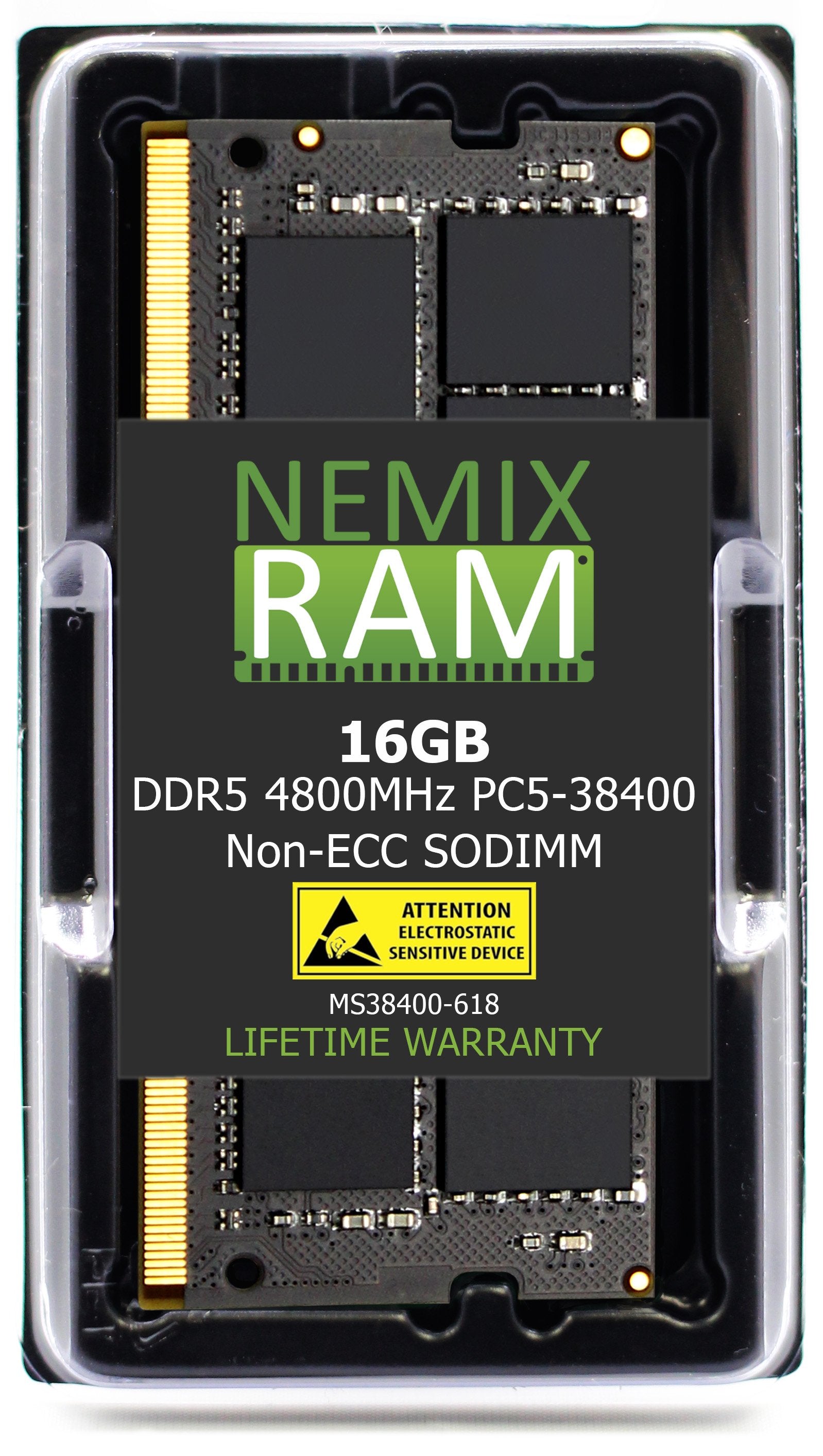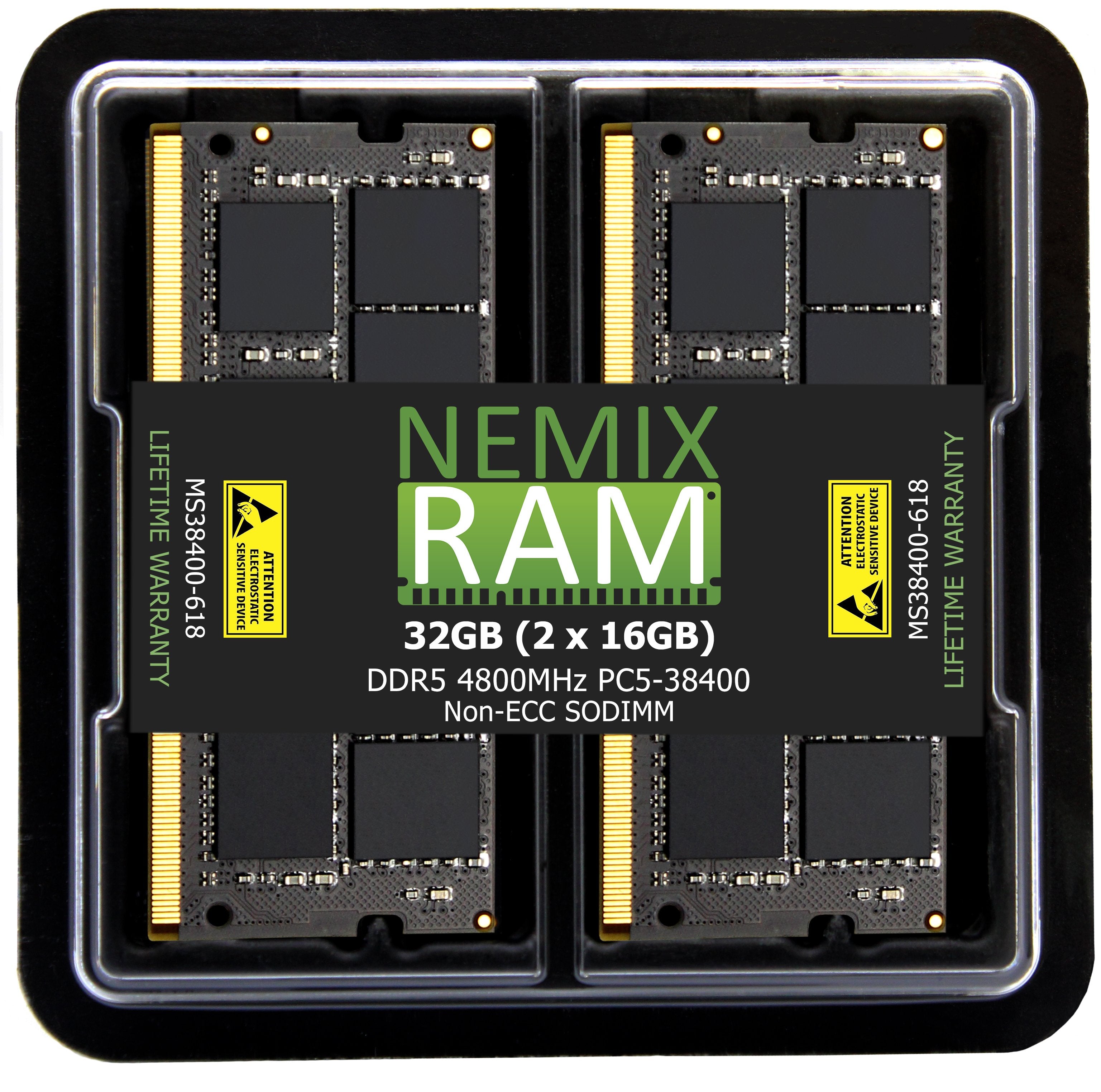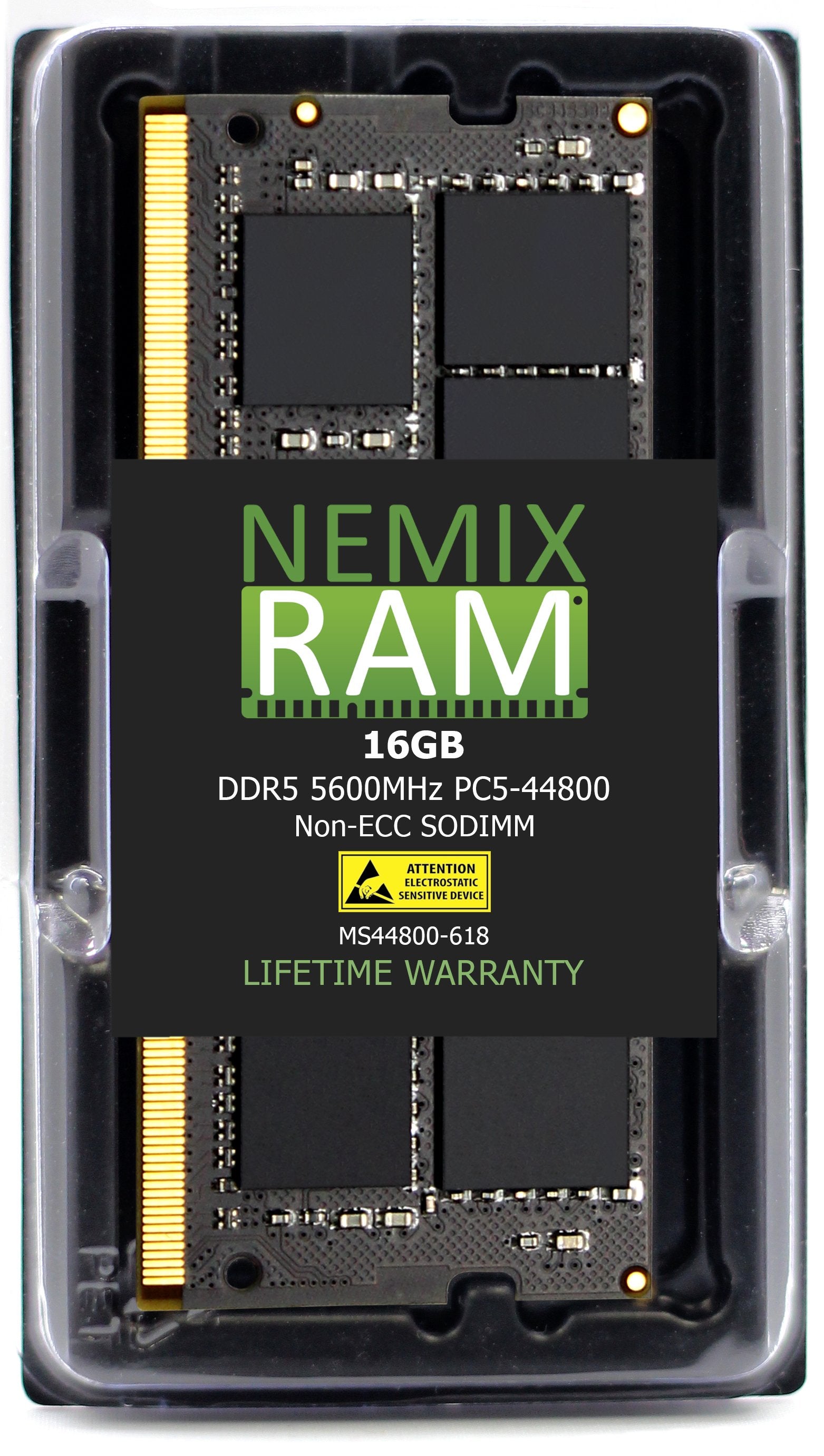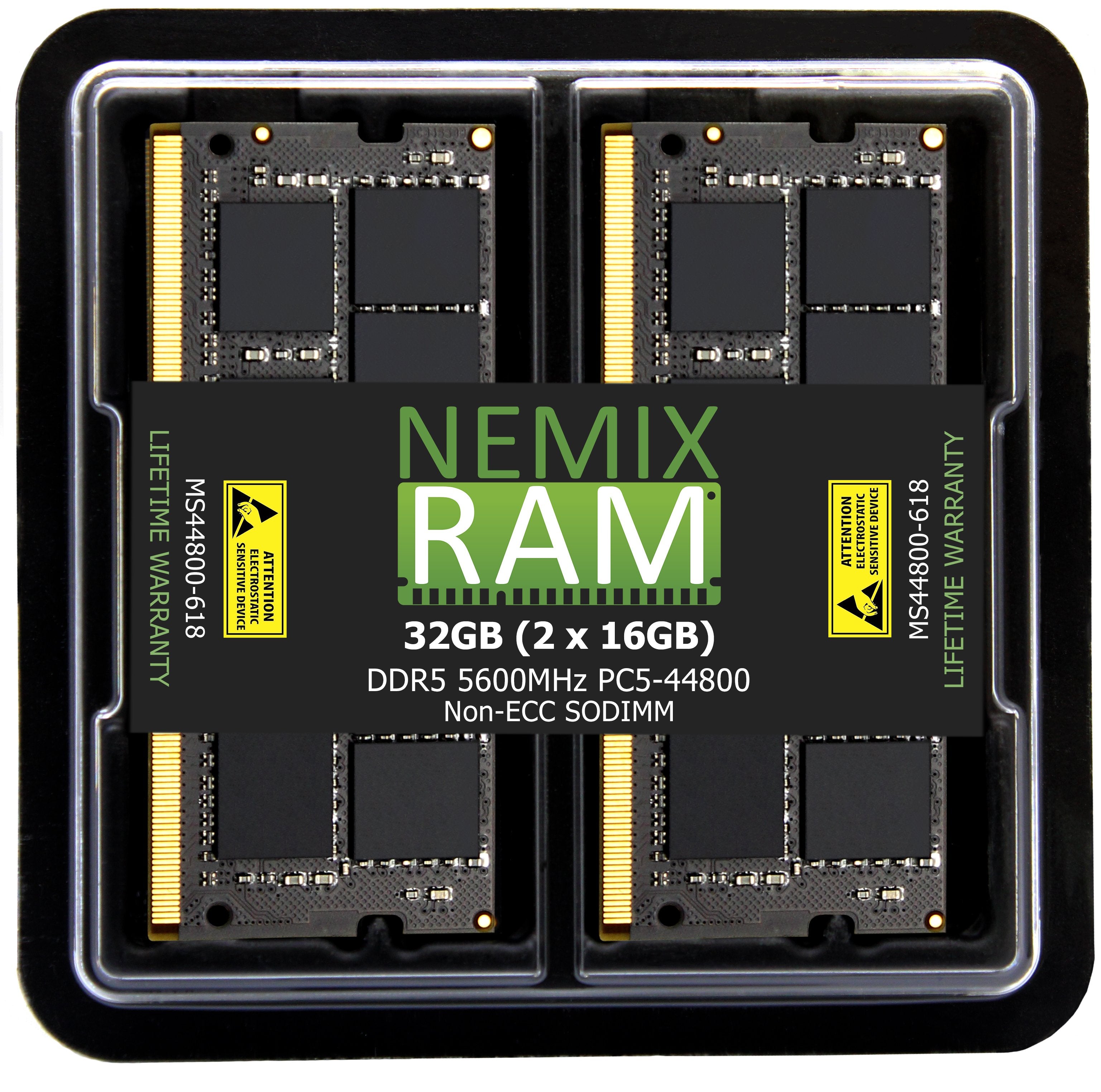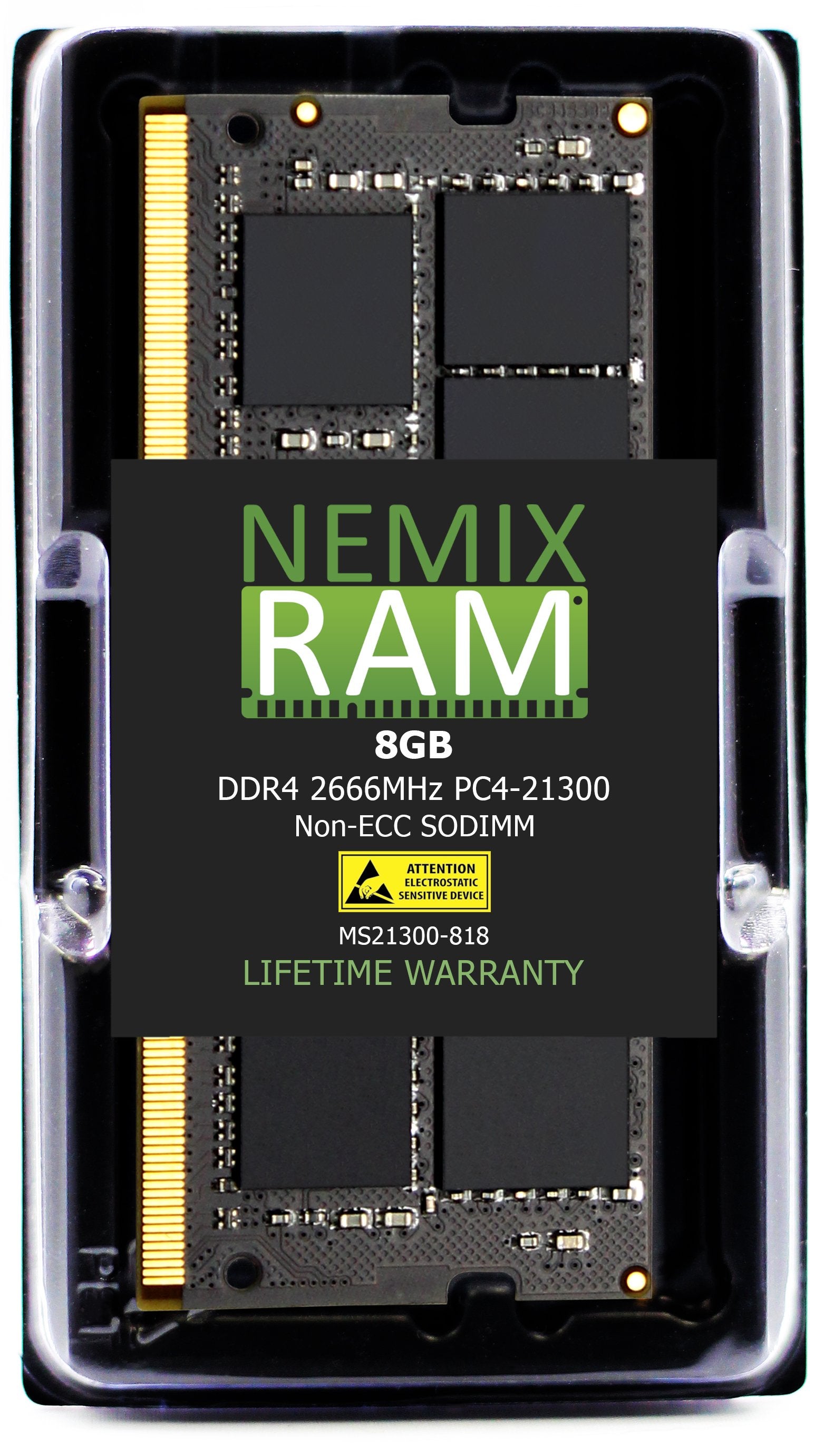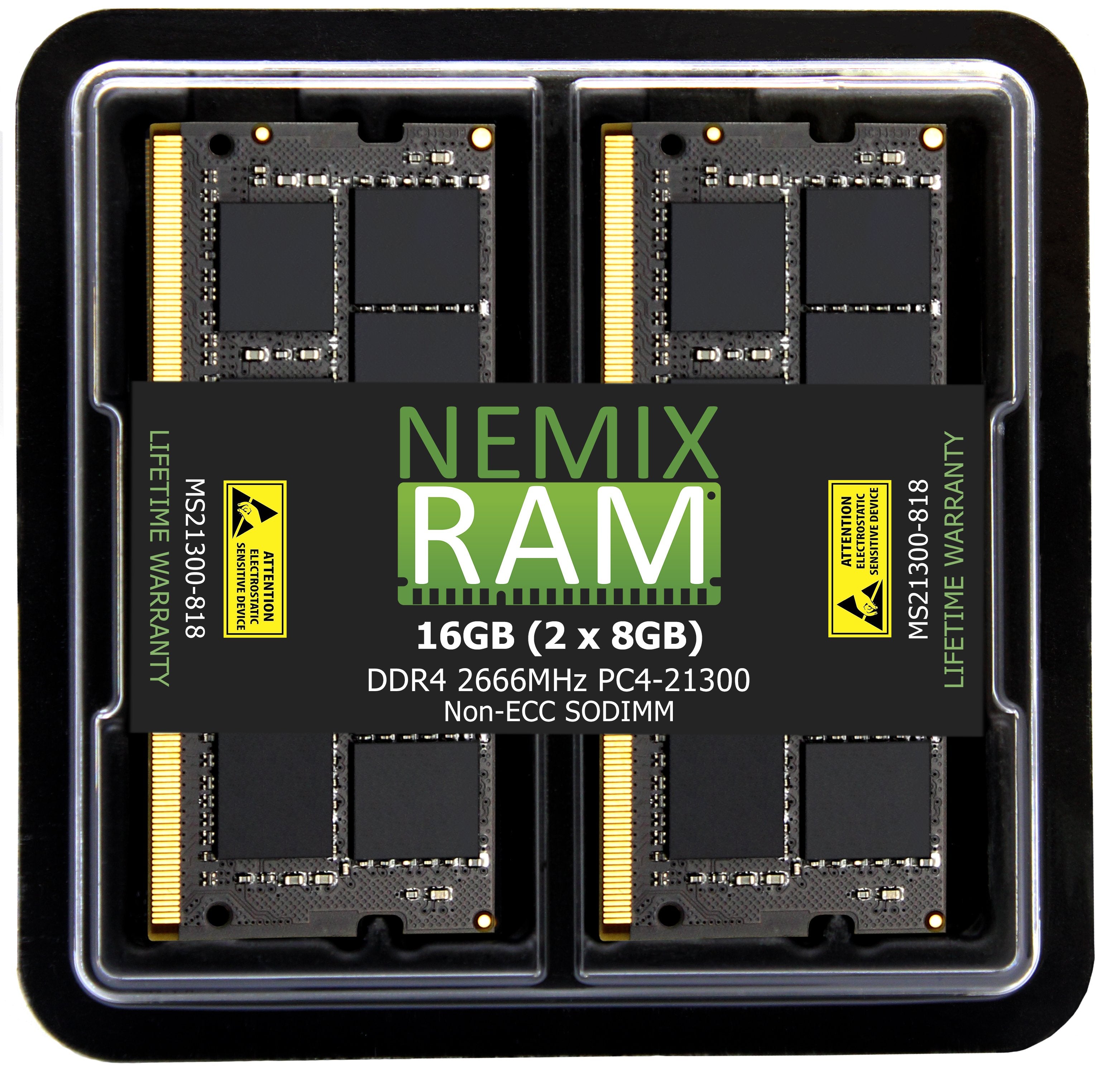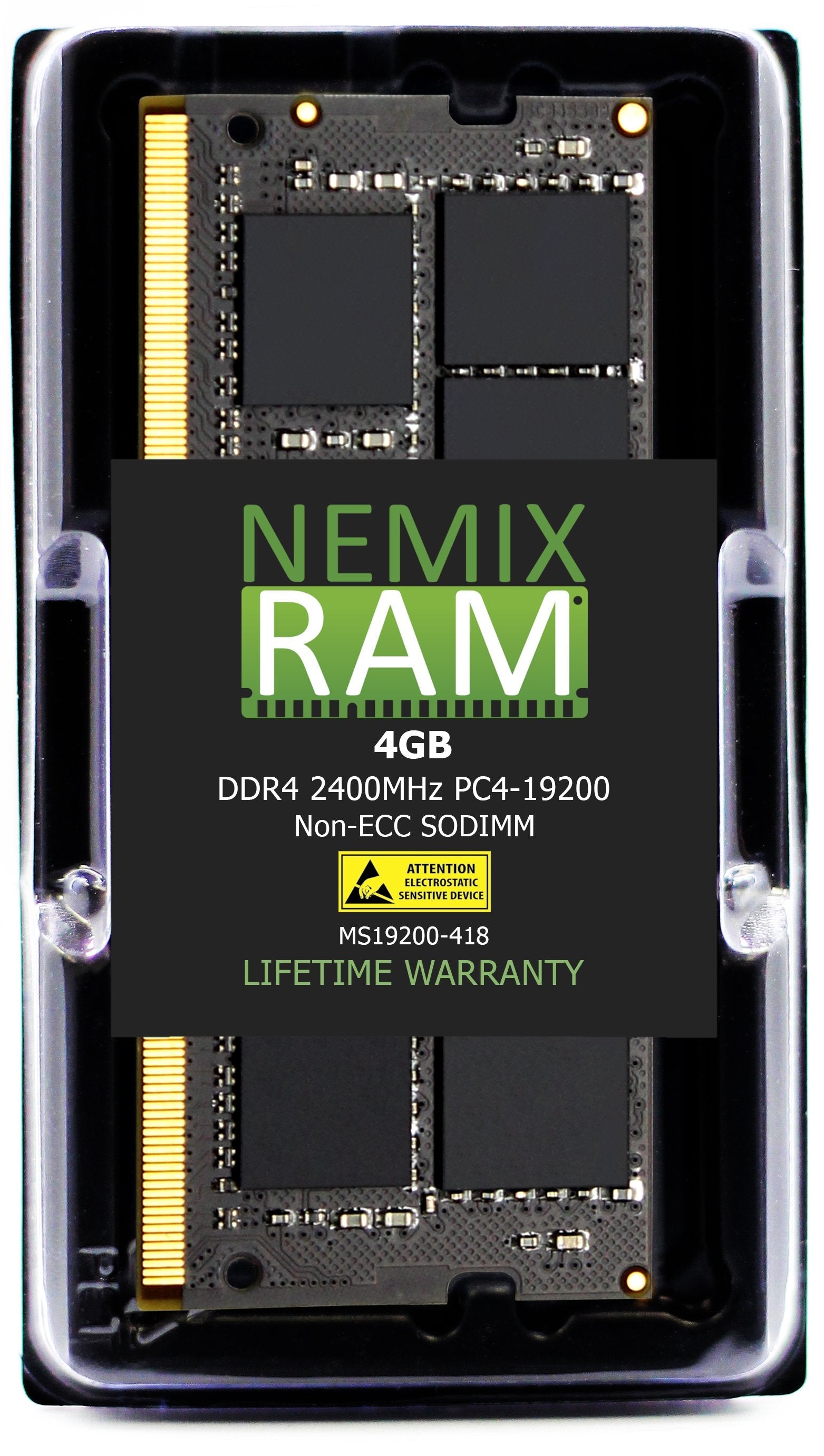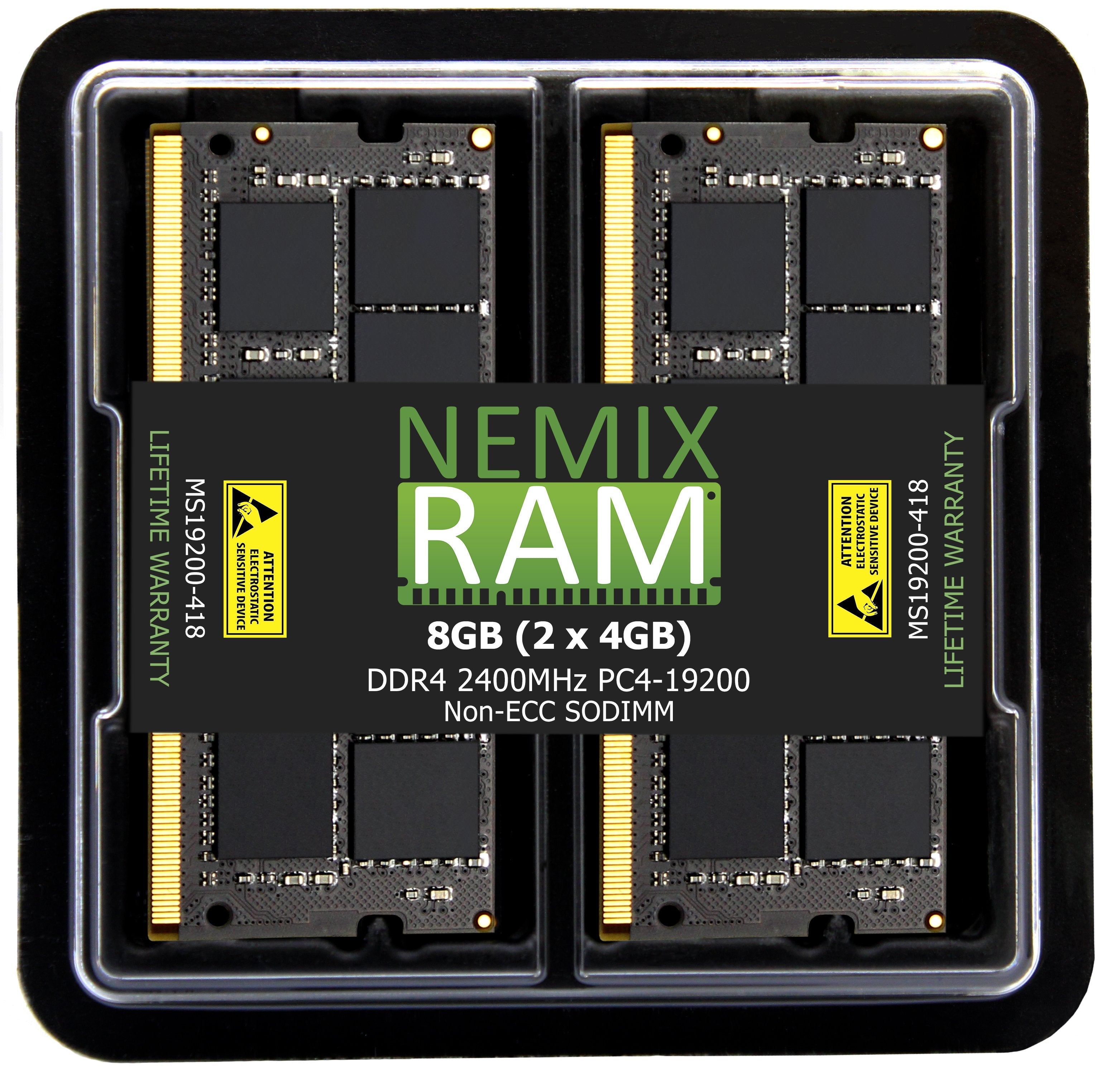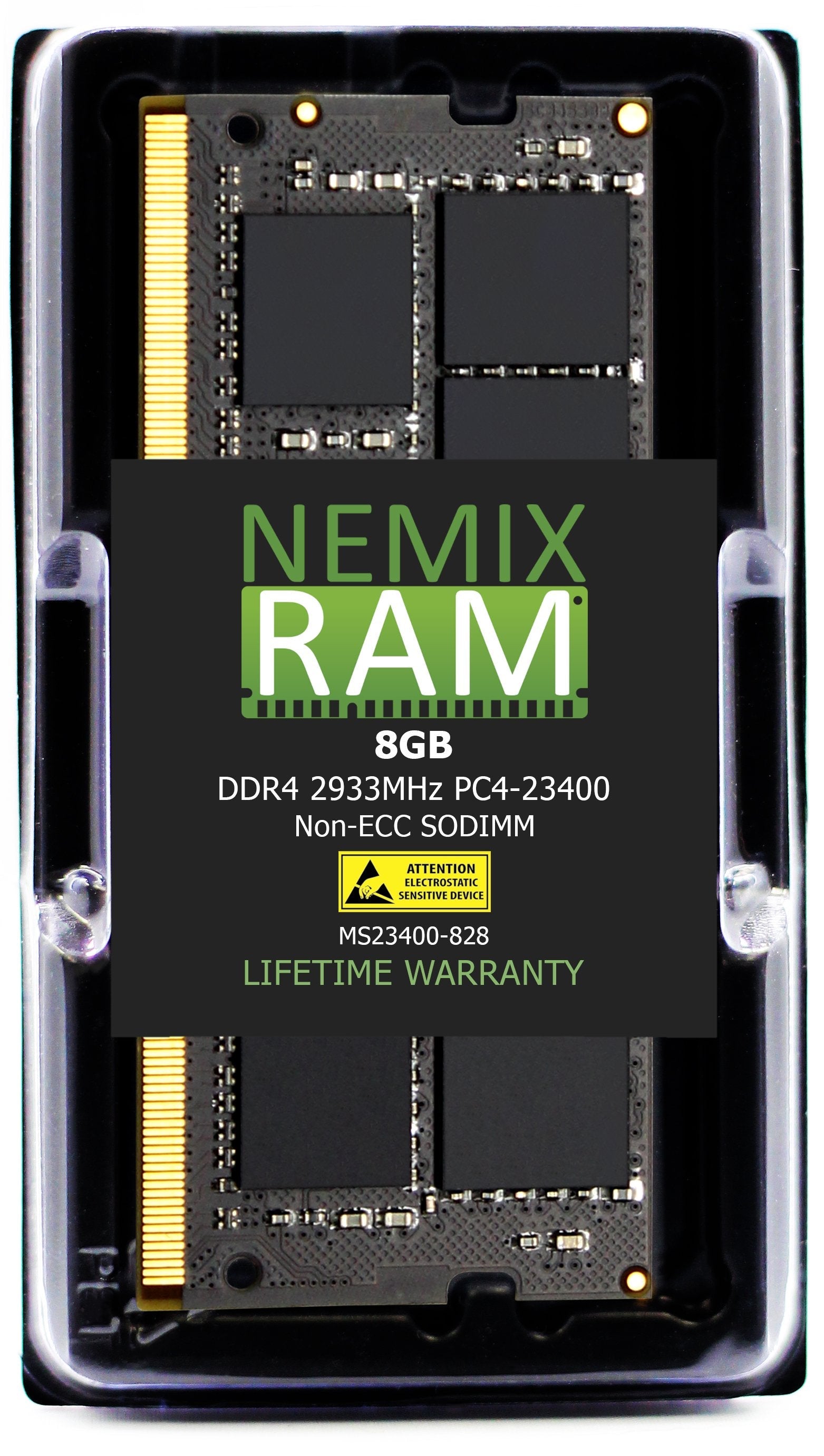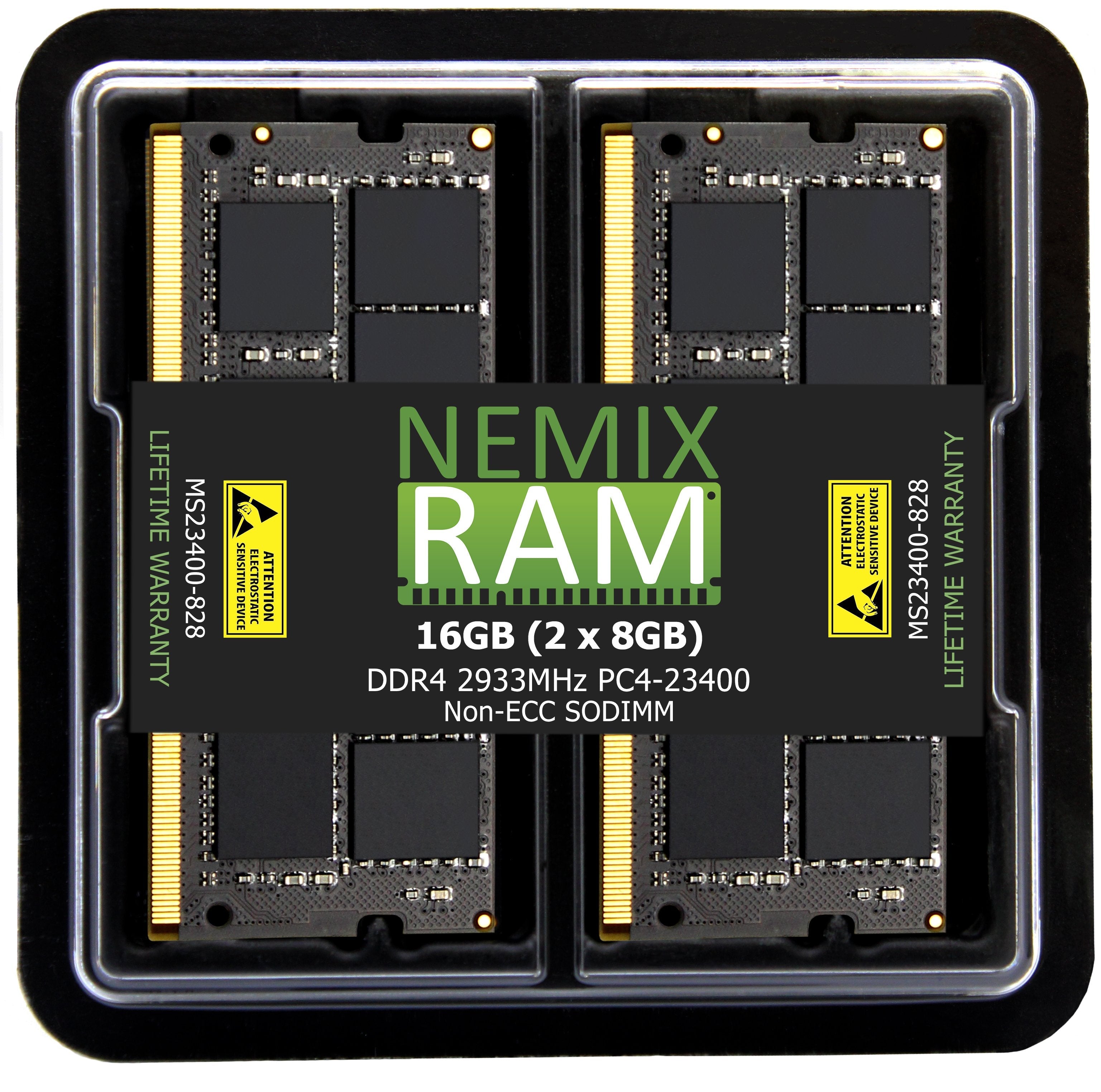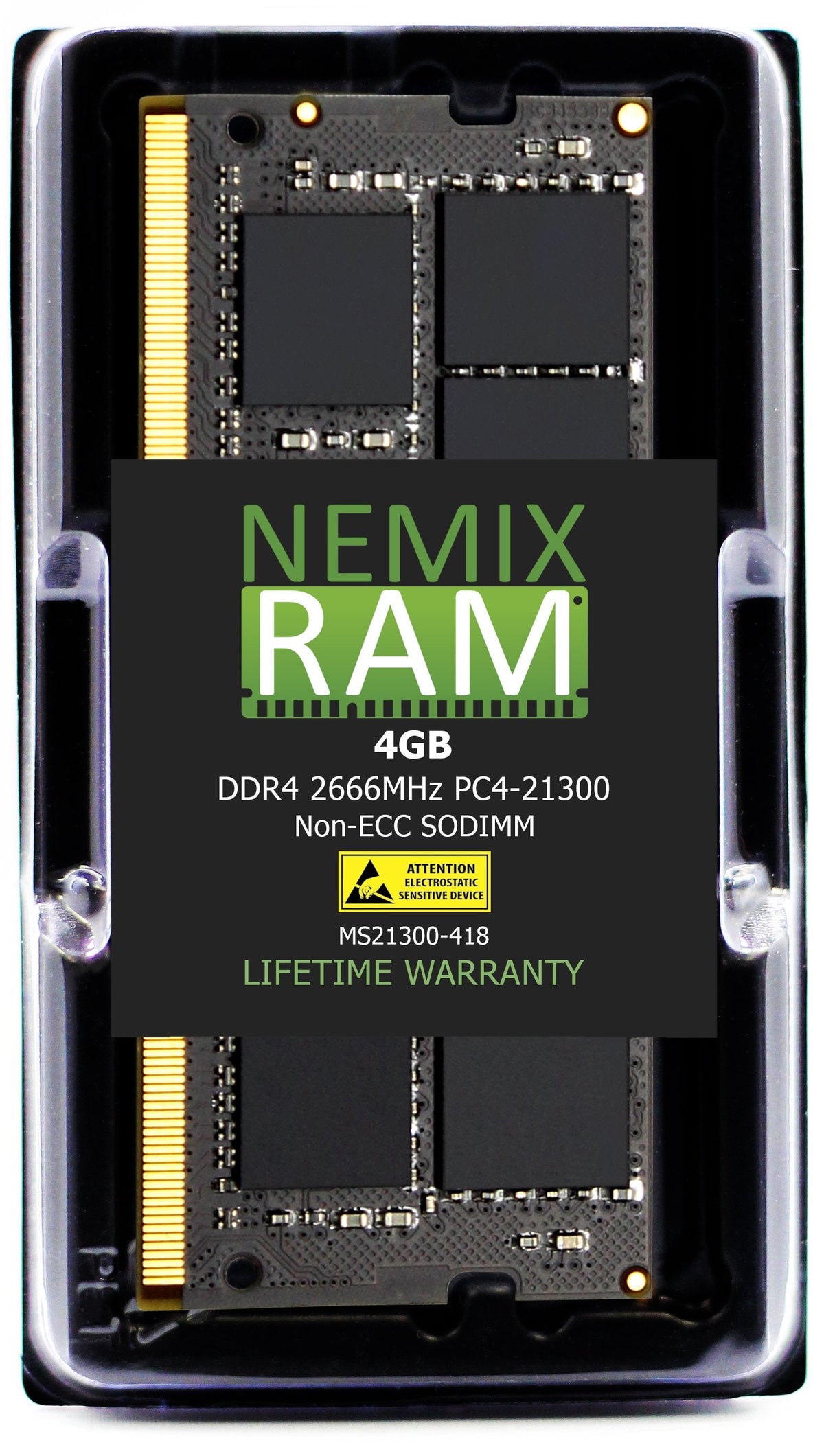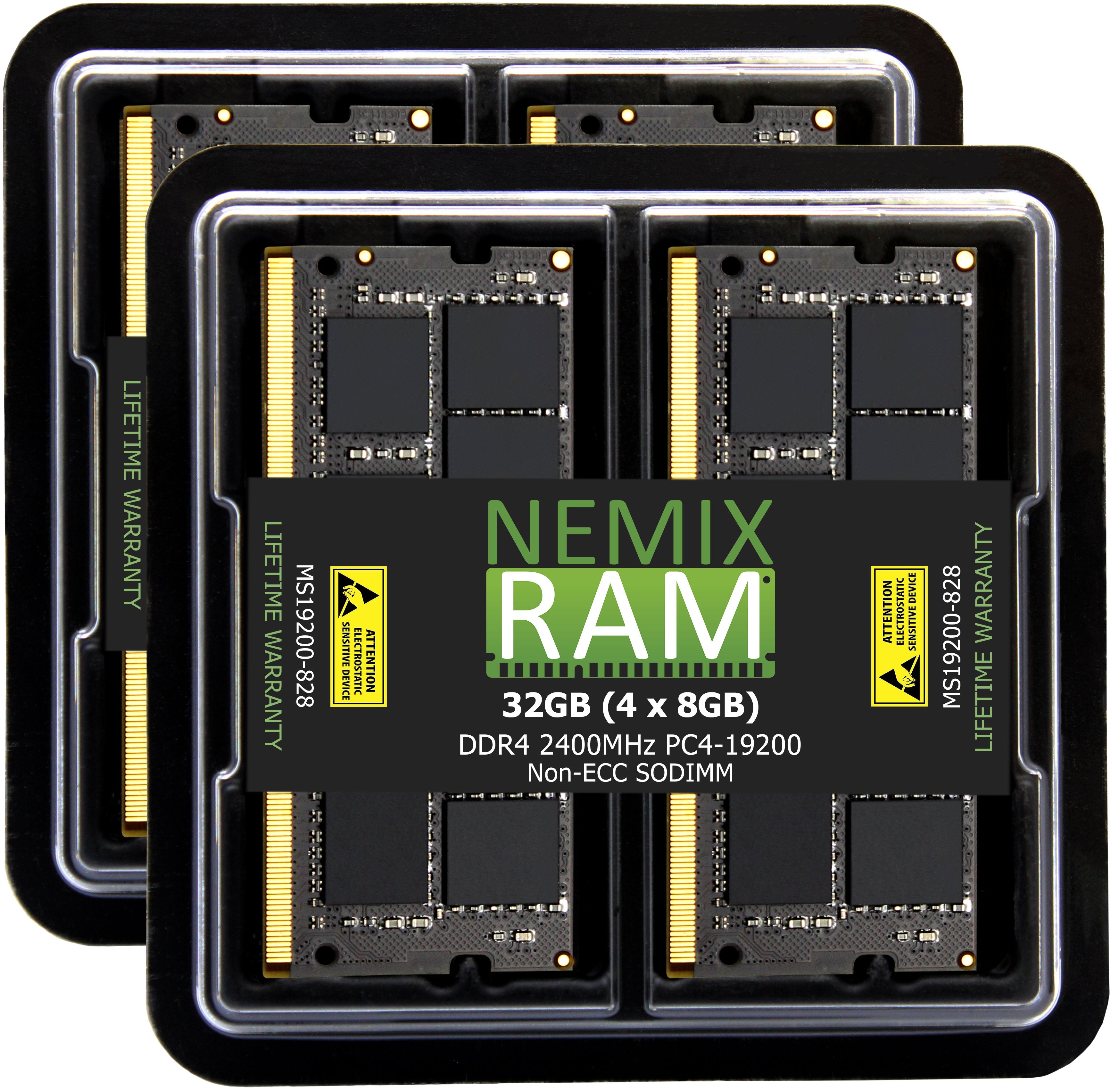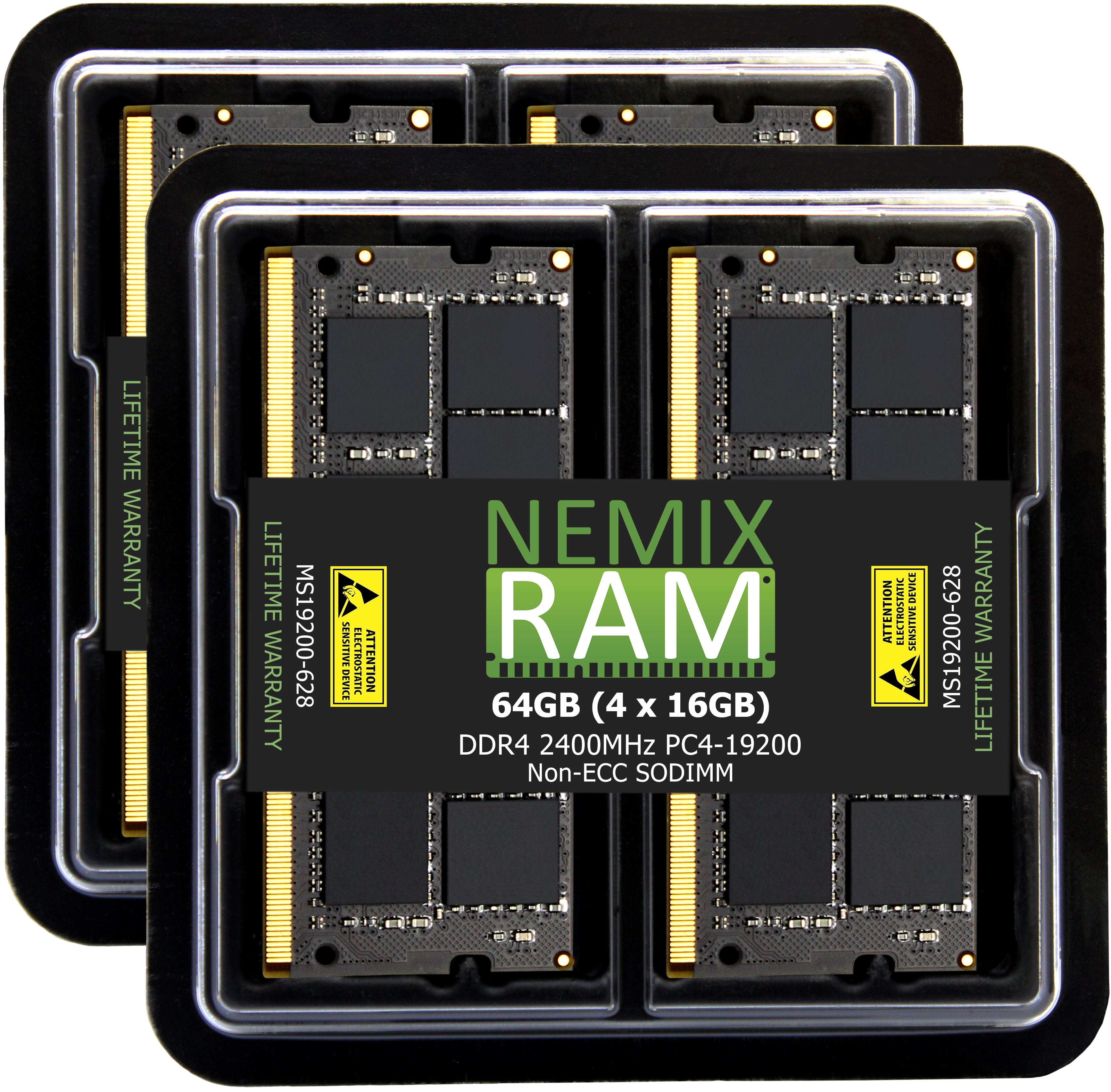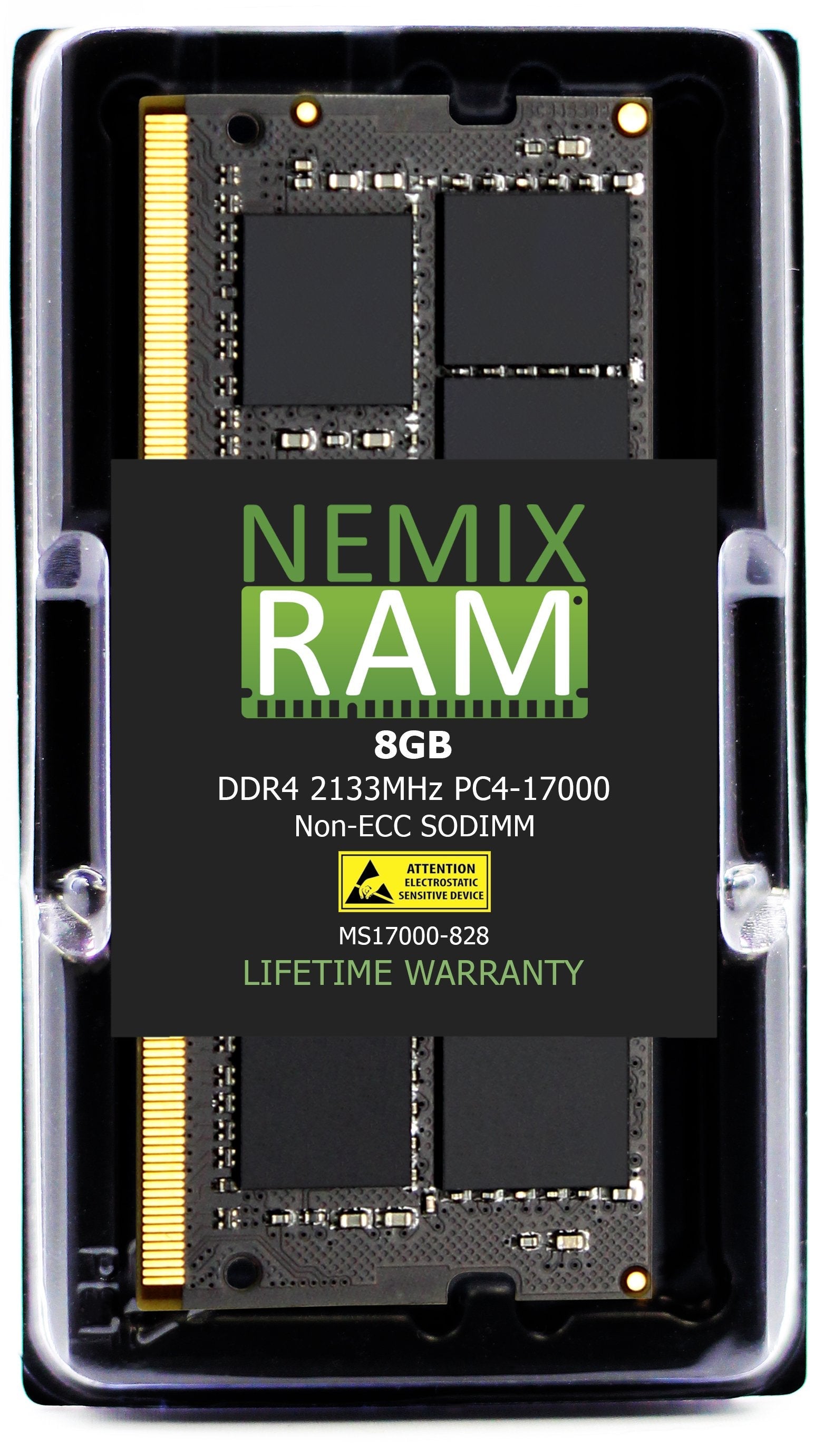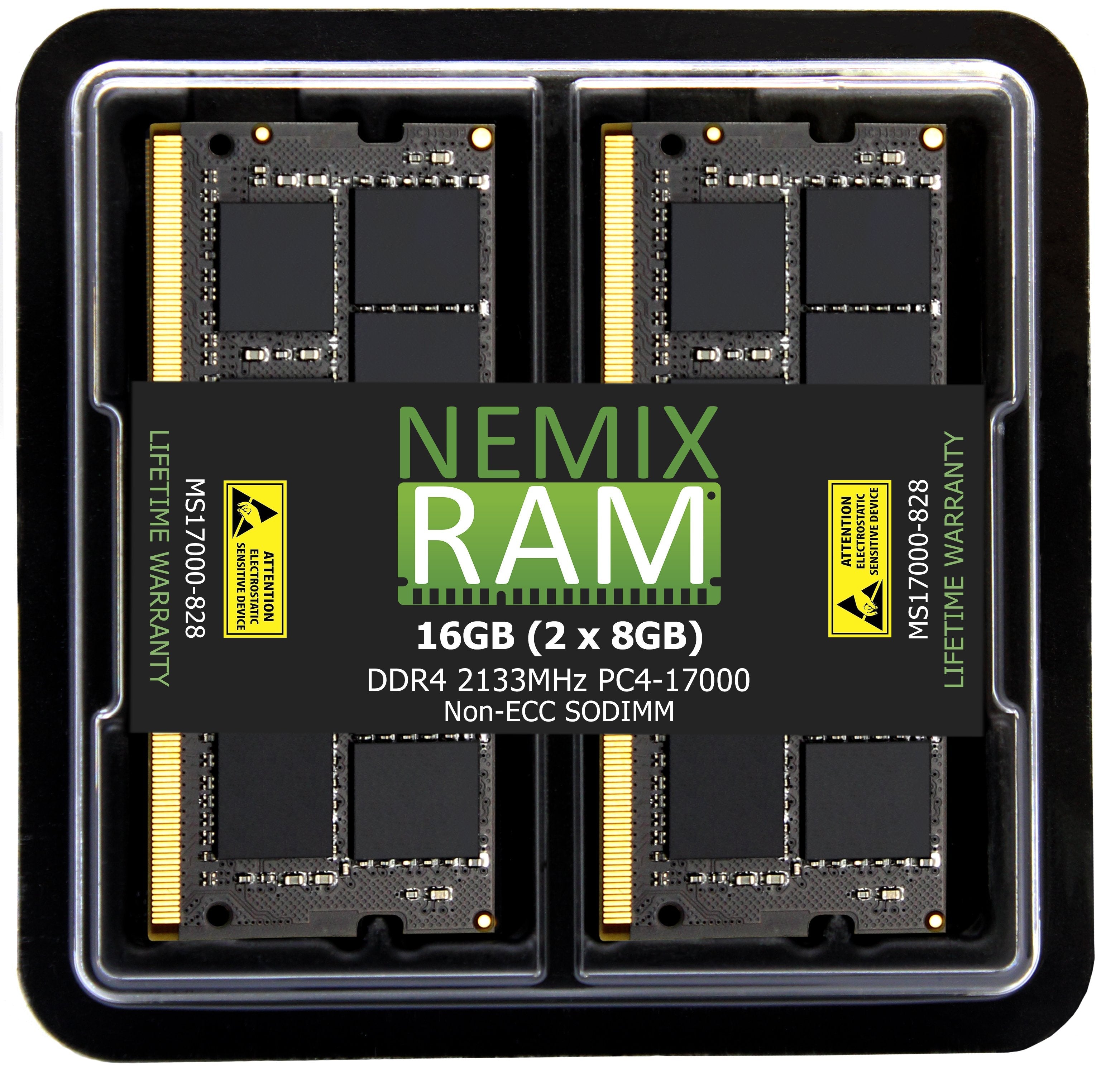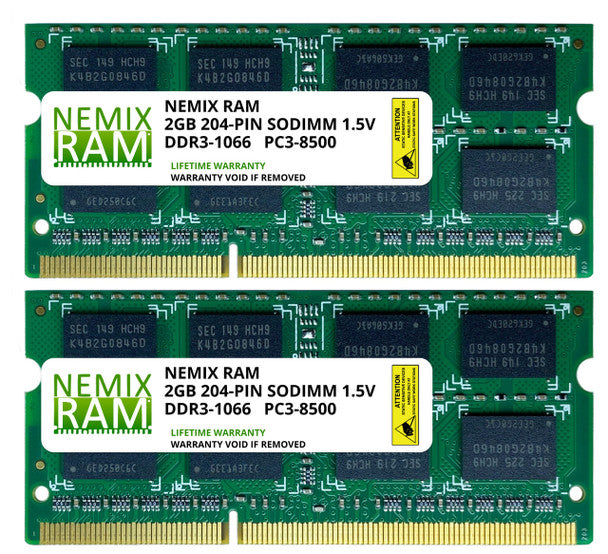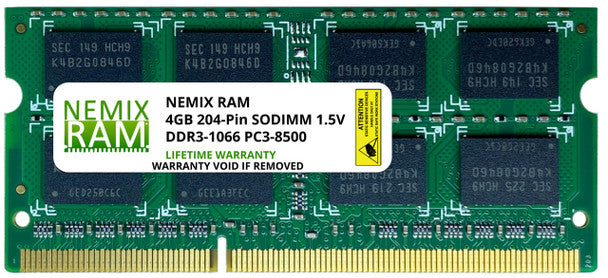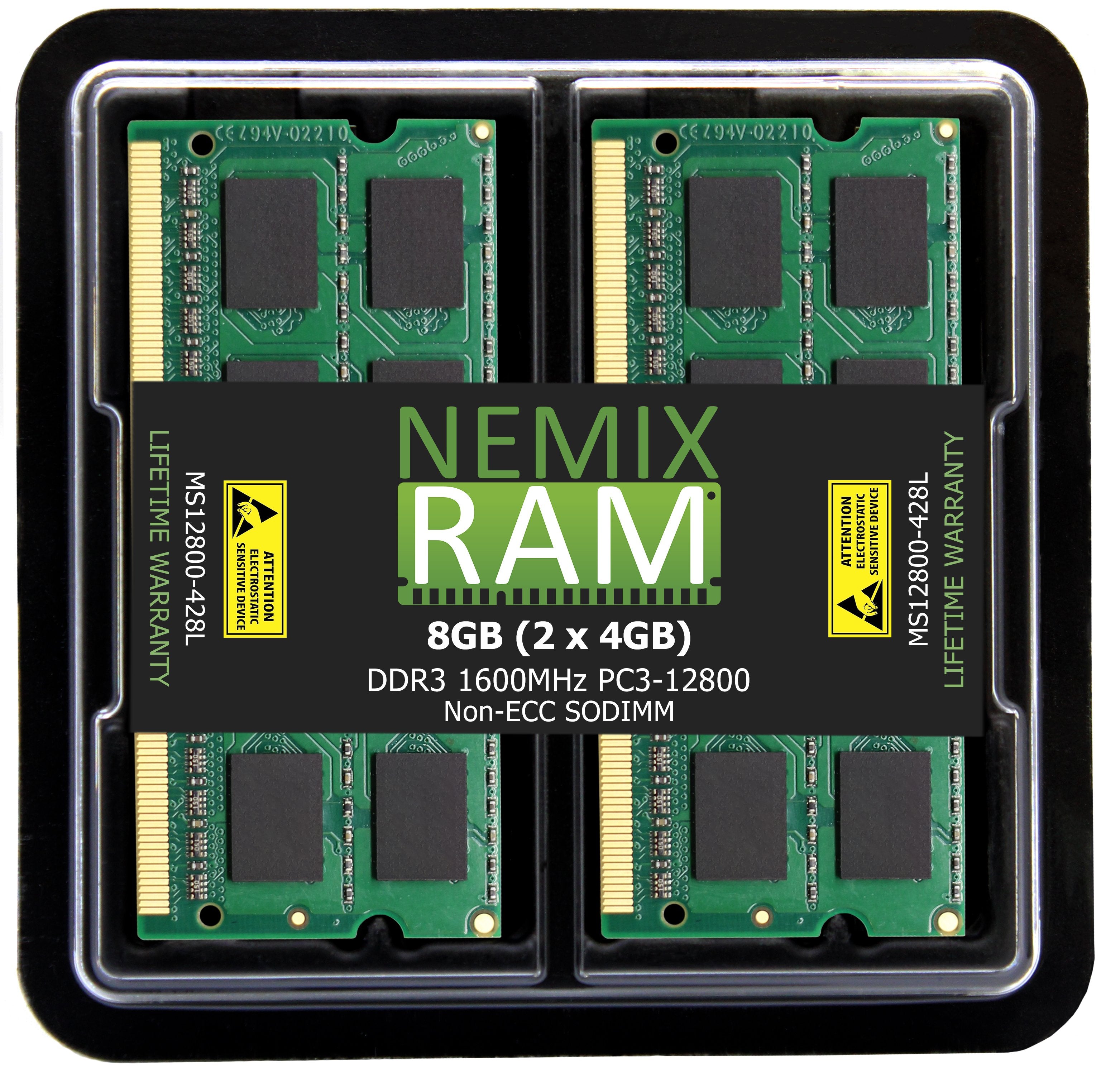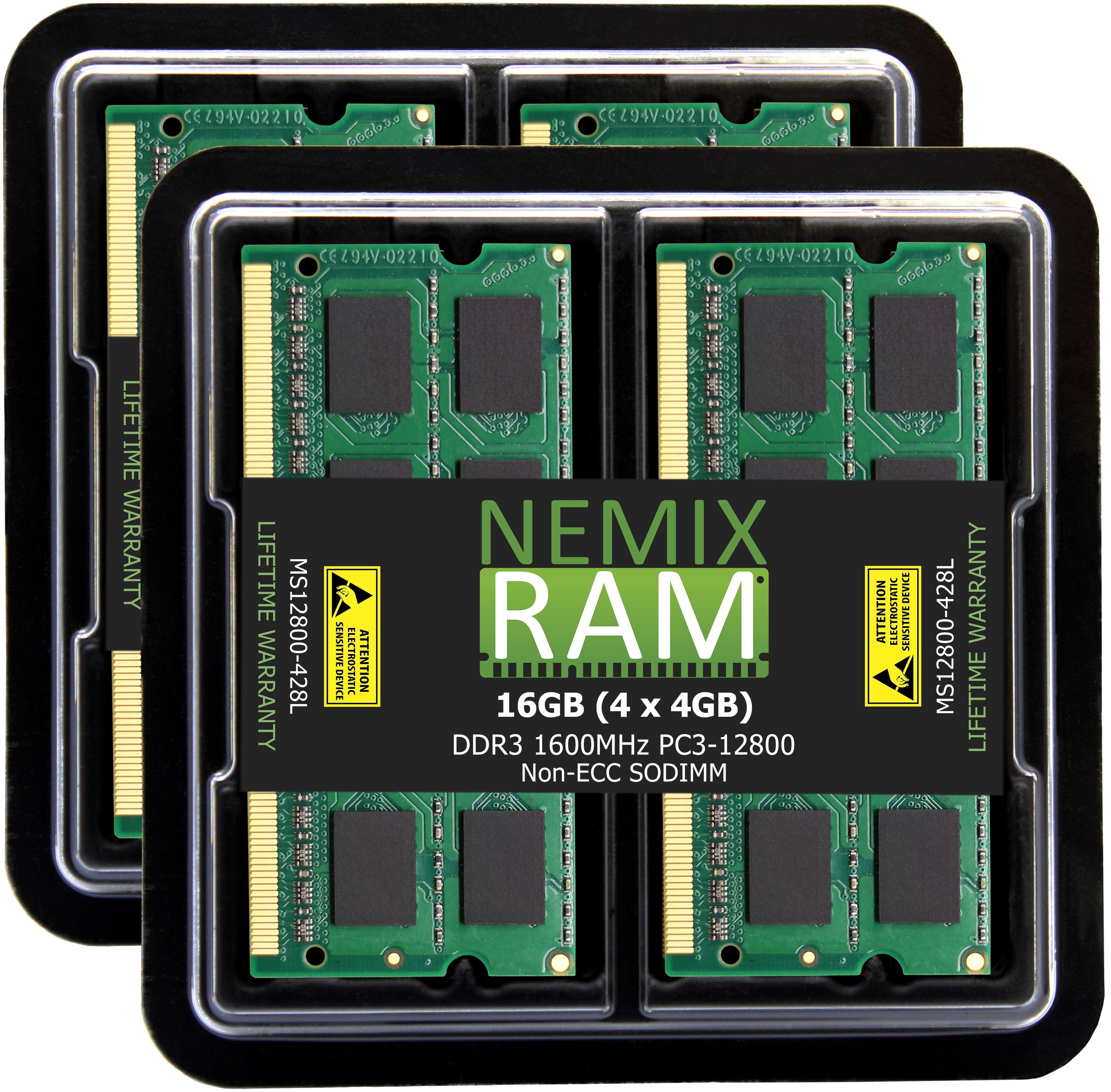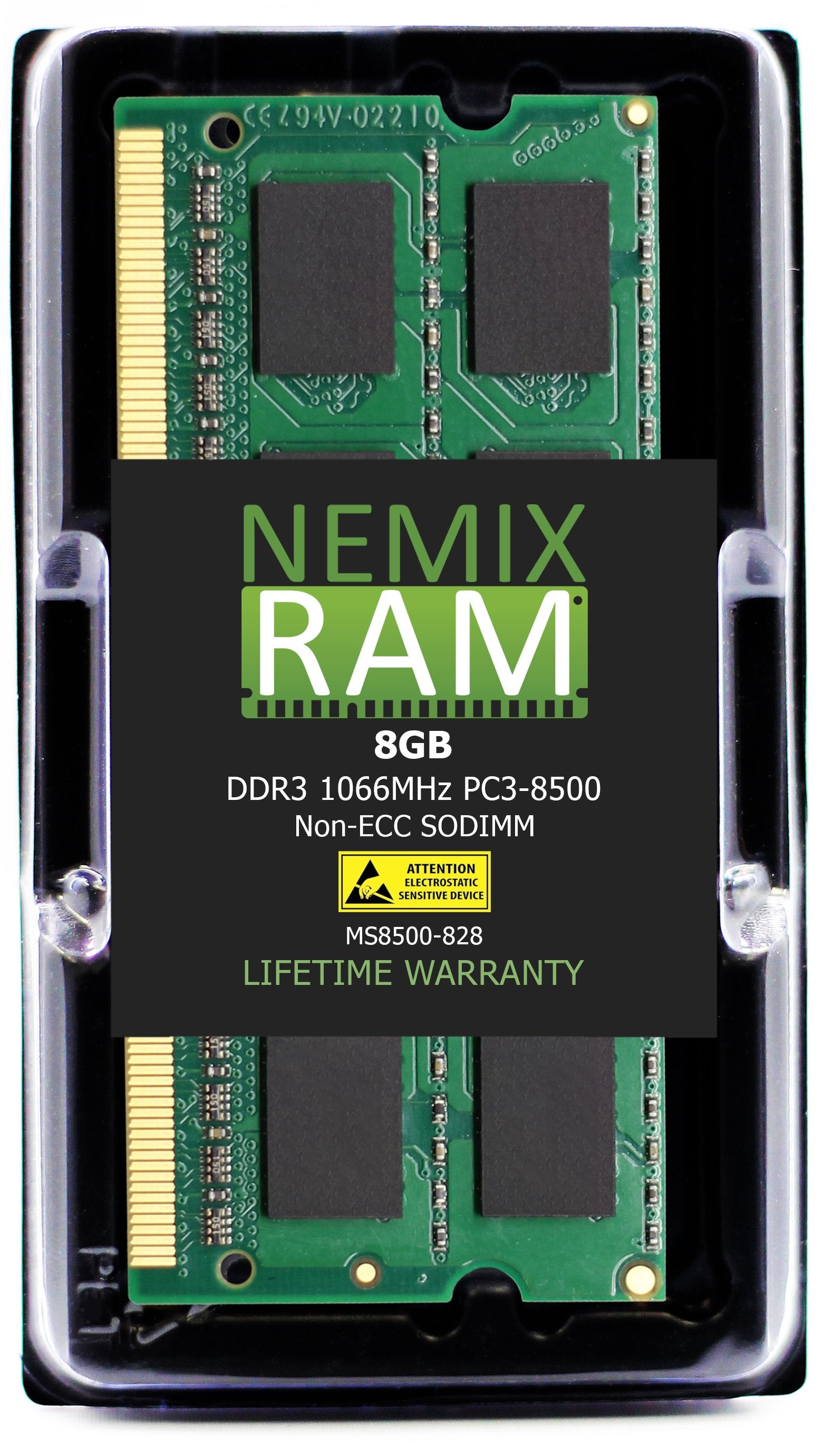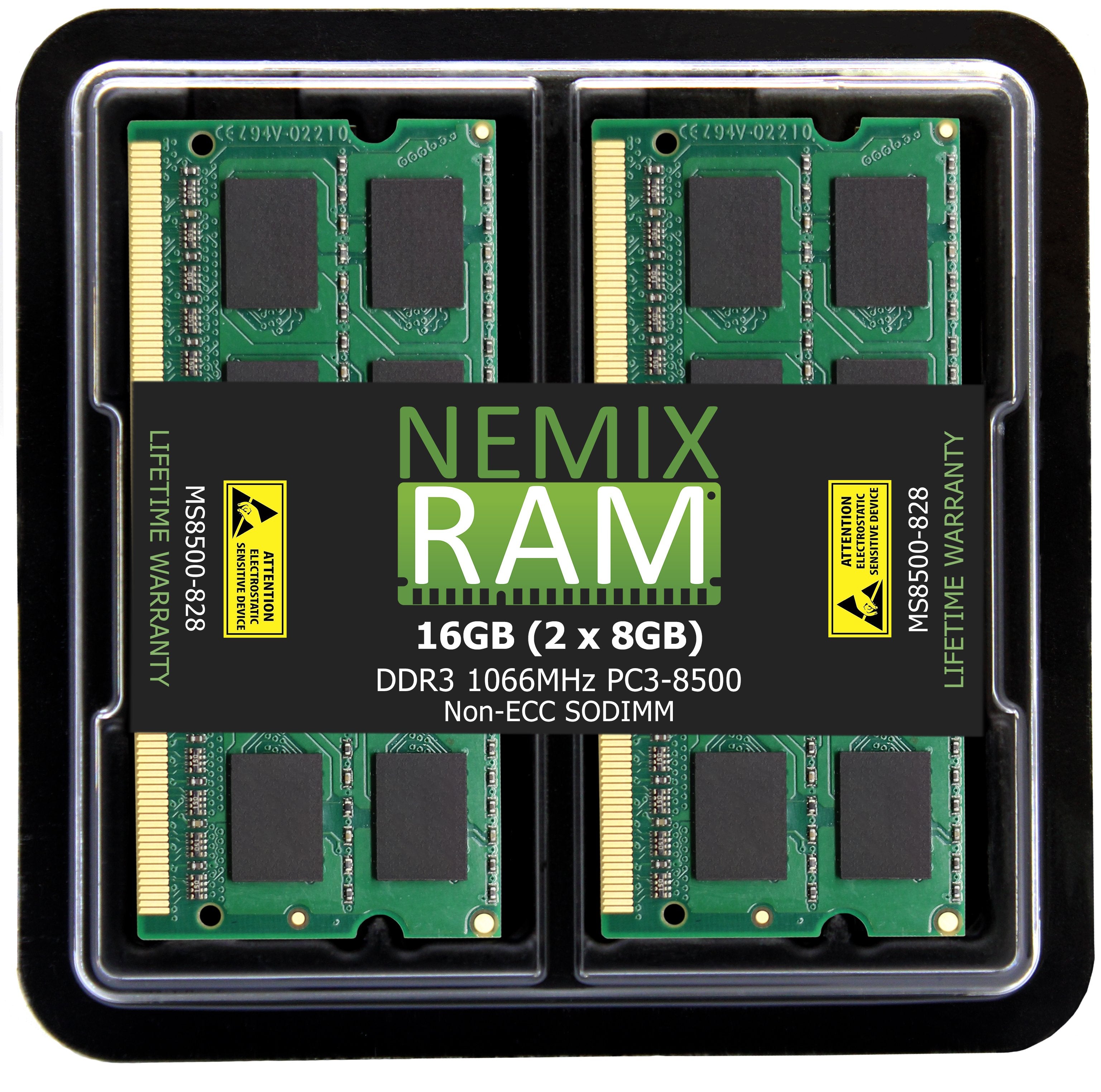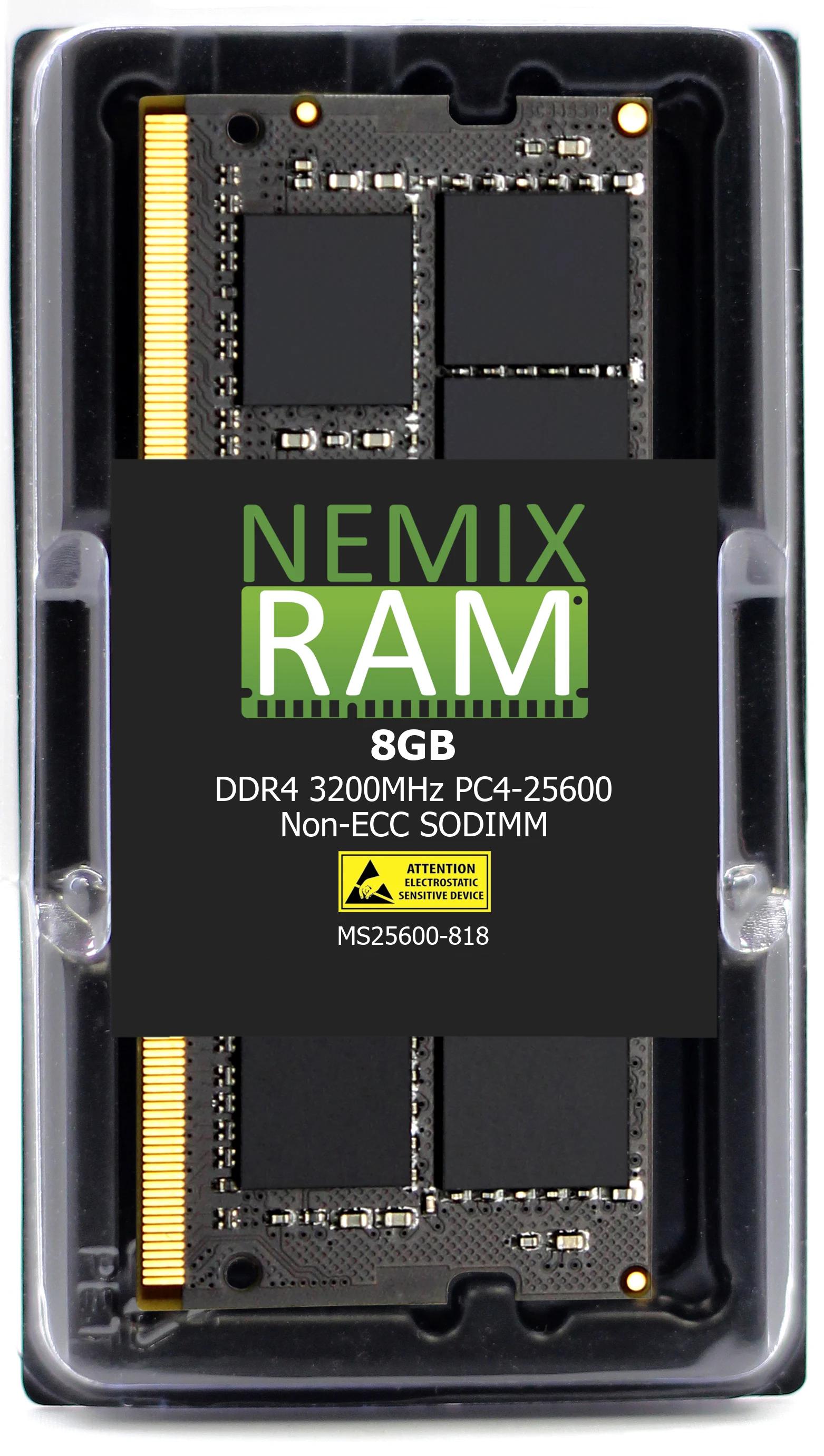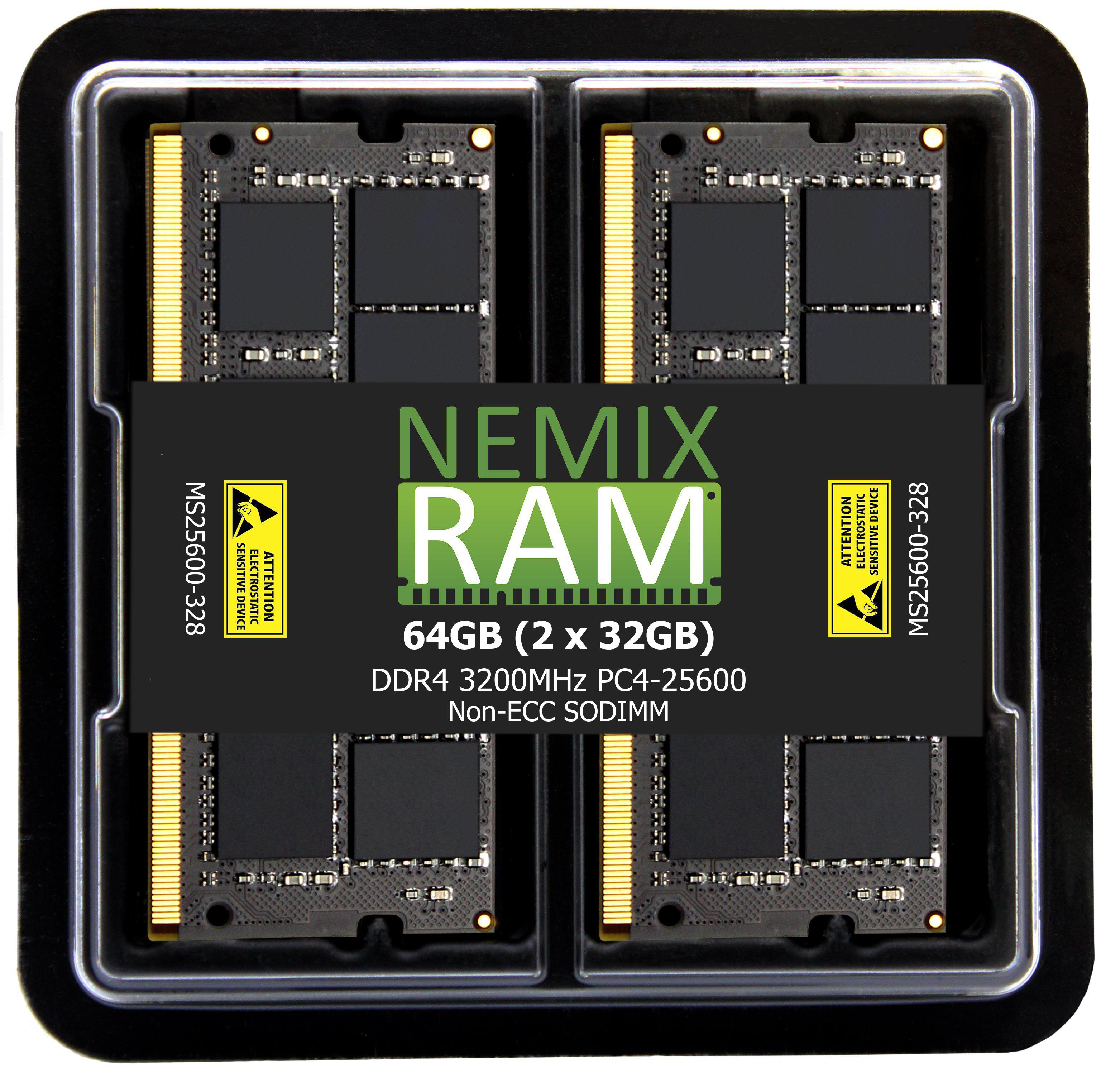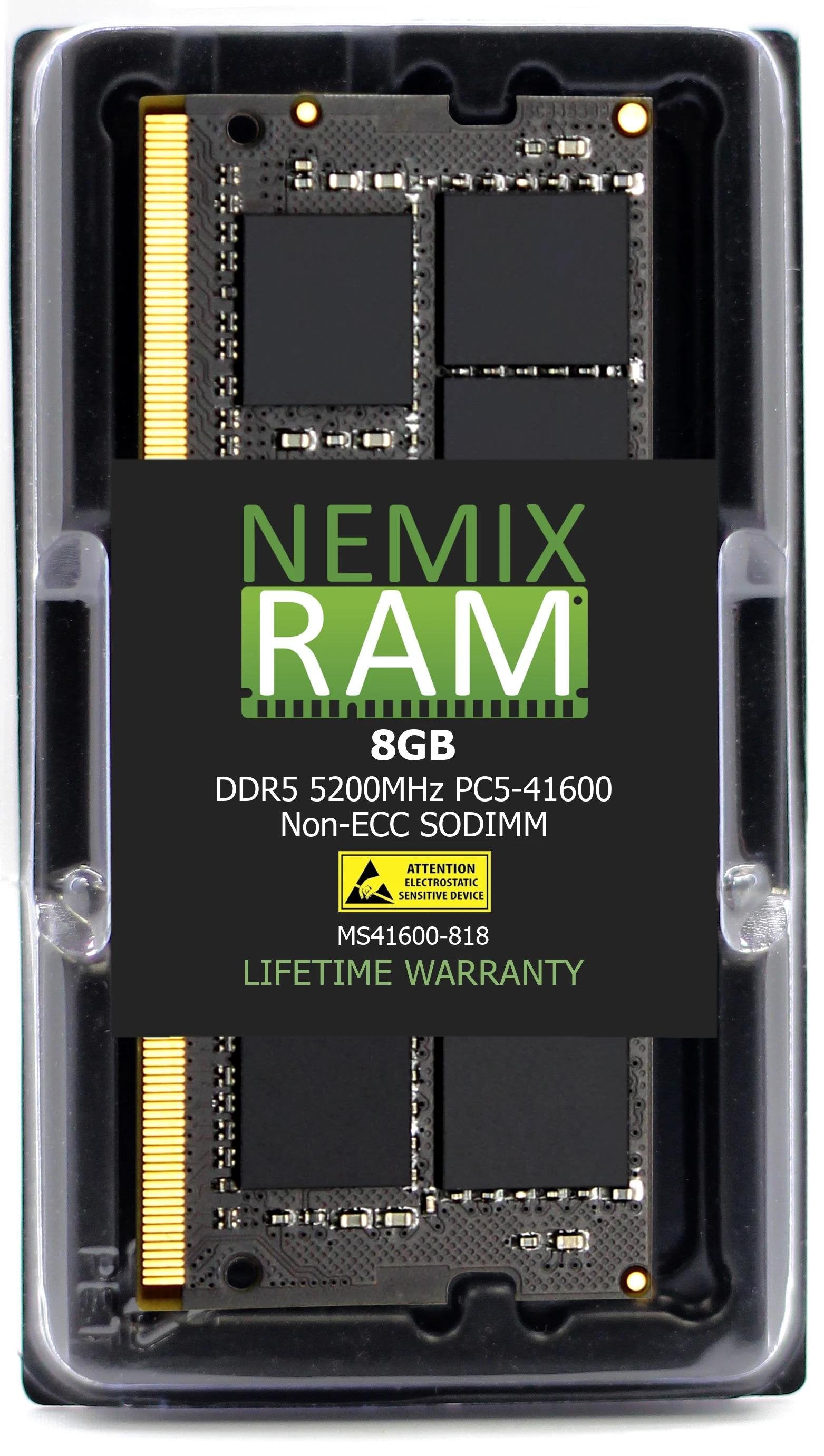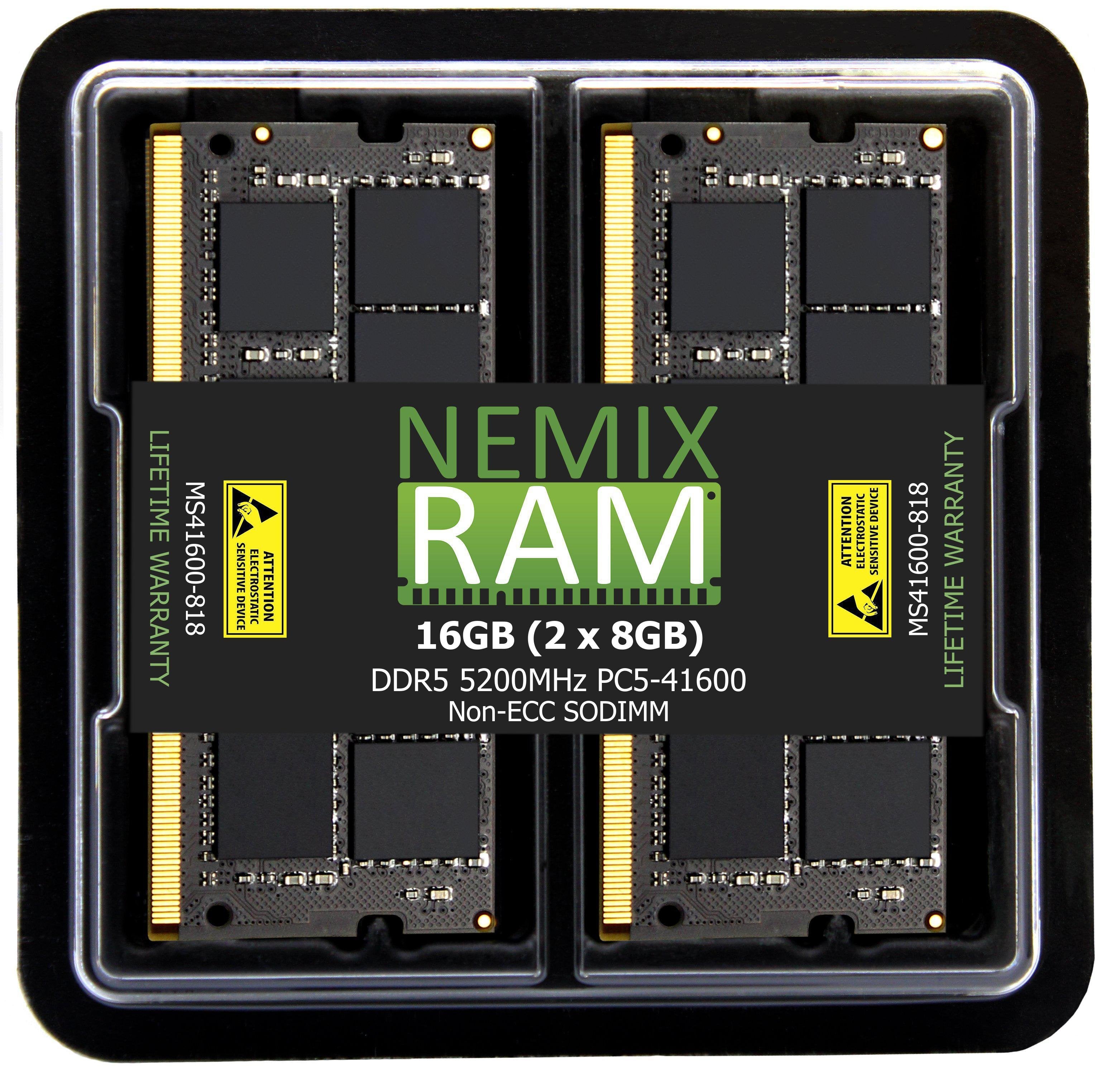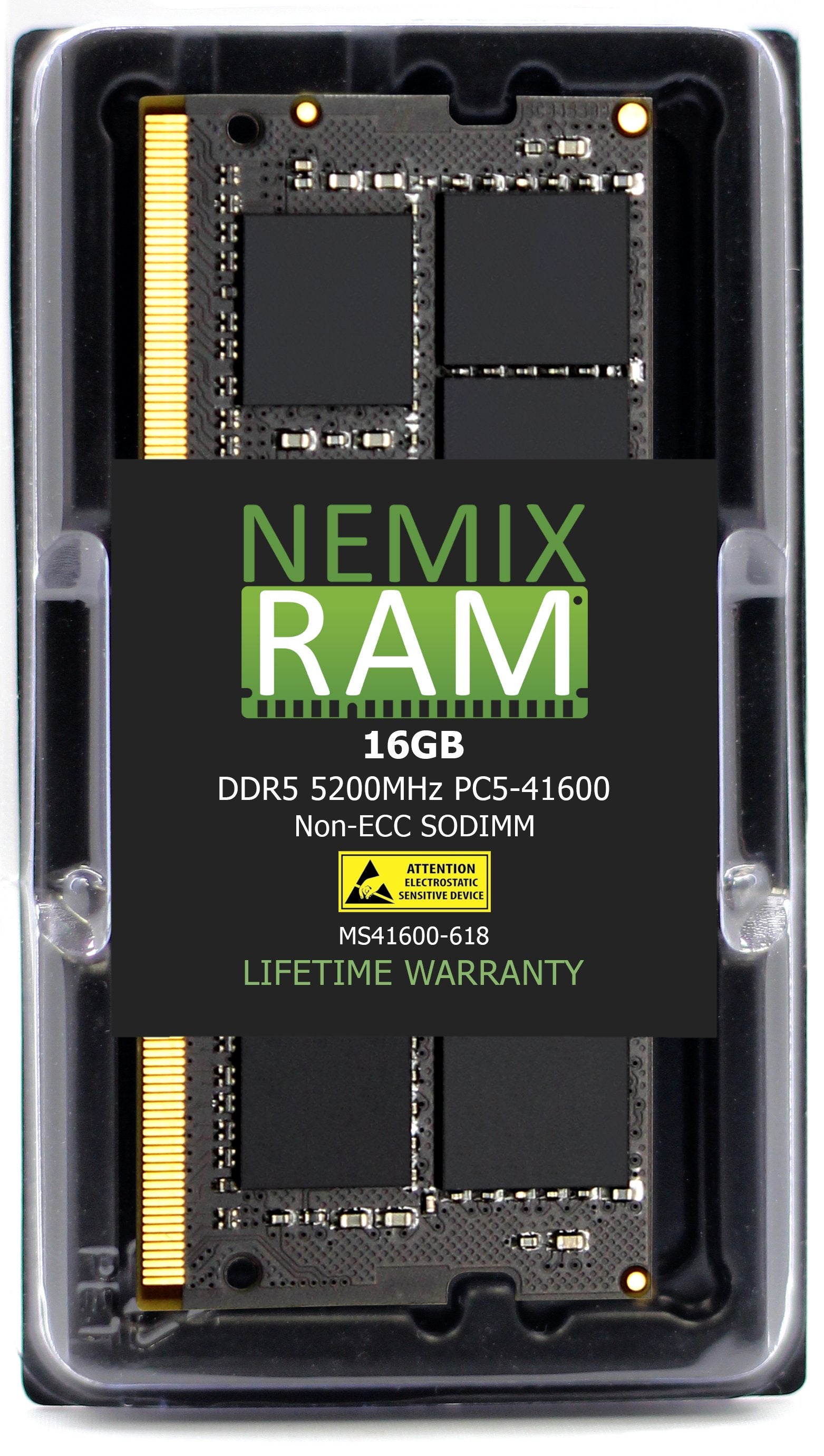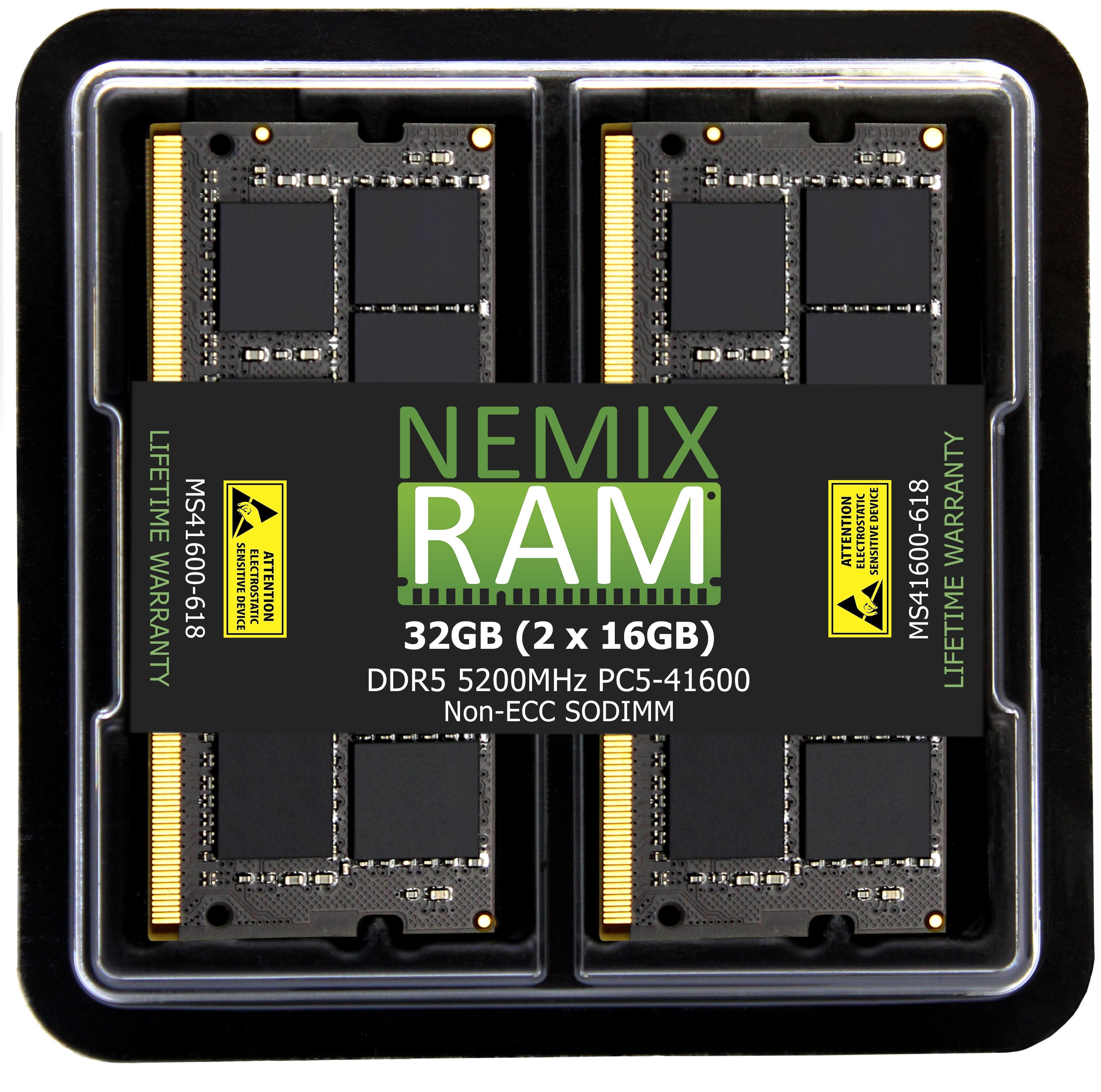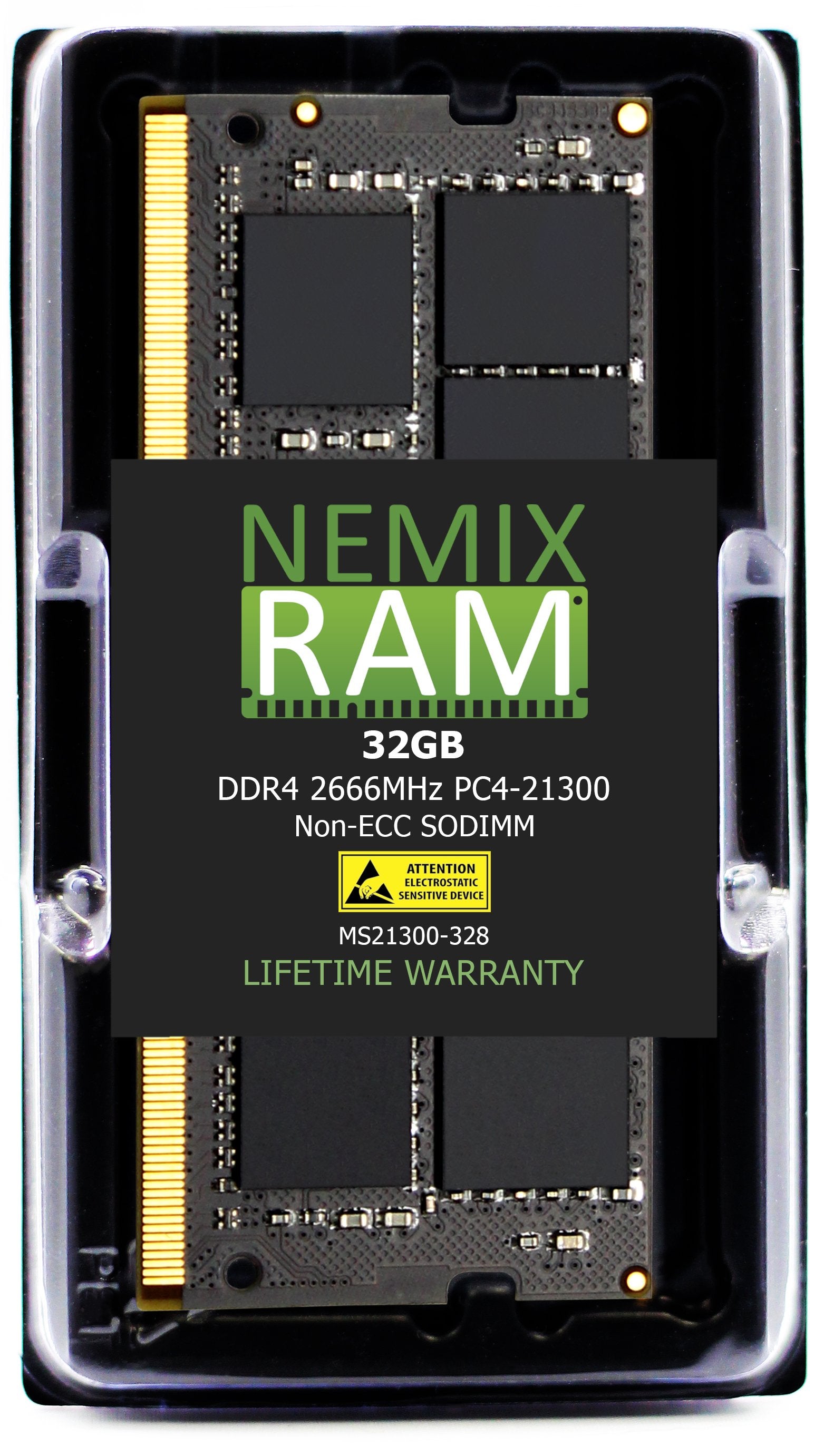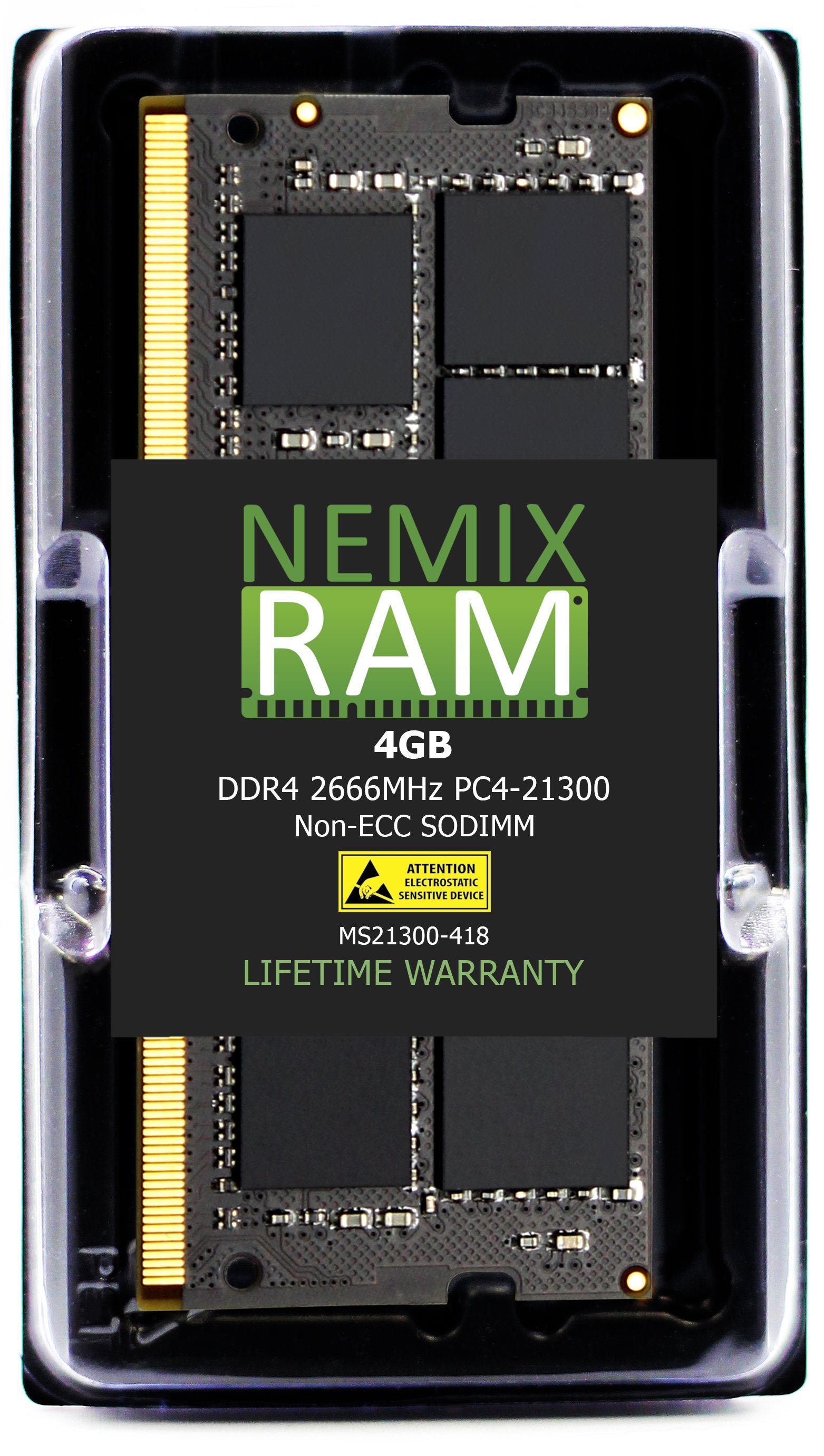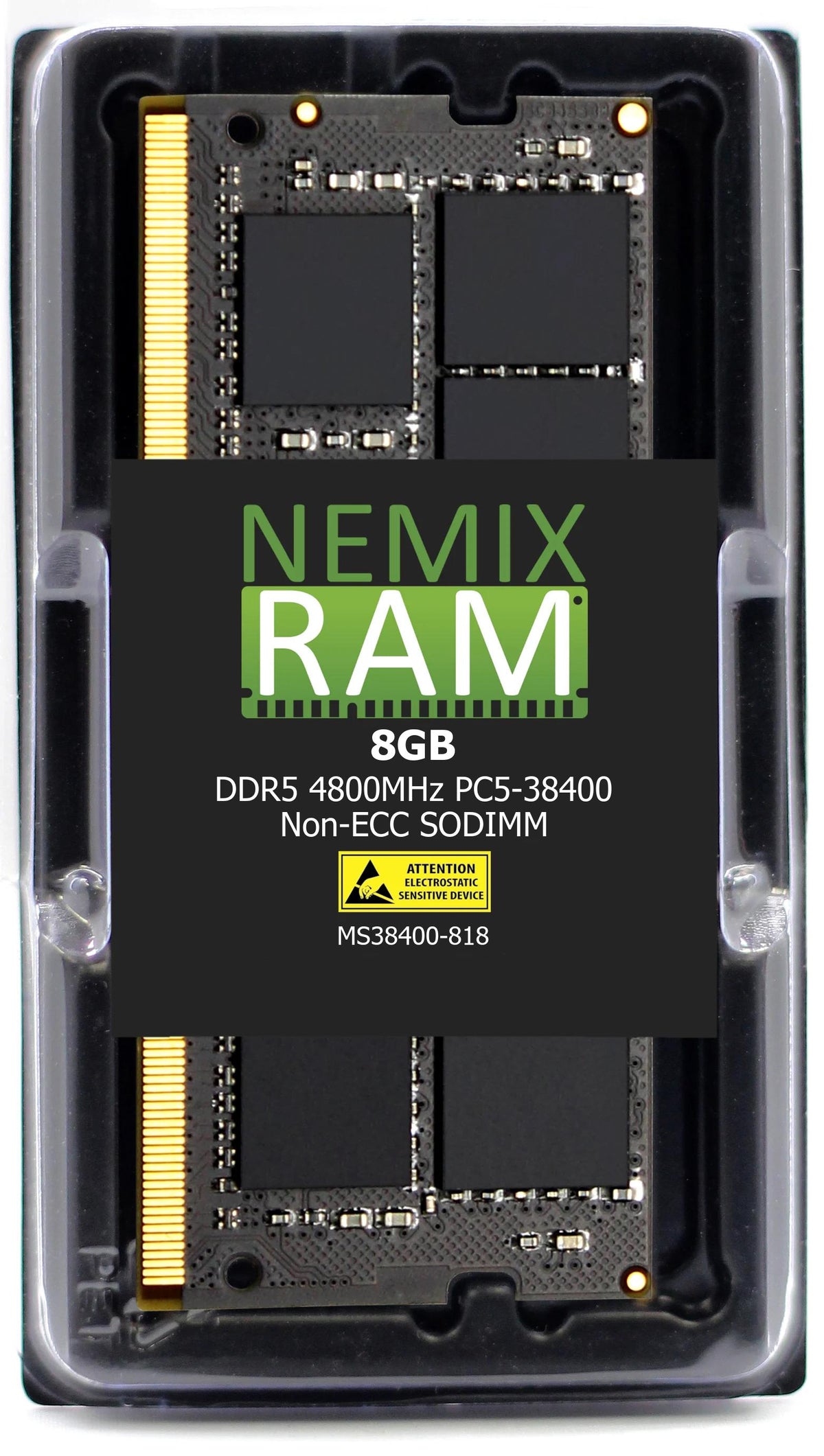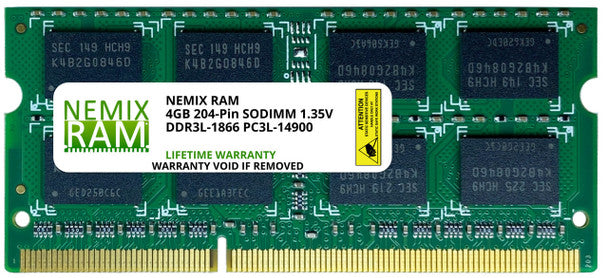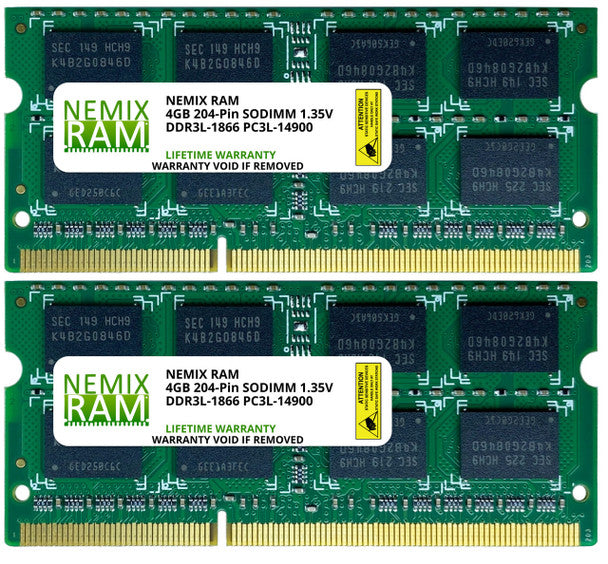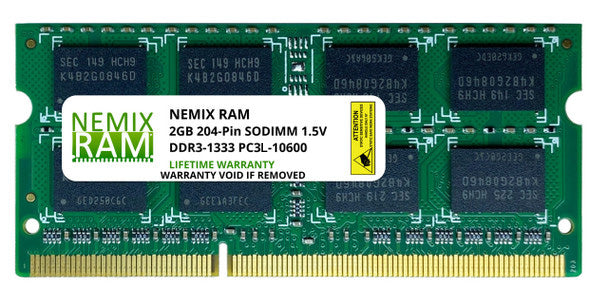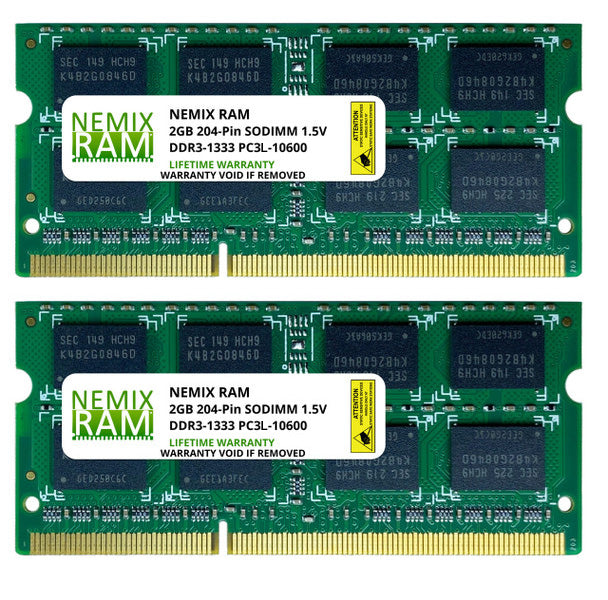
Non-ECC SODIMM: small outline memory for laptops, all-in-ones, mini PCs, thin clients and consumer NAS. Half the length of a desktop DIMM and the standard module wherever the chassis won't take a full-height stick.
DDR5 SODIMMDDR4 SODIMMDDR3 SODIMMShop by laptopECC SODIMM
Call 1-800-662-7466Request a Quote
Complete Catalog of modules spanning four generations (DDR5, DDR4, DDR3 and DDR2) from 1GB to 48GB, at 1066MHz through 6000MHz, in 1Rx8, 2Rx8 and 1Rx16. The DDR3 range is deliberately deep: plenty of business laptops and all-in-ones from that era are still in service, and a memory upgrade is the cheapest way to extend them another few years.
Two things to check before ordering. A SODIMM slot takes ECC and non-ECC modules alike, so if your NAS or workstation documentation calls for error correction, you want ECC SODIMM instead. And generations are not backward compatible: a DDR5 module will not seat in a DDR4 slot, whatever the marketing on a listing elsewhere might imply.
Use Shop by System Model to go straight to your laptop, all-in-one or NAS, or match by Technology Speed and Module Density against what's installed. Send us the model and we'll confirm the fit. Lifetime Replacement Warranty on every module. Purchase orders, net terms and volume pricing for business, government and education buyers.
Four generations: which one your machine takes

| Generation | Pins | Voltage | JEDEC speeds | Capacities here | Machines |
|---|---|---|---|---|---|
| DDR5 | 262 | 1.1V, PMIC on module | 4800 · 5200 · 5600 · 6000 · 6400 | 8GB · 16GB · 32GB · 48GB | Intel 12th to 14th Gen and Core Ultra laptops (2022 onward), AMD Ryzen 6000 / 7000 / 8000 / AI 300 laptops, Intel NUC 12 to 14, current mini PCs, QNAP and UGREEN DDR5 NAS, all-in-ones from 2023 on |
| DDR4 | 260 | 1.2V | 2133 · 2400 · 2666 · 2933 · 3200 | 4GB · 8GB · 16GB · 32GB | Intel 6th to 11th Gen laptops (2015 to 2022), AMD Ryzen 2000 to 5000 laptops, NUC 6 to 11, Synology / QNAP / ASUSTOR / TerraMaster DDR4 NAS, 2016 to 2022 all-in-ones and micro desktops |
| DDR3 / DDR3L | 204 | 1.5V · 1.35V (L) | 1066 · 1333 · 1600 · 1866 | 2GB · 4GB · 8GB | Intel 1st to 5th Gen Core laptops (2009 to 2015), Celeron / Atom NAS of that era, 2010 to 2015 iMac and Mac mini, all-in-ones and thin clients through 2015 |
| DDR2 | 200 | 1.8V | 533 · 667 · 800 | 1GB · 2GB | Core 2 Duo laptops (2006 to 2009), early netbooks, embedded boards |
Each generation has a different pin count and key, so a wrong-generation module does not seat. The other thing to know is that the laptop world moved to DDR5 later than desktops did. Plenty of 12th and 13th Gen business laptops shipped with DDR4 slots, so the CPU generation alone does not tell you which one you have. The model's service manual, or the label on the installed module, does.
Machines that cannot be upgraded: check before you buy
The SODIMM slot has been disappearing from thin laptops for a decade, and the machines this page cannot help are worth naming so nobody orders for one. Soldered memory: every MacBook from the 2012 to 2016 models onward (the last socketed models are on the Apple page), Microsoft Surface, Dell XPS 13 and most XPS 15 / 16 from 2020 on, HP Spectre and Envy x360, Lenovo Yoga and most ThinkPad X1 and T14s models, Chromebooks, and nearly every laptop under 18mm thick. LPCAMM2: a few workstation laptops from 2024 on (ThinkPad P1 Gen 7, some ThinkPad T14 Gen 6) use a new compression-attached module that is replaceable but is not a SODIMM. Half-and-half: many mid-range laptops solder 4GB or 8GB and add one slot. The slot takes a module, but the soldered half fixes the pairing (below).
The laptops that do have slots are the ones designed to be serviced: ThinkPad T, P, L, and E series, Dell Latitude 5000 / 7000 and Precision mobile, HP EliteBook and ProBook and ZBook, most gaming laptops, and almost every mini PC, NUC, all-in-one, and NAS. Windows: Task Manager → Performance → Memory shows "Slots used: 1 of 2" if there is a slot; "0 of 0" or a single slot with no second means soldered.
Pairing and the soldered-half problem
- Two slots: two identical modules for dual-channel. One module runs single-channel, and on a laptop with integrated graphics that is a visible difference in graphics performance, not just benchmarks.
- Soldered plus one slot: the slot module should match the soldered capacity for full dual-channel: 8GB soldered plus 8GB in the slot runs 16GB dual-channel. 8GB soldered plus 16GB in the slot runs 16GB dual-channel plus 8GB single-channel (flex mode) on Intel and most AMD; still worth doing for capacity, but the matched module is the faster configuration.
- Replace, do not add, when the installed module is small or odd. A factory 4GB 1Rx16 paired with a new 16GB 2Rx8 runs at 20GB with the mismatch costing speed. Two matched 8GB or 16GB modules is the clean upgrade, and the sets on this page are sized that way.
- The CPU sets the speed. A 3200 DDR4 module in an 8th Gen laptop runs at 2400 or 2666; a 5600 DDR5 module in a 12th Gen laptop runs at 4800. It fits and works; buying the speed the machine runs is the economical choice.
- DDR3L is 1.35V. Every laptop and NAS from 2012 to 2015 that lists DDR3L requires it; a 1.5V DDR3 module may not post. A DDR3L module runs in either, which is why the DDR3 modules on this page are 1.35V.
- Documented maximums. Sandy / Ivy Bridge laptops cap at 16GB; Haswell / Broadwell at 16GB; Skylake through Comet Lake at 32GB or 64GB by model; 11th Gen and later at 64GB; DDR5 machines at 64GB or 96GB with 48GB modules where the firmware knows 24Gb DRAM. Celeron and Atom NAS units have hard limits (8GB on J4125, 16GB on N5105); the NAS pages carry them.
All-in-ones and mini PCs
An all-in-one is a laptop board in a monitor: same SODIMM, same pairing rules, usually two slots behind a panel on the back. Dell OptiPlex and Inspiron AIO, HP EliteOne and ProOne and Pavilion AIO, and Lenovo ThinkCentre and IdeaCentre AIO all take standard SODIMM of the generation the OEM used, with no proprietary module. Mini PCs (OptiPlex Micro, ThinkCentre Tiny, EliteDesk and ProDesk Mini, Intel NUC, and the Beelink / Minisforum / GMKtec class) are the same, and are the machines most often bought with a single 8GB module that pairs to 16GB or replaces to 32GB or 64GB as the first upgrade. The Dell Inspiron, Dell Latitude, and Dell Pro and Pro Max collections list those lines by model; the Shop by System Model filter on this page carries the rest.
Consumer NAS on this page
Synology's Celeron and Ryzen units without ECC, QNAP's Celeron and Core units, ASUSTOR Lockerstor Gen1 and Gen2, Nimbustor, Flashstor Gen1, TerraMaster's Intel units, and UGREEN NASync all take non-ECC SODIMM: DDR4 on most, DDR5 on the newest. The ECC NAS units (Synology "+" Ryzen, ASUSTOR Gen3, QNAP Xeon and Ryzen PRO) take ECC SODIMM and are on that page. Each NAS brand's page (QNAP, ASUSTOR, TerraMaster, UGREEN) carries the unit-by-unit slot counts and maximums.
ECC and non-ECC in the same slot
An ECC SODIMM seats in any SODIMM slot of its generation and runs as non-ECC on a platform that does not support ECC, which is every consumer laptop and mini PC. The reverse is the one that fails: a non-ECC module in a NAS or workstation the vendor specifies for ECC either does not post or runs without the protection the machine was bought for. The intro's rule holds: if the documentation says ECC, use the ECC page; if it does not, this page is correct and costs less. DDR5's on-die ECC, present on every DDR5 chip, is internal to the DRAM and is not what "ECC" means on either page.
How to find what is installed
-
Windows: Task Manager → Performance → Memory shows capacity, speed, form factor, and slots used;
wmic memorychip get PartNumber,Capacity,Speed,ConfiguredClockSpeed,FormFactorlists each module (FormFactor 12 is SODIMM). -
Linux:
sudo dmidecode -t memory. macOS (Intel Macs with slots): About This Mac → Memory. - NAS: DSM Control Panel → Info Center; QTS System Status → Hardware Information; ADM System Information; TOS System Information; UGOS Device Info.
- The service manual for the laptop or AIO model states slot count, maximum, and generation, and shows where the panel is.
Why NEMIX RAM for a laptop or AIO
Every module on this page is matched to the JEDEC specification for its generation and speed, 1.35V where the machine is DDR3L. Researched, matched, and compatibility-tested by NEMIX RAM, a US-based server memory specialist since 1993, and backed by a lifetime warranty. It runs at its rated speed with no profile and no tuning. Laptop BIOSes do not expose one anyway. Lifetime replacement warranty and free US-based support on every module.
Fleets of laptops
Taking a fleet of Latitudes or ThinkPads from 8GB to 16GB or 32GB is the cheapest way to get another refresh cycle out of it. NEMIX RAM is a registered federal supplier (UEI GV8MMYNDJ5J1, CAGE 59AB2) and accepts purchase orders with net terms for business, government, and education buyers. Send the models or service tags, unit count, and target capacity to our sales team and we return one quote per model, with the soldered-plus-slot machines called out so the pairing is right. Volume and reseller pricing is available on request.
Frequently asked
Can I put 16GB in a laptop that says 8GB max? Often. Many "maximums" were the largest module available at launch. Intel 6th Gen and later and Ryzen laptops usually run 32GB per slot regardless of the spec sheet; Sandy / Ivy Bridge machines hold at 8GB per slot. Send us the model and we tell you what it will actually take.
Will DDR4-3200 work in my 2400 laptop? Yes, at 2400. Same generation, faster module, runs at the machine's speed.
My laptop has 8GB soldered and one empty slot. What do I add? 8GB for matched dual-channel, or 16GB / 32GB if capacity matters more than the last few percent of graphics performance. Both work.
Can I use a laptop SODIMM in a desktop? Only with an adapter, and not in a slot that expects a full-size DIMM. Desktop boards with SODIMM slots (some mini-ITX and industrial boards) take these modules directly.
Do I need ECC for my NAS? If the NAS vendor specifies it, yes. That unit is on the ECC SODIMM page. If the vendor's own module is non-ECC, this page is correct.
Does upgrading void the laptop warranty? Not on machines with a user-accessible slot. Dell, HP, and Lenovo document memory as customer-replaceable on their business lines. Our lifetime warranty covers the module.
Related guide: RDIMM vs LRDIMM vs UDIMM vs SODIMM explained
Upgrading a fleet of laptops, mini PCs or all-in-ones? Get one quote
Call a memory specialist at 1-800-662-7466 (Monday to Friday, 9am to 5pm Eastern), or send a quote request and a representative replies within one business day.
What to send: the models or service tags, the installed memory, the capacity you want per machine and the quantity. We match the module to each model and quote volume pricing.
Call 1-800-662-7466Request a Quote
Prefer email? Write to sales@nemixram.com. A fillable credit application for net terms is on the quote page.
For your industry
Business fleets · Education and government · Rugged and field · Mini PCs, kiosks and embedded · Resellers and MSPs
Need memory for a fleet, a lab or a single machine? Call 1-800-662-7466 or request a quote.