
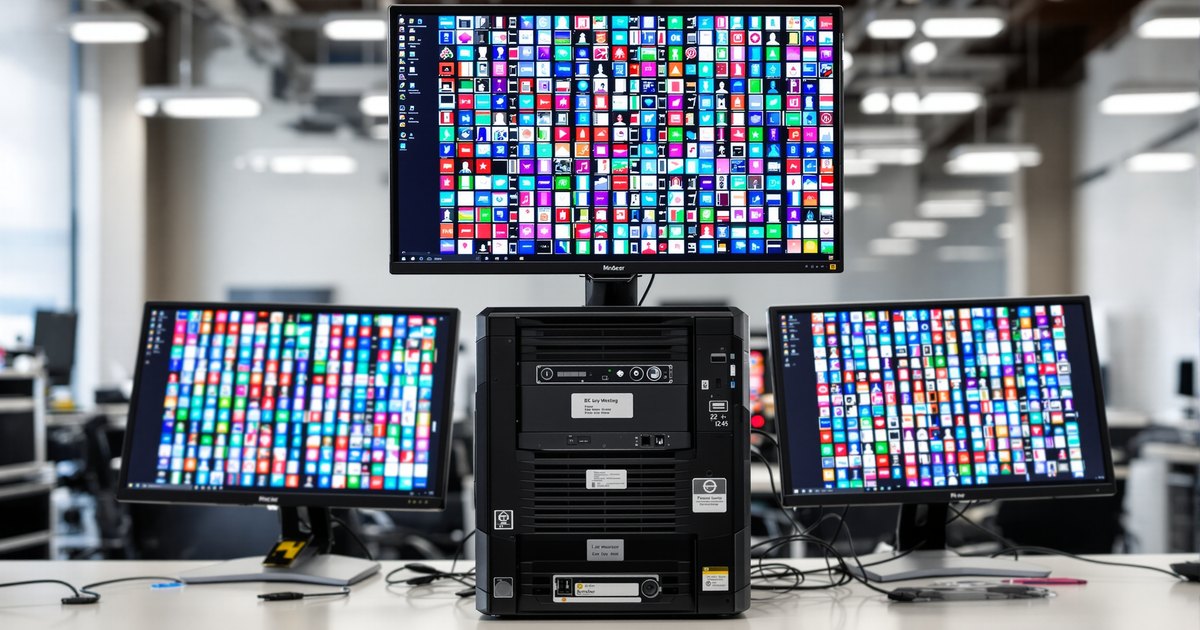
A WRX90 workstation can run dozens of virtual machines on one machine: up to 96 cores and 192 threads, up to 2TB of ECC memory and 128 PCIe 5.0 lanes for passthrough devices. In practice, memory decides how many VMs fit. CPU time can be shared between VMs, but memory a VM is using cannot. This guide shows how to size WRX90 memory for virtualization.
Why memory is the limit
Hypervisors share processor cores well: an idle VM uses almost no CPU. Memory is different. Each VM holds the memory it is given, and when the total in use exceeds physical RAM, the host swaps to disk and every VM slows. So the planning rule is to size physical memory for the total you assign, plus the host's own needs.
Virtualization features on Threadripper PRO
- AMD-V with nested paging (RVI). Hardware support for virtual machines and their memory mapping.
- AVIC. Hardware help for interrupts inside VMs.
- AMD-Vi (IOMMU). Lets you pass a GPU, NIC or storage controller straight through to a VM.
- ECC memory. Corrects single-bit errors so one bad bit does not crash several VMs.
These are listed on AMD's Threadripper PRO 9995WX page. Check your hypervisor's hardware list for its own requirements.
Sizing memory for VMs
Fill all eight channels with identical modules, then subtract a reserve for the host. The table is an example; set the reserve and per-VM size to your own hypervisor and workloads.
| Eight identical modules | Total | Host reserve (example) | Left for VMs | Example: VMs at 16GB |
|---|---|---|---|---|
| 8 x 32GB | 256GB | 16GB | 240GB | 15 |
| 8 x 64GB | 512GB | 32GB | 480GB | 30 |
| 8 x 96GB | 768GB | 32GB | 736GB | 46 |
| 8 x 128GB | 1TB | 64GB | 960GB | 60 |
Most hosts mix sizes: a few large VMs for databases or build servers, many small ones for services and test machines. Add up the real assignments, then pick the module size that covers them with headroom.
Bandwidth and NUMA
Many VMs running at once share the memory bandwidth, so the eight channels matter as much as the capacity. At DDR5-6400 WRX90 provides about 409.6GB/s in total; four modules would halve that. See eight-channel population on WRX90 and capacity vs speed vs bandwidth.
When to move to a server
A single WRX90 host is ideal for a lab, a development team or a small office. Past 2TB of memory, or when you need redundant power, remote management and clustering, an EPYC server is the next step. See WRX90 vs EPYC.
Memory for a WRX90 host
NEMIX RAM lists DDR5-6400 ECC RDIMM for the ASUS Pro WS WRX90E-SAGE SE and the ASRock WRX90 WS EVO, in modules from 16GB to 128GB and matched kits of eight. Read what RAM a WRX90 motherboard uses, or browse DDR5 RDIMM and LRDIMM for older virtualization hosts.
Frequently asked questions
Is WRX90 good for virtualization?
Yes, for a single host. Threadripper PRO 9000 WX offers up to 96 cores and 192 threads, up to 2TB of ECC memory, and AMD lists AMD-V, nested paging, AVIC and the AMD-Vi IOMMU for virtual machines and device passthrough.
How much RAM do I need per virtual machine?
Add up what each VM is assigned, plus memory for the host. Assign each VM what its operating system and application need under load, not their minimum.
Should I overcommit memory?
Most hypervisors allow it, but if VMs use what they are given at the same time, the host starts swapping and every VM slows down. Size physical memory for the total you assign.
Does ECC matter for virtualization?
Yes. One host carries many workloads, so an uncorrected memory error can take down several VMs at once. WRX90 uses ECC RDIMM by design. See the ECC vs non-ECC guide.
Can I start with four modules and add four later?
You can, but four modules use half the channels, and modules bought later may not match. Buying eight identical modules at once gives full bandwidth from day one.
Buying for more than one system
IT teams and integrators that maintain virtualization hosts for labs, development teams and offices can standardize on one kit per model. Request a quote with your models and quantities, or send us your system model and we will confirm the right module before you order.
Steps and rules are summarized from the vendors' published documentation; follow the guide for your exact model.