
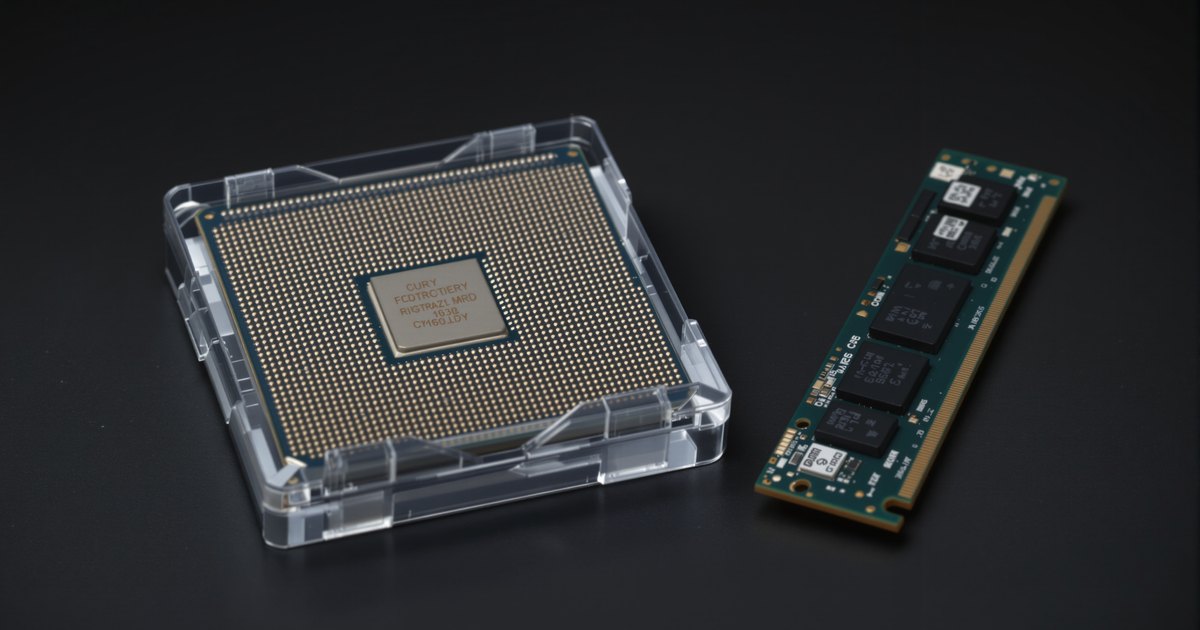
The processor's memory controller sets the speed your memory actually runs at. Server processors make this especially visible: within one Xeon generation, lower-tier parts are rated for slower memory than higher-tier parts, and adding a second module per channel can lower the speed again. A DDR5-5600 module in a server whose processor is rated for DDR5-4400 runs at 4400.
Why the CPU decides
The memory controller lives inside the processor (see what is a memory controller). Intel and AMD validate each processor model at specific speeds, often separately for one and two modules per channel. The board then sets its own limit, and the module its own. The system runs at the lowest of the three.
Xeon examples: same generation, different speeds
| Generation | Processor | Rated memory speed |
|---|---|---|
| 2nd Gen Xeon Scalable | Silver 4210 | DDR4-2400 |
| 2nd Gen Xeon Scalable | Gold 5218 | DDR4-2667 |
| 2nd Gen Xeon Scalable | Gold 6248 | DDR4-2933 |
| 3rd Gen Xeon Scalable | Silver 4314 | DDR4-2667 |
| 3rd Gen Xeon Scalable | Gold 5318Y | DDR4-2933 |
| 3rd Gen Xeon Scalable | Gold 6338, Platinum 8380 | DDR4-3200 |
| 4th Gen Xeon Scalable | Silver 4410Y | DDR5-4000 |
| 4th Gen Xeon Scalable | Gold 5418Y, Gold 6430 | DDR5-4400 |
| 4th Gen Xeon Scalable | Platinum 8480+ | DDR5-4800 (1DPC), 4400 (2DPC) |
| 5th Gen Xeon Scalable | Silver 4510 | DDR5-4400 |
| 5th Gen Xeon Scalable | Gold 5520+ | DDR5-4800 (1DPC), 4400 (2DPC) |
| 5th Gen Xeon Scalable | Gold 6548Y+ | DDR5-5200 (1DPC) |
| 5th Gen Xeon Scalable | Platinum 8592+ | DDR5-5600 (1DPC) |
| Xeon 6900P | Xeon 6980P | DDR5-6400; MRDIMM-8800 |
All figures are from Intel's product specification pages. Tiers are a guide, not a rule: the Gold 6430 is rated DDR5-4400, not 4800. Always check the exact model.
Other limits that stack on top
- Two modules per channel. Higher capacity, lower speed on many processors. See why RAM runs slower when all slots are filled.
- Large 3DS modules. Some boards restrict them to one per channel.
- Mixed modules. Mixed speeds run at the slowest module's speed.
- Desktop four-module setups. AMD lists DDR5-3600 for four modules on Ryzen 9000, versus 5600 for two.
How to buy for your CPU
- Look up the exact processor model's rated memory speed, at 1DPC and 2DPC.
- Decide the modules per channel your capacity target needs.
- Buy modules at or above that speed, in the right type (RDIMM, LRDIMM, UDIMM).
- After installing, confirm the running speed; see how to verify RAM speed after installation.
If you see a lower speed than expected, why RAM runs slower than advertised covers the other causes. For DDR5 speeds compared, see DDR5-4800 vs 5600 vs 6000.
Server memory from NEMIX RAM
NEMIX RAM lists server memory by system and speed: DDR5 RDIMM, DDR4 RDIMM and LRDIMM. Start from data center server memory or send us your server and processor model.
Frequently asked questions
Why is my server memory running slower than its label?
The processor's memory controller has a rated speed, often lower on lower-tier processors and lower again with two modules per channel. Faster modules run at that rated speed.
Do all Xeon processors in a generation support the same memory speed?
No. In 4th Gen Xeon Scalable, the Silver 4410Y is rated DDR5-4000, the Gold 5418Y and 6430 DDR5-4400, and the Platinum 8480+ DDR5-4800 at one DIMM per channel.
Is it a problem to install faster memory than the CPU supports?
No, as long as the type matches. The module runs at the processor's rated speed. You just pay for speed you cannot use until a processor upgrade.
Does two DIMMs per channel always lower the speed?
Often. Intel lists the Platinum 8480+ at 4800 with one DIMM per channel and 4400 with two; some parts, like the Gold 5418Y, run 4400 either way.
How do I find my processor's rated memory speed?
Look up the exact model on Intel's or AMD's product page and read the memory specification, including any 1DPC and 2DPC figures.
Buying for more than one system
IT teams and integrators that maintain server fleets with mixed processor tiers can standardize on one kit per model. Request a quote with your models and quantities, or send us your system model and we will confirm the right module before you order.
Steps and rules are summarized from the vendors' published documentation; follow the guide for your exact model.