
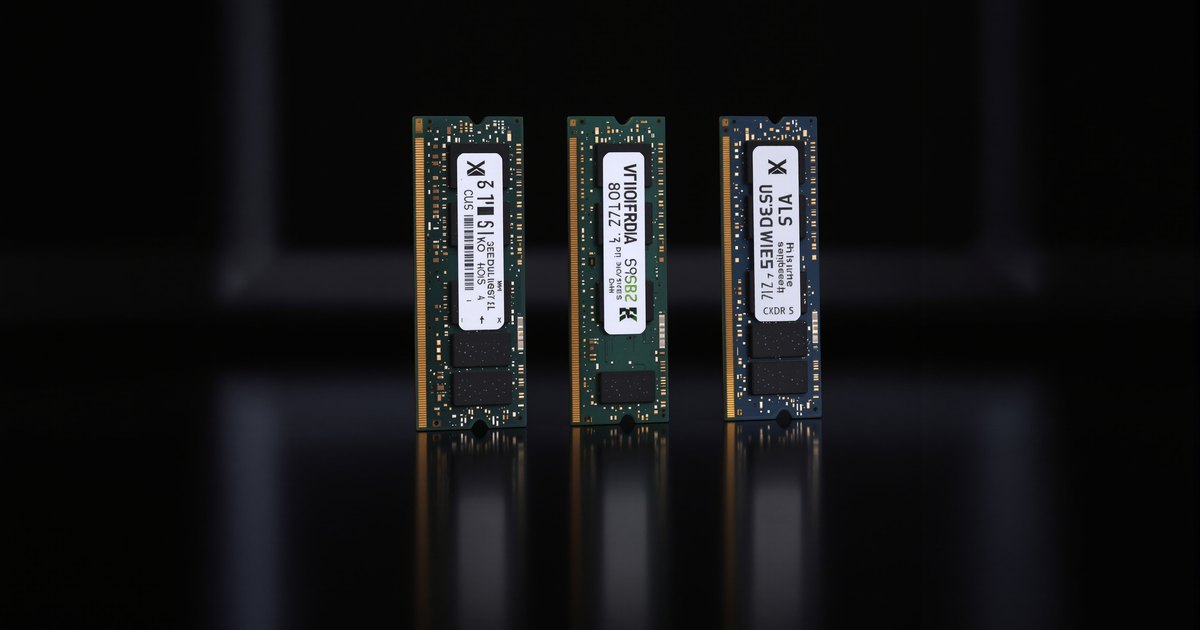
DDR5-4800, 5600 and 6000 differ in bandwidth, not in fit. A faster module works in a slower platform of the same type and simply runs at the platform's rated speed. So the right speed is the one your processor is rated for: buying above it costs more for no gain, unless you plan a processor upgrade that raises the speed.
Speed, bandwidth and latency
| Speed | Bandwidth per channel | Typical RDIMM CAS latency | Latency in ns |
|---|---|---|---|
| DDR5-4800 | 38.4 GB/s | CL40 | About 16.7 |
| DDR5-5600 | 44.8 GB/s | CL46 | About 16.4 |
| DDR5-6000 | 48.0 GB/s | Varies (often an XMP/EXPO profile) | Varies |
| DDR5-6400 | 51.2 GB/s | CL52 | About 16.3 |
Bandwidth is the transfer rate times 8 bytes per channel. Latency in nanoseconds is CAS latency times 2,000 divided by the speed, so it stays nearly flat as speed rises. RDIMM timings are from Kingston and Micron datasheets for JEDEC-standard modules.
Which platforms run which speed
| Rated speed | Platforms (one module per channel) |
|---|---|
| DDR5-4800 | Intel 12th Gen Core; 4th Gen Xeon Scalable Platinum (e.g. 8480+); Xeon W-2400/W-3400/W-2500/W-3500; AMD EPYC 9004 |
| DDR5-5200 | AMD Ryzen 7000 (two modules); Threadripper 7000 and PRO 7000 WX; 5th Gen Xeon Gold 6548Y+ |
| DDR5-5600 | AMD Ryzen 9000 (two modules); Intel 13th and 14th Gen Core i7/i9; 5th Gen Xeon Platinum (e.g. 8592+) |
| DDR5-6000 | Desktop kits via XMP or EXPO; EPYC 9005 base per independent reviews |
| DDR5-6400 | Intel Core Ultra 200S; Threadripper 9000 and PRO 9000 WX; EPYC 9005 on qualified platforms; Xeon 6 |
Figures are from Intel and AMD product pages at one module per channel. Two modules per channel usually run slower: Intel lists the Platinum 8480+ at 4800 with one DIMM per channel and 4400 with two, and AMD lists DDR5-3600 for four modules on Ryzen 9000. See why RAM runs slower when all slots are filled.
How to choose
- Match the processor. Look up its rated speed; that is what the memory will run at. See how your CPU limits memory speed.
- Buy ahead only for a planned upgrade. A Threadripper PRO 7000 WX runs DDR5-6400 modules at 5200 today and at 6400 after a move to 9000 WX.
- Fill channels before chasing speed. Eight channels at 4800 move far more data than four at 6400.
- Desktop DDR5-6000 is an overclock. See should you enable XMP or EXPO.
For how speed compares with capacity and channels, see capacity vs speed vs bandwidth.
DDR5 by speed from NEMIX RAM
NEMIX RAM lists DDR5 RDIMM by system at DDR5-4800, 5600 and 6400, including DDR5-6400 RDIMM. Browse all DDR5 RDIMM, DDR5 UDIMM and data center server memory.
Frequently asked questions
Is DDR5-5600 faster than DDR5-4800?
It has about 17% more bandwidth per channel (44.8 vs 38.4GB/s), with similar latency in nanoseconds. It only runs at 5600 on a platform rated for 5600.
Can I use DDR5-5600 in a DDR5-4800 system?
Yes, if the type matches (RDIMM for RDIMM, UDIMM for UDIMM). The module runs at the platform's rated speed, 4800.
Is DDR5-6000 a standard speed?
Kingston lists 6000 MT/s among the DDR5 data rates, but most DDR5-6000 desktop kits reach it through an XMP or EXPO profile and boot at DDR5-4800 by default.
Which servers run DDR5-5600?
5th Gen Xeon Scalable Platinum parts such as the 8592+ (at one DIMM per channel). EPYC 9005 and Xeon 6 go higher, up to DDR5-6400.
Does faster DDR5 have higher latency?
The CAS number rises, but so does the clock. DDR5-4800 CL40, 5600 CL46 and 6400 CL52 all work out to about 16 to 17 nanoseconds.
Buying for more than one system
IT teams and integrators that maintain servers and workstations on different DDR5 generations can standardize on one kit per model. Request a quote with your models and quantities, or send us your system model and we will confirm the right module before you order.
Steps and rules are summarized from the vendors' published documentation; follow the guide for your exact model.