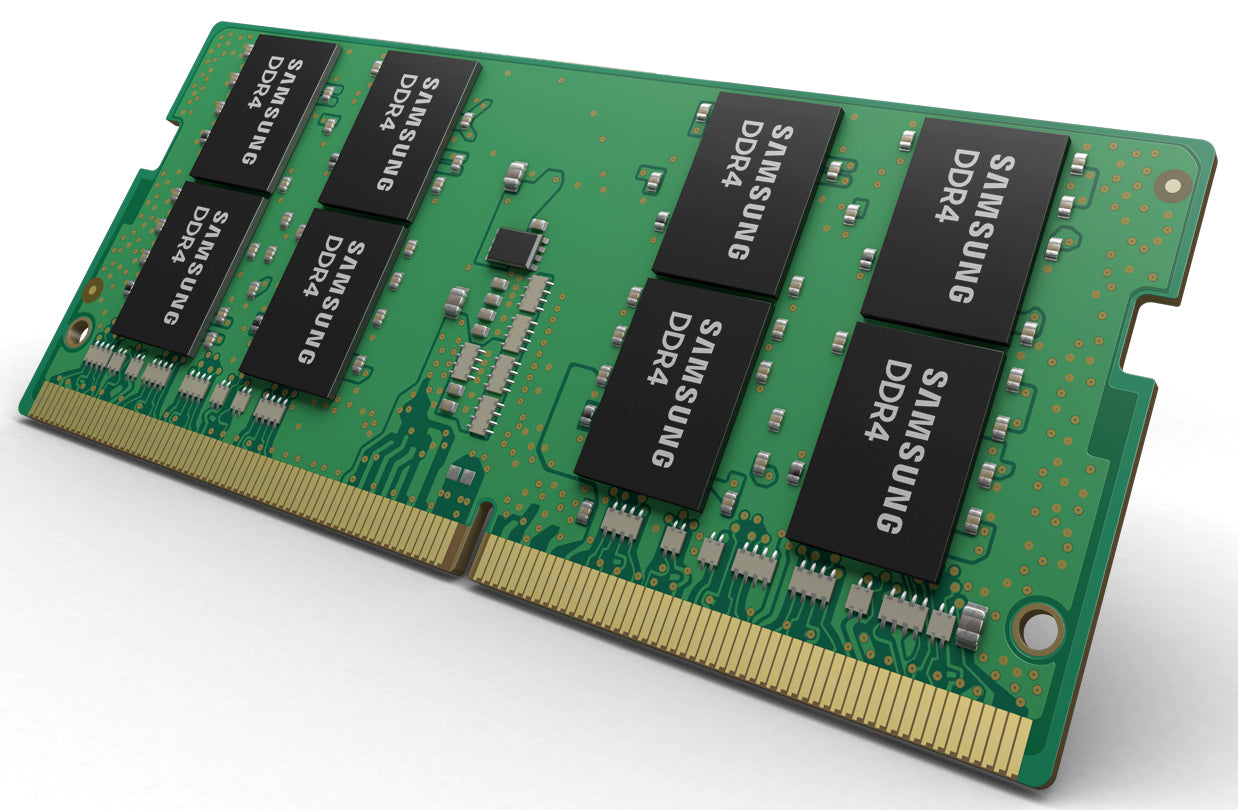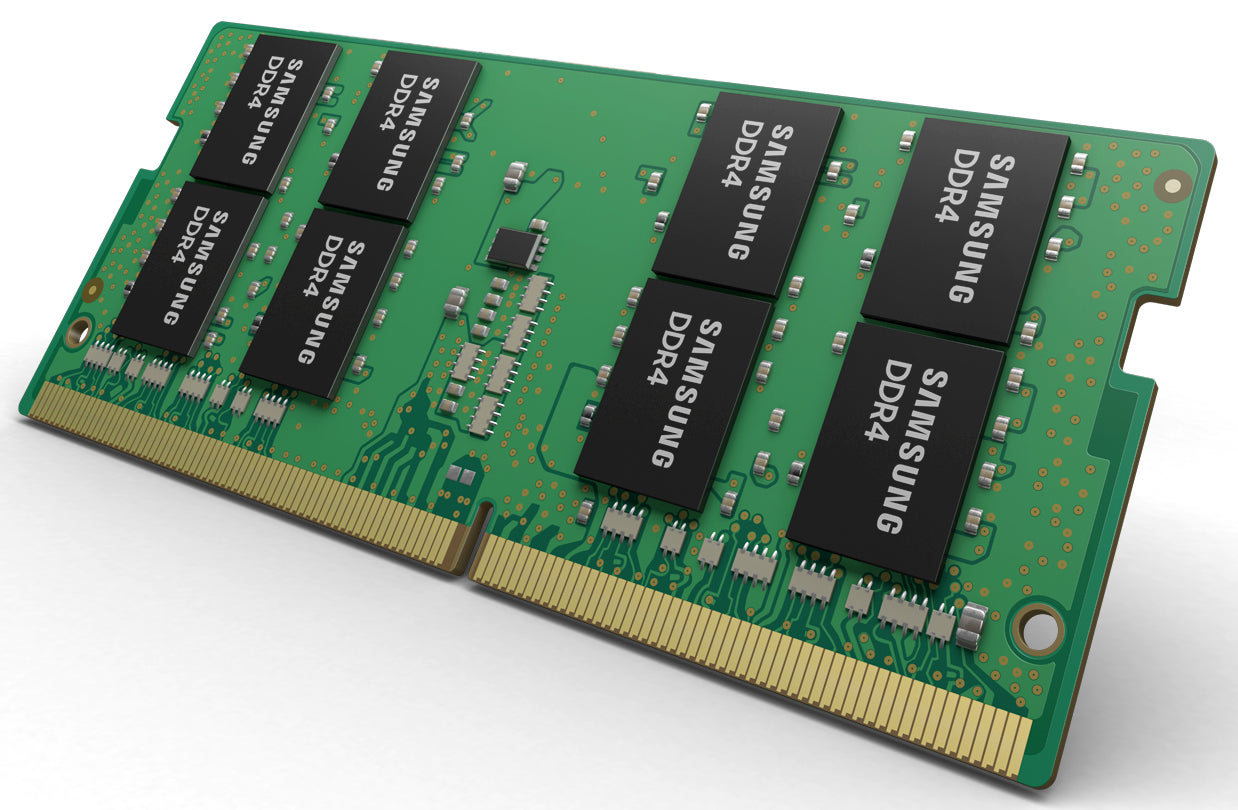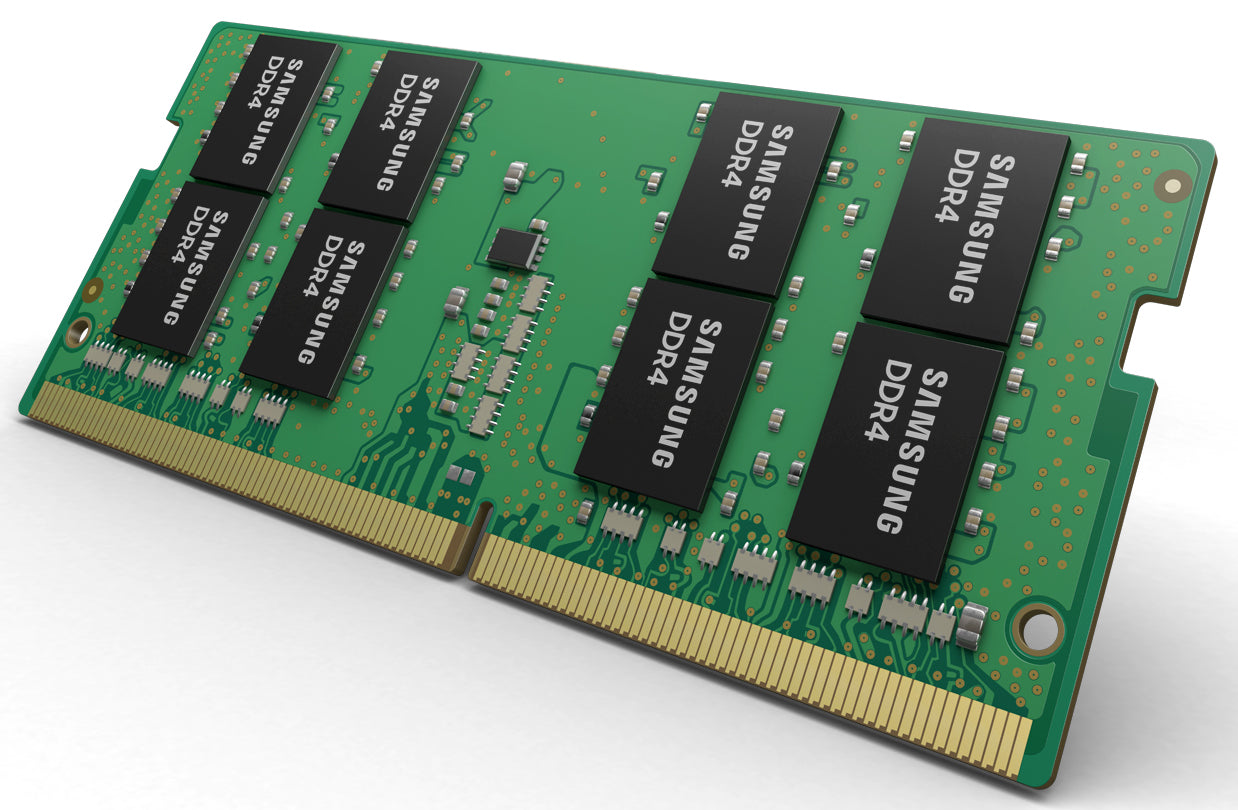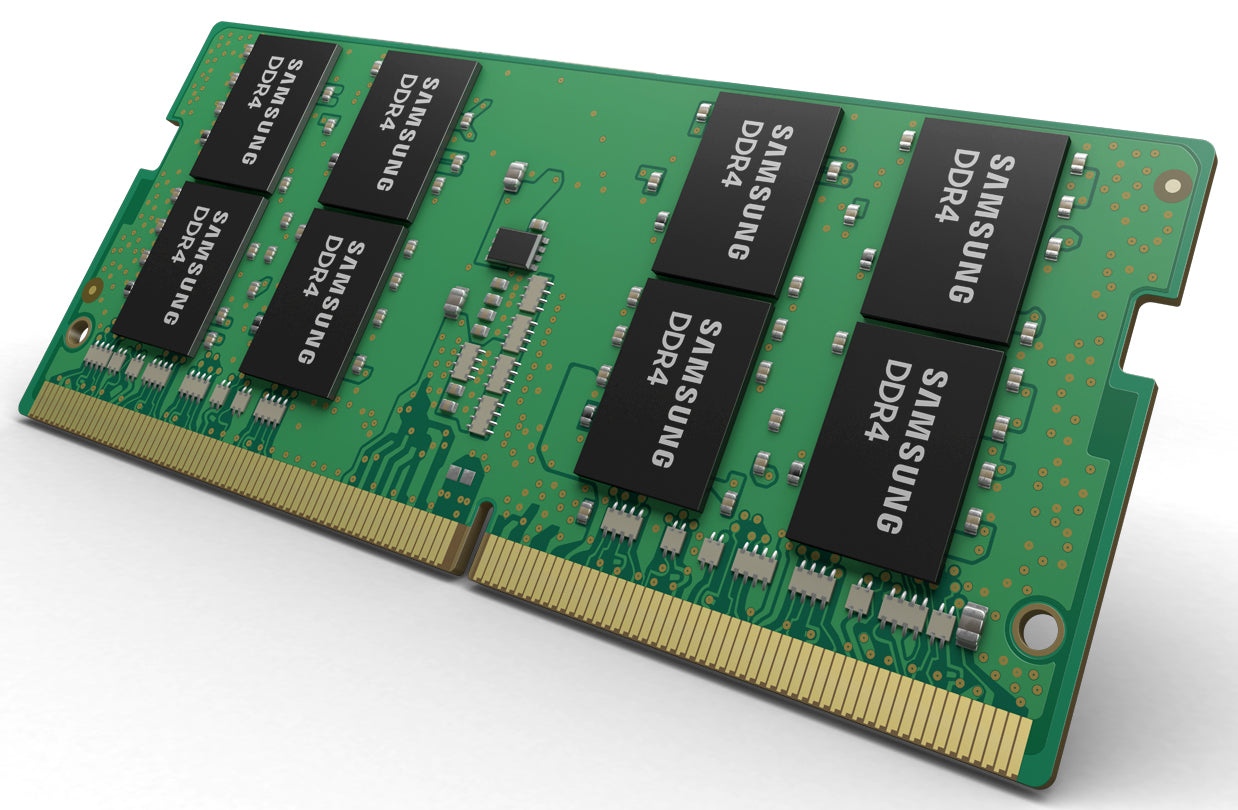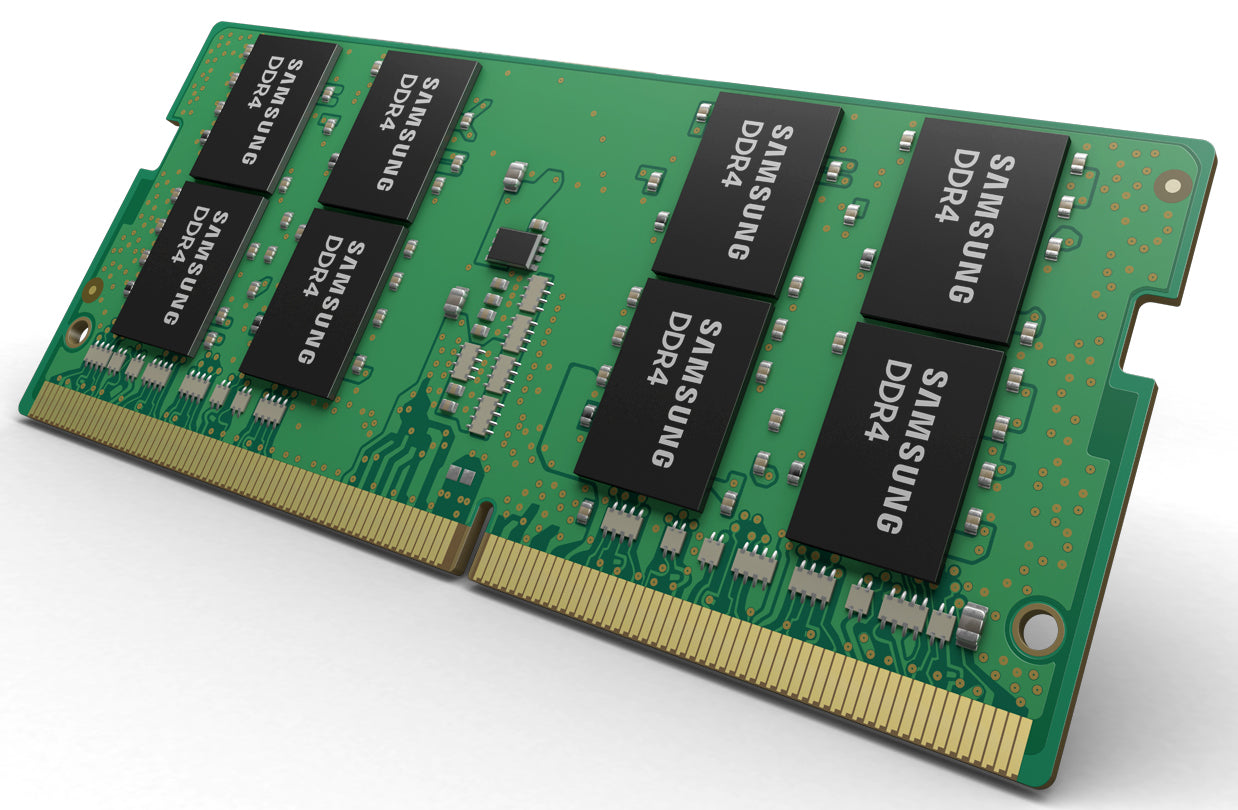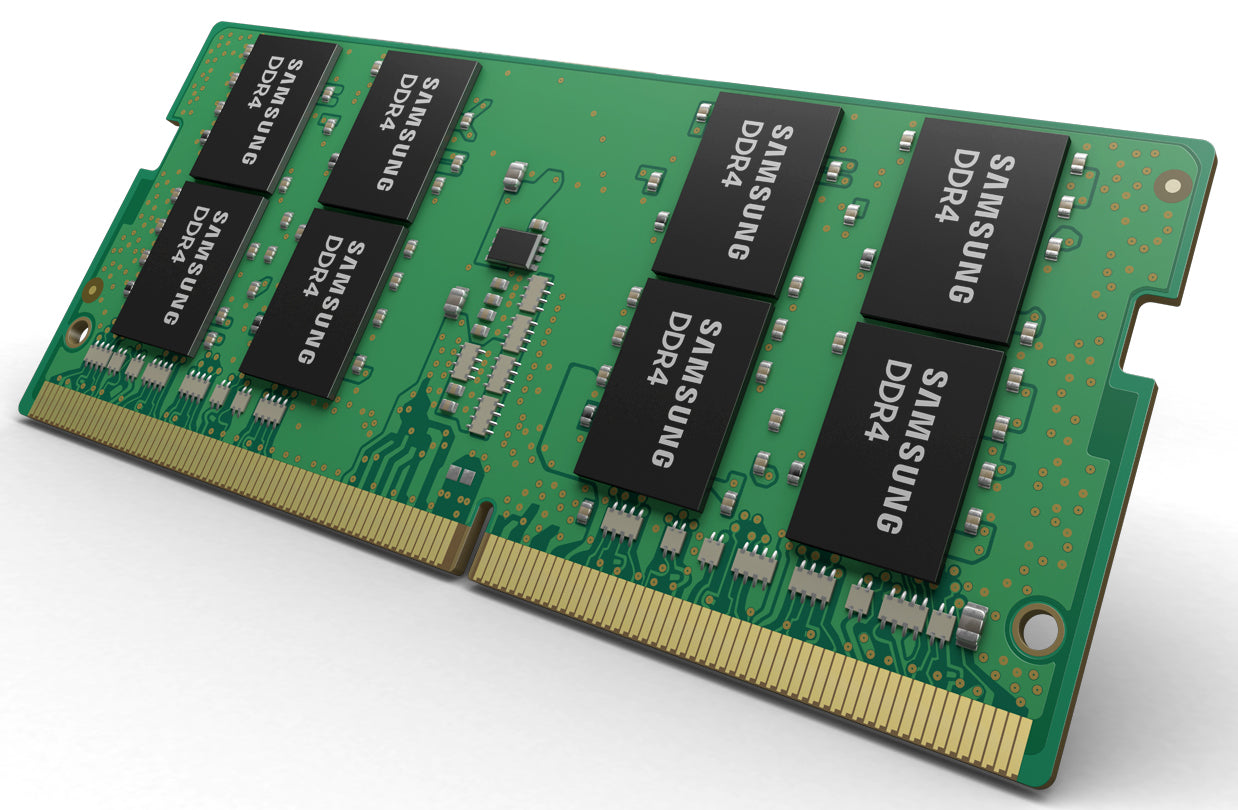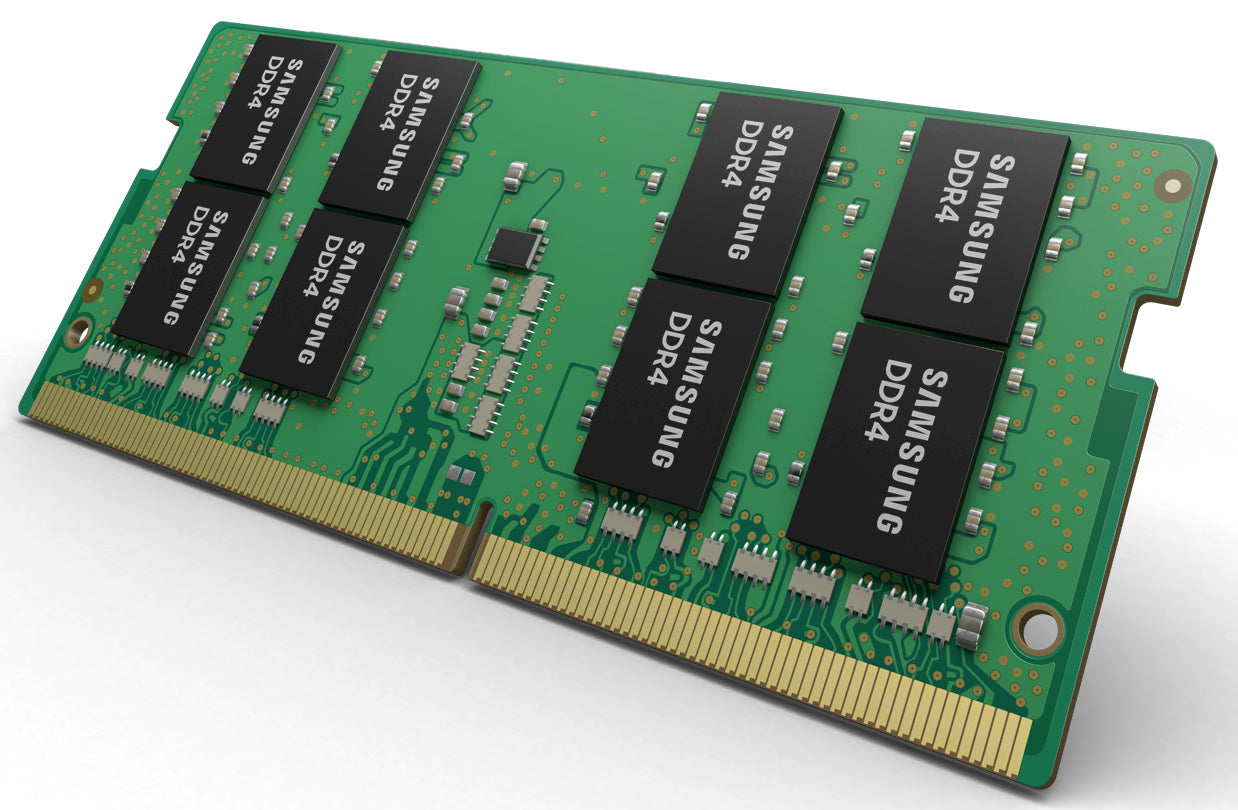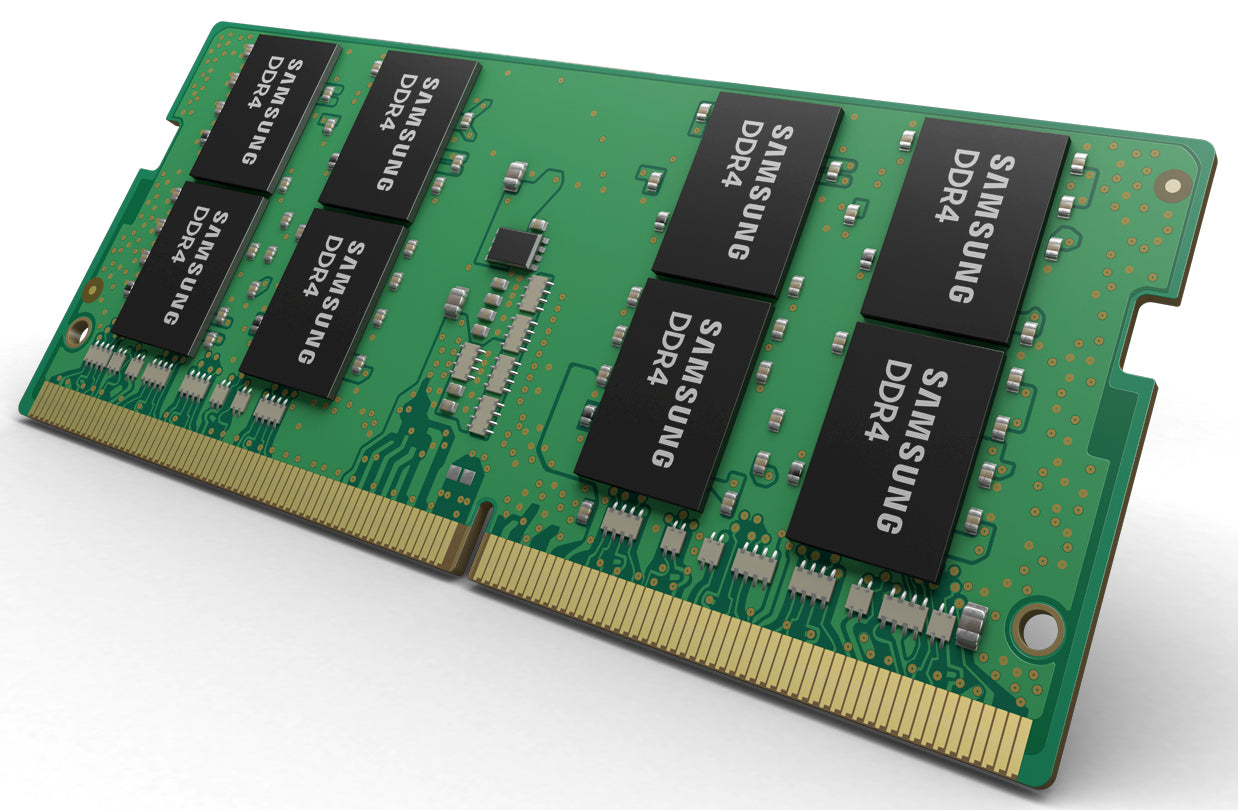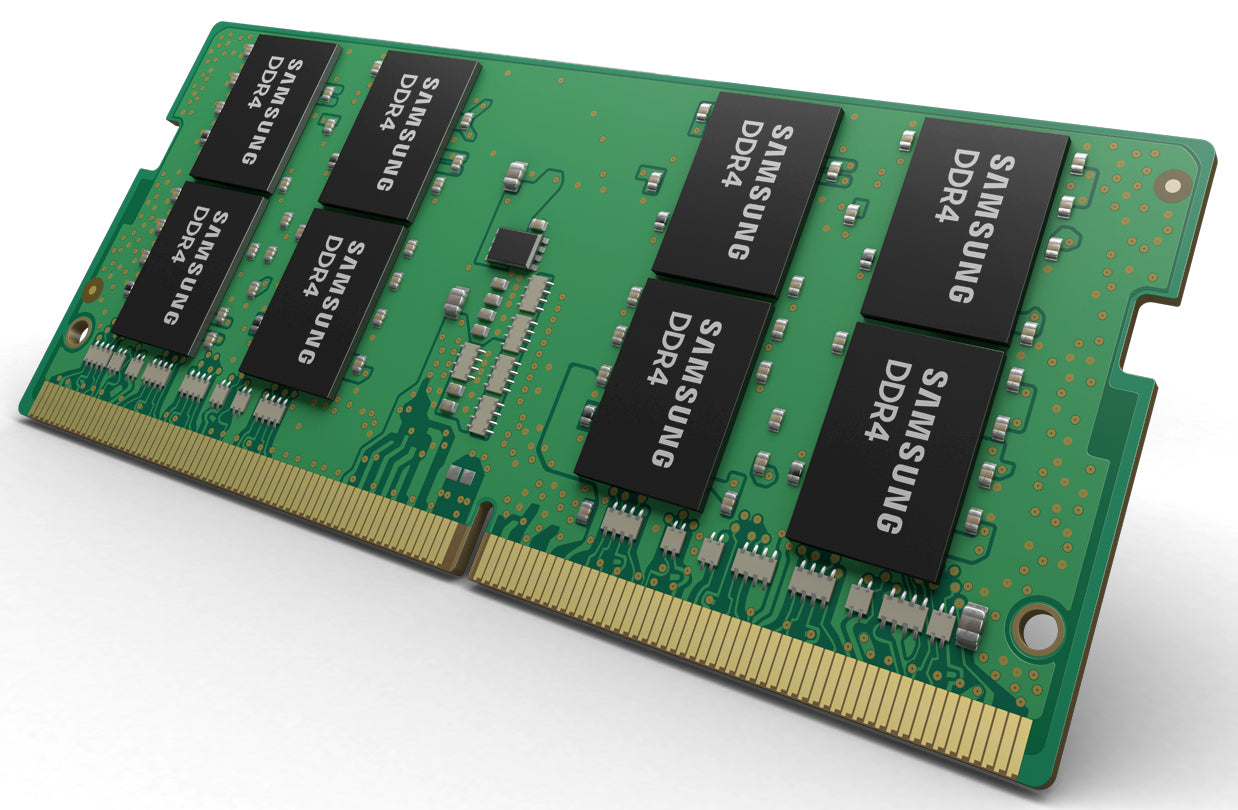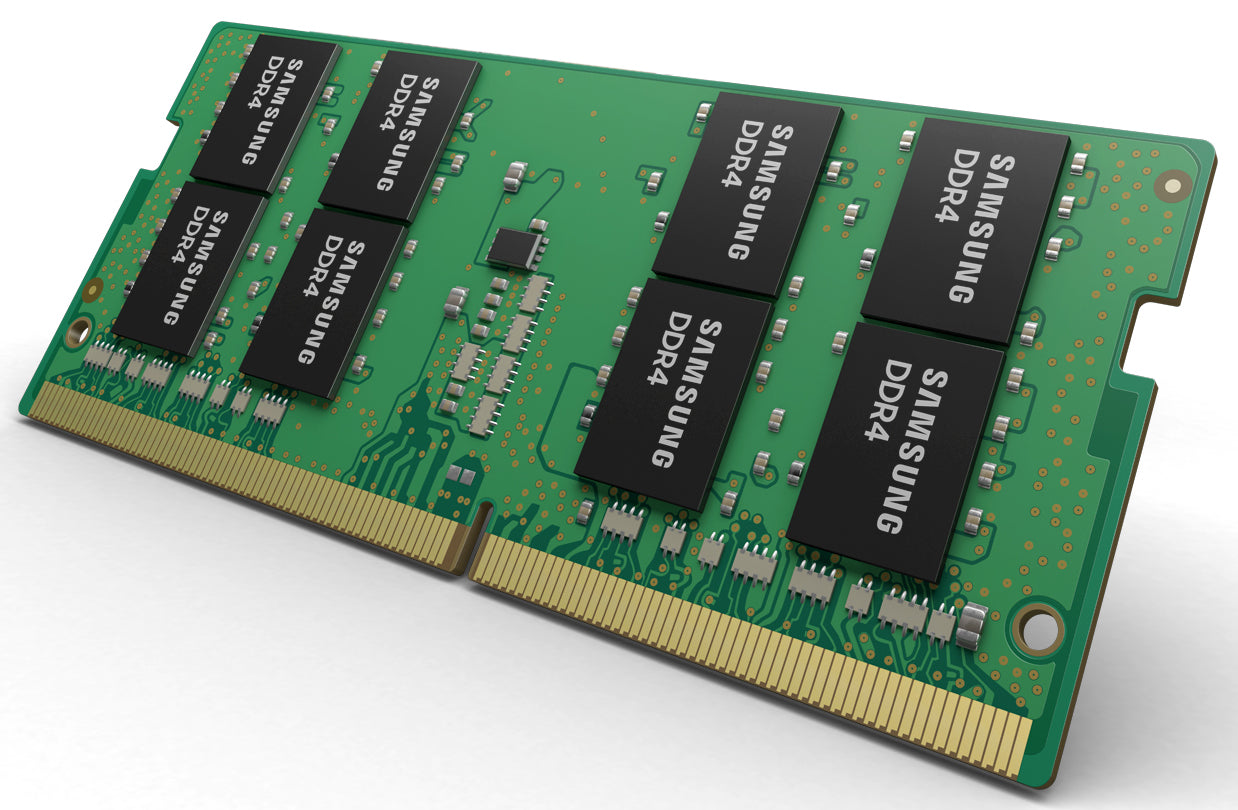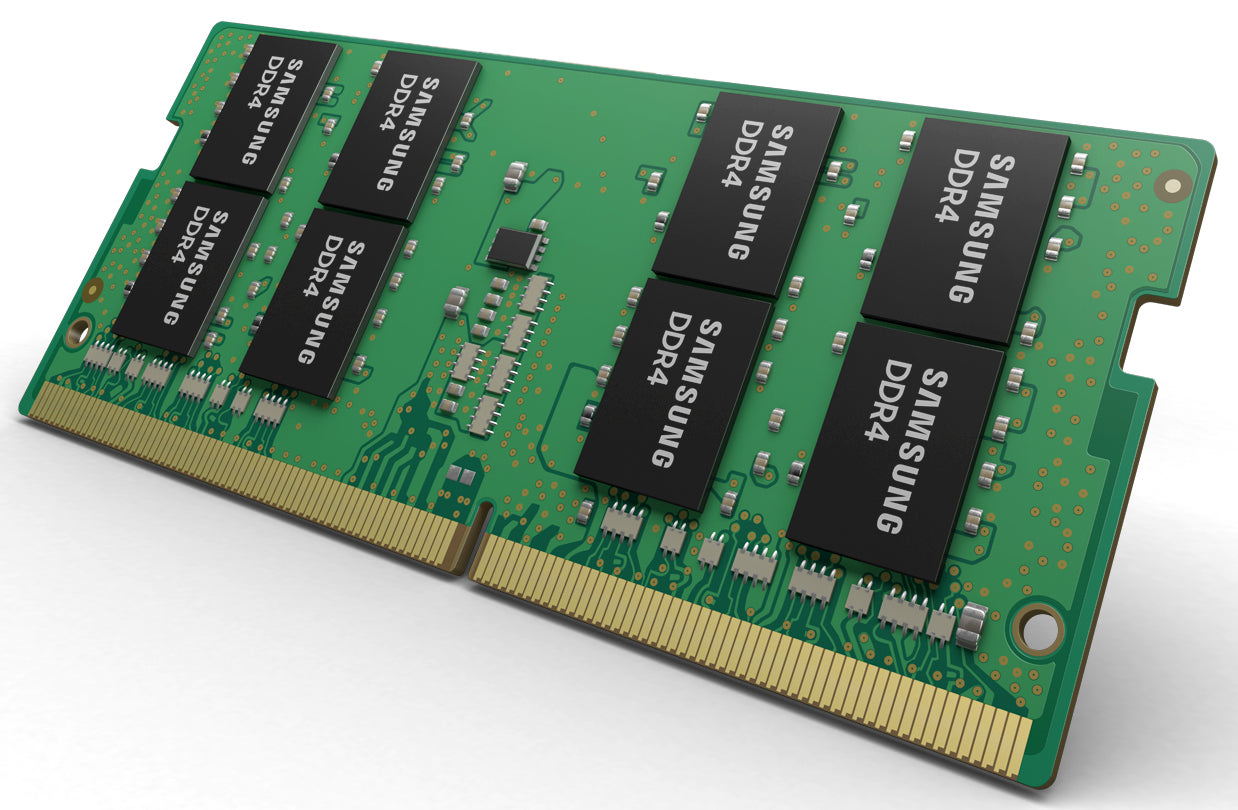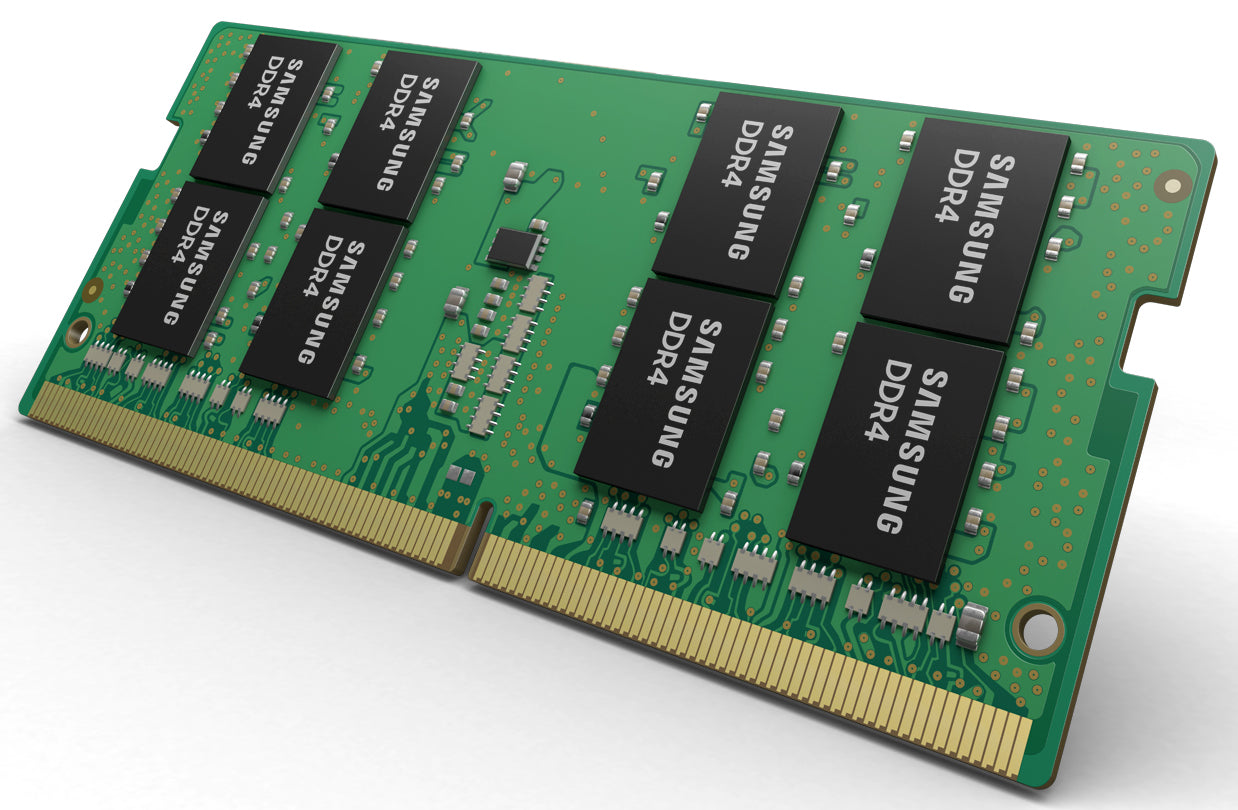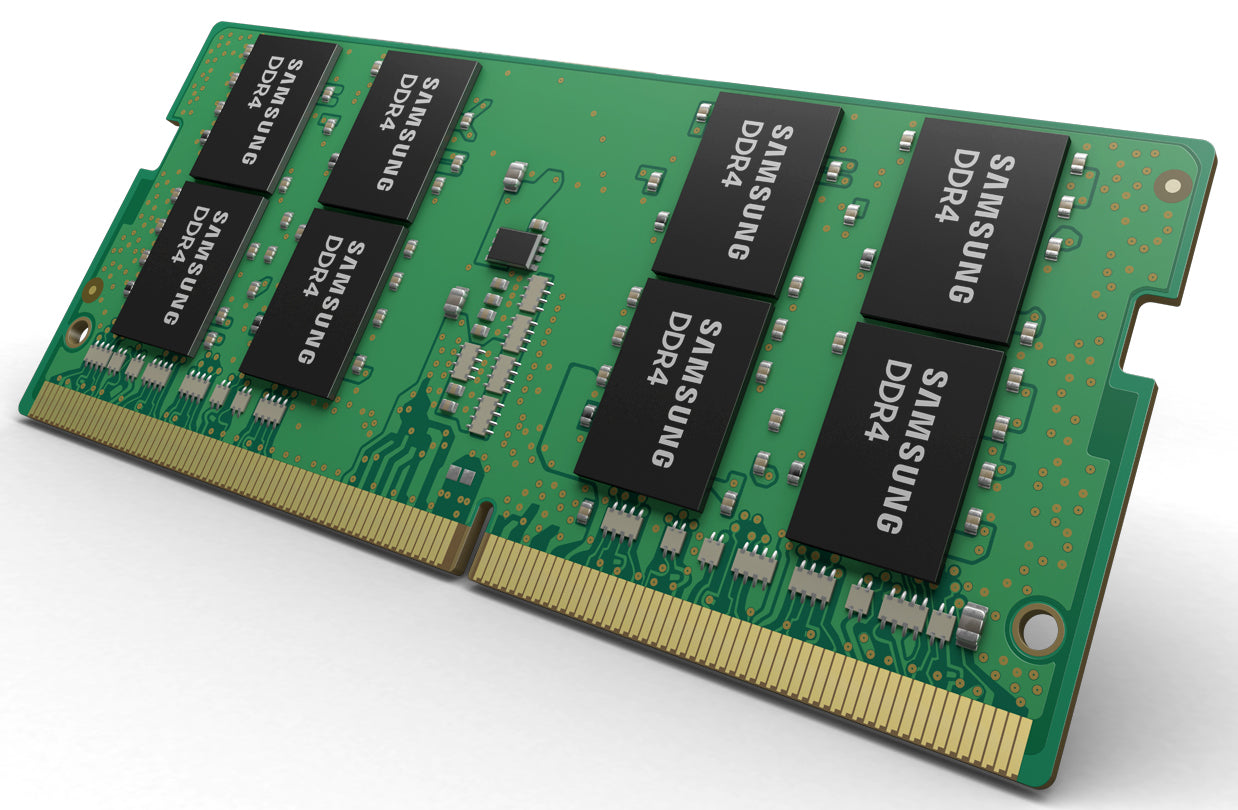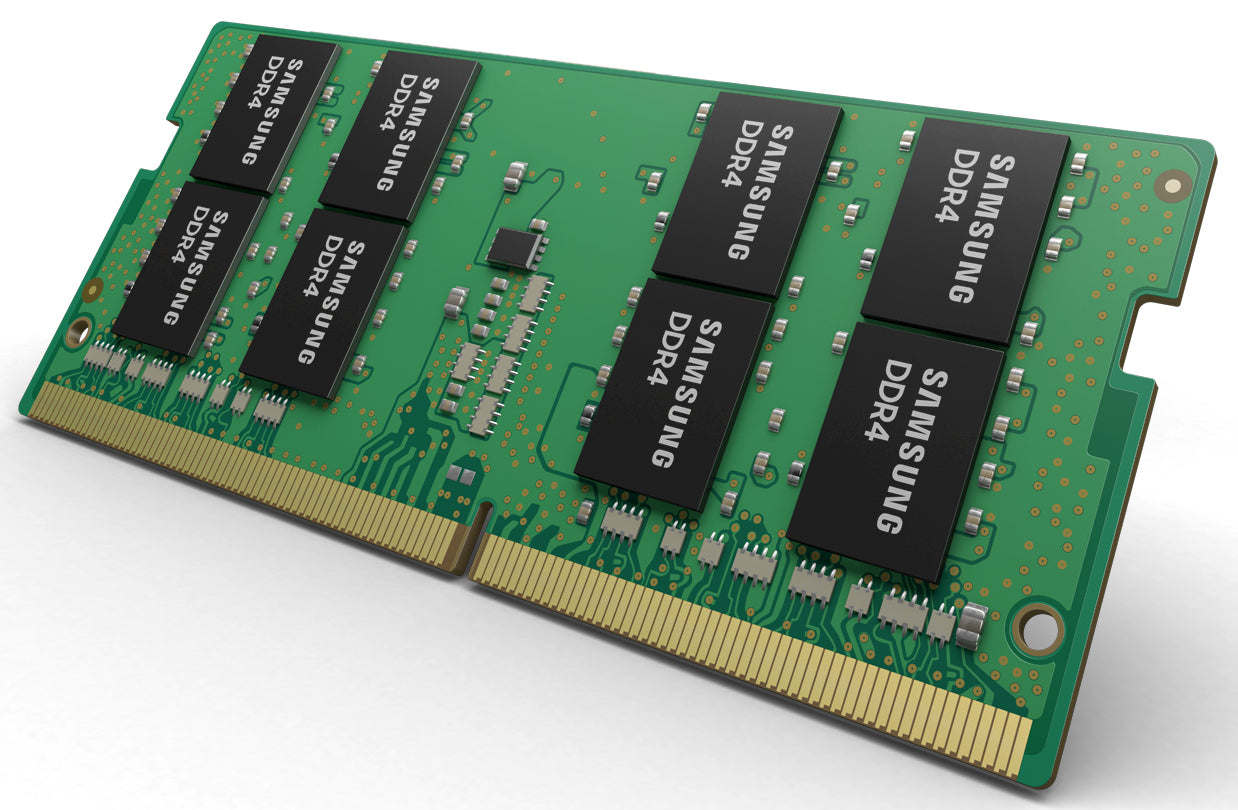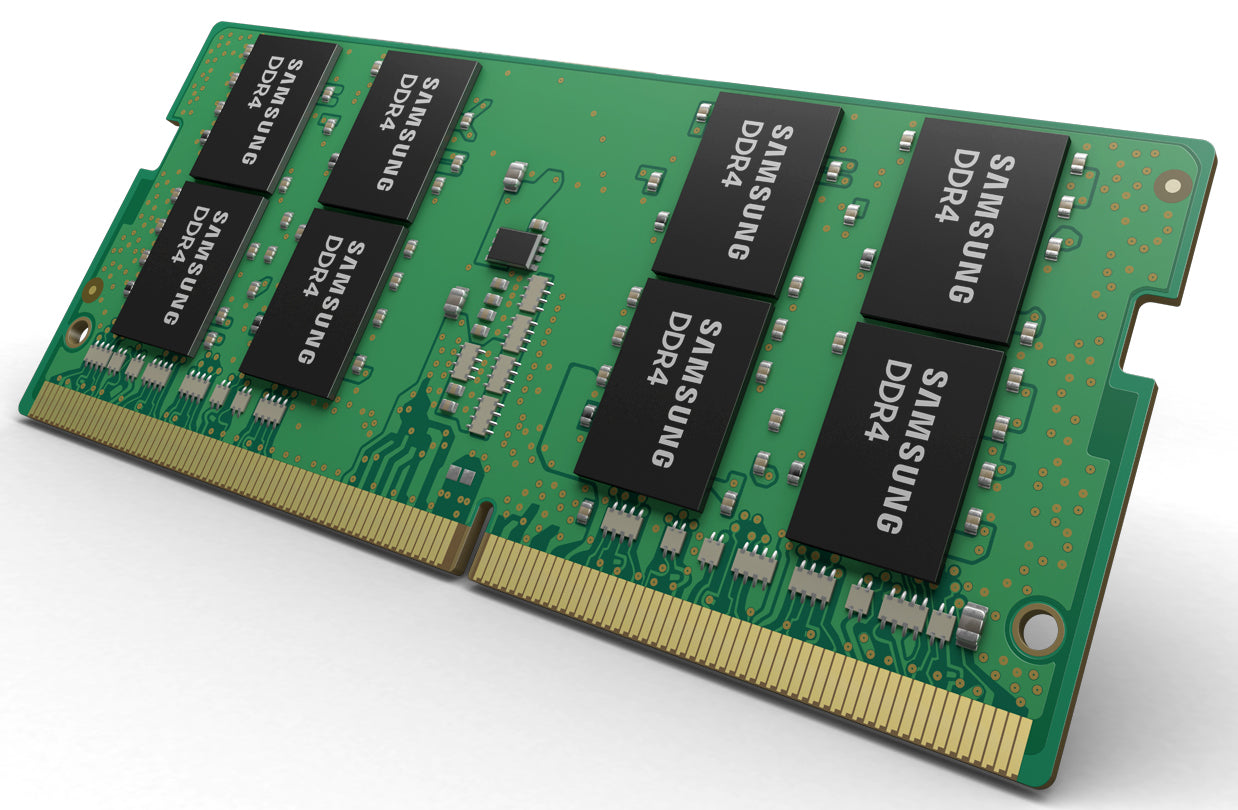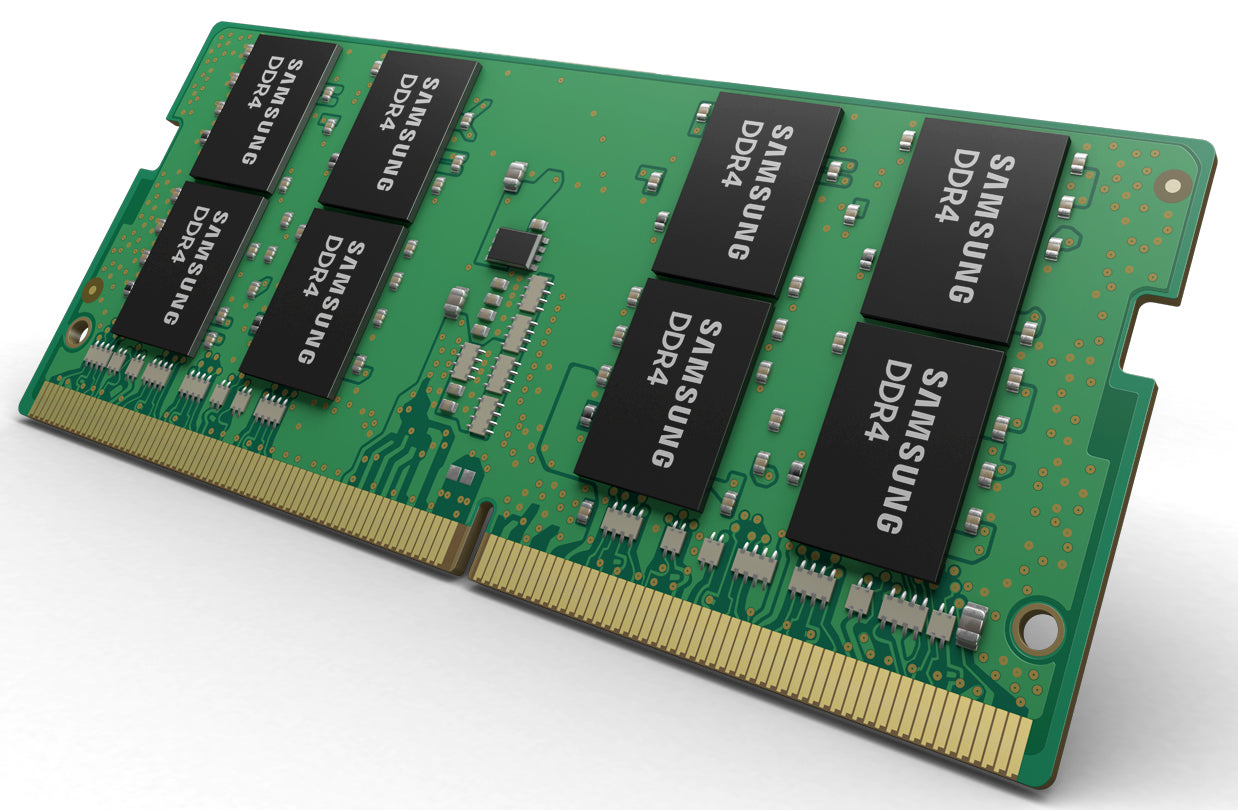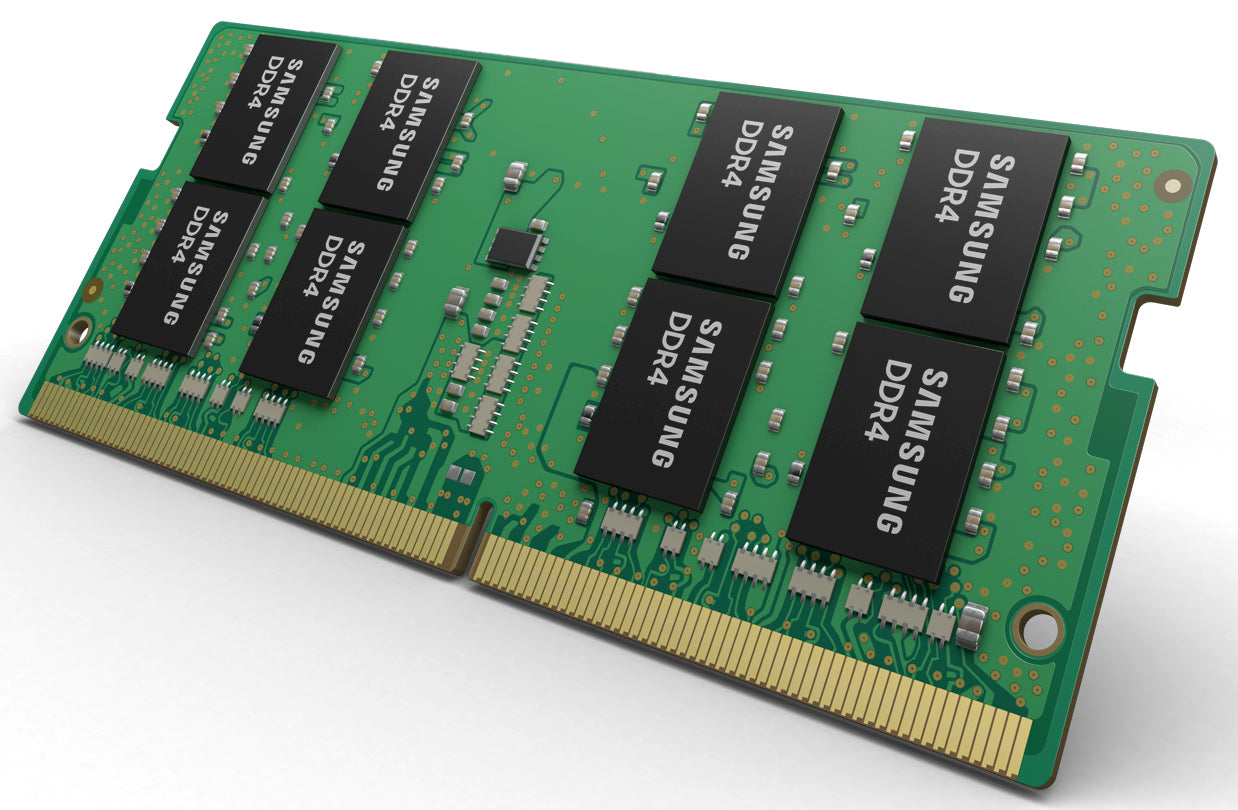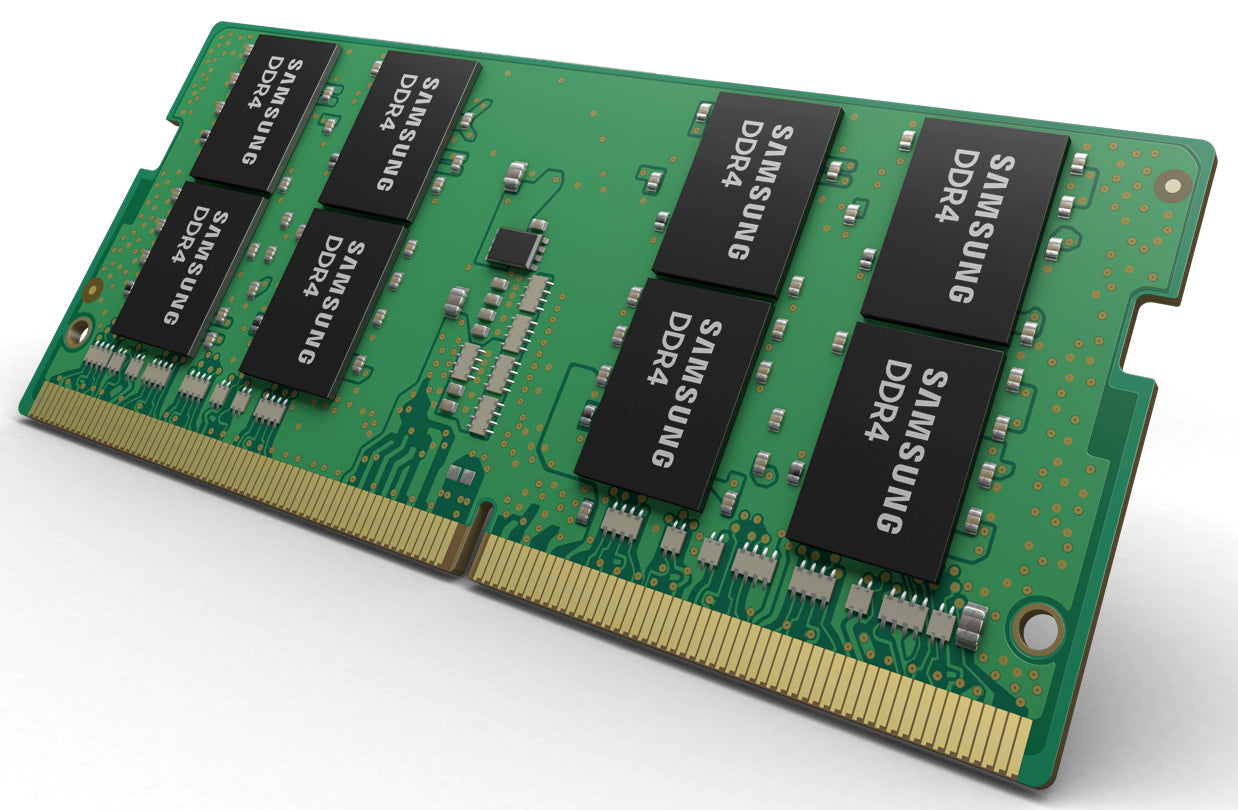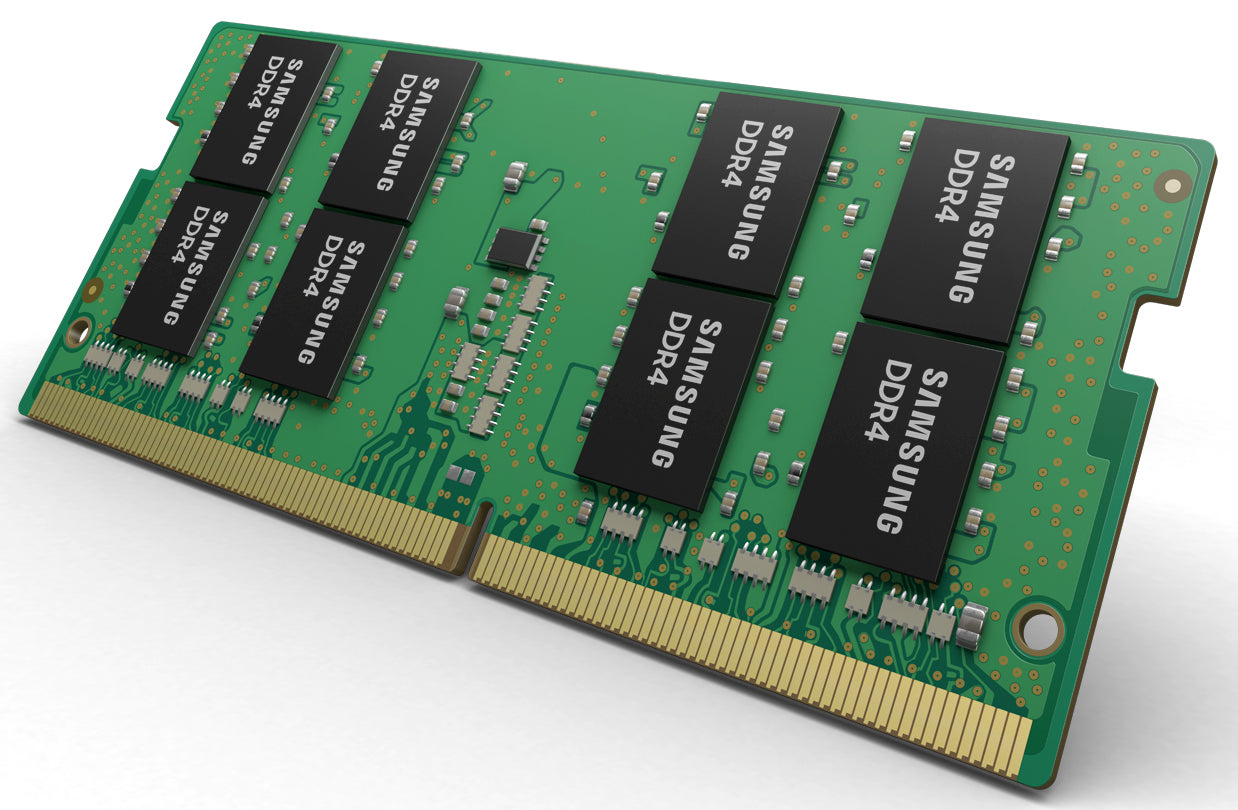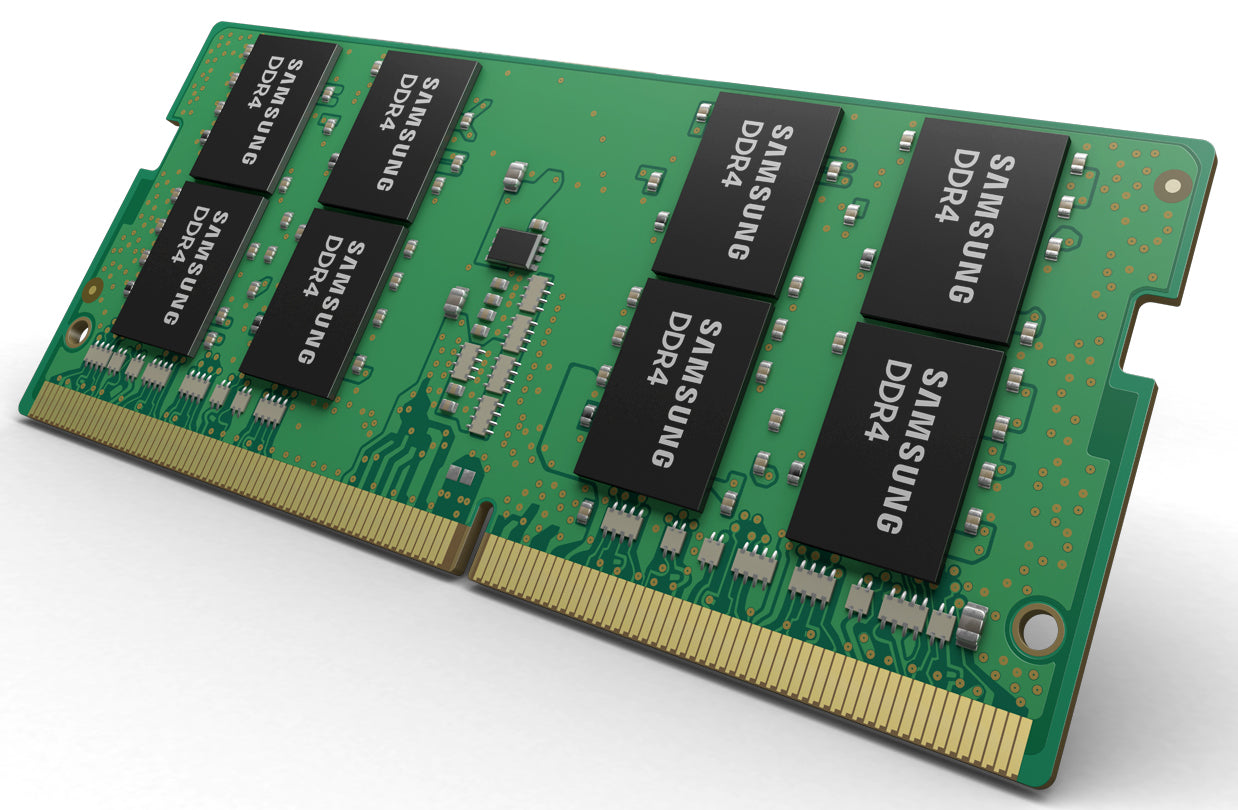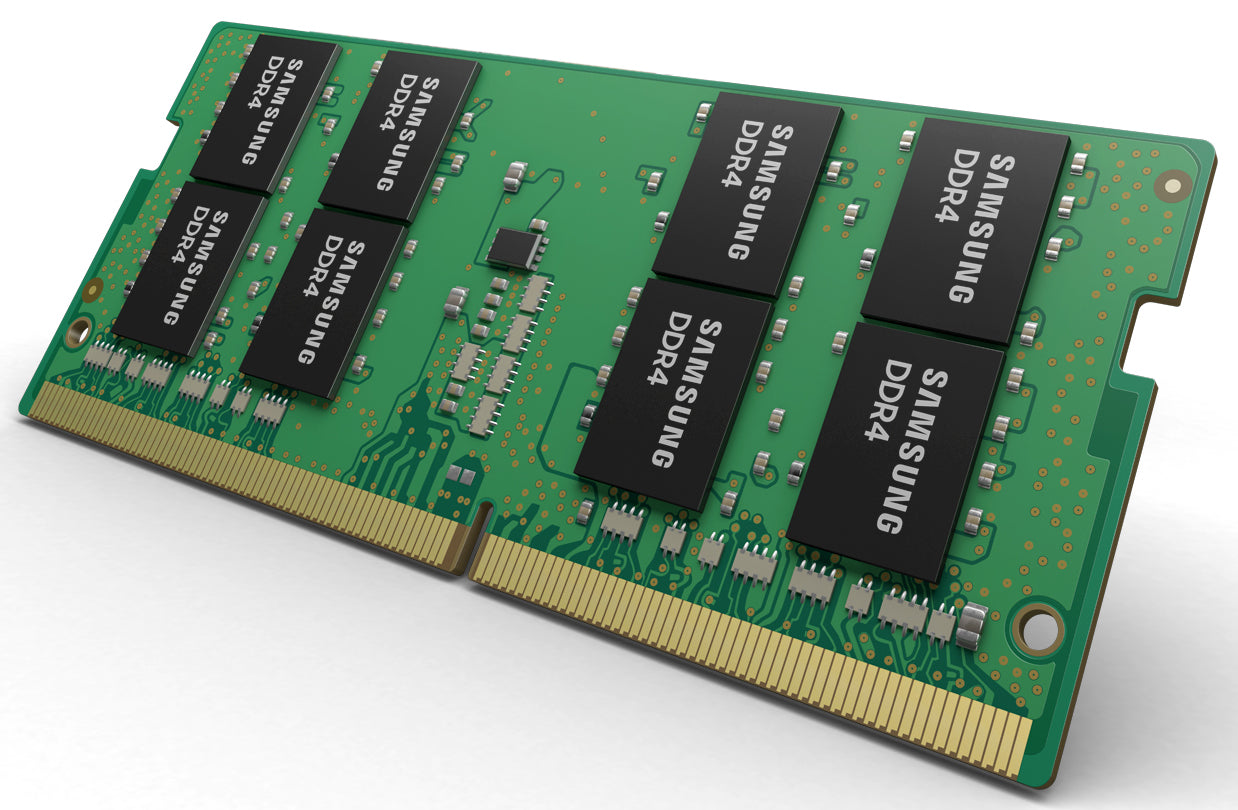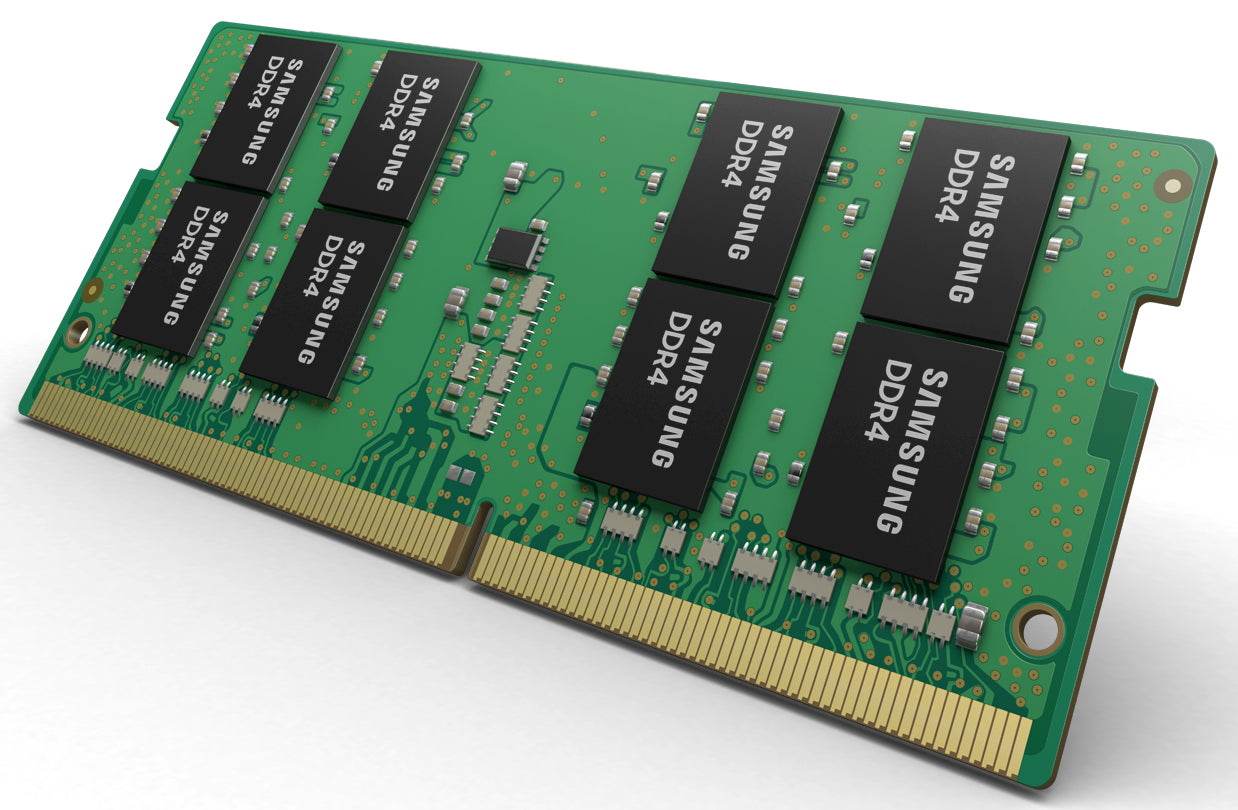
Every non-ECC SODIMM NEMIX RAM supplies: DDR5, DDR4 and DDR3 for laptops, mobile workstations, mini PCs and all-in-ones, 4GB to 48GB plus matched pairs. JEDEC standard speeds, lifetime warranty, and one quote for a whole laptop fleet.
DDR5 laptop RAMDDR4 laptop RAMDDR3 laptop RAMDell LatitudeHP EliteBook
Call 1-800-662-7466Request a Quote
Shop laptop memory by generation
DDR5 SODIMM (262-pin)
Intel Core 12th to 14th Gen and Core Ultra laptops, AMD Ryzen 6000 to Ryzen AI 300, current mini PCs.
DDR4 SODIMM (260-pin)
Intel Core 6th to 13th Gen and AMD Ryzen 2000 to 5000 laptops and mini PCs.
DDR3 and DDR3L SODIMM (204-pin)
Intel Core 2nd to 5th Gen notebooks and older Macs still in service.
Narrow the list with the Technology Speed, Module Density, Kit and Rank filters. To see only the modules matched to one laptop, pick it in the Shop by System Model menu at the top of the page, search its model or OEM part number, or open its brand below.
Laptop fleets

A memory upgrade is the cheapest way to keep a fleet of business laptops responsive for another refresh cycle. We match the module to each model, quote the whole order at once, and accept purchase orders with net terms. The business fleet upgrades page covers how a fleet upgrade works.
| Dell | Latitude · Latitude 3000 · Latitude 5000 · Latitude 7000 · Precision mobile · Vostro · Inspiron · XPS · Alienware |
| HP | EliteBook · ProBook · ZBook · Envy · OMEN · gaming laptops |
| Lenovo | ThinkPad, Legion, LOQ and IdeaPad |
| Gaming laptops | ASUS ROG · MSI · Acer Predator |
| Rugged | Latitude Rugged · Panasonic and Getac |
| Mini PCs and all-in-ones | ASUS NUC · ASRock mini PCs · Dell all-in-ones |
| Apple (Intel era) | iMac 27-inch 2019 and 2020 · Mac mini 2018 · MacBook Pro 2012 |
Which memory your laptop platform takes
| Processor platform | Memory | Rated speed (MT/s) |
|---|---|---|
| Intel Core Ultra 200HX and 200H | DDR5 | 5600 with standard SODIMM (6400 with CSODIMM) |
| Intel Core Ultra 100H | DDR5 | 5600 |
| Intel Core 13th and 14th Gen | DDR5 or DDR4, by model | Up to 5600 (DDR5), 3200 (DDR4) |
| Intel Core 12th Gen | DDR5 or DDR4, by model | 4800 (DDR5), 3200 (DDR4) |
| Intel Core 11th Gen | DDR4 | 3200 |
| Intel Core 10th Gen | DDR4 | 2666 to 2933 |
| Intel Core 8th and 9th Gen | DDR4 | 2400 to 2666 |
| Intel Core 6th and 7th Gen | DDR4 or DDR3L, by model | 2133 to 2400 (DDR4) |
| Intel Core 2nd to 5th Gen | DDR3 or DDR3L | 1333 to 1600 |
| AMD Ryzen AI 300, 8040 and 7040 | DDR5 | 5600 |
| AMD Ryzen 6000 | DDR5 | 4800 |
| AMD Ryzen 4000 and 5000 | DDR4 | 3200 |
| AMD Ryzen 2000 and 3000 | DDR4 | 2400 |
Rated speeds are for laptops with replaceable SODIMM slots. Many thin laptops, including Intel Core Ultra 200V and Apple silicon models, have memory soldered to the board or in the processor package, and cannot be upgraded. Some new models use CAMM2 instead of SODIMM; see our CAMM2 and LPCAMM2 guide.
Choosing the right laptop module

- Confirm there is a slot. Check the service manual or the system model listing before ordering. Soldered memory cannot be upgraded.
- Match the generation. DDR5 (262-pin), DDR4 (260-pin) and DDR3 (204-pin) SODIMMs are keyed differently and do not fit each other's slots.
- Use a matched pair in two-slot laptops. One module per channel runs in dual-channel mode for the most bandwidth.
- CSODIMM laptops take standard SODIMM. Laptops that ship with DDR5-6400 CSODIMM usually accept standard DDR5-5600 SODIMM in the same slots, running at 5600.
- Older notebooks may need DDR3L. Many 4th and 5th Gen Intel laptops require 1.35V DDR3L. Check the system specification before choosing DDR3.
- NAS units and compact servers that need ECC take ECC SODIMM instead. See also NAS memory.
Upgrading a fleet of laptops? Get one quote
Call a memory specialist at 1-800-662-7466 (Monday to Friday, 9am to 5pm Eastern), or send a quote request and a representative replies within one business day.
What to send: the laptop models or service tags, the installed memory, the capacity you want per machine and the quantity. We match the module to each model and quote volume pricing.
Call 1-800-662-7466Request a Quote
Prefer email? Write to sales@nemixram.com. A fillable credit application for net terms is on the quote page.
Laptop memory for your industry
Business fleets · Education and government · Rugged and field · Gaming and creator · Mobile workstations · Resellers and MSPs
Related: Desktop memory · ECC SODIMM · Memory by specification · RAM by system
Frequently asked questions
Can I upgrade the memory in my laptop?
Only if it has a SODIMM slot. Many thin laptops have memory soldered to the board or in the processor package. Search your model at the top of the site: if we list a module for it, it can be upgraded.
Will DDR5 laptop memory fit a DDR4 laptop?
No. DDR5 SODIMM has 262 pins and DDR4 has 260, and they are keyed differently. A laptop takes only the generation it was designed for.
Should I install one module or two?
Two matched modules, one per slot, run in dual-channel mode and give noticeably more bandwidth than a single module of the same total size.
Can I mix a new module with the one already installed?
Usually, if the generation matches. The laptop runs at the slower module's speed, and mismatched sizes can lose some dual-channel performance. A matched pair is the safest choice.
My laptop shipped with CSODIMM. Can I use a standard SODIMM?
Usually, yes. Laptops with DDR5-6400 CSODIMM generally accept standard DDR5-5600 SODIMM in the same slots and run it at 5600.
Need laptop memory for a fleet, a classroom or a single machine? Call 1-800-662-7466 or request a quote.