
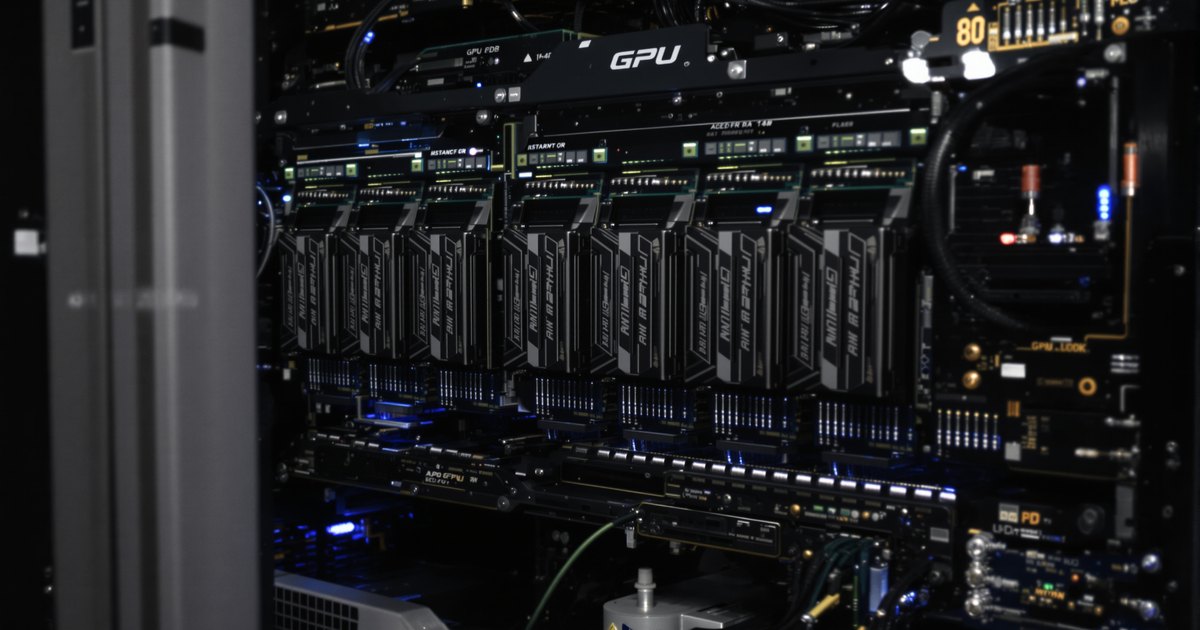
An AI server has two separate pools of memory, and they do different jobs. The GPUs carry their own memory, and the server also carries system RAM on the motherboard. People often ask whether the second pool needs to grow when the first one does. This guide explains what system RAM does in an AI server, how it relates to GPU memory, and how to size it without guessing.
The short answer
- Usually yes, AI servers want more system RAM than a general purpose server. The GPU does the math in its own memory, but system RAM feeds it, stores the data and can absorb work the GPU cannot fit.
- There is no single ratio. Vendors publish examples, and the right number depends on your dataset, your framework settings and the number of GPUs.
- A common floor for workstations is system RAM of at least twice the total GPU memory, according to Puget Systems. NVIDIA's DGX H100 uses roughly three times.
- Fill the memory channels evenly with matching DDR5 RDIMM, and check the platform's supported speed.
GPU memory and system RAM are different things
| GPU memory | System RAM | |
|---|---|---|
| Where it sits | On the GPU card or module | On the server board, in DIMM slots next to the CPU |
| What it does | Holds the model and the data the GPU is working on right now | Holds the dataset, preprocessing, the operating system, framework overhead and anything offloaded from the GPU |
| What limits it | Fixed by the GPU you buy | Set by DIMM slots, channels and module sizes, and upgradable |
| Memory type | Specialized GPU memory | DDR5 or DDR4 RDIMM or LRDIMM on most servers |
Neither pool replaces the other. A model has to fit in GPU memory to run on the GPU without help, and everything that supports that work happens in system RAM.
A real example: NVIDIA DGX H100
NVIDIA's DGX H100 and H200 user guide lists 8 GPUs with 640GB of total GPU memory on the H100 system and 1,128GB on the H200 system, together with 2TB of system memory made up of 32 DIMMs. On the H100 system that is a little over three times as much system RAM as GPU memory. It is one vendor's design for one product, not a rule, but it shows that big GPU systems are paired with far larger system memory than the GPUs carry.
Why system RAM matters in an AI server
Feeding the GPUs
Training and inference start with data in system memory that has to reach the GPU. PyTorch's documentation describes pinned memory, host memory that the operating system cannot swap to disk, as faster and more predictable for copies to the GPU. The same tutorial warns that pinning a lot of memory takes RAM away from everything else and can hurt overall performance, so a server that pins large buffers needs the headroom.
Offloading work from the GPU
When a model does not fit in GPU memory, frameworks can move part of the load to the host. DeepSpeed, as described in the Hugging Face documentation, can offload optimizer states and, in its ZeRO-3 mode, model parameters to CPU memory, which lowers the GPU's peak memory use at the cost of more communication. That trade only works if the server has the system RAM to receive the offloaded data. The same documentation notes that pinned memory used for faster transfers locks RAM that other processes cannot use.
Holding datasets
Puget Systems notes that data analysis often benefits from loading a full dataset into memory, and says that can mean as much as 1TB of system memory and occasionally more. If your pipeline keeps data in RAM instead of streaming it from storage, your system RAM requirement follows the size of that data, not the size of the GPUs.
How to size system RAM
- Add up total GPU memory. Multiply the memory per GPU by the number of GPUs.
- Set a floor. Puget Systems recommends system RAM of at least twice the total GPU memory for AI workstations. Treat that as the minimum, and use the DGX H100 example of roughly three times as a sign of where large systems land.
- Add your dataset. If the full dataset sits in memory, add its size.
- Add offload and buffers. If you offload optimizer states or parameters, or pin large buffers, add that amount.
- Round to what the board can populate evenly. Use identical modules across the memory channels, within the board's slot count and capacity limit.
This gives you a range, and the workload tells you where in the range to land. Measure real memory use on a test run if you can, and size above the peak.
Memory type, speed and ECC
- Type. Most current AI servers use DDR5 RDIMM, and older systems use DDR4 RDIMM or LRDIMM. The memory types explained guide covers the differences.
- Speed. The speed is set by the processor and by how many modules sit on each channel, and platforms usually run slower with more than one module per channel. Check the server maker's specification for the speed at your configuration.
- ECC. Server platforms use ECC RDIMM, which matters for long jobs that run for days. The ECC vs non-ECC guide explains what it protects.
Find memory for your AI server
Identify the exact server model and processor, open the maker's memory specification for the module type, slot count and capacity limit, then match it to a listing. Browse DDR5 RDIMM, DDR4 RDIMM and LRDIMM, or start from your server brand: Dell PowerEdge rack, GIGABYTE rack server, Supermicro and the data center and server memory page. For platform changes, see the server memory refresh guide. If your server is not listed, send us the model name and we will check it.
Not sure what your board takes? Follow our step by step guide to finding compatible RAM for your motherboard.
Frequently asked questions
Do GPUs use system RAM?
The GPU runs its work in its own memory, but system RAM supplies the data, holds the dataset and preprocessing, and can receive work that frameworks offload from the GPU.
Will more system RAM make training faster?
Not by itself. More RAM helps when your system is short of it, for example when data loading stalls or an offload setting needs the space. Past that point, extra capacity does not add speed.
How much system RAM do I need per GPU?
There is no single figure. Puget Systems recommends at least twice the total GPU memory for AI workstations, NVIDIA's DGX H100 uses about three times, and datasets held in memory can push the number much higher. Size it for your workload.
Can I use desktop memory in an AI server?
Not in most. Server boards take RDIMM or LRDIMM, and desktop UDIMM does not fit or work in them. Workstation boards vary, so use the module type your maker lists.
Does NEMIX RAM supply memory for AI servers?
We supply DDR5 and DDR4 RDIMM and LRDIMM matched to the server systems that list them. We do not currently offer MRDIMM. Send us the server model and we will confirm the module.
Sources
NVIDIA DGX H100/H200 user guide, Puget Systems AI hardware recommendations, PyTorch pinned memory tutorial and Hugging Face DeepSpeed documentation, read on October 29, 2026. Vendor guidance and product specifications change, so confirm against current documentation for your system.
Buying memory for AI and data center systems
Purchase orders, net terms and volume pricing are available for data center, reseller and public-sector orders. Request a quote with your models and quantities, or contact our sales team.