
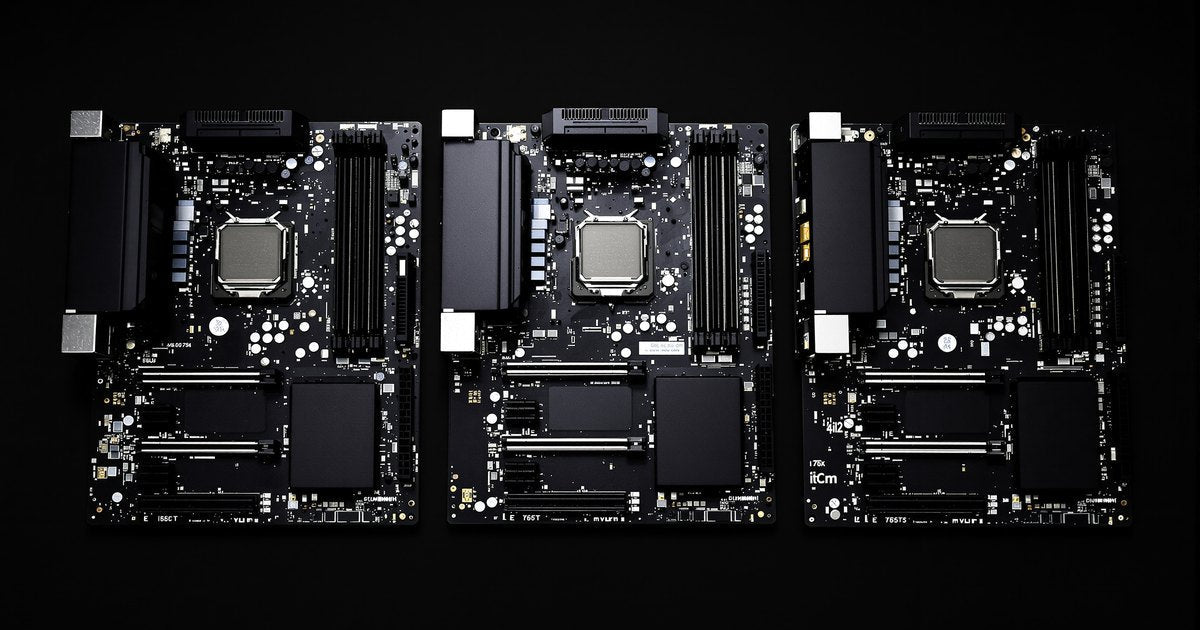
ASUS, MSI and GIGABYTE all build boards for the same Intel and AMD processors, so choosing between them is less about a winner and more about the board in front of you. The chipset, the socket and the memory type decide what your build can do, and all three brands offer boards at most price points. This guide explains how the three lineups are organized, what really differs, and how to choose, with a short note on memory.
The short answer
- No brand is the safe pick. Compare the exact boards you are considering, not the logos.
- Choose the chipset first. It decides the processor family, the memory type and the features, and all three brands make boards on the same chipsets.
- Series names are a rough guide to tier, but each brand names its lines differently, so read the spec sheet.
- Check the memory type and the memory list for the specific board before you buy RAM.
How the three lineups are organized
| Brand | Series | What it is for |
|---|---|---|
| ASUS | ROG | High end gaming boards aimed at overclocking, with automated tuning tools |
| ASUS | TUF Gaming | Durable gaming boards on current AMD and Intel platforms, with extra power and cooling options |
| ASUS | PRIME | Versatile boards for everyday users and DIY builders |
| ASUS | ProArt | Boards for content creators doing 3D, rendering, animation and media work |
| ASUS | Pro WS | Workstation boards for AI training, rendering and heavy expansion |
| MSI | MEG | The top enthusiast tier, with the most extras and the highest prices |
| MSI | MPG | The middle performance tier for buyers who want strong specs without the top tier cost |
| MSI | MAG | The mainstream tier, focused on stability and durability |
| MSI | PRO | Listed by MSI as a fourth series; MSI's page gives no description |
| GIGABYTE | AORUS | GIGABYTE's performance series; model names add words such as ELITE, MASTER and XTREME |
| GIGABYTE | AERO | Listed as a separate series filter on GIGABYTE's page |
| GIGABYTE | GAMING | Listed as a series filter, with model names such as GAMING WIFI6E |
ASUS series descriptions come from ASUS's own motherboard page. MSI's MEG, MPG and MAG tiers are as MSI introduced them and as HotHardware described them, and MSI's current page lists PRO as a fourth series. GIGABYTE's page names the AORUS, AERO and GAMING series without ranking them, so treat any tier order for GIGABYTE as unconfirmed and compare boards by their specifications. Lineups change between generations, so check the current product page.
What is the same across all three
- Chipsets. GIGABYTE's page, for example, lists Intel Z890, B860 and Z790/B760 and AMD X870E/X870, B850/B840 and X670/B650. ASUS and MSI sell boards on the same chipsets.
- Memory type. The board model sets DDR5 or DDR4. GIGABYTE's page shows most AM5 and Intel Socket 1851 boards on DDR5, while models such as the B760M GAMING WIFI6E DDR4 use DDR4. The same is true of every brand.
- Core features. Wi-Fi, PCIe slots, M.2 storage and USB ports vary by price tier within each brand more than between brands.
What actually differs
BIOS update tools
Each brand has its own name for updating the BIOS from a USB drive without a processor installed. This matters when a newer processor needs a newer BIOS than the one the board shipped with. Not every board in a brand has it, so look for it on the spec sheet.
| Brand | No CPU BIOS update feature |
|---|---|
| ASUS | USB BIOS Flashback |
| MSI | Flash BIOS Button |
| GIGABYTE | Q-Flash Plus |
| ASRock | BIOS Flashback Button |
CG Director describes the method as the same across brands: a FAT32 USB drive with the BIOS file, the dedicated BIOS labeled port and the flashback button, with only the board and the power supply connected.
Memory profiles
XMP is Intel's memory profile system and EXPO is AMD's DDR5 version for AM5 boards. PC Gamer notes that both run memory above standard JEDEC speeds, so enabling one is an overclock, although a tested one. You switch it on in the BIOS on any of the three brands.
Design, software and support
Layout, lighting, BIOS interface, companion software and driver downloads differ by brand. These are preference items, so look at a BIOS walkthrough or a manual for the board before you decide.
How to choose
- Pick the processor. This sets the socket and the chipset family.
- Pick the chipset. Choose the tier that gives you the PCIe, storage and overclocking features you need.
- Confirm DDR4 or DDR5 on the exact board model.
- Compare two or three boards from different brands at your price, on slots, ports and features.
- Check processor support. Read the maker's CPU support list, and look for a no CPU BIOS update feature if your processor is new.
- Check the memory list. Each maker publishes a list of tested modules for the board, called a QVL. It is a snapshot, since makers cannot test every module, and it matters most when you are pushing capacity or speed.
Find memory for your board
Once you have the board, match the memory to it. Browse memory by brand for ASUS, MSI, GIGABYTE and ASRock, or by chipset: Z890, B860, Z790, B760 or the full list of memory by chipset. The motherboard RAM by chipset guide and the memory types explained guide cover the basics, and the Ryzen motherboard guide goes deeper on AMD. If your board is not listed, send us the model name and we will check it.
Not sure what your board takes? Follow our step by step guide to finding compatible RAM for your motherboard.
Frequently asked questions
Which is better, ASUS, MSI or GIGABYTE?
None is better in every case. All three sell boards on the same chipsets across most price tiers, so compare the exact boards on chipset, memory type, slots, ports and features, then choose the one that fits your build.
Do I need to buy memory from the same brand as the motherboard?
No. Memory does not have to match the board's brand. It has to match the board's memory type, speed and capacity limits, so check the board's specification and memory list.
What is a QVL and do I need to check it?
A QVL, or Qualified Vendors List, is a list of memory modules the board maker has tested with that board. It is a snapshot and not every module is on it, but it is a useful check when you are buying a large kit or a high speed.
Are XMP and EXPO safe to turn on?
They are tested profiles stored on the memory, but they run it above standard JEDEC speeds, which makes them an overclock. If the system is unstable, go back to the standard setting.
Does NEMIX RAM supply memory for these boards?
We list memory by ASUS, MSI, GIGABYTE and ASRock board and by chipset. Send us the board model and we will confirm the module.
Sources
ASUS motherboard series, MSI motherboards, HotHardware on MSI MEG, MPG and MAG, GIGABYTE motherboards, CG Director on BIOS updates without a CPU, PC Gamer on XMP and EXPO and Build Gaming Computers on the memory QVL, read on October 29, 2026. Product lines and features change, so confirm against the current page for your board.
Buying memory for your build
Purchase orders, net terms and volume pricing are available for business, reseller and public-sector orders. Request a quote with your models and quantities, or contact our sales team.