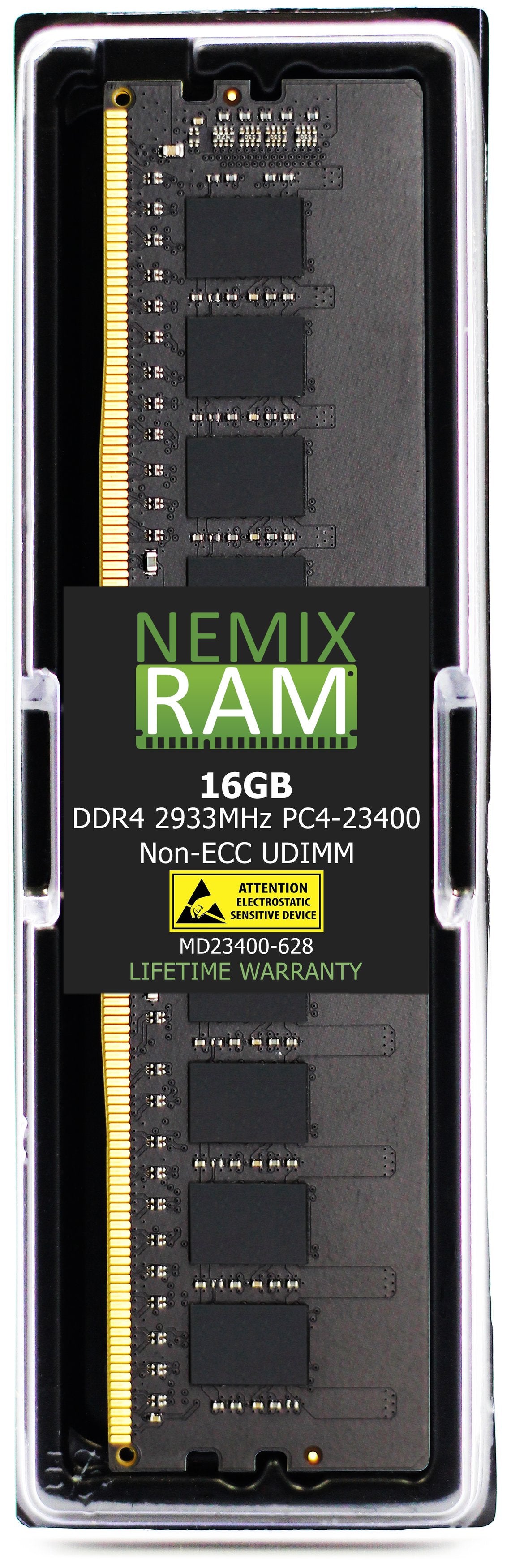
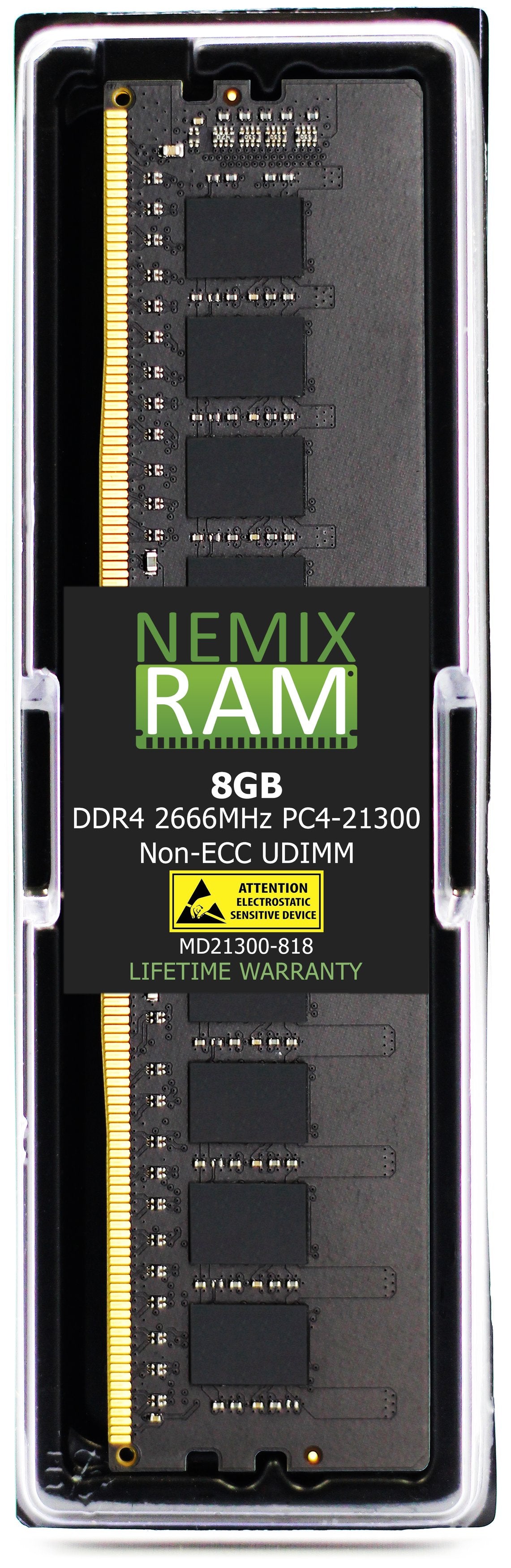
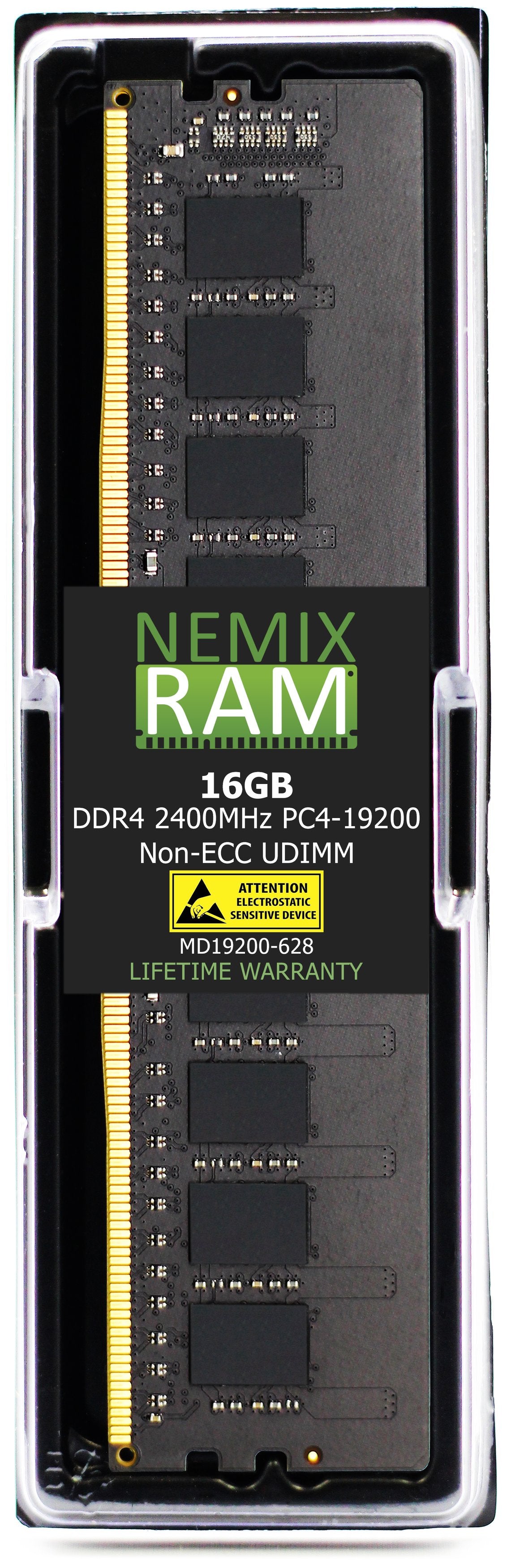
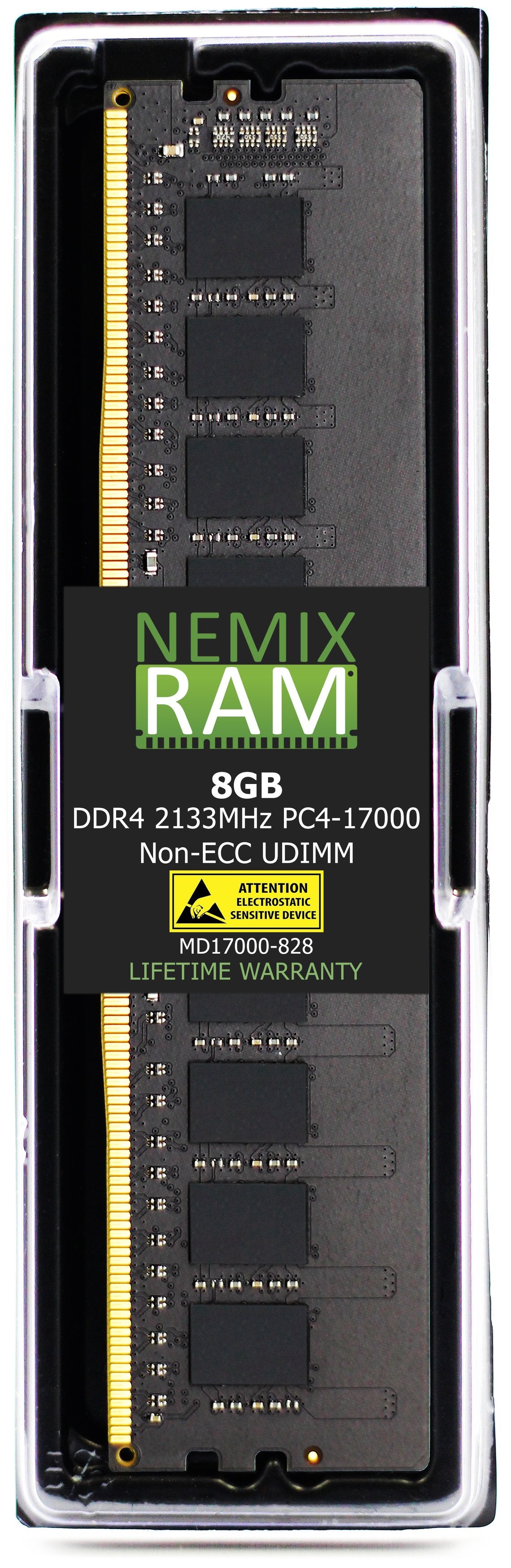
DELL | OEM SKU | CROSS-REFERENCE | MEMORY
81 products
Showing 73 - 81 of 81 products
Every module on this page is matched to a specific Dell OEM Part Number. If you have an SNP number off a module label, or a Dell A-number off a quote or invoice, this is where you find the compatible equivalent — same density, same rank, same speed, same form factor, at a fraction of the OEM price.
The cross-reference covers Every Dell Part Number across three memory generations — DDR3, DDR4 and DDR5 — from 2GB modules for legacy OptiPlex desktops up to 128GB LRDIMM for PowerEdge servers. All five form factors are represented: registered RDIMM and LRDIMM for servers, ECC and non-ECC UDIMM for workstations and desktops, and SODIMM for laptops and all-in-ones.
Search this page by part number to go straight to your match. Every module carries a lifetime warranty. Purchase orders, net terms and volume pricing are available for business, government and education buyers — contact us with a part number list and we'll quote the whole set.
How to read a Dell memory part number
Dell uses four numbering formats for the same physical module, depending on where you are looking. All four cross-reference to the same NEMIX RAM equivalent.
| Format | Example | Where you see it |
|---|---|---|
| SNP number — spare-part number | SNP8WKDYC/32G · SNPCRXJ6C/16G · SNPVNY72C/16G | The module label, Dell Support parts pages, and the iDRAC memory inventory. SNP + a 5-character Dell part code + C + /capacity. |
| A / AA / AB number — Dell.com order number | A9781929 · AA579531 · AB883074 · AB949334 | Dell.com upgrade listings, order confirmations, and packing slips. A = older DDR3/DDR4 parts, AA = 2018–2021 DDR4, AB = DDR4 late-series and all DDR5. |
| 370- number — configuration SKU | 370-AEVN · 370-AGZP · 370-BBHZ | Quotes, order confirmations, and the "original configuration" on your Service Tag lookup. One 370- code per memory line item on a PowerEdge or Precision build. |
| 5-character part code | 8WKDY · CRXJ6 · VNY72 | The core of the SNP number; also printed alone on some labels and in iDRAC. |
SNP   8WKDY   C   /32G
 |      |     |     |
 |      |     |     └─ module capacity
 |      |     └─────── constant in current SNP numbering
 |      └───────────── Dell 5-character part code (the same code appears in iDRAC)
 └──────────────────── Dell spare-part prefix
Search this page by any of the four formats. If you have a 370- code from a quote and no SNP number, send us the quote and we return the matched set.
Which memory your Dell system takes
| Dell family | Memory | Notes |
|---|---|---|
| PowerEdge 17G (R770, R670, R7715, R6715, XE series) | DDR5-6400 ECC RDIMM | Xeon 6 and EPYC 9005. 8 or 12 channels per socket. |
| PowerEdge 16G (R760, R660, R7625, R6625, R760xa, XR7620) | DDR5-4800 / DDR5-5600 ECC RDIMM | 4th/5th Gen Xeon Scalable and EPYC 9004. 8 or 12 channels per socket. 5600 on refreshed 16G only. |
| PowerEdge 15G (R750, R650, R7525, R6525, R7515, R6515, R750xa, T550) | DDR4-3200 ECC RDIMM / LRDIMM | 3rd Gen Xeon Scalable and EPYC 7003. 8 channels per socket. RDIMM and LRDIMM cannot be mixed. |
| PowerEdge 14G (R740, R640, R740xd, R7425, R6415, T640, T440) | DDR4-2666 / DDR4-2933 ECC RDIMM / LRDIMM | 1st/2nd Gen Xeon Scalable and EPYC 7001/7002. 6 channels (Intel) or 8 channels (AMD) per socket. 2933 requires 2nd Gen Xeon. |
| PowerEdge 13G (R730, R630, R730xd, T630, T430) | DDR4-2133 / DDR4-2400 ECC RDIMM / LRDIMM | Xeon E5-2600 v3/v4. 4 channels per socket. |
| PowerEdge entry (T40, T150, T350, R250, R350, T160, R260, R360) | DDR4-3200 ECC UDIMM (T40/T140: DDR4-2666) | Xeon E-2300 / E-2400 and Pentium. Unbuffered only; registered modules will not post. R260/R360 take DDR5-4400/4800 ECC UDIMM. |
| Precision workstations (5820, 7820, 7920, 7865, 5860, 7960) | DDR4-2666 / 2933 ECC RDIMM (5820/7820/7920) · DDR4-3200 ECC RDIMM (7865) · DDR5-4800 ECC RDIMM (5860/7960) | Xeon W and Threadripper PRO. All registered-memory platforms; do not use UDIMM. |
| Precision towers and SFF (3xxx series) | DDR4 / DDR5 ECC UDIMM or non-ECC UDIMM | ECC support depends on the CPU; check the original configuration before choosing ECC. |
| OptiPlex, Vostro, Inspiron desktops | DDR4 / DDR5 non-ECC UDIMM (tower) · SODIMM (micro / all-in-one) | OptiPlex Micro and 7000-series AIO use 260/262-pin SODIMM. No ECC. |
| Latitude, XPS, Inspiron, Alienware laptops | DDR4 / DDR5 non-ECC SODIMM | Verify the memory is socketed; several XPS and Latitude 7000/9000 models solder it to the board. |
| Alienware Aurora (R13, R15, R16) | DDR5 non-ECC UDIMM | Match the pre-installed speed; XMP profiles above the installed spec are not required. |
Generation and model lists are representative. The SNP or 370- number on your existing module or order is the authority; use Shop by System Model to filter to your exact system.
How to find your Dell part number
-
iDRAC (PowerEdge): System → Inventory → Hardware Inventory → Memory. Every installed DIMM is listed with capacity, speed, rank, manufacturer, and the Dell part code. No downtime required. Pull the same data from a shell with
racadm getsysinfoorracadm hwinventory. - Service Tag lookup: Dell Support → enter the Service Tag → View original configuration. The memory lines show the 370- codes and capacities the system shipped with.
- SupportAssist / BIOS: on Precision, OptiPlex, and Latitude, System Information in BIOS setup lists installed memory by slot. SupportAssist shows the same.
- The module label: Dell-branded memory carries the SNP number on the label alongside the DRAM maker's part number.
What "compatible equivalent" means here
A NEMIX RAM module listed against a Dell part number matches it on every attribute the memory controller checks: DDR generation, module capacity, ECC status, buffering (registered, load-reduced, or unbuffered), rated speed, rank organization (1Rx8, 2Rx4, 4Rx4), voltage, and pin count. It is built on DRAM from the same manufacturers Dell sources from and tested in a Dell system of the target generation before listing. Dell servers and workstations do not require Dell-branded memory; iDRAC reports the module's manufacturer and the system runs at full spec. Mixing NEMIX RAM with Dell-branded modules of the same part number in one system is supported, because to the controller they are the same module. Every module carries a lifetime replacement warranty with free US-based technical support.
PowerEdge population rules that matter
- One type per system. RDIMM and LRDIMM cannot be mixed in a PowerEdge; entry servers take UDIMM only. If the system is populated with RDIMM, add RDIMM.
- Fill channels first. A 2-socket 15G/16G server has 16 or 24 channels. Dell's population tables (the white slots A1 through A8 first, then B) keep every channel active; a lone 64GB module leaves most of the socket's bandwidth idle.
- Match capacity, speed, and rank per socket. Dell BIOS drops to the slowest module and can disable Optimizer or Mirror modes when modules within a socket differ. Identical modules across the system are the safe configuration, which is why this page sells matched kits sized to the channel count.
- Two DIMMs per channel costs speed. DDR4-3200 typically runs at 2933 at 2DPC on 15G; DDR5-4800 drops to 4400 on 16G. If you need the capacity, that trade is fine; if you need the bandwidth, fewer larger modules is the better path.
- The CPU sets the ceiling. A 14G board accepts 2933 modules, but a 1st Gen Xeon Scalable runs them at 2666. Check the processor's rated memory speed before paying for the faster part.
- Memory modes need pairs. Mirror, Fault Resilient, and Dell's memory-sparing modes require symmetric population; check the system's Installation and Service Manual before enabling them on a partial upgrade.
Fleet, government, and education purchasing
NEMIX RAM is a registered federal supplier (UEI GV8MMYNDJ5J1, CAGE 59AB2) and accepts purchase orders with net terms for business, government, and education buyers. For multi-node orders, send the Dell quote or the 370- lines with node count and we quote the full set, matched and shipped together. Volume and reseller pricing is available on request.
Frequently asked
Will the server show an error with non-Dell memory? No. iDRAC and BIOS report the module's manufacturer and part number and run it at the rated spec. There is no lock, no warning banner, and no performance penalty.
Does adding memory void the Dell warranty? Memory is a customer-replaceable unit on every system listed here. Dell's hardware warranty on the system remains; Dell may decline to troubleshoot issues it attributes to third-party modules, which is what our lifetime warranty and support cover.
My SNP number is not on this page. Search by the capacity and speed on the label, or by your system model. Dell issues several SNP numbers for the same spec across DRAM vendors, so the equivalent is often listed under a sibling number. If it is still missing, send us the number and we will match it.
Can I use faster memory than the part specifies? The system runs it at the CPU's supported speed at best; on some PowerEdge generations an unlisted speed grade will not train. Match the speed on the part number.
What is the difference between an SNP number and an A-number for the same module? Nothing physical. The SNP number is the service part; the A/AA/AB number is the Dell.com order number for the same part. Either one finds the equivalent here.
NEMIX RAM can deliver any Configuration your Fleet Requires
Speak to a Sales Representative