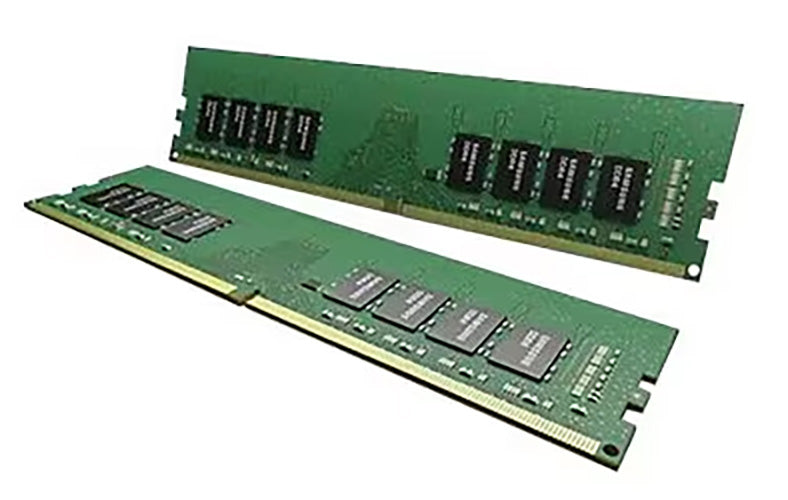
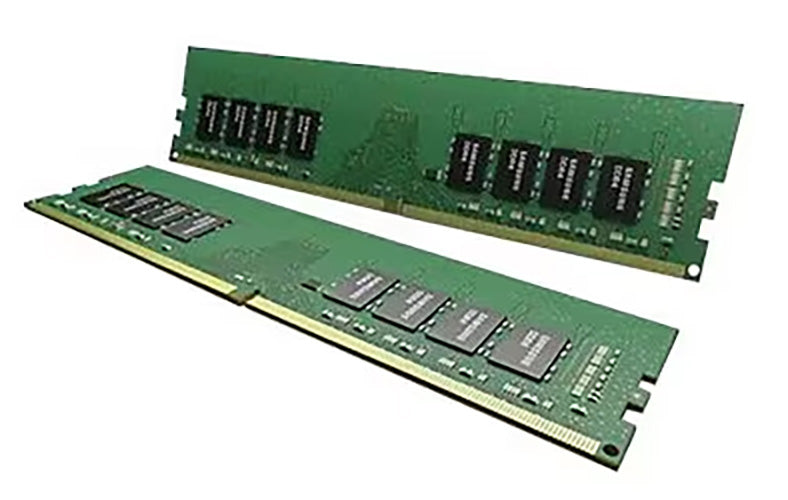
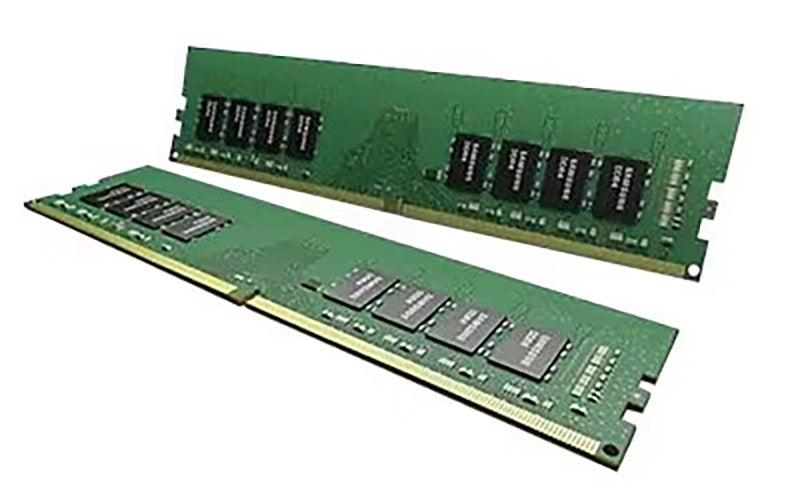
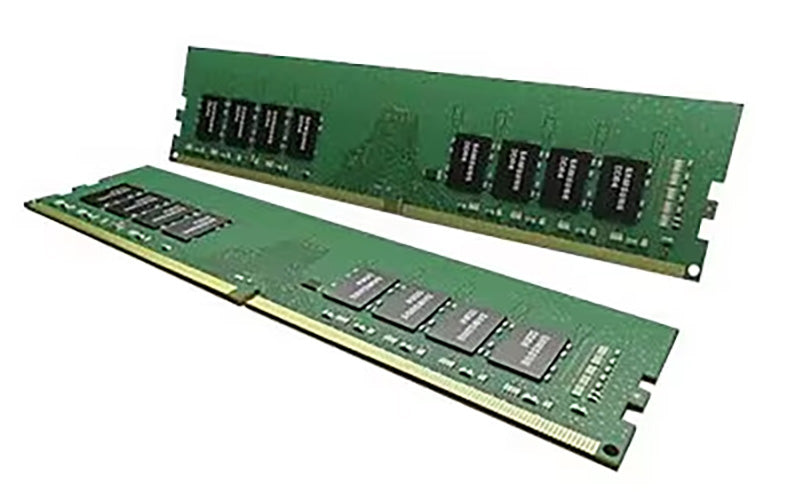
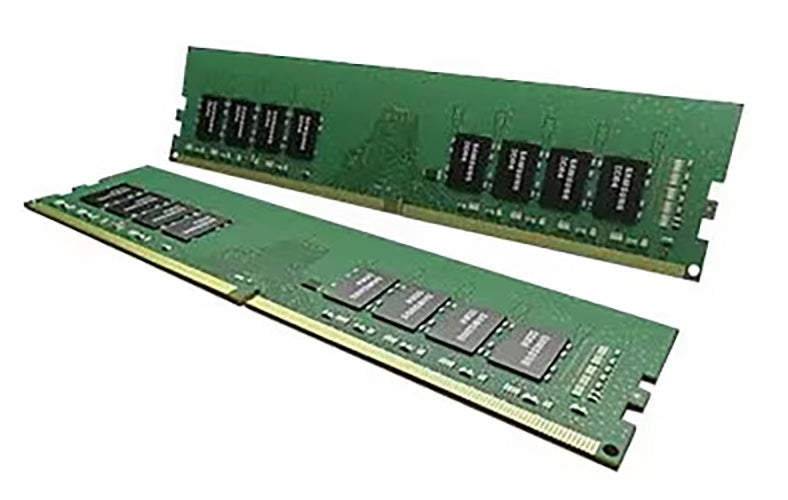
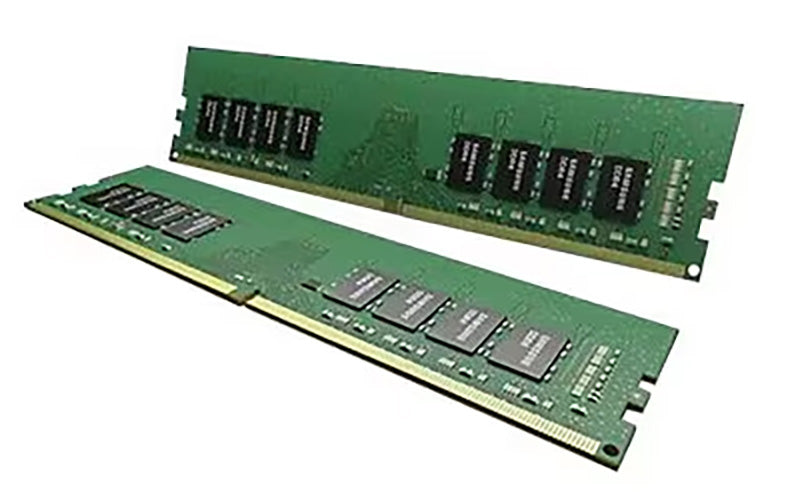
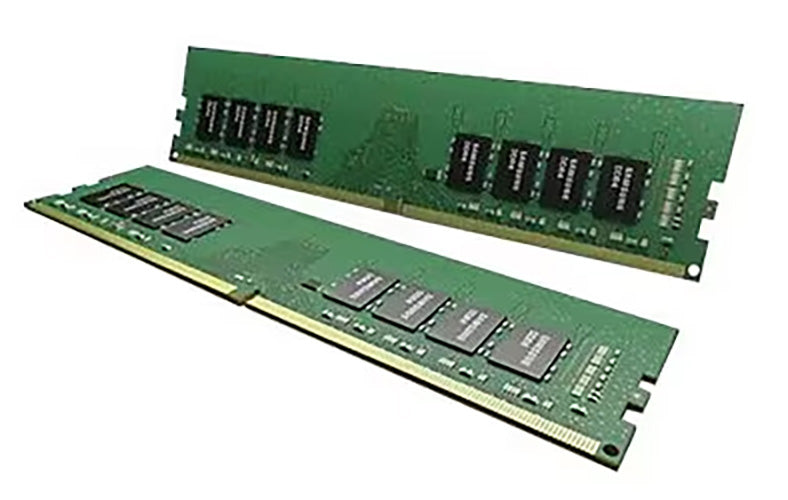
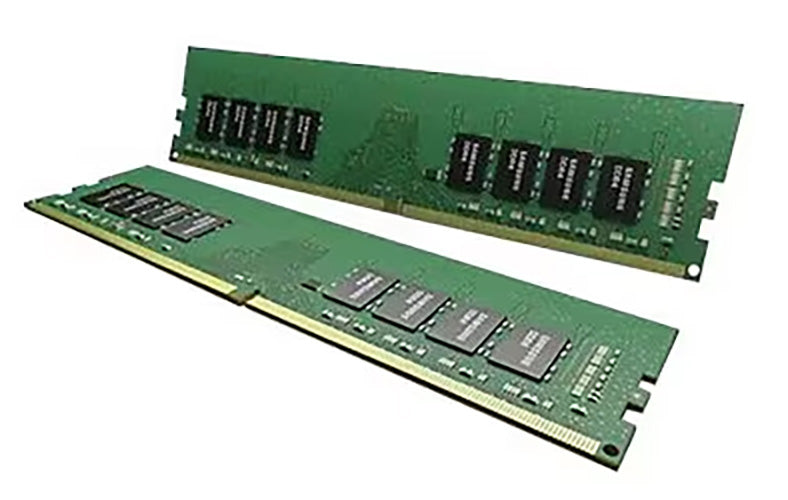
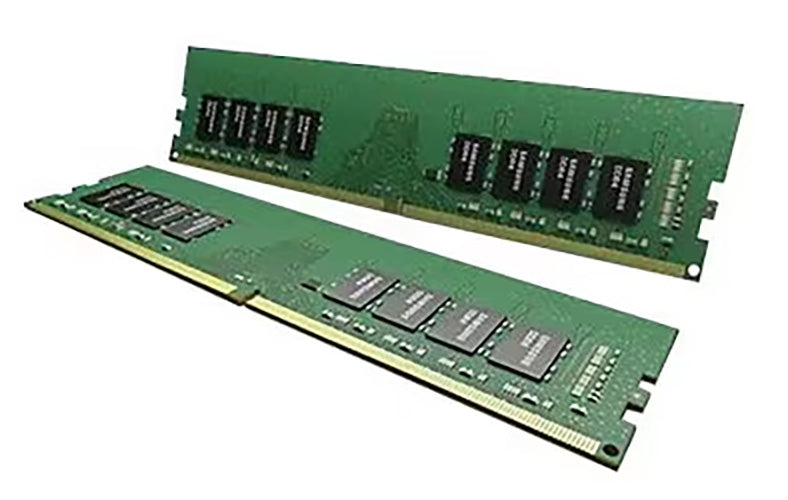
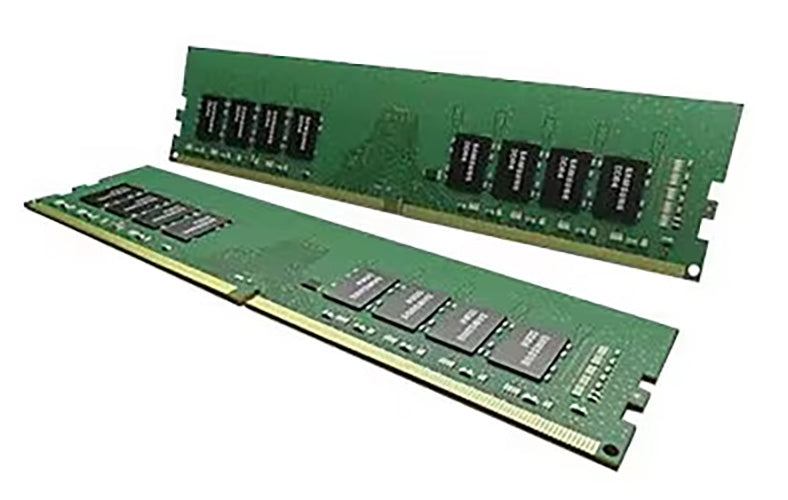
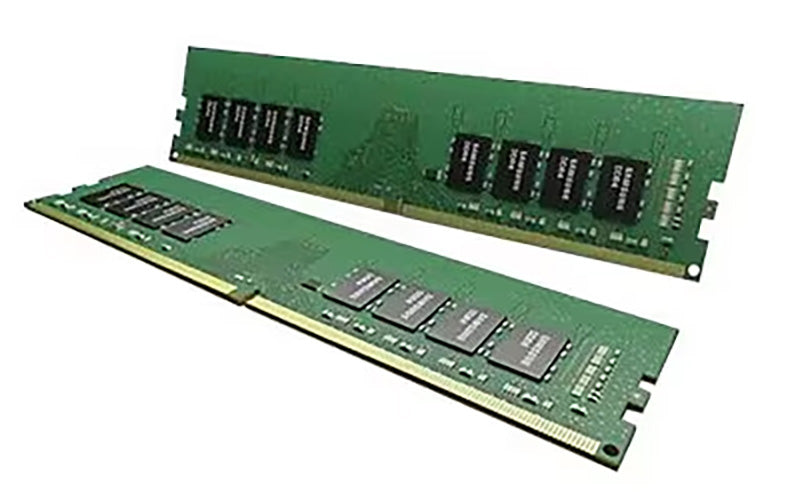
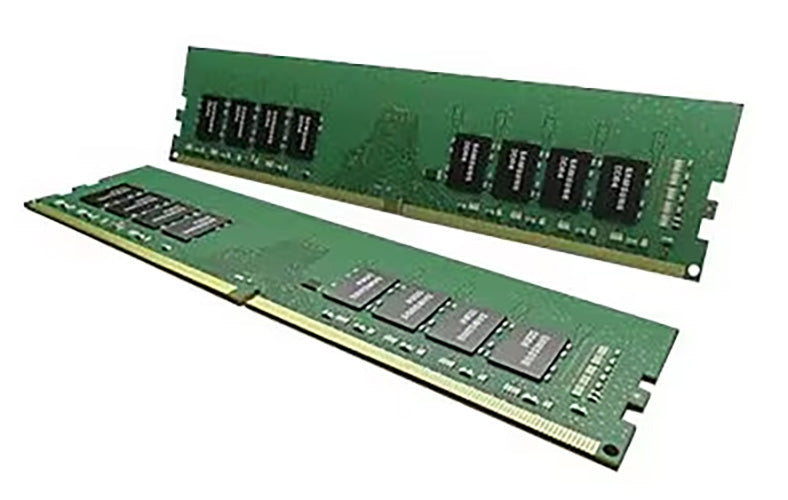
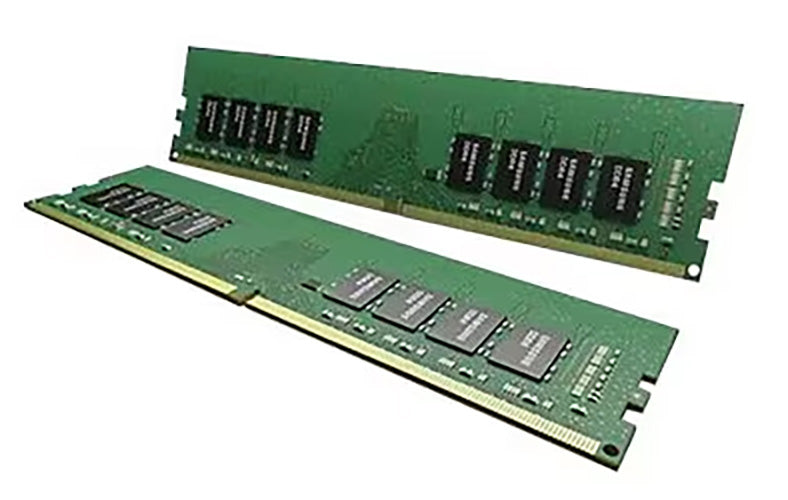
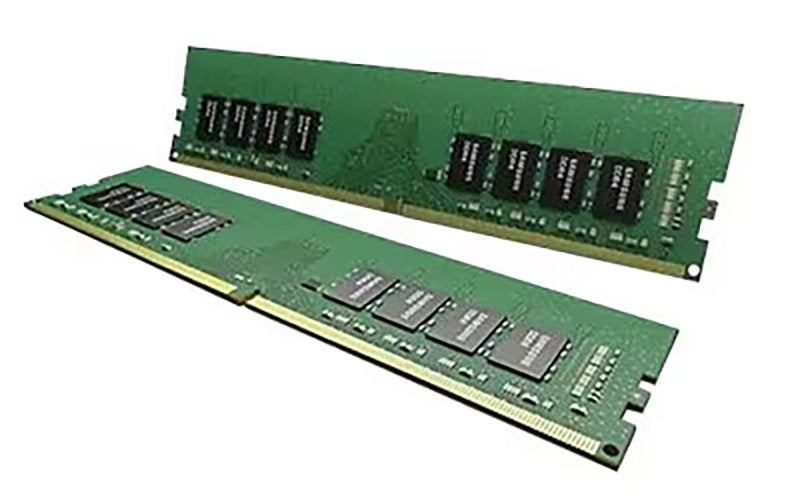
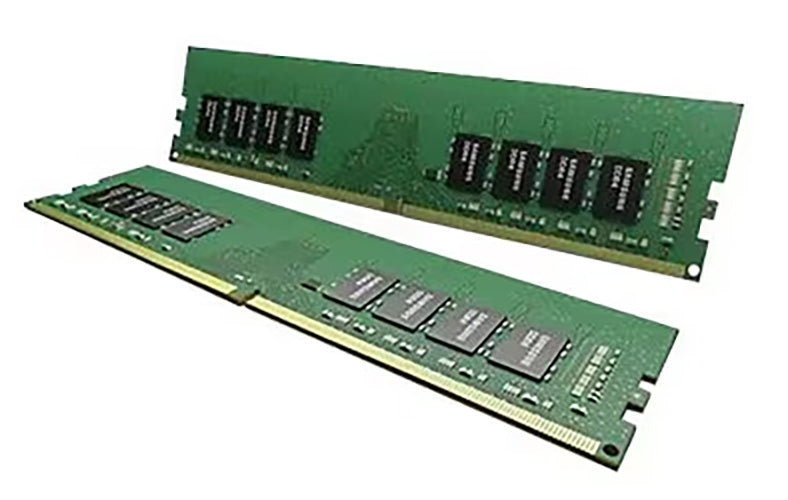
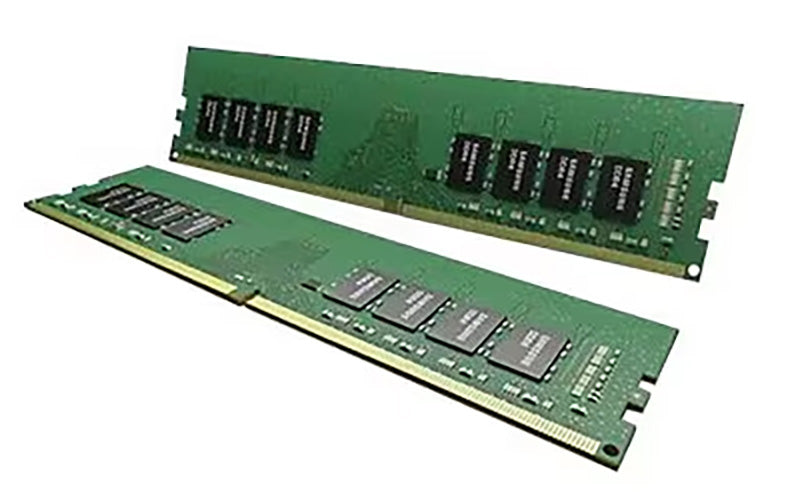
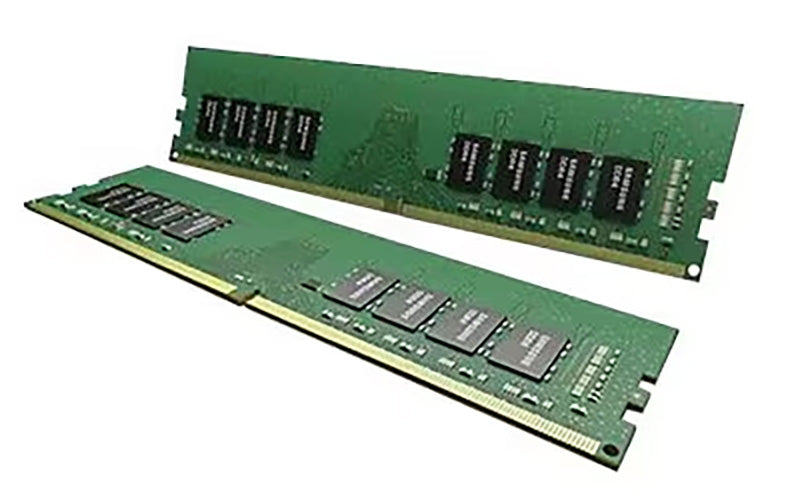
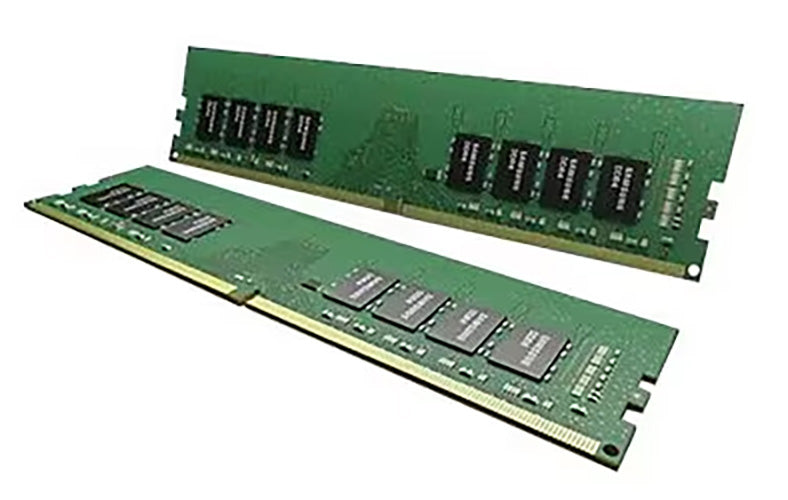
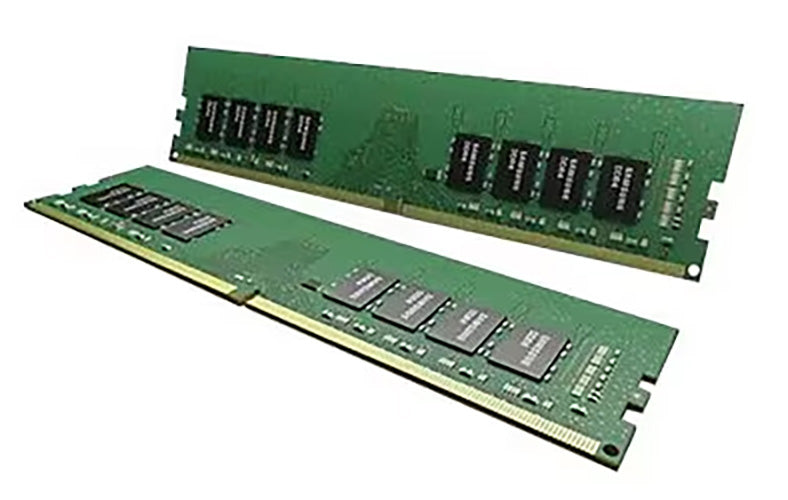
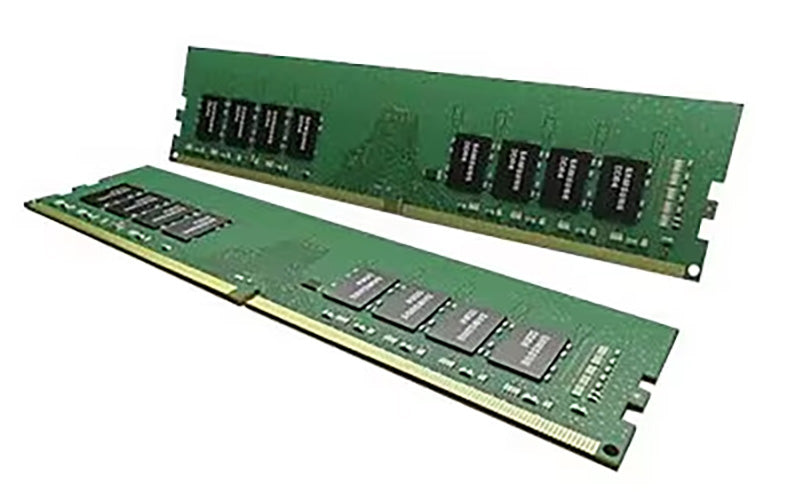
NON-ECC UDIMM | UNBUFFERED UDIMM | DESKTOP PC | BUSINESS | CONSUMER | MACHINE | MOTHERBOARD | RAM
528 products
Showing 265 - 288 of 528 products
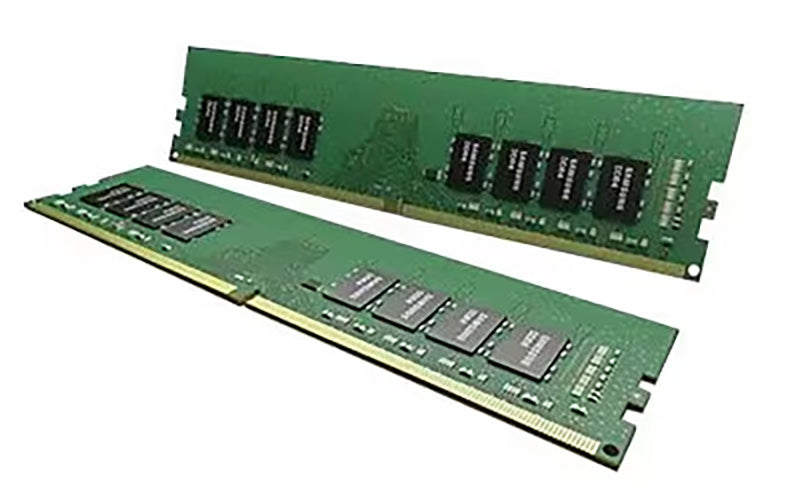
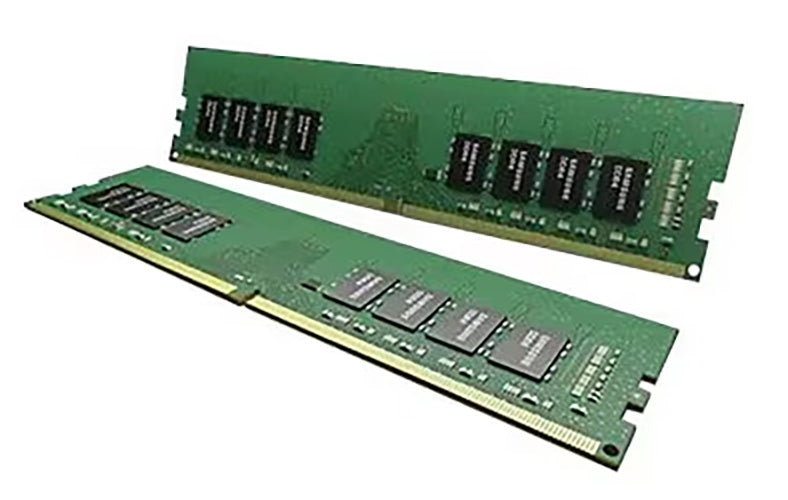
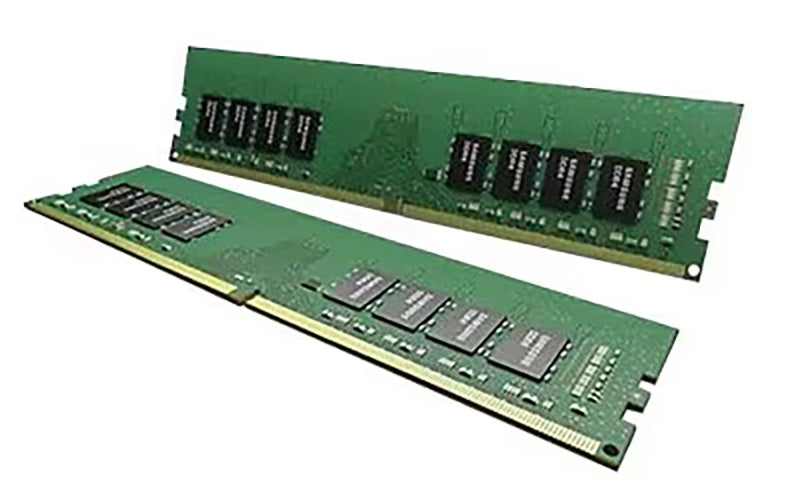
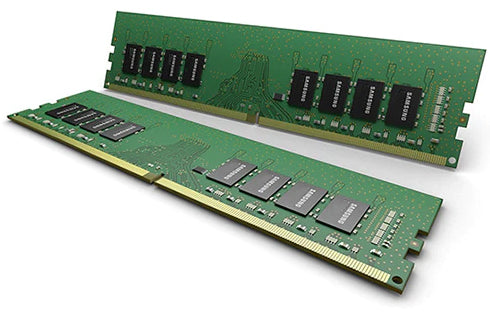
Non-ECC unbuffered memory (UDIMM) — the standard desktop modules weighted toward the current generation: DDR5 running up to 6400MHz, plus DDR4, DDR3 and a little DDR2 for older hardware. Densities from 2GB up to 48GB per module, in 1Rx8, 2Rx8 and 1Rx16. Coverage spans ASRock, ASUS, Gigabyte, MSI, Supermicro and Dell boards.
One distinction matters more than any other on this page: non-ECC UDIMM and ECC UDIMM share a slot but are not interchangeable. A workstation or server board that requires ECC will not post with non-ECC memory. If your board's manual specifies ECC, you want ECC UDIMM instead — and if it doesn't, you're in the right place and there's no reason to pay for ECC you can't use.
Filter by Technology Speed and Module Density to match what's installed, or use Shop by System Model to go straight to your board. Lifetime Replacement Warranty on every module. Purchase orders, net terms and volume pricing for business, government and education buyers.
Four generations on one page — which one your board takes
DDR2, DDR3, DDR4, and DDR5 are each keyed differently and cannot be inserted in the wrong slot. The trap is within a generation transition: Intel 12th – 14th Gen boards exist in DDR4 and DDR5 versions with the same chipset name, and the board — not the CPU — decides. A Z790 board is one or the other; check the board model or the slot key before buying. AMD is cleaner: AM4 is DDR4 only, AM5 is DDR5 only.
Speed: what the module is rated for and what the board runs
Every module here runs at its JEDEC speed out of the box — the speed in the title, from the SPD, with no BIOS profile required. That is the speed the platform vendor validates, and it is what a business machine, an OEM desktop, or a board with XMP left off will run. Where a board supports XMP or EXPO the module still runs at its JEDEC rating; these are not overclocking kits, and a system bought to be stable is better served by memory that does not depend on a profile.
The board and CPU set the ceiling. Intel 12th Gen runs DDR5 at 4800 JEDEC, 13th / 14th at 5600, Core Ultra 200S at 6400; Ryzen 7000 at 5200, Ryzen 9000 at 5600. A 6400 module in a 5600 platform runs at 5600. On DDR4, Intel 8th Gen and later and Ryzen 3000 and later run 2666 – 3200; older platforms 2133 – 2400. Two DIMMs per channel on DDR5 lowers the speed on every platform — four modules on an AM5 board typically train at 3600 – 4400 — so if the capacity fits in two modules, two is the faster configuration.
Population on a desktop board
Two slots:two identical modules for dual-channel. One larger module runs single-channel at a measurable cost on integrated graphics and on anything memory-bound.
Four slots:two identical modules in the slots the manual marks A2 and B2 (usually the second and fourth from the CPU) is the fast configuration. Four modules is the capacity configuration and on DDR5 costs speed. Adding a second pair to an existing pair works if the new pair matches the old in capacity, rank, and speed; a mismatched set runs at the slowest module and, on DDR5, may drop further.
Rank matters on DDR5.1Rx8 (8GB / 16GB / 24GB) and 2Rx8 (32GB / 48GB) train differently; four 2Rx8 modules on a consumer board is the hardest case for the controller. Two 2Rx8 is the way to reach 64GB or 96GB.
DDR3L is 1.35V.A 1.35V module runs in a 1.5V board; a 1.5V module in a board or small-form-factor OEM system that specifies 1.35V may not post.
The documented maximum is the CPU's.Sandy Bridge caps at 32GB, Haswell at 32GB, Skylake through Coffee Lake at 64GB with 16GB modules (128GB with 32GB DDR4 on later firmware), Ryzen and 12th Gen and later at 128GB, Core Ultra and Ryzen 9000 at 192GB or 256GB by board. Larger modules than the CPU's generation knew about need a BIOS update or do not train at all.
OEM desktops: Dell, HP, Lenovo
OptiPlex, Precision 3000-series tower, Inspiron desktop, XPS desktop, EliteDesk and ProDesk tower, ThinkCentre tower and mini-tower all take standard UDIMM of the generation the OEM used — there is no proprietary module and no brand lock. The OEM's service manual states the slot count, the maximum, and the speed the machine was qualified at; the machine runs a faster module at its own speed. Small-form-factor and micro versions of these lines take SODIMM, not UDIMM, and are on their own pages. TheDell InspironandDell Pro and Pro Maxcollections list the desktop lines by model; theShop by System Modelfilter on this page carries the rest.
The board's QVL lists specific modules the vendor tested; it is a sample, not a whitelist, and a module of the same generation, JEDEC speed, and rank as a QVL entry runs the same. What the board does fix is the generation, the maximum, and whether ECC is honored. The board collections —ASRock,ASUS,Gigabyte,MSI,Supermicro— list modules by board model, including the DDR4 and DDR5 versions of the same chipset separately.
Non-ECC, ECC, and the boards that honor either
The intro says it: same slot, not interchangeable in purpose. A non-ECC UDIMM in a board that requires ECC (Xeon E on a C-series chipset, some Ryzen PRO OEM builds) does not post. An ECC UDIMM in a consumer board posts and runs as non-ECC — Intel consumer chipsets disable ECC; AM5 boards honor it only where the vendor enabled it. If the board's manual does not say "ECC supported", non-ECC is the correct and cheaper buy, and it is what this page sells.
DDR5 also carries on-die ECC on every chip, ECC module or not. That is internal to the DRAM, invisible to the system, and not the ECC the previous paragraph is about. A DDR5 non-ECC UDIMM is a non-ECC module.
CUDIMM on the newest Intel platforms
Intel Core Ultra 200S boards (Z890 / B860 / H810) accept both standard DDR5 UDIMM and CUDIMM — a module with a clock driver that re-times the clock on the DIMM and allows the higher JEDEC speeds (6400 and above) at full stability. A standard UDIMM works in these boards at its JEDEC speed; a CUDIMM in an older 12th – 14th Gen board works in bypass mode on boards with updated firmware and not at all on some. CUDIMM modules are listed under their own form factor; the UDIMMs on this page are standard, clockless modules.
How to check what is installed
Windows:Task Manager → Performance → Memory shows capacity, speed, form factor, and slots used;wmic memorychip get PartNumber,Capacity,Speed,ConfiguredClockSpeedlists each module. If Speed and ConfiguredClockSpeed differ, the board is running the module below its rating.
Linux:sudo dmidecode -t memory.
BIOS / UEFI:the main screen shows installed capacity and current speed; the memory page shows per-slot population.
The board modelis printed between the PCIe slots; the OEM system model is on the chassis label. Either one, with the generation from the label on the installed module, determines the part.
Why NEMIX RAM for a desktop
Every module on this page is detailed to Micron, Samsung, or SK hynix DRAM to the JEDEC specification for its generation and speed, and run in the platform class it is listed for before it is offered. It is the same DRAM the OEM installed, without the OEM markup, and it runs at its rated speed with no profile and no tuning. Lifetime replacement warranty and free US-based support on every module.
Business machines in quantity
Refreshing a floor of OptiPlex or ThinkCentre desktops from 8GB to 16GB or 32GB is the most common order this page sees. NEMIX RAM is a registered federal supplier (UEI GV8MMYNDJ5J1, CAGE 59AB2) and accepts purchase orders with net terms for business, government, and education buyers. Send the model or service tags, unit count, and target capacity toour sales teamand we return one quote with a matched pair or single module per machine, generation confirmed. Volume and reseller pricing is available on request.
Frequently asked
DDR4 or DDR5 for my Z790 / B760 board?The board decides — each chipset shipped in both versions. Check the board's model name (many DDR4 boards carry "D4" or "DDR4" in it) or look at the slot key. The CPU runs either.
Will a 6400 module make my 5600 platform faster?No — it runs at 5600. Buy the speed the platform runs.
Can I add one 16GB to the 8GB that is in there?It runs, at 24GB, with the paired 8GB in dual-channel and the remaining 8GB single. A matched pair of 16GB is the clean upgrade.
Do I need XMP or EXPO?No. These modules run at their rated JEDEC speed with the BIOS at defaults.
Does my Ryzen board support ECC?Only if the manual says so. This page is the non-ECC module; the ECC UDIMM page covers the boards that honor it.
Does upgrading void my desktop's warranty?No. Dell, HP, and Lenovo document memory as customer-installable on their tower lines. Our lifetime warranty covers the module.
NEMIX RAM can deliver any Configuration your Fleet Requires