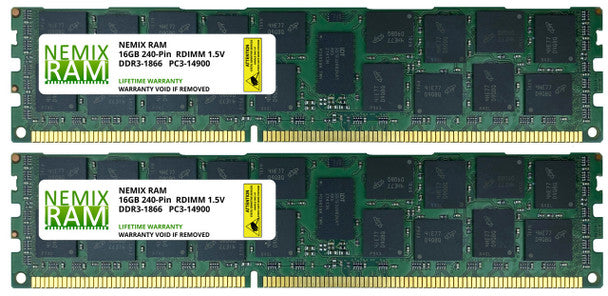
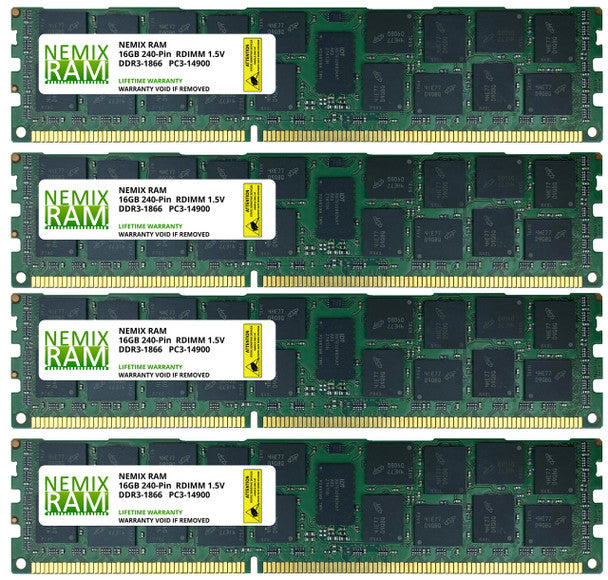
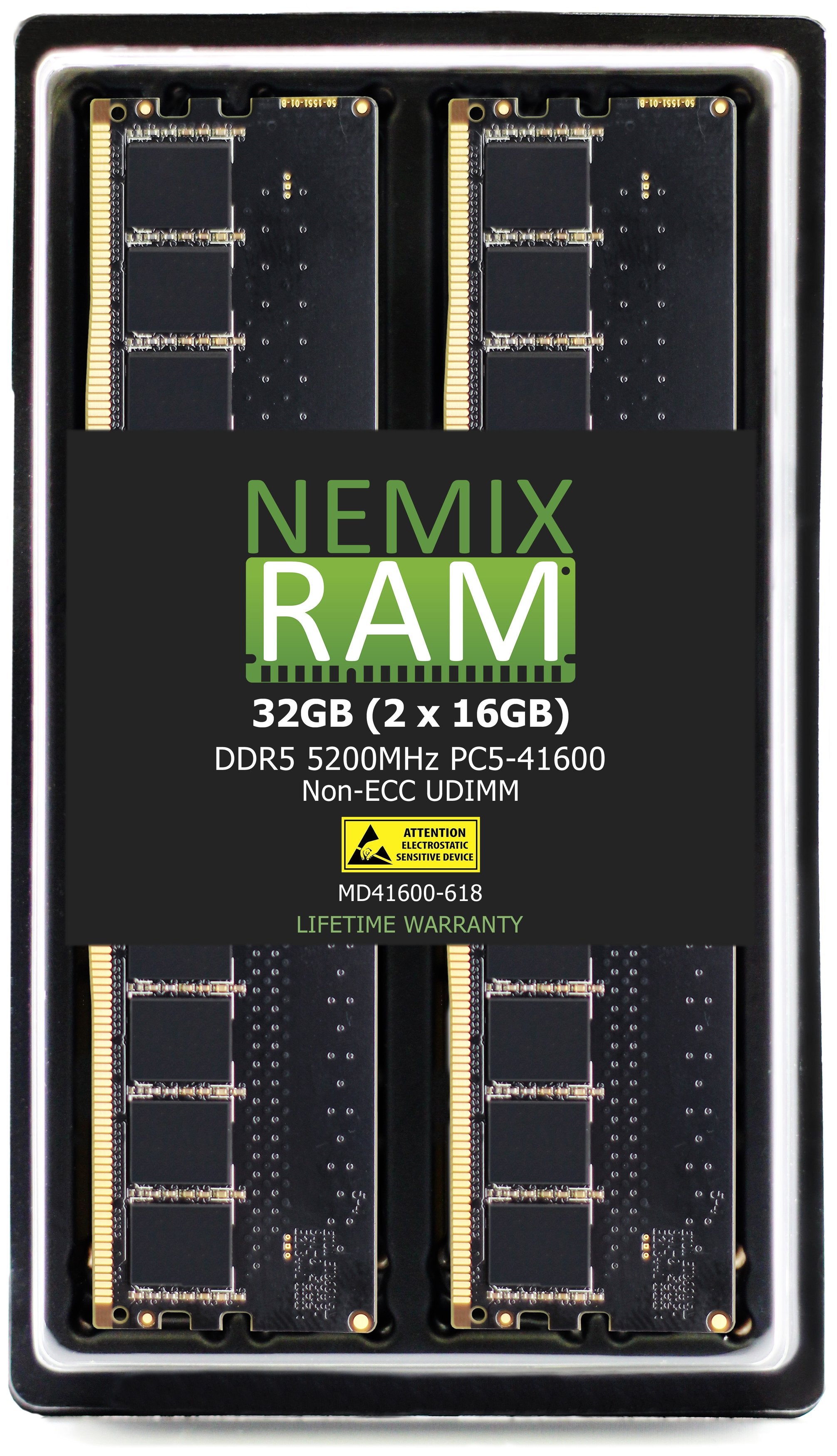
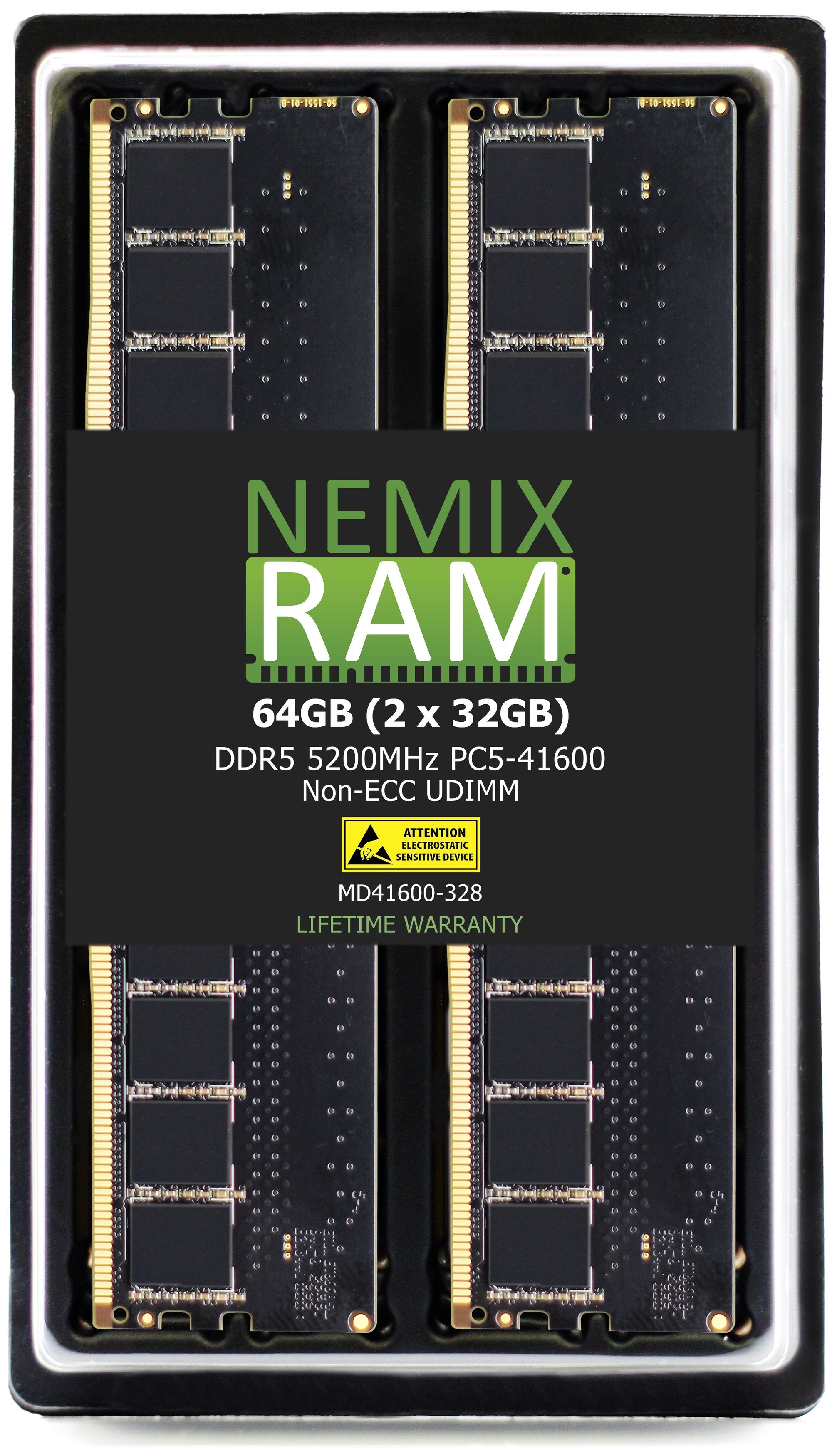
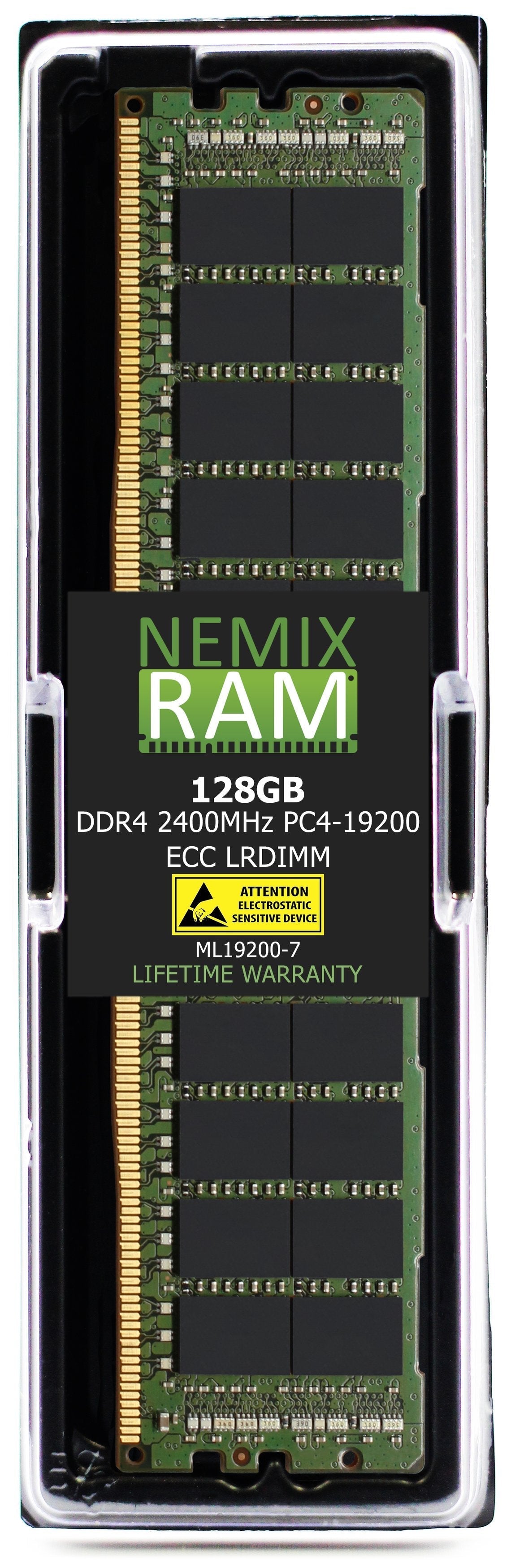
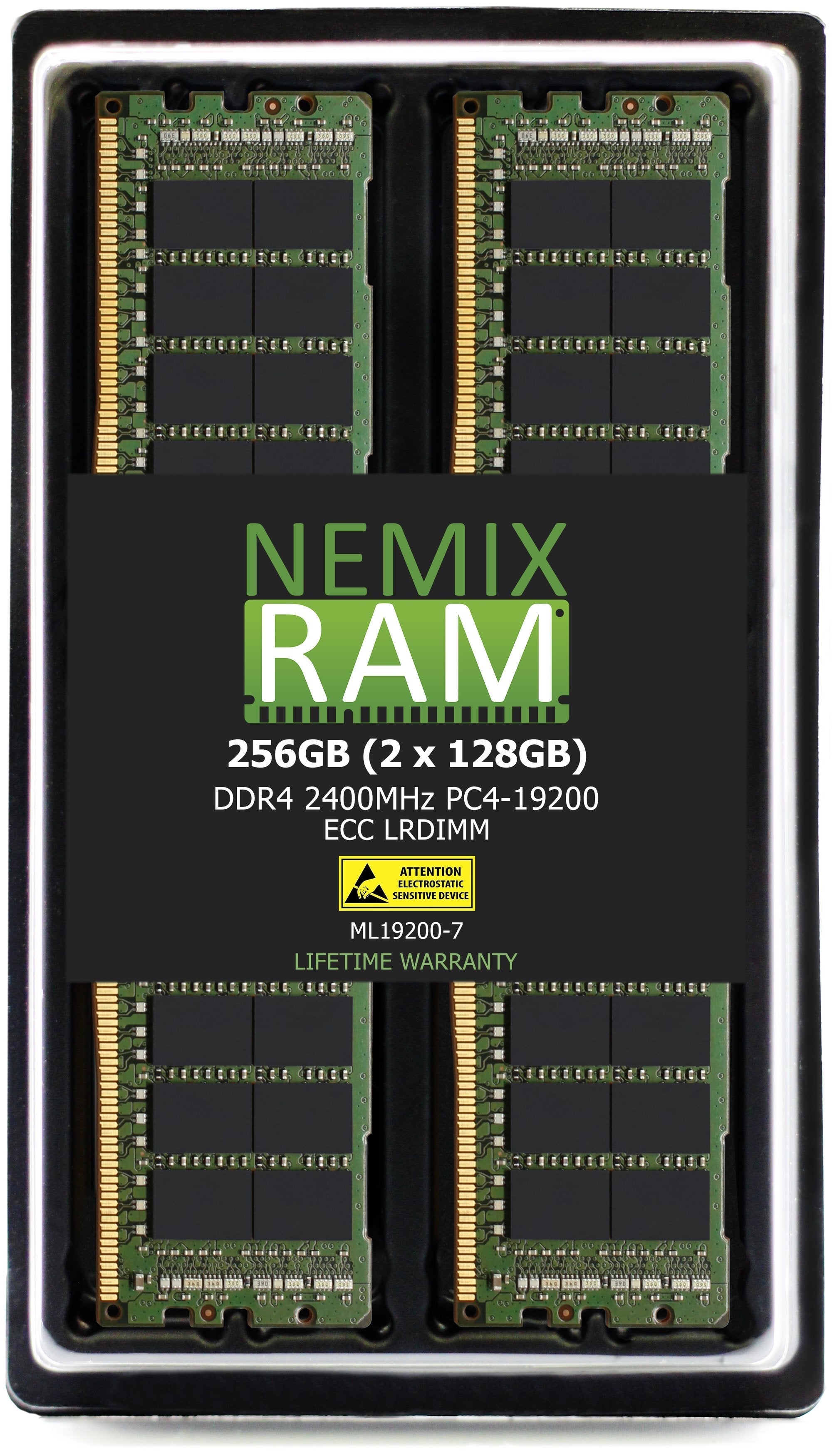
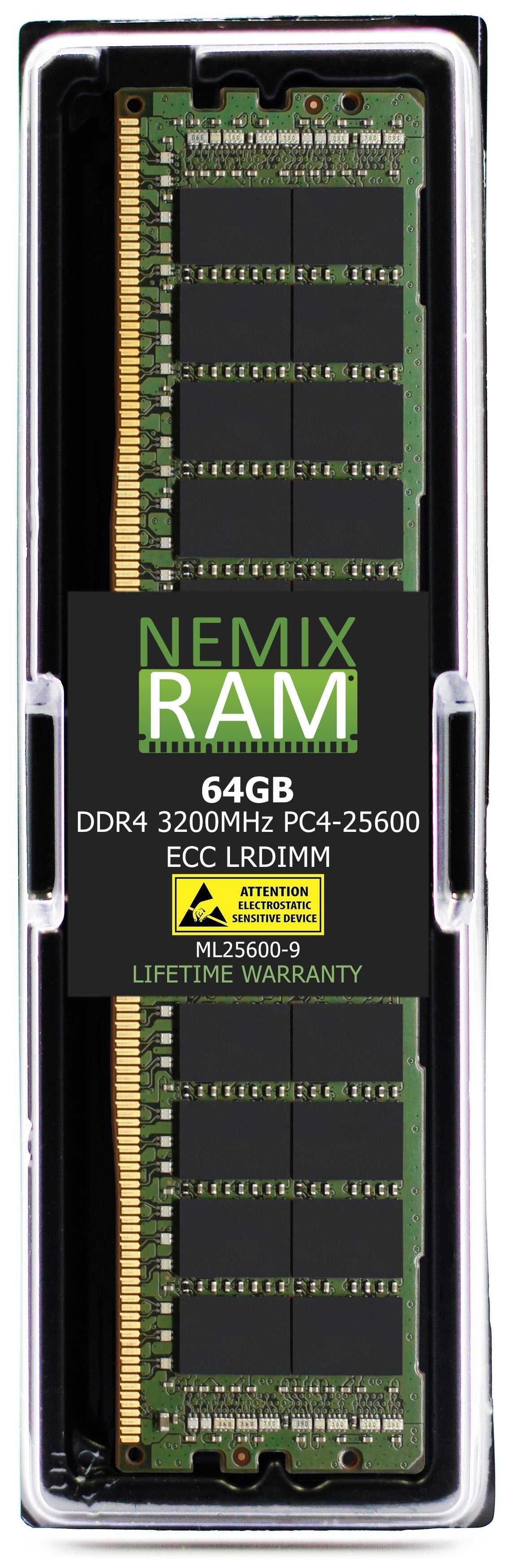
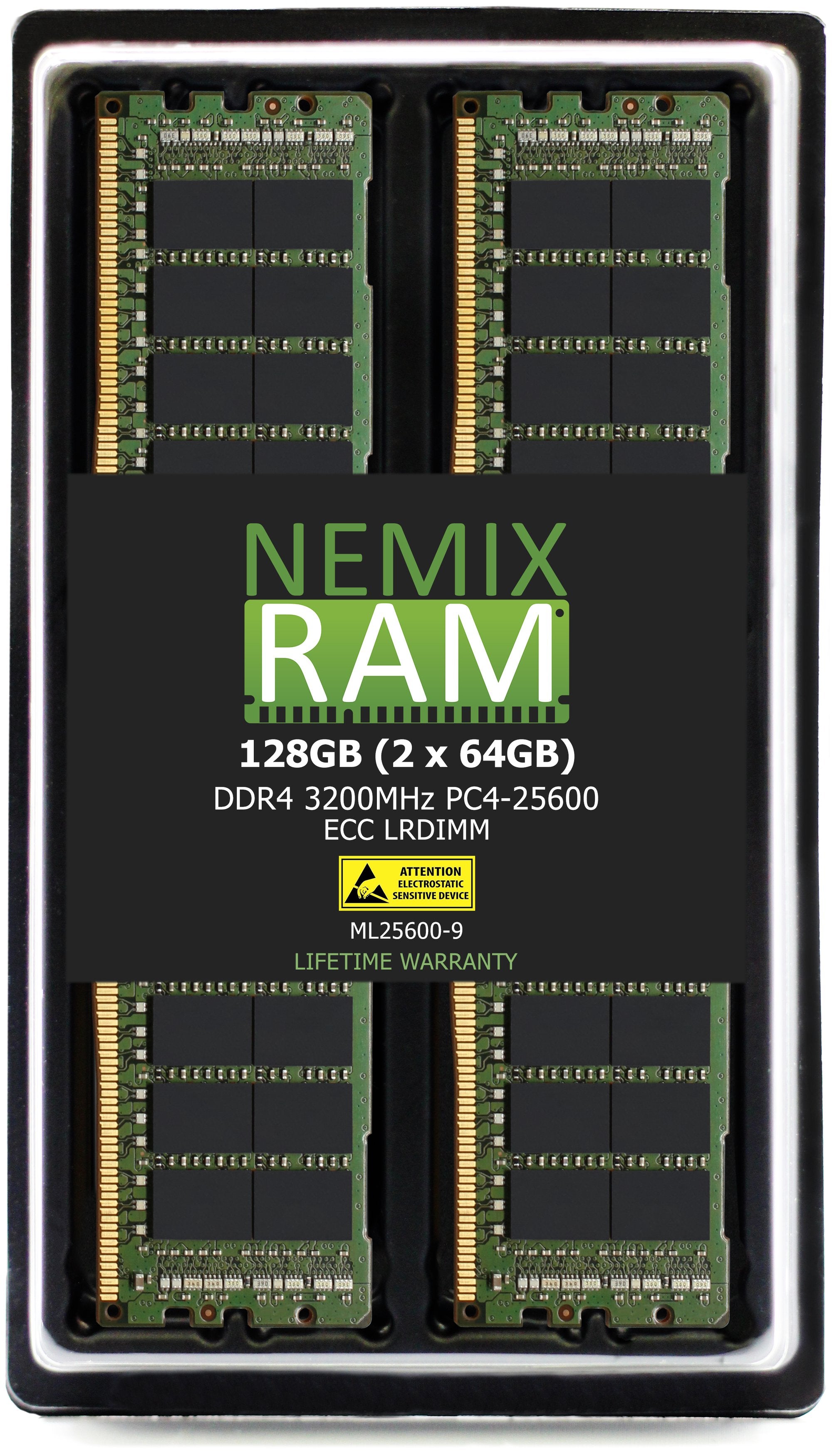
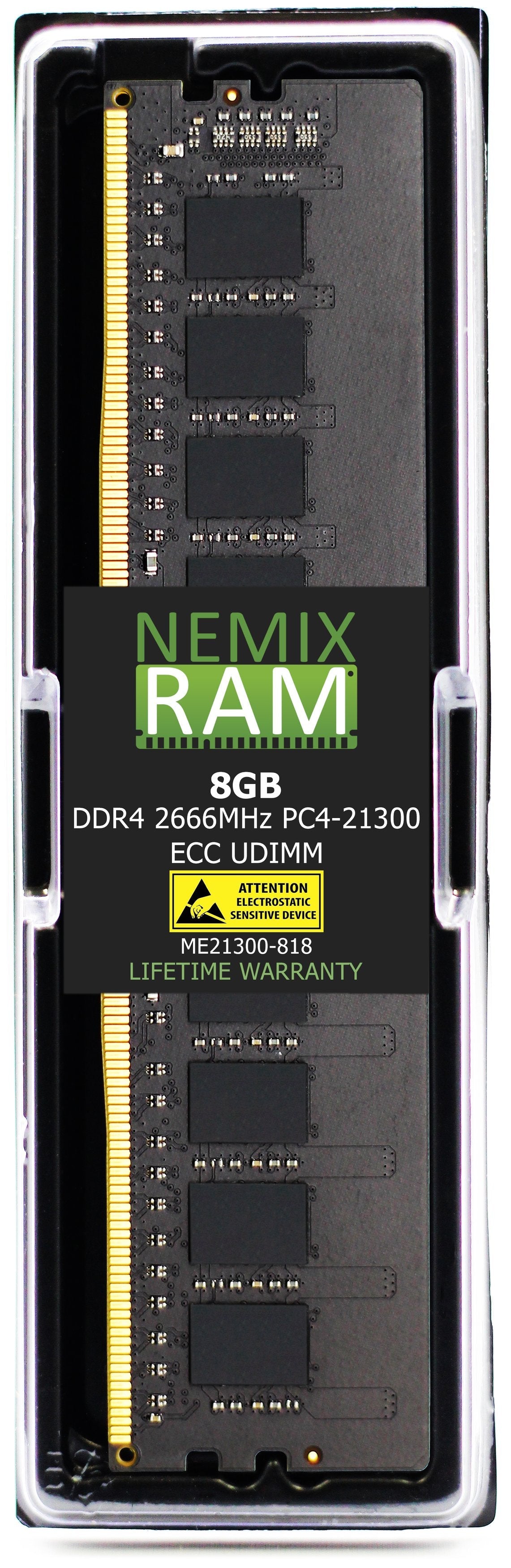
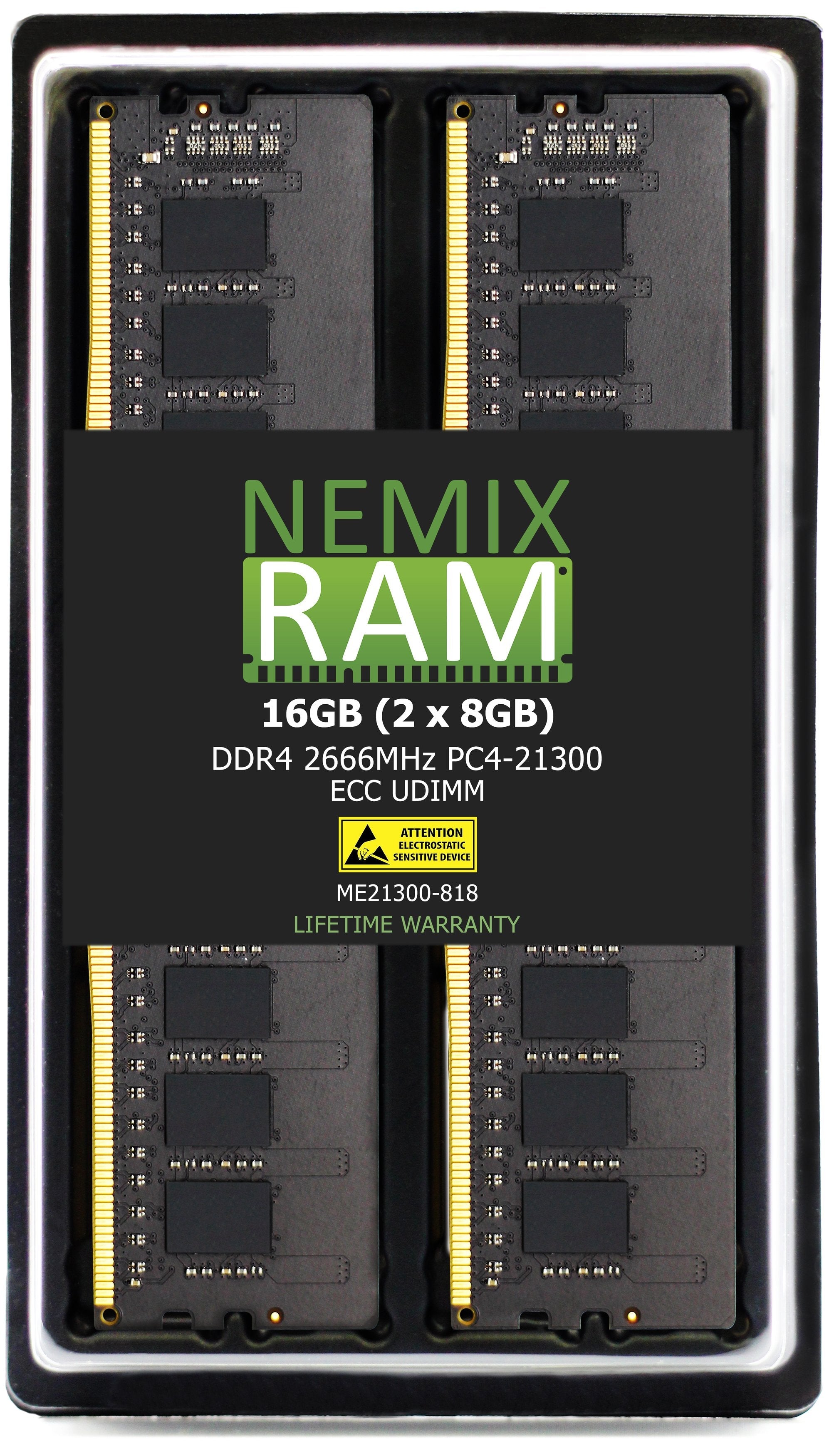
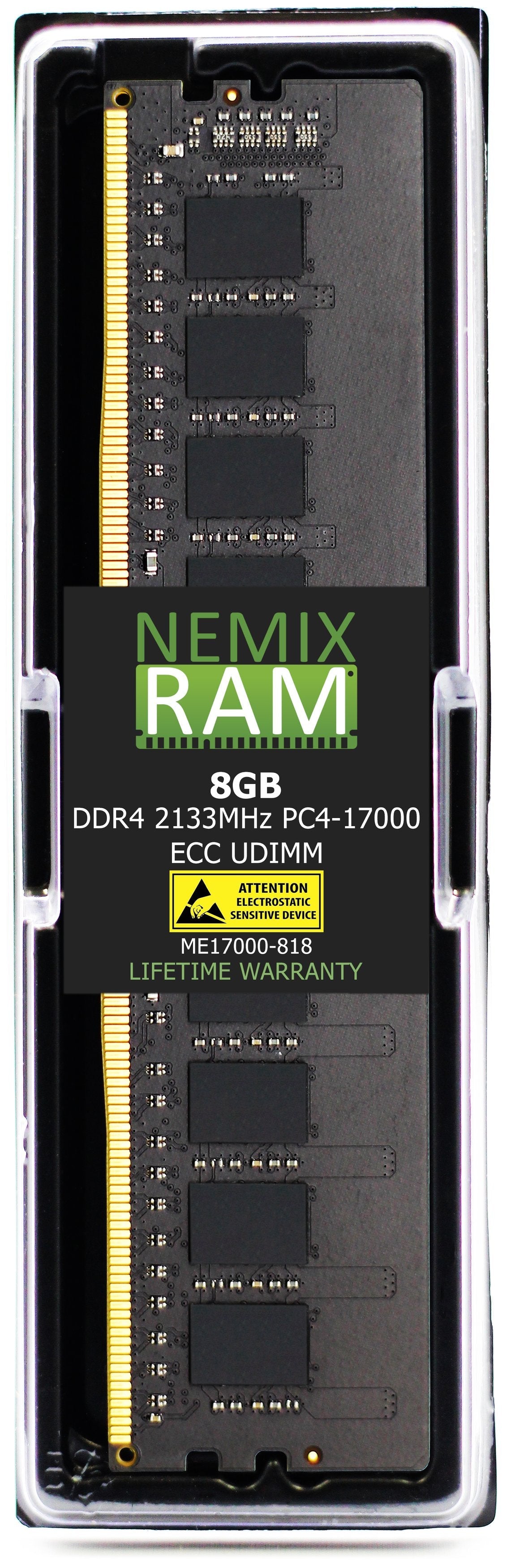
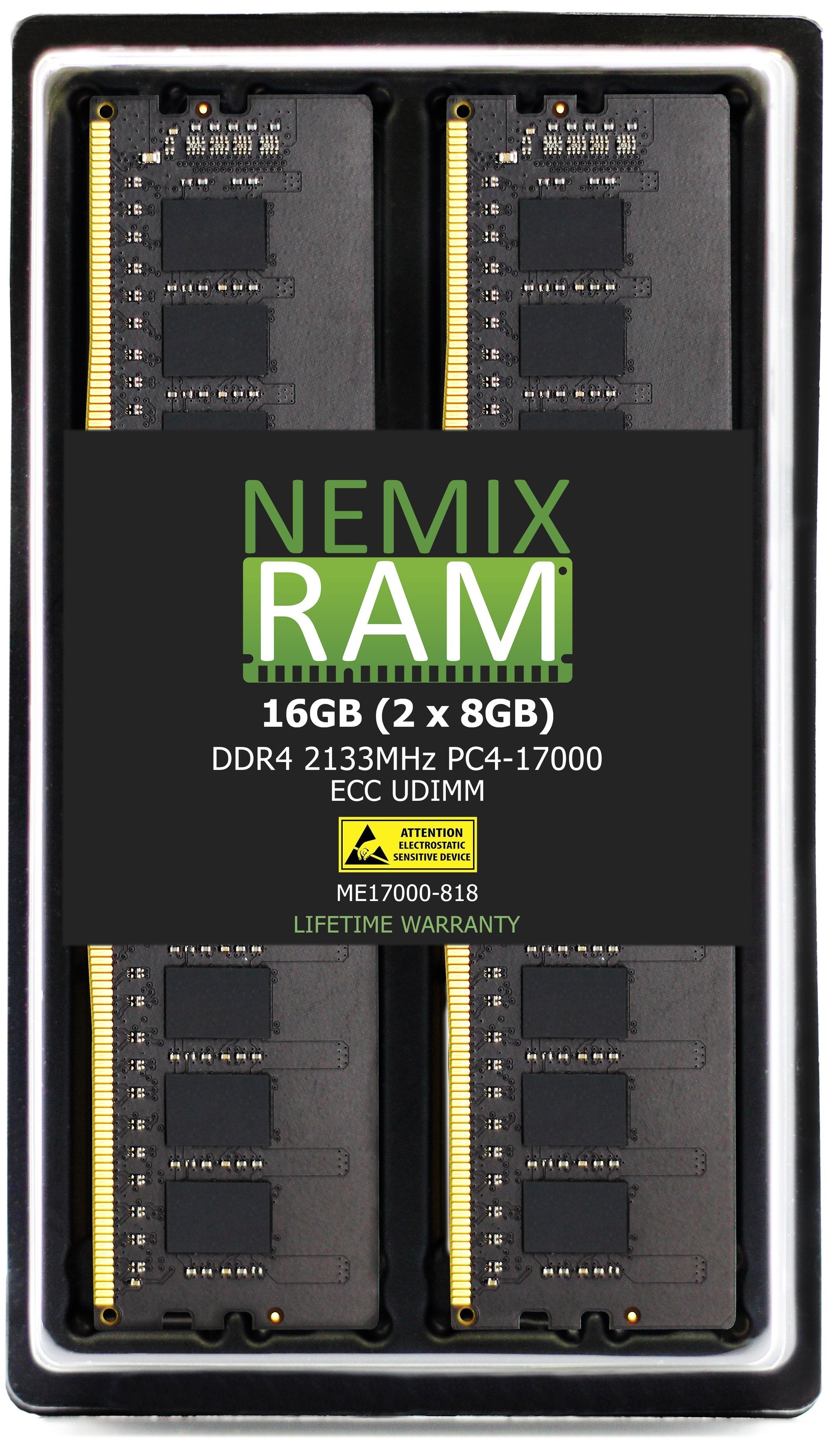
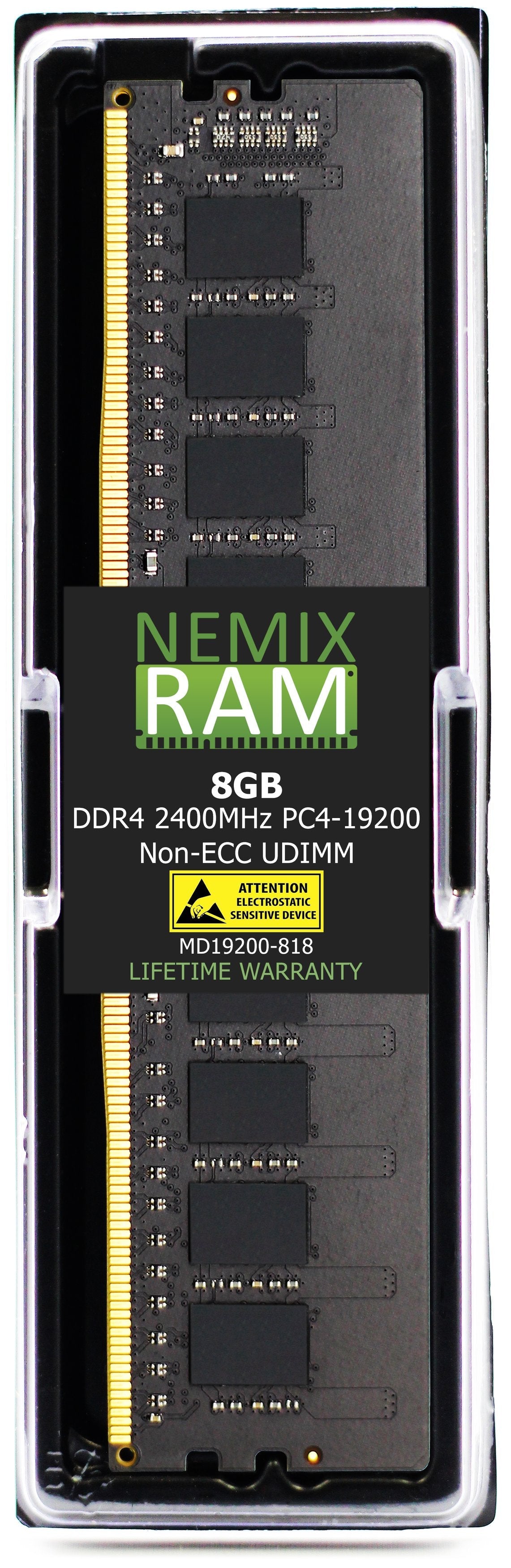
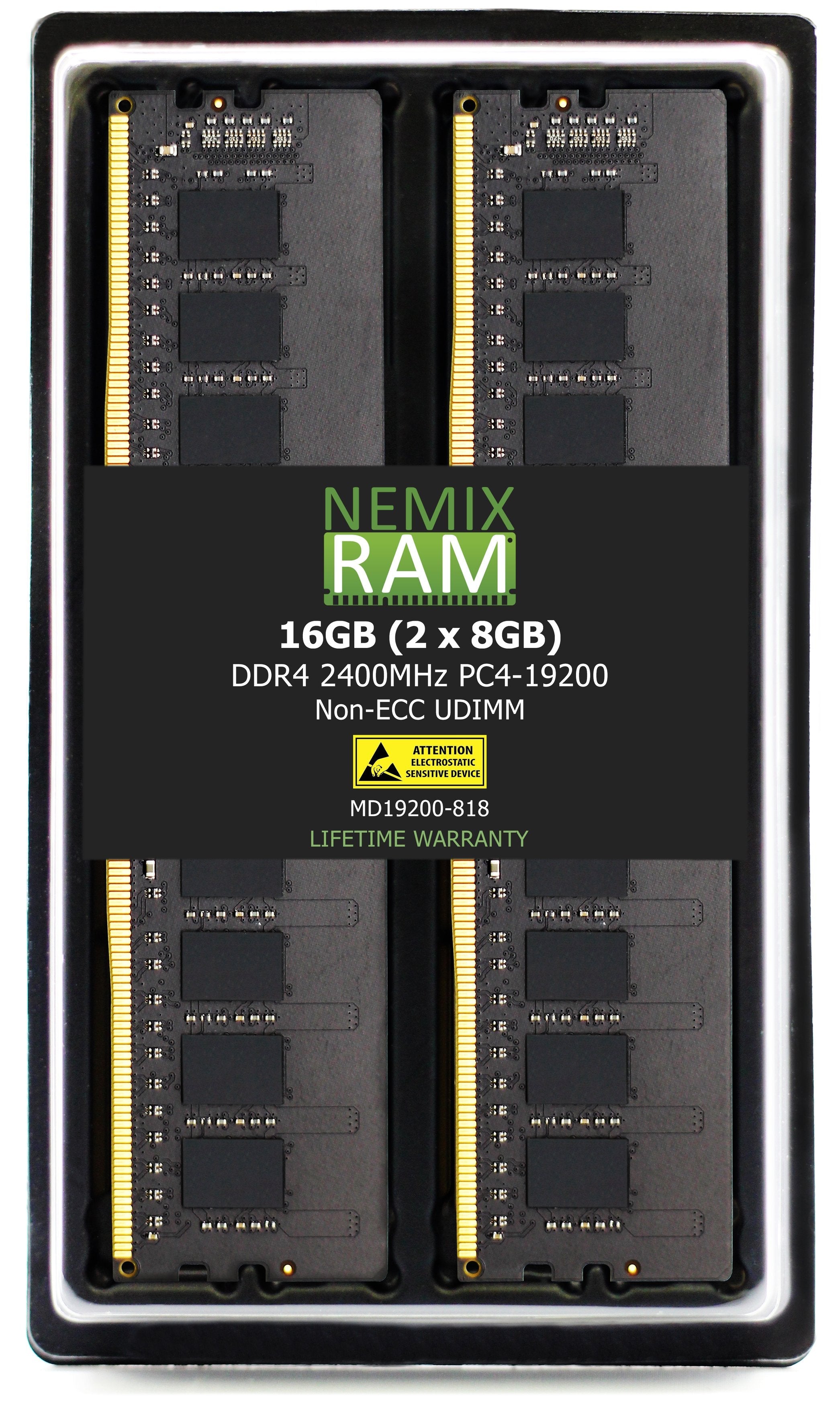
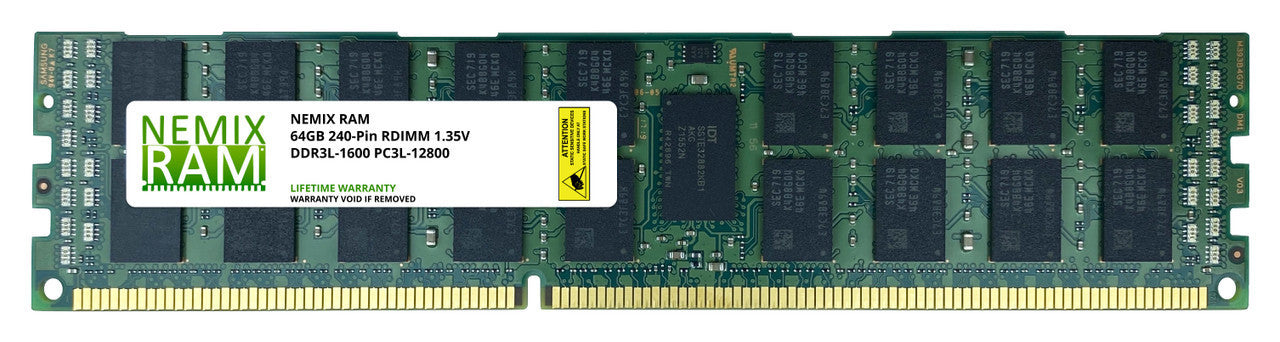
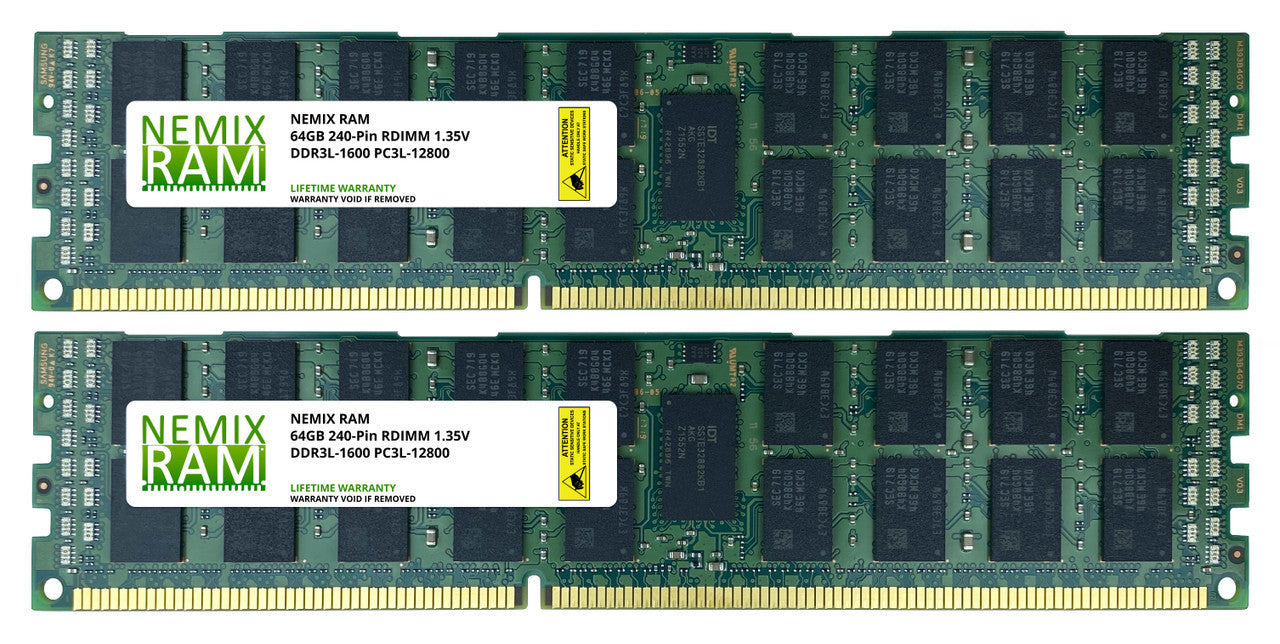
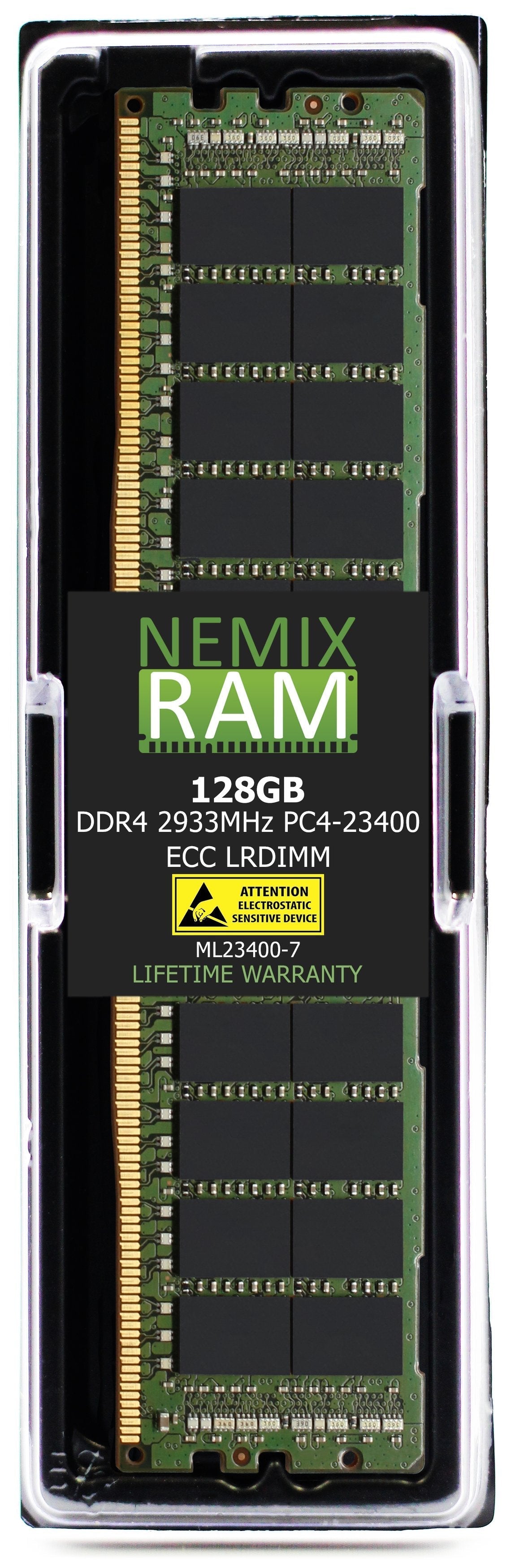
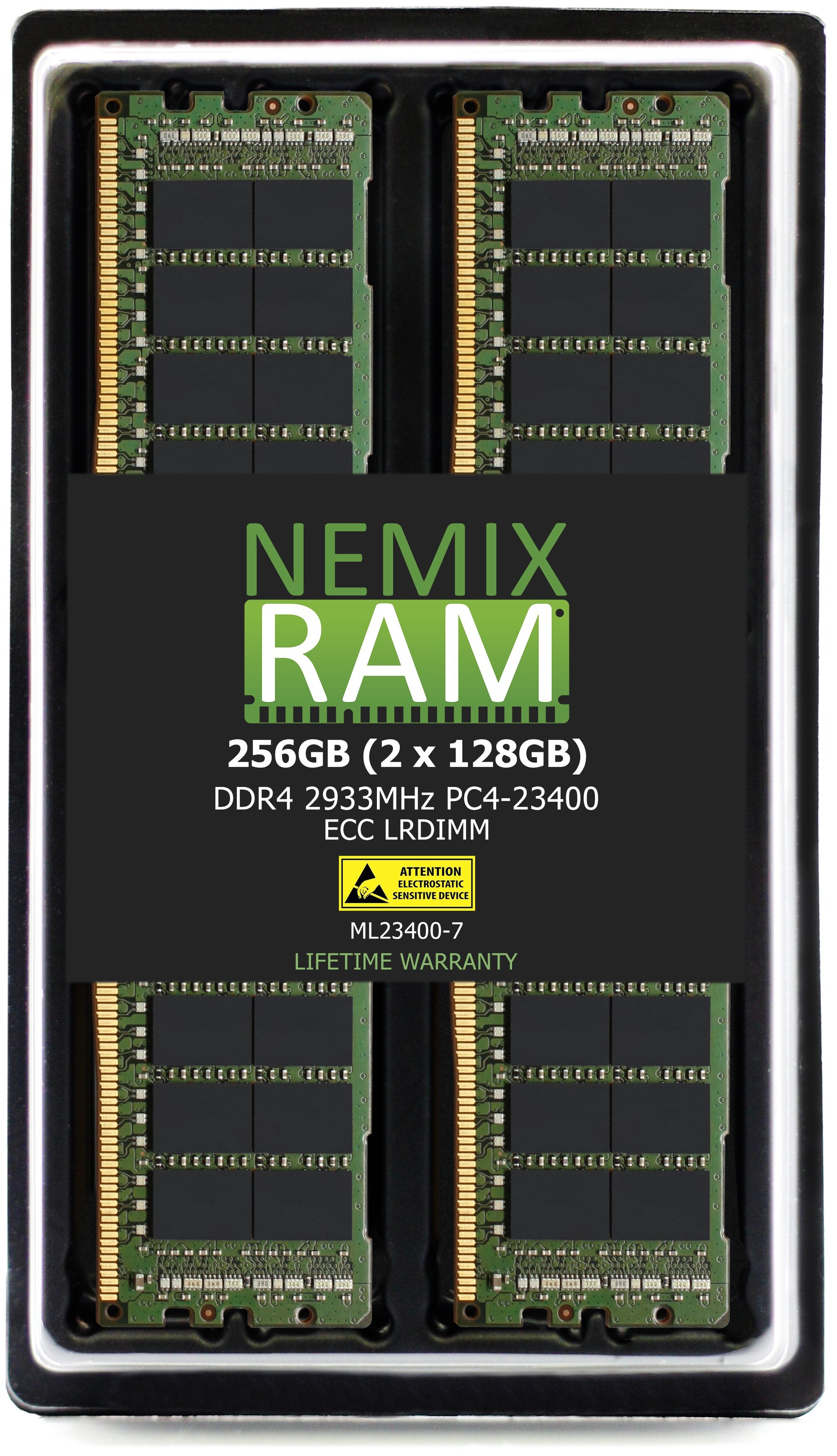
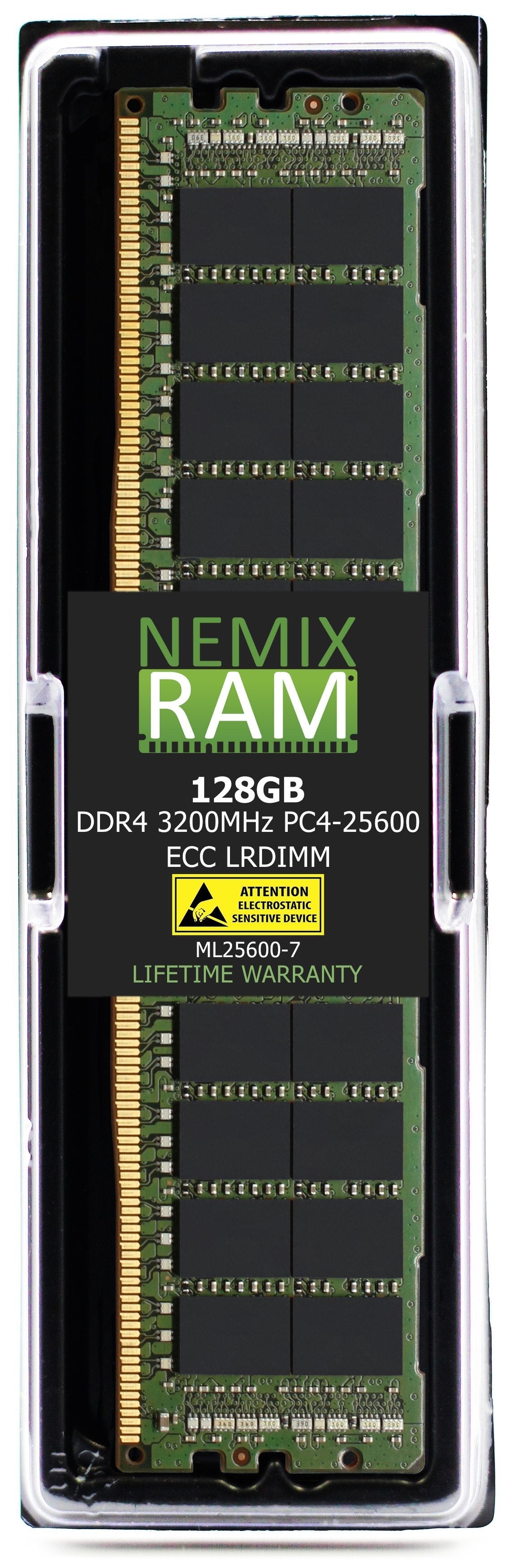
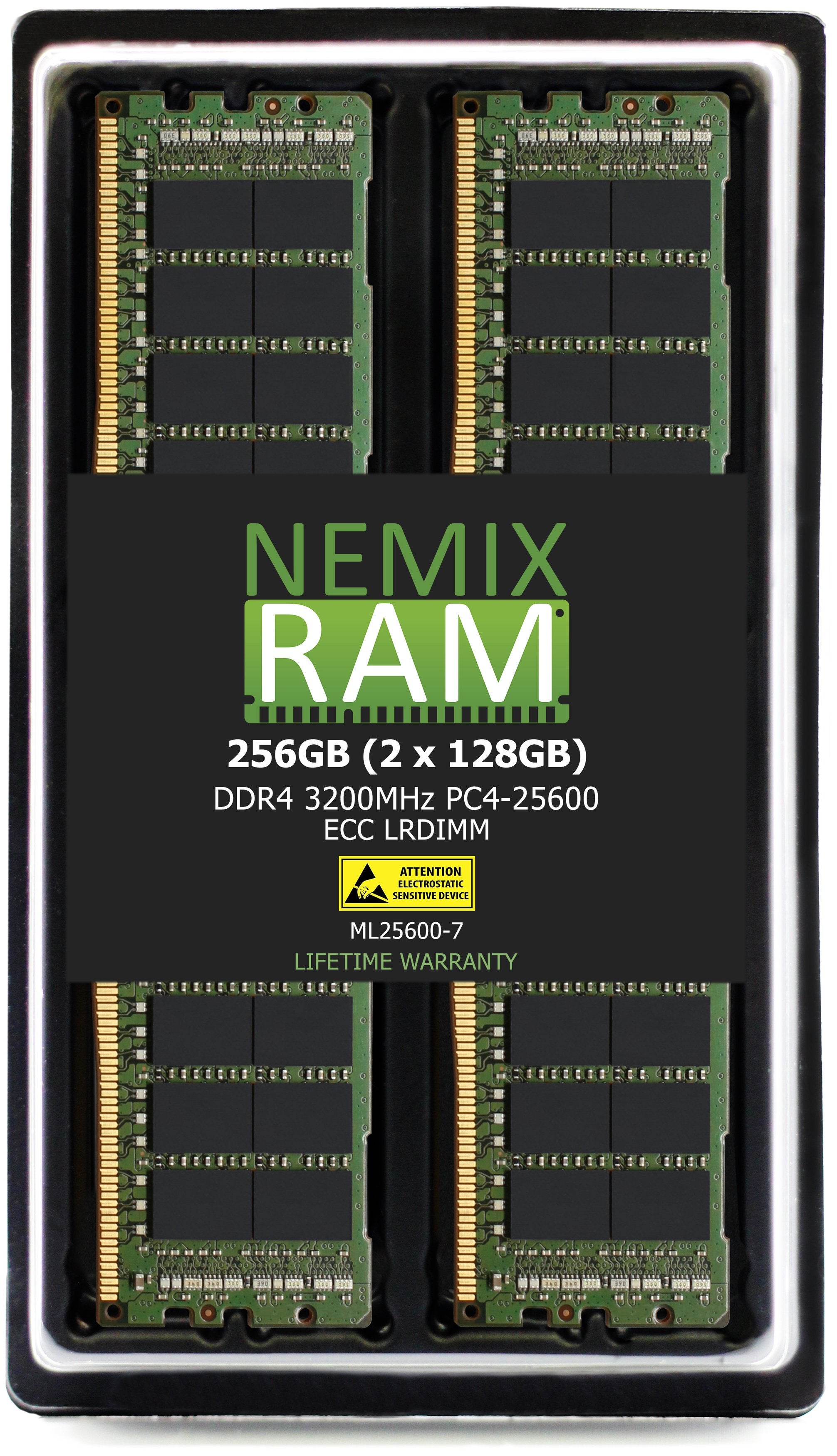
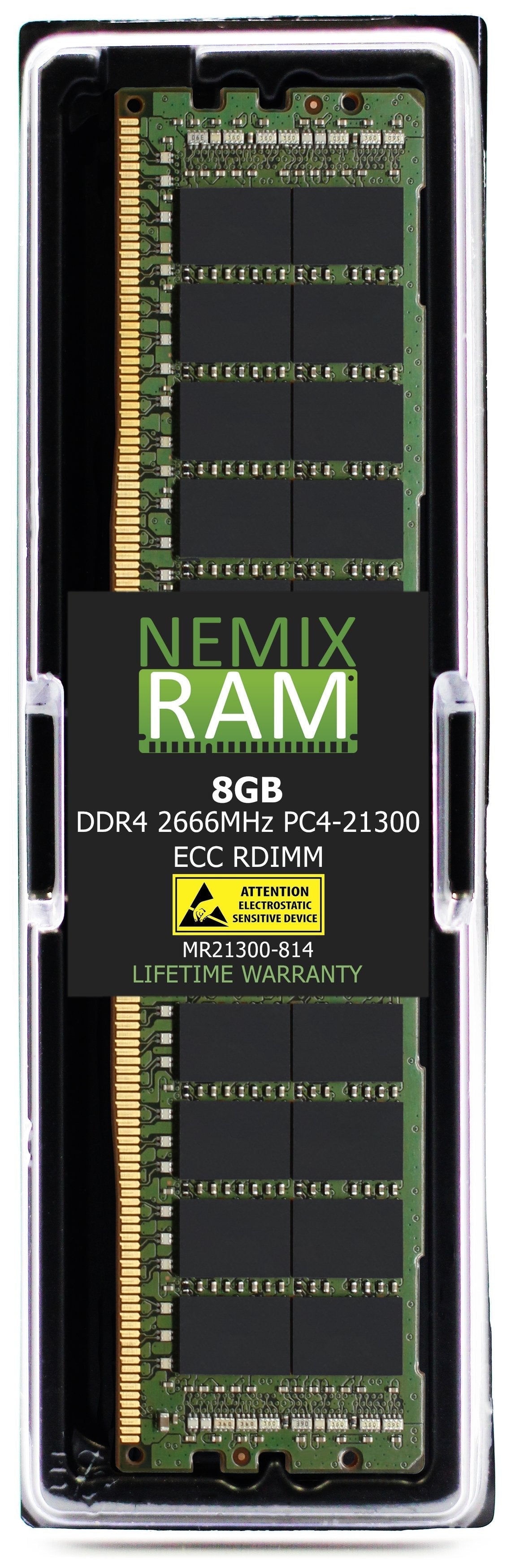
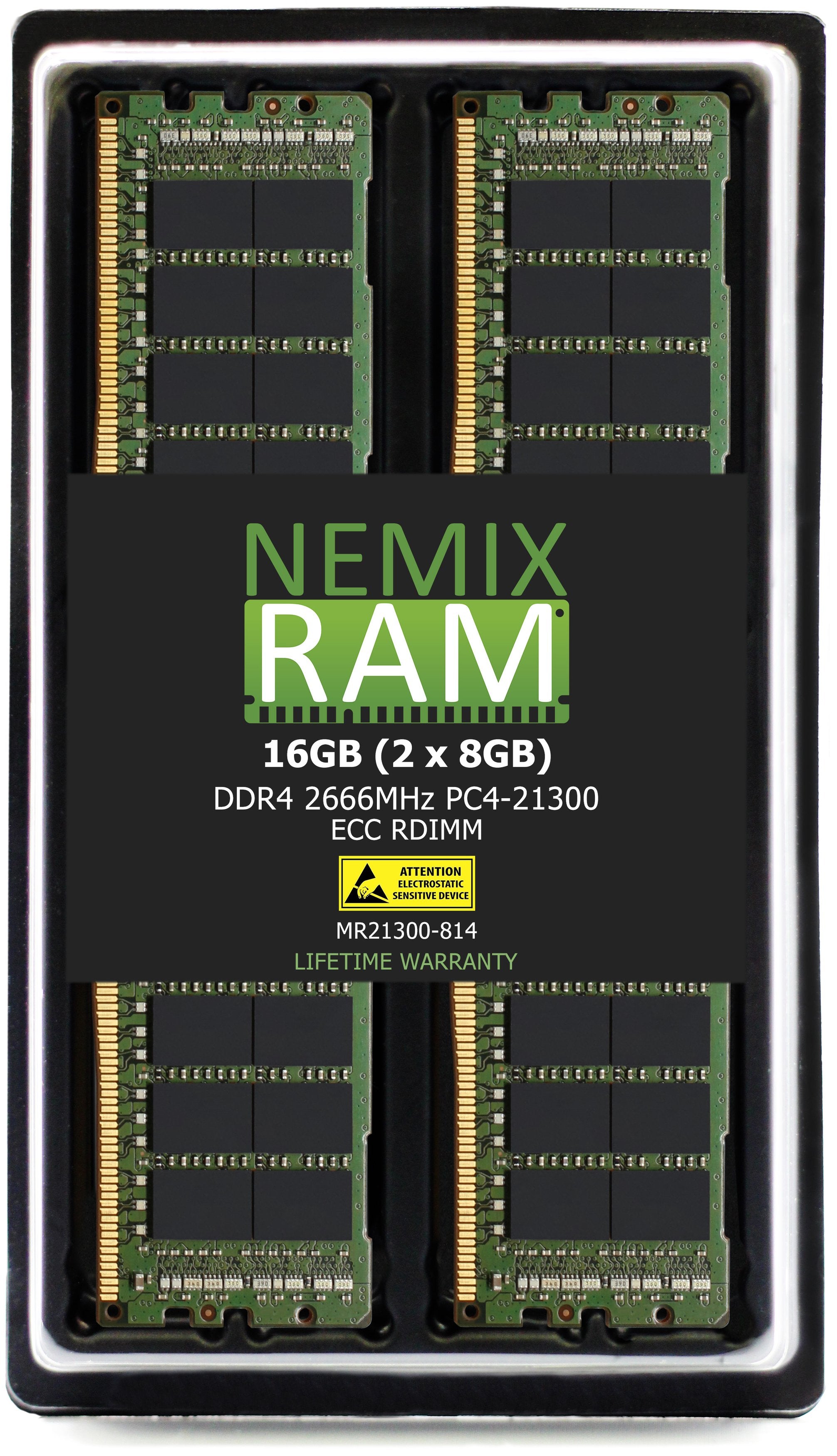
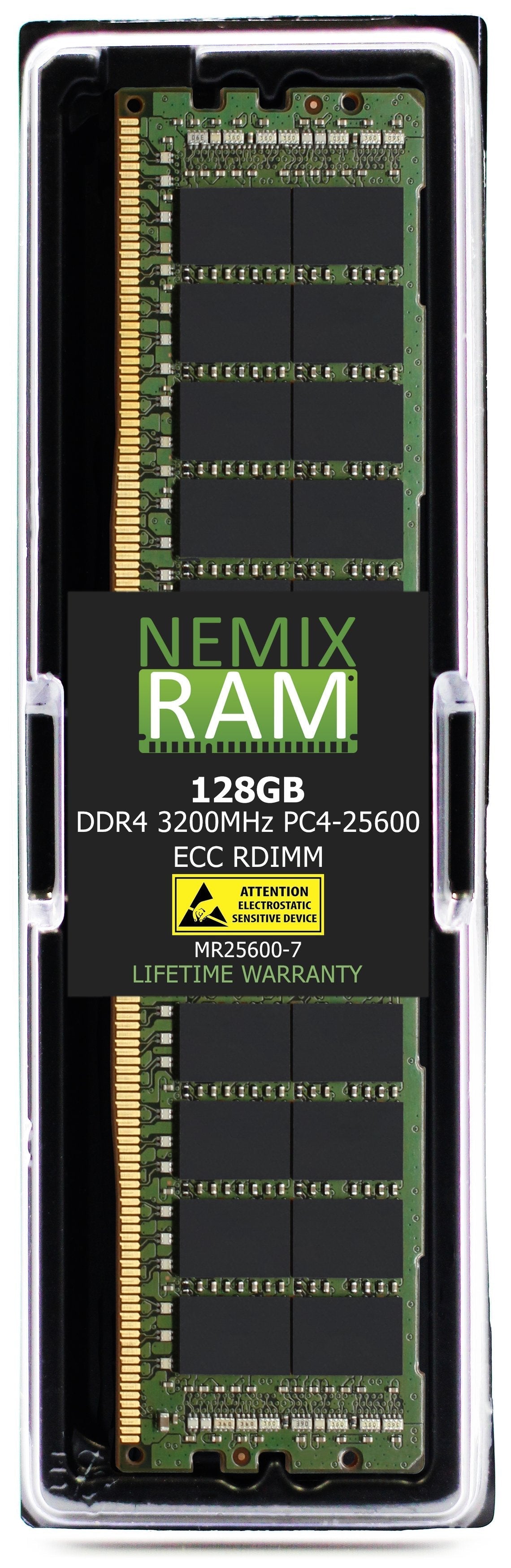
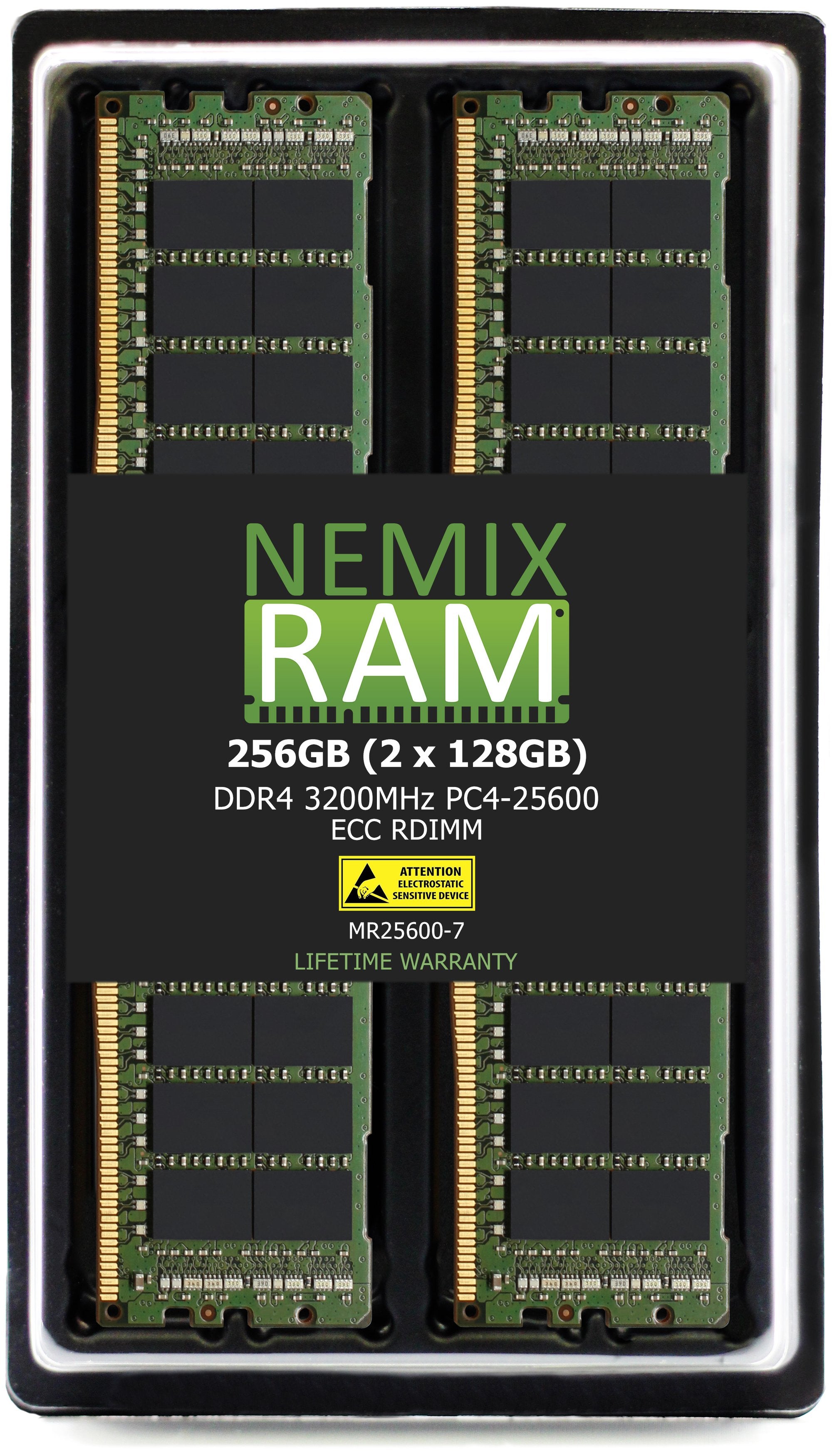
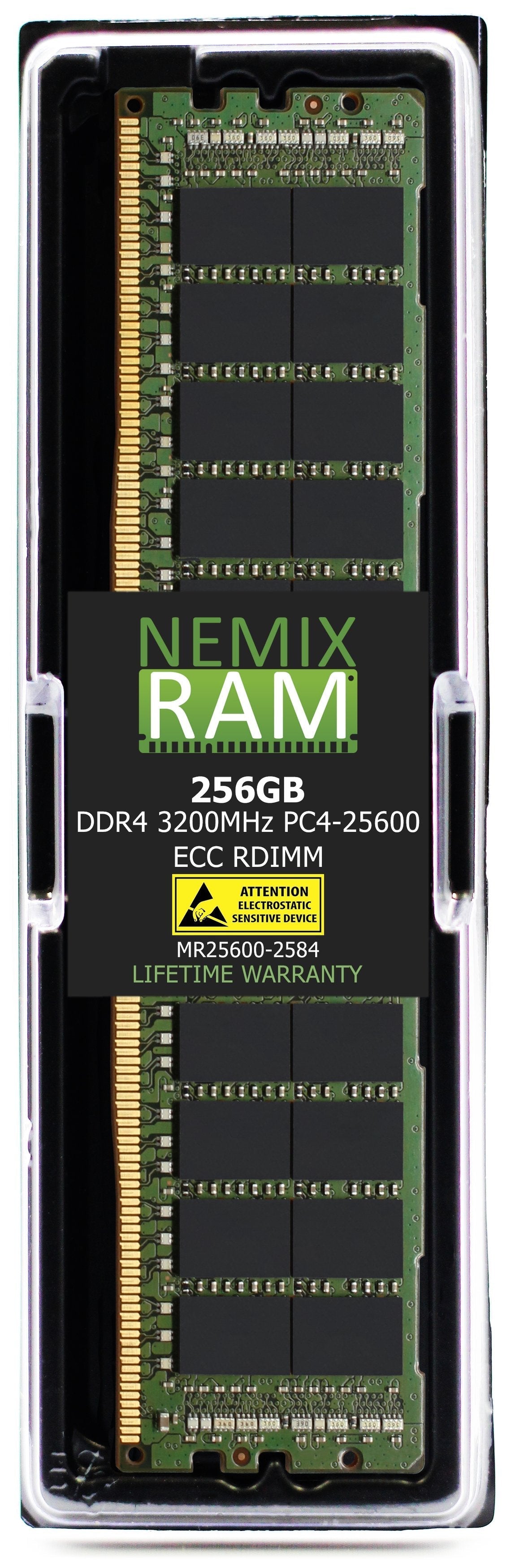
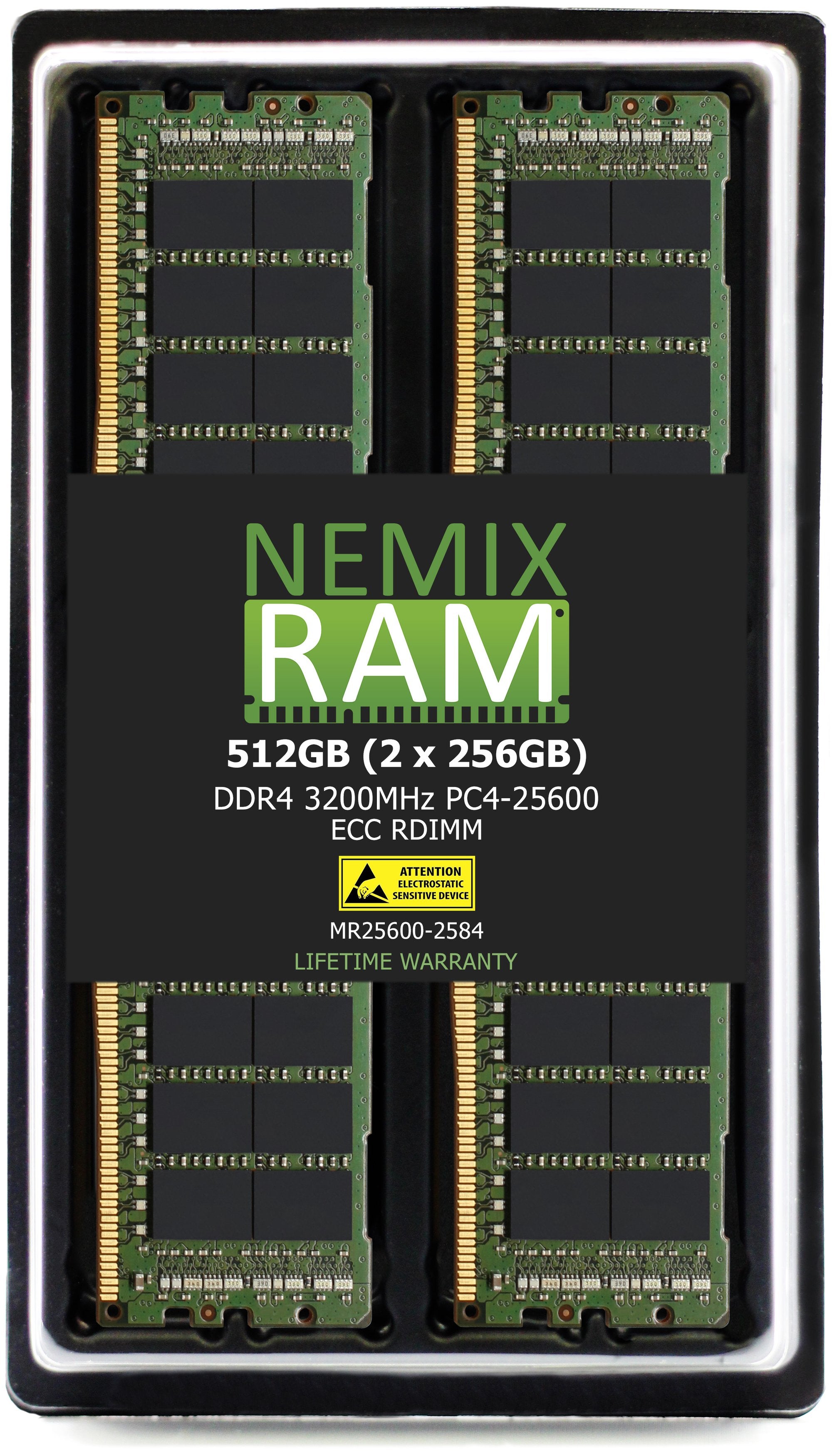
NEMIX RAM - Computer Memory Fitment Experts with 30+ Years of PC | Server | Motherboard | Memory Configurations - Spec Module Matched Solutions
Memory for Big Data Analytics, Cloud Computing, Virtualization, Database and High Performance Computing Workloads.
Detailed to OEM specification, tested in-house, and sold direct.
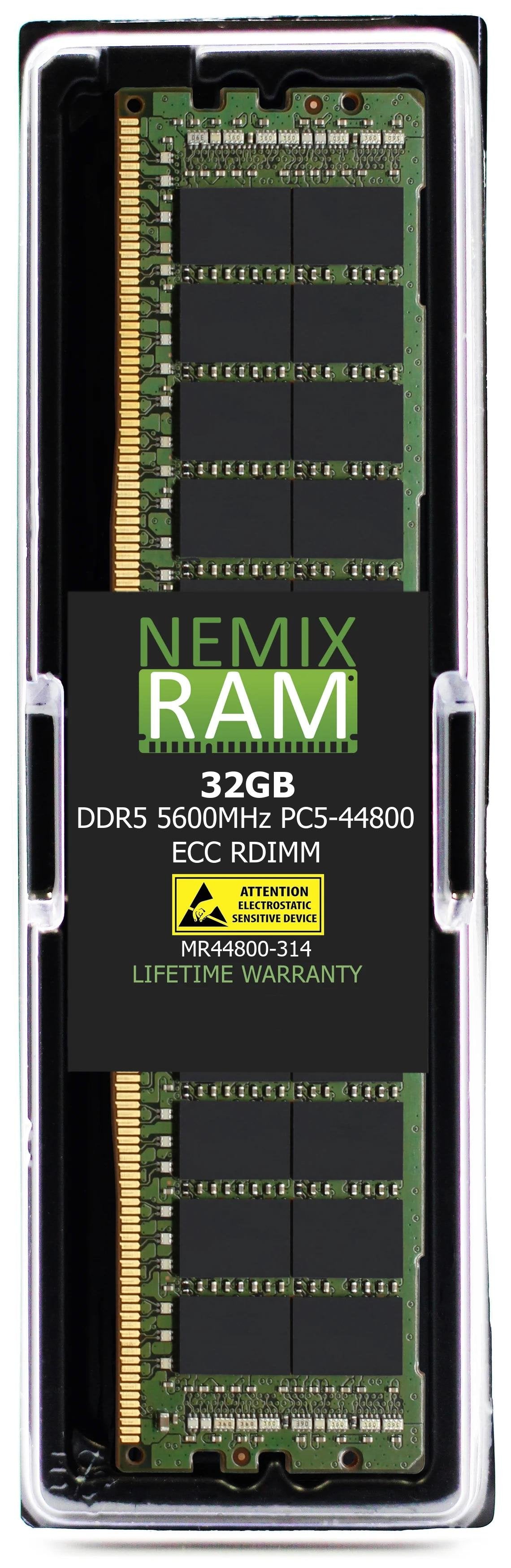
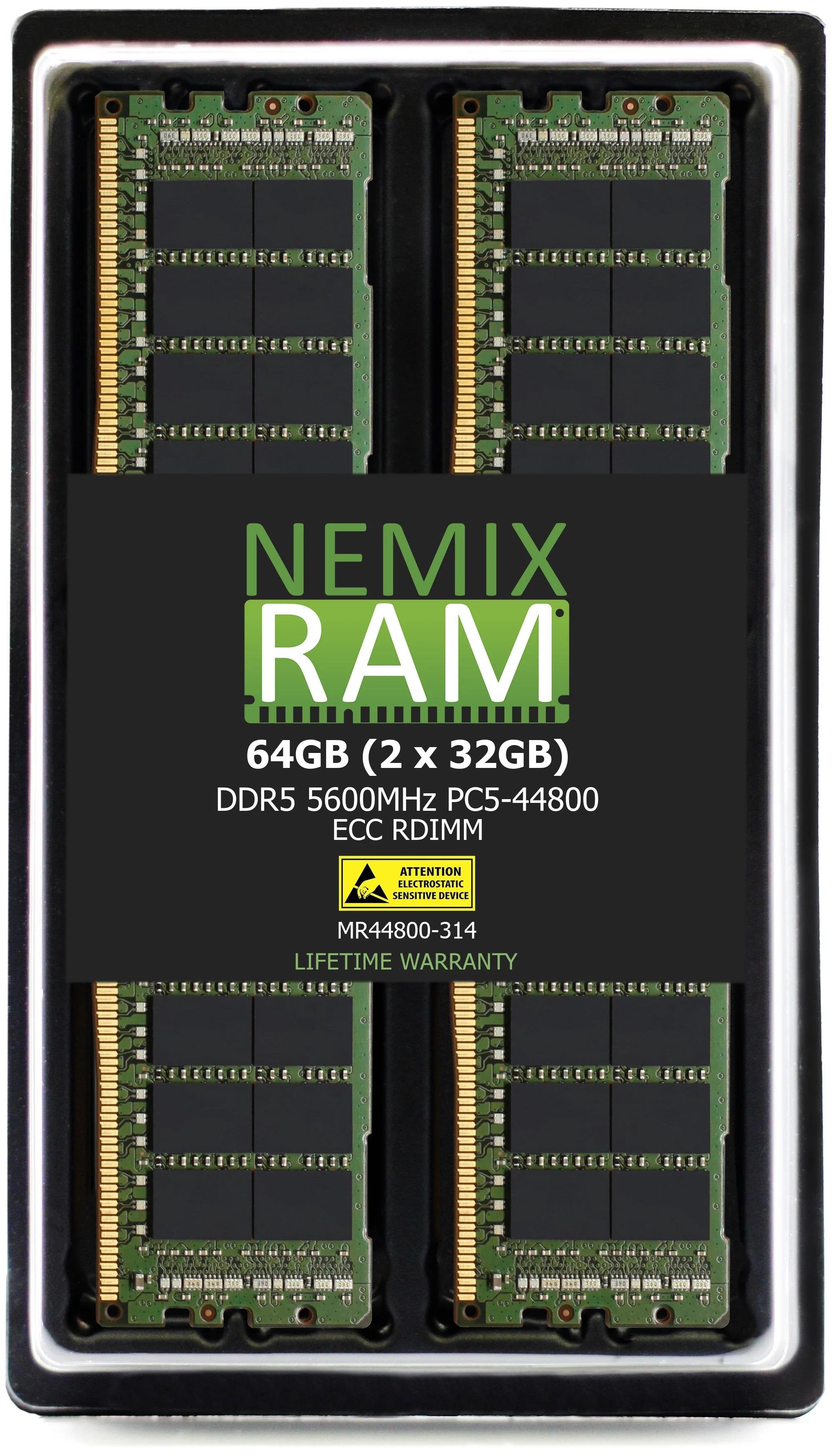
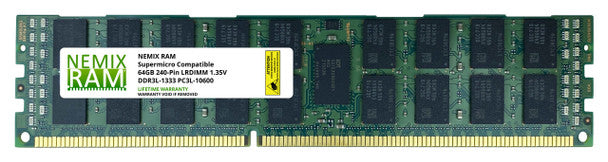
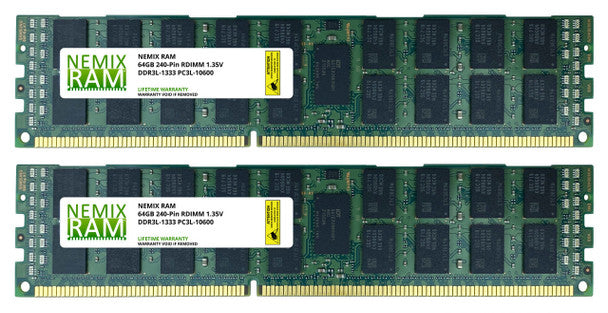
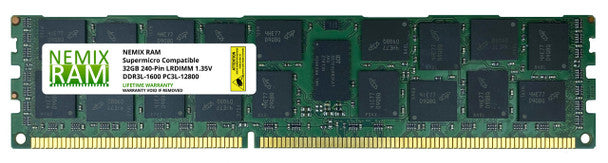
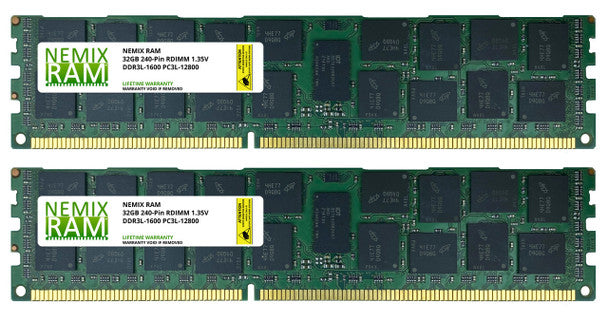
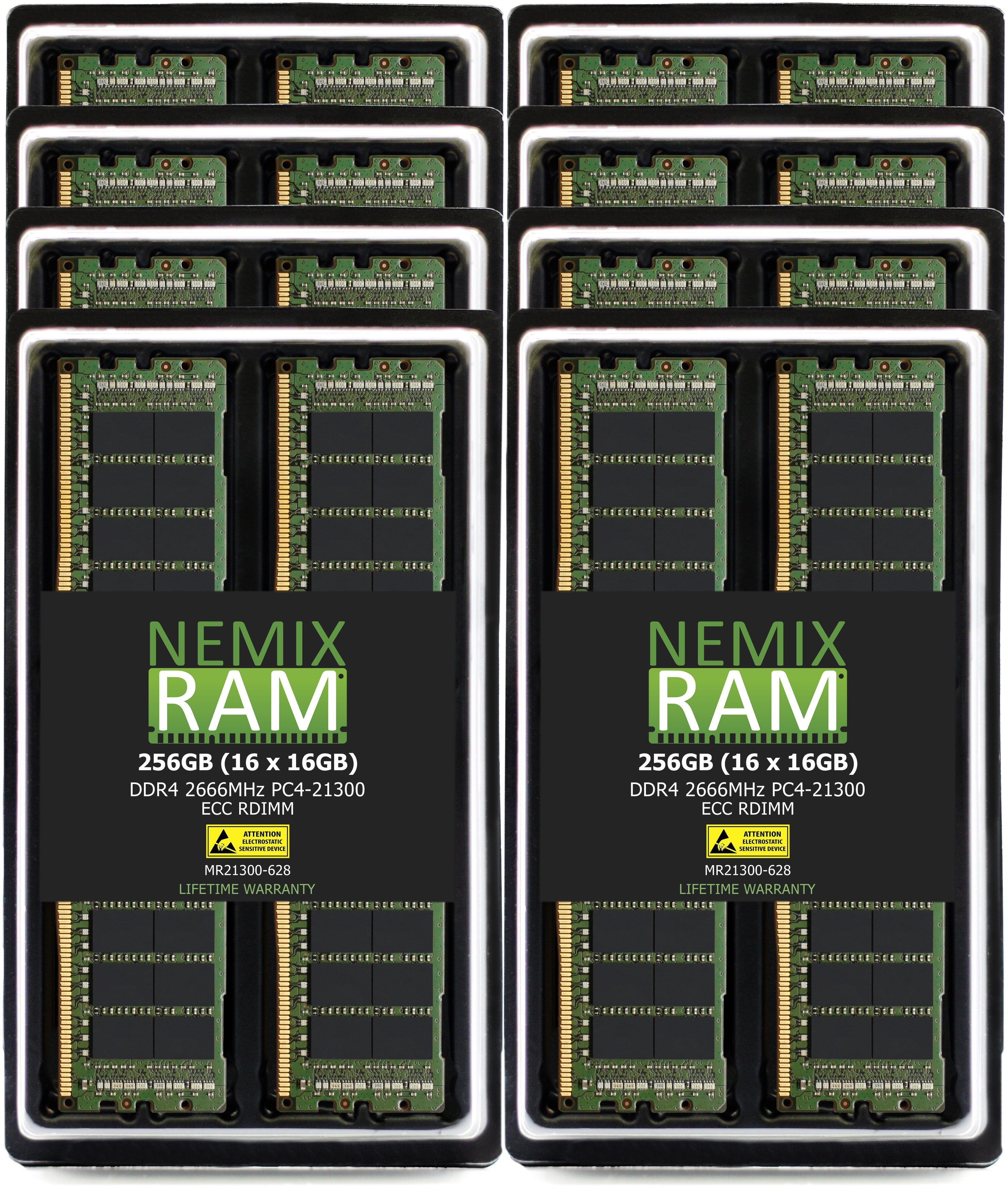
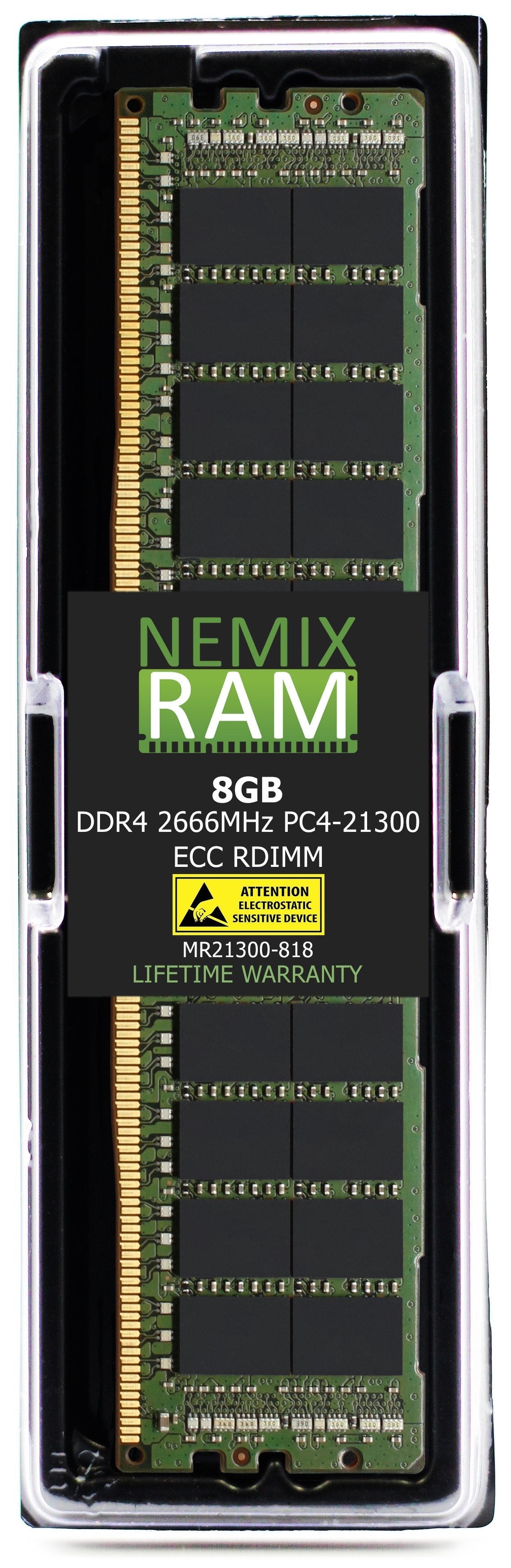
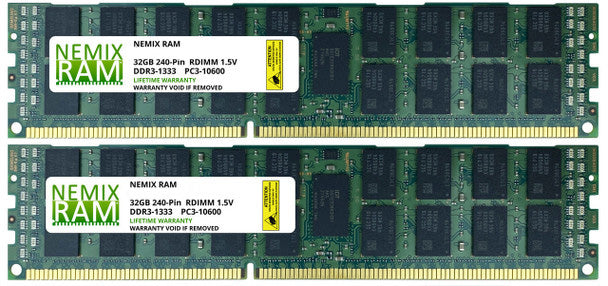
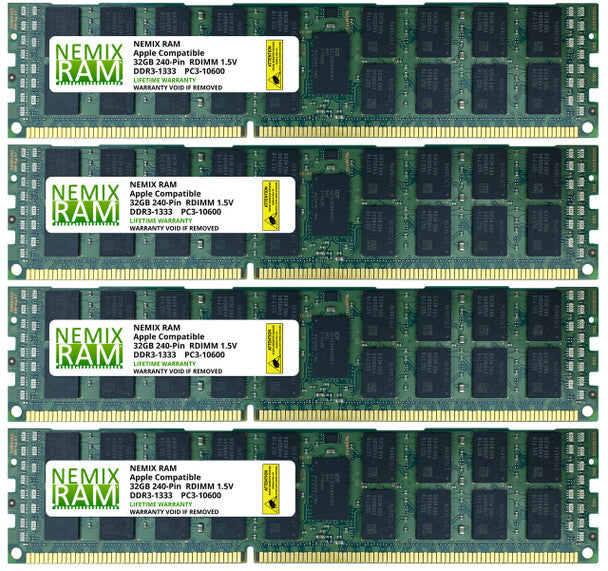
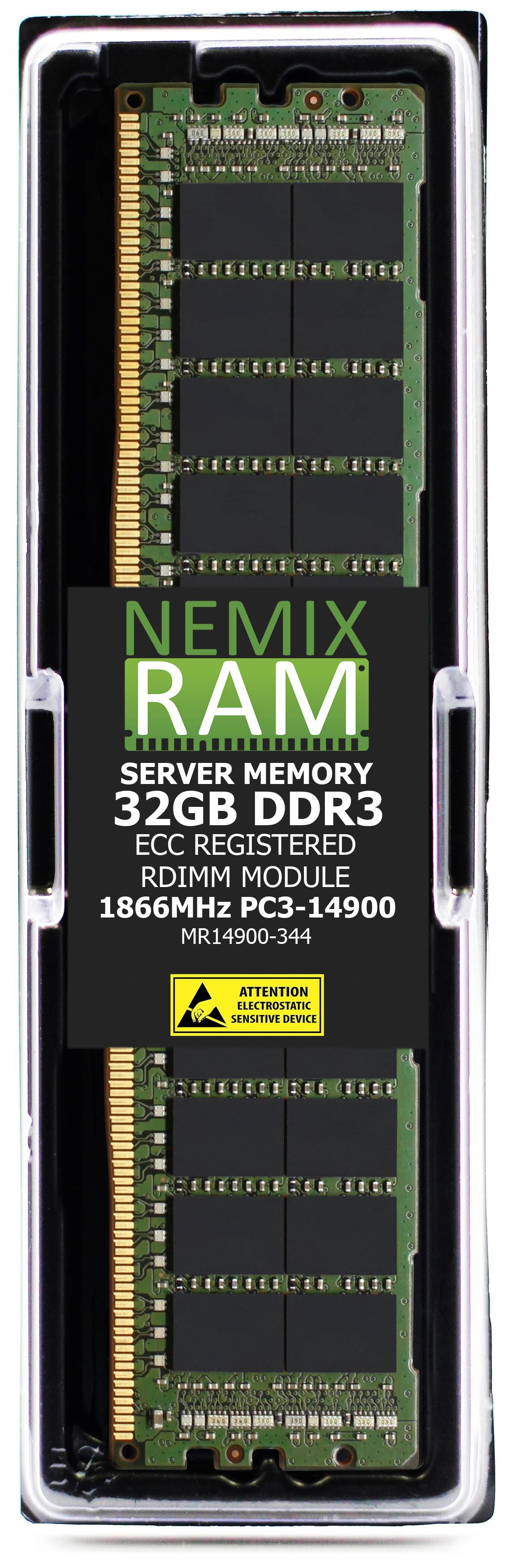
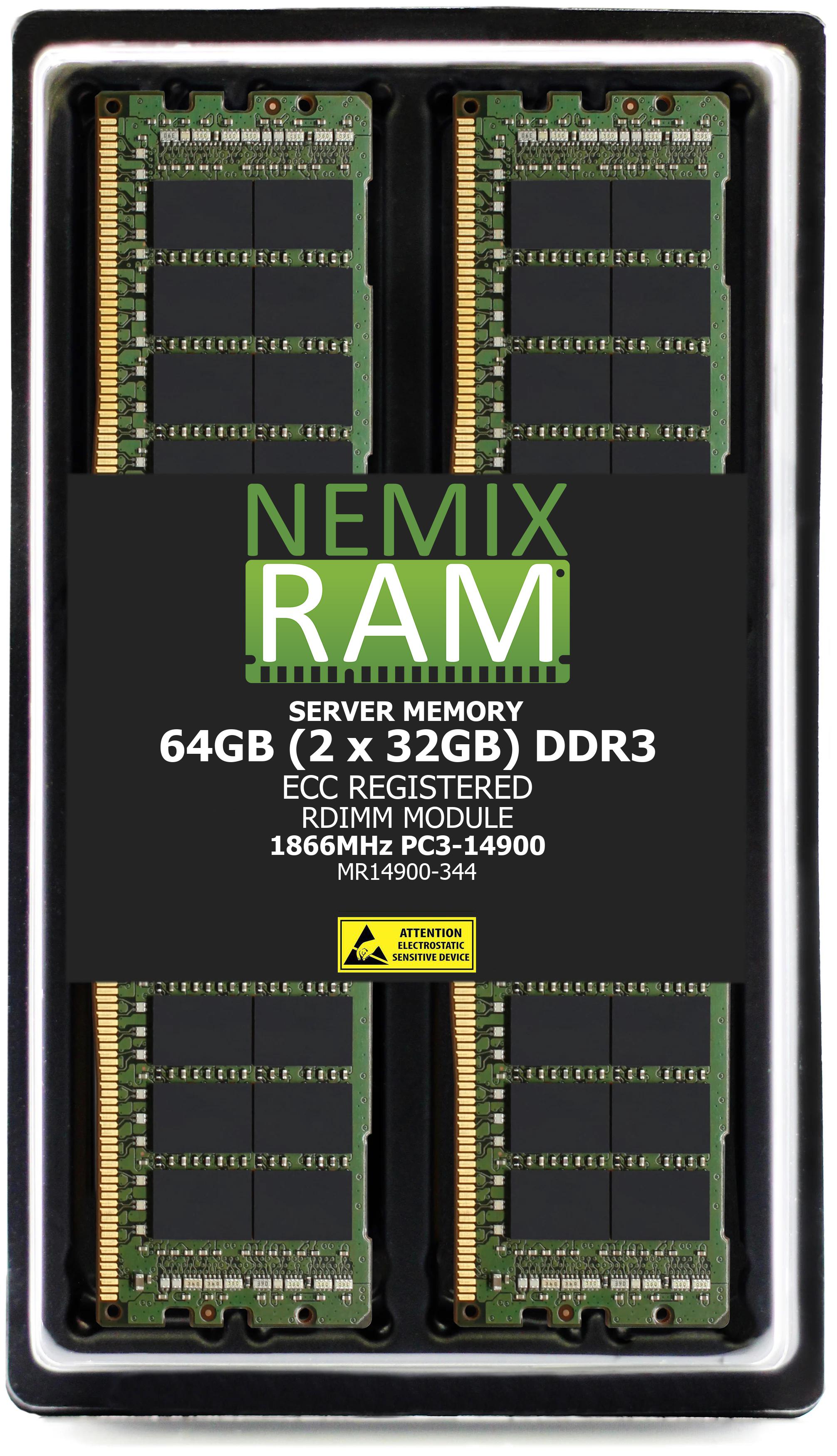
The range covers every module type a modern fleet needs: ECC RDIMM and LRDIMM for servers, ECC and non-ECC UDIMM for workstations and desktops, and non-ECC SODIMM and ECC SODIMM for laptops, all-in-ones, edge systems & NAS Devices. Four generations are in stock — DDR5, DDR4, DDR3 and DDR2 — from 2GB modules for legacy hardware up to 256GB modules and 16-module kits for high-density server builds.
Every module carries a Lifetime Replacement Warranty. USA owned and operated since 1993, and trusted by enterprise and government buyers — purchase orders, net terms and volume pricing are standard, not an exception. Send us a build list and we'll quote it.
What the Signature Series is
Every other collection on this site is matched to a manufacturer's part number or a specific system. The Signature Series is the same memory sold by specification — generation, speed, module type, capacity, rank — for buyers who already know what their platform takes, or who run mixed fleets where one spec serves many boards. A 32GB DDR5-4800 2Rx4 ECC RDIMM from this page is the same module that appears under a Dell, HPE, Lenovo, Cisco, or Supermicro number on the cross-reference pages; here it is listed once, by what it is. If you have an OEM part number or a system model, the manufacturer cross-reference pages linked below get you to the exact match faster. If you have a spec, start here.
Choose by module type
| Module type | Pins | ECC | Where it goes | Will not fit |
|---|---|---|---|---|
| ECC Registered — RDIMM | 288 (DDR4 / DDR5) · 240 (DDR3) | Yes | Xeon Scalable, Xeon 6, EPYC, Threadripper PRO, Xeon W-3400 / W-2400 — rack servers, blades, HPC and AI nodes, high-end workstations | Any unbuffered platform: desktops, entry servers, W680 / W880 boards |
| ECC Load-Reduced — LRDIMM | 288 (DDR4) · 240 (DDR3) | Yes | The same DDR4 server platforms when the capacity target exceeds what RDIMM reaches (2TB+ per socket) | Any RDIMM-populated server (no mixing) · every DDR5 platform (no DDR5 LRDIMM) |
| ECC Unbuffered — UDIMM | 288 (DDR4 / DDR5) · 240 (DDR3) | Yes | Xeon E, Xeon W-1200 / W-1300, EPYC 4004, Ryzen PRO, W680 / W880 workstations, entry towers (PowerEdge T-series, ProLiant ML / MicroServer, ThinkSystem ST / SR250), ECC-capable NAS towers | Registered platforms · consumer boards without ECC support (runs as non-ECC at best) |
| Non-ECC Unbuffered — UDIMM | 288 (DDR4 / DDR5) · 240 (DDR3 / DDR2) | No | Desktops, gaming PCs, OptiPlex / ThinkCentre / EliteDesk class, consumer motherboards | Registered platforms · systems that specify ECC |
| ECC SODIMM | 262 (DDR5) · 260 (DDR4) · 204 (DDR3) | Yes | ECC-capable NAS (Synology Plus / xs, QNAP TS-x73A, ASUSTOR Gen3), Xeon D and Atom embedded boards, ThinkEdge, compact servers | Laptops (no ECC support) · full-size slots |
| Non-ECC SODIMM | 262 (DDR5) · 260 (DDR4) · 204 (DDR3) · 200 (DDR2) | No | Laptops, mini PCs, all-in-ones, consumer NAS (Synology value line, UGREEN, TerraMaster, QNAP TS-x64) | Full-size slots · ECC-specified NAS |
Registered and unbuffered are electrically different sockets: neither posts in the other. ECC and non-ECC of the same type share a socket, but a platform specified for ECC will not accept non-ECC, and a platform without ECC support runs an ECC module as non-ECC. The Form Factor filter on the left is this table.
Generation and speed reference
| Generation | Speeds (MT/s) and PC codes | Voltage | Platforms |
|---|---|---|---|
| DDR5 | 4800 (PC5-38400) · 5200 (PC5-41600) · 5600 (PC5-44800) · 6000 (PC5-48000) · 6400 (PC5-51200) | 1.1V | 4th / 5th Gen Xeon Scalable, Xeon 6, EPYC 9004 / 9005, 12th–14th Gen Core, Core Ultra, Ryzen 7000 / 9000, Threadripper 7000 |
| DDR4 | 2133 (PC4-17000) · 2400 (PC4-19200) · 2666 (PC4-21300) · 2933 (PC4-23400) · 3200 (PC4-25600) | 1.2V | Xeon E5 v3 / v4, 1st–3rd Gen Xeon Scalable, EPYC 7001–7003, 6th–11th Gen Core, Ryzen 1000–5000, Threadripper 1000–5000 |
| DDR3 | 1066 (PC3-8500) · 1333 (PC3-10600) · 1600 (PC3-12800) · 1866 (PC3-14900) | 1.5V · 1.35V (DDR3L) | Xeon 5500 / 5600, E5-2600 v1 / v2, E3-1200 v1–v3, 2nd–4th Gen Core, Opteron 6000 |
| DDR2 | 533 (PC2-4200) · 667 (PC2-5300) · 800 (PC2-6400) | 1.8V | Xeon 5000 / 5400, Core 2, Opteron 2000 / 8000 — legacy hardware still in service |
Generations do not interchange — the slot key is different. Within a generation, a faster module fits and runs at the speed the CPU and board support; there is no benefit to paying for more than the platform will use, and on some server platforms an unqualified speed grade will not train. The Technology Speed filter is this table.
How to read a NEMIX RAM listing
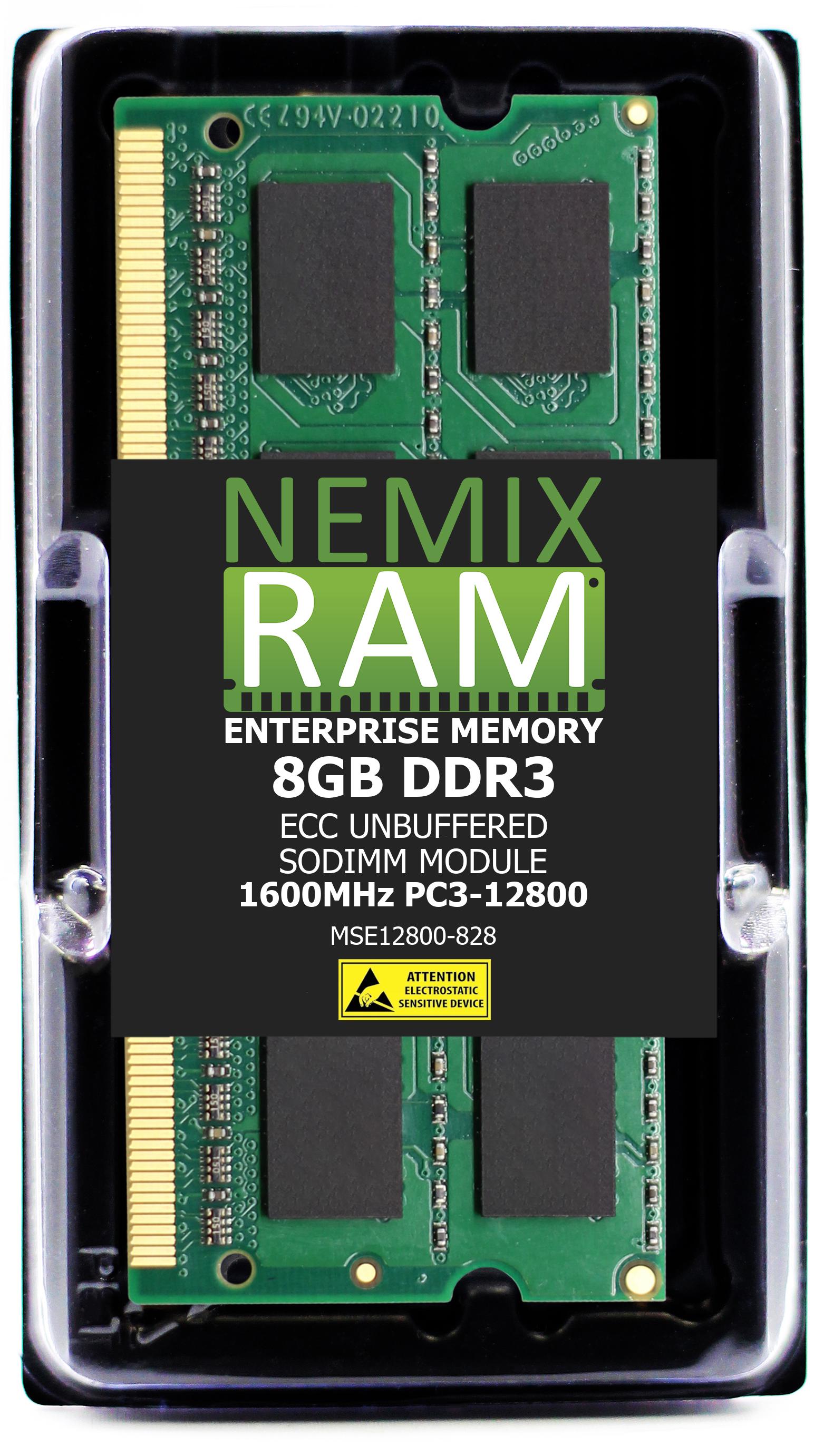
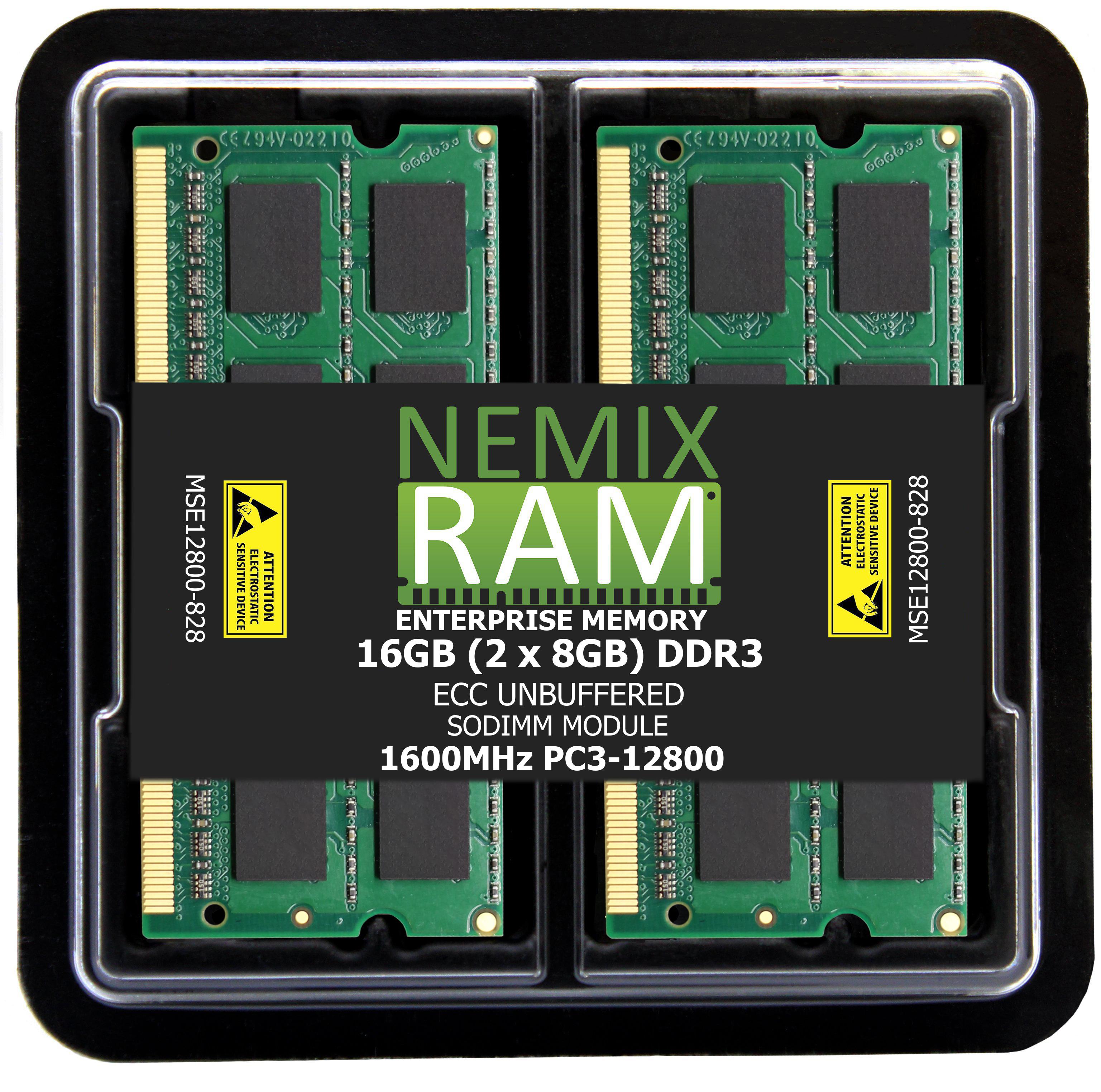
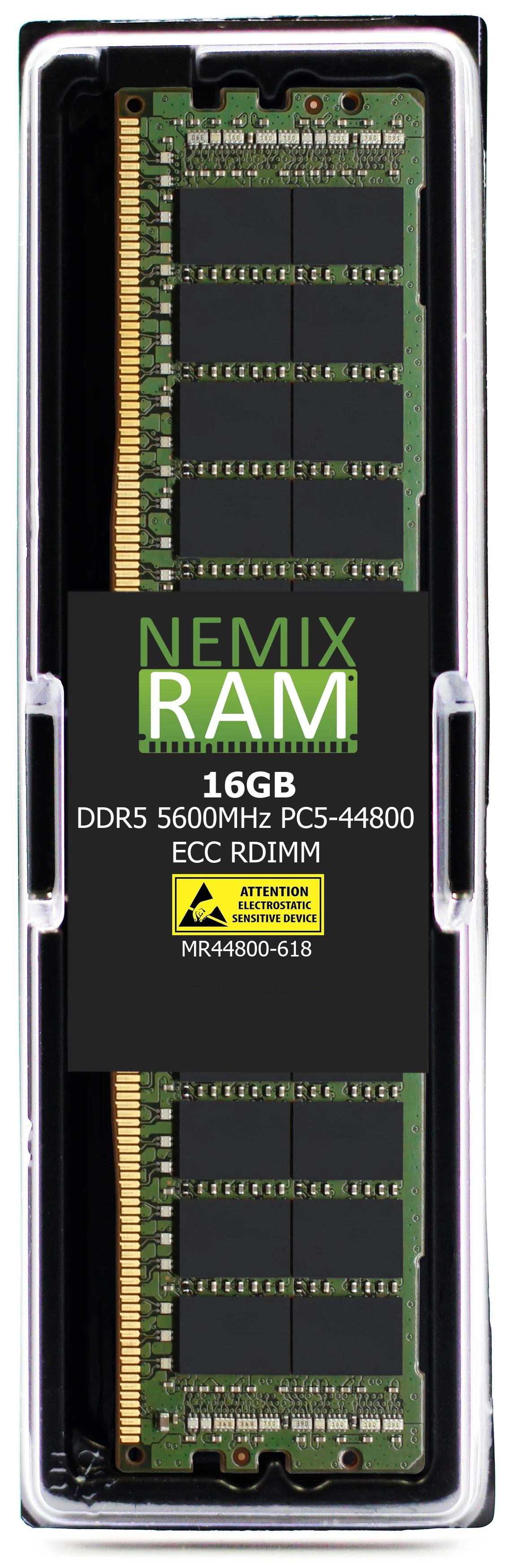
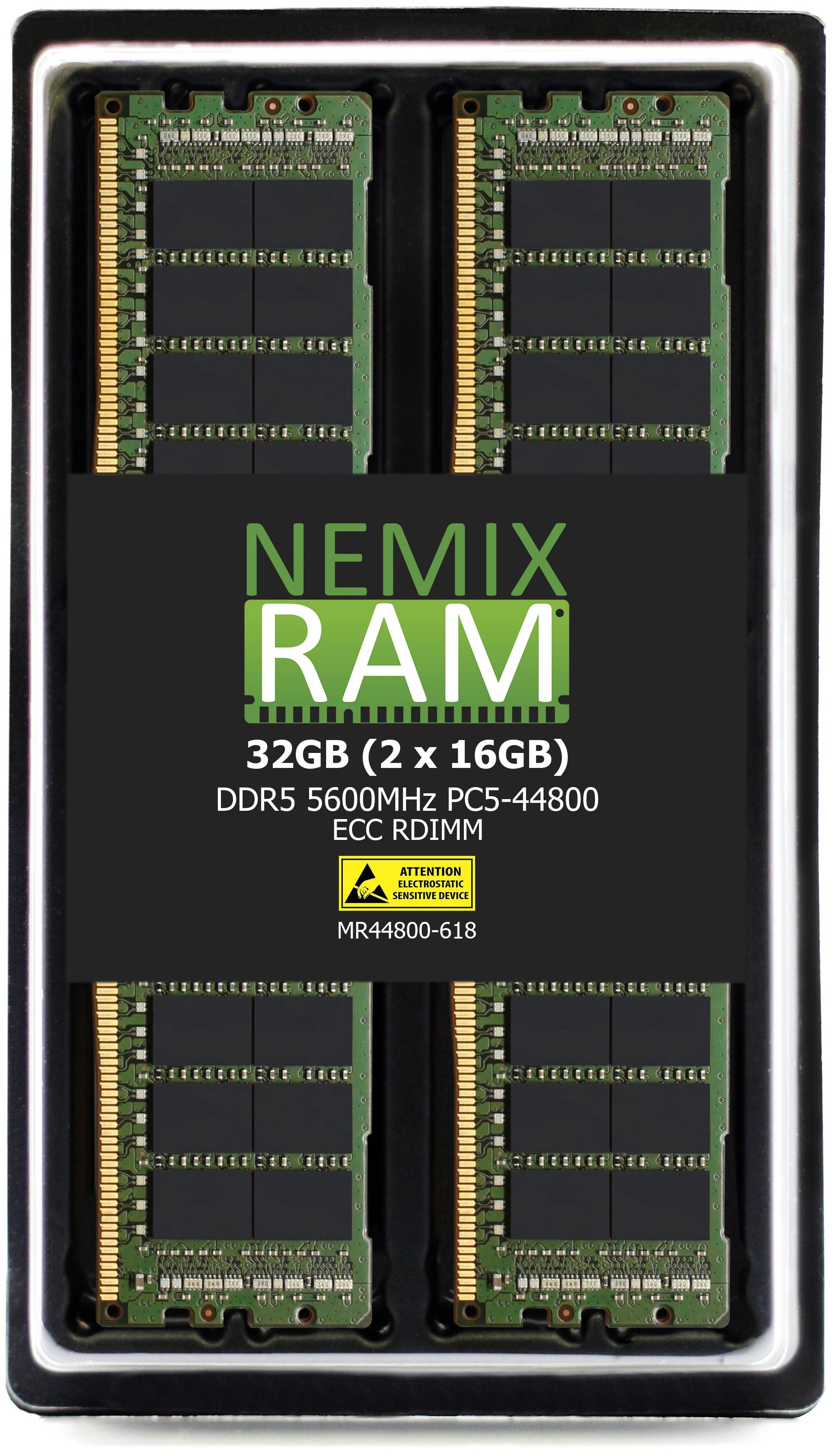
NEMIX RAM   DDR5   5600MHz   PC5-44800   ECC UDIMM   1Rx8
                |       |          |           |        |
                |       |          |           |        └─ rank × DRAM width  (1 rank of x8 chips)
                |       |          |           └────────── module type  (ECC status + buffering + form factor)
                |       |          └────────────────────── PC code  (bandwidth name for the same speed)
                |       └───────────────────────────────── speed  (MT/s, shown as MHz)
                └───────────────────────────────────────── generation
Capacity and kit count are on the variant selector: 32GB (1×32GB) is one module, 128GB (4×32GB) is a kit of four identical modules. Kits are sized to channel counts — 2 for desktops and laptops, 4 for workstations and entry servers, 6 / 8 / 12 / 16 for Xeon and EPYC sockets — so one kit populates the platform correctly.
Rank, and why it is on the label
Rank is how many independent 64-bit (or 72 / 80-bit with ECC) groups of DRAM chips a module presents to the controller — 1R, 2R, 4R, 8R — and the width (x4, x8, x16) is how many bits each chip contributes. The controller cares because rank count changes how many modules per channel it can drive at full speed, and because some platforms behave differently with 2Rx4 than 2Rx8 at the same capacity. Two rules cover nearly every case: match the rank of what is already installed when adding, and prefer the rank the platform's documentation lists for that capacity when starting fresh. The Rank filter is here for both.
Find what your system needs
- Servers with a BMC: iDRAC, iLO, XCC, Cisco IMC, or the Supermicro / ASRock Rack / Gigabyte IPMI page → Memory inventory lists every slot with generation, capacity, speed, rank, and type. Match it.
-
Any Linux system:
sudo dmidecode -t memoryshows the same per slot, plus the board's maximum and slot count. - Windows: Task Manager → Performance → Memory shows capacity, speed, form factor, and slots used; CPU-Z's SPD tab shows the exact module.
- The manual or QVL: the board or system's memory section states the supported type, speeds, maximum, and population order. That is the authority when the BMC and the spec disagree.
- Send us the model: a note with the system or board model and the target capacity comes back with the part and the population.
Sizing by workload
| Workload | What memory does | Typical target |
|---|---|---|
| Virtualization (VMware, Hyper-V, Proxmox) | Hosts are memory-bound long before CPU-bound; every VM's allocation is resident | 256GB–1TB per 2-socket host; 8 or 16 identical RDIMMs |
| Database (SQL Server, Oracle, PostgreSQL, SAP HANA) | Buffer pool and in-memory tables; HANA sizes to the dataset | 512GB–2TB; largest module the platform supports, all channels populated |
| Big data and analytics (Spark, Elasticsearch, ClickHouse) | Working sets, shuffle, and index caches in RAM; spilling to disk is the cliff | 256GB–1TB per node; bandwidth matters, so one DIMM per channel |
| HPC and AI | System memory feeds the accelerators; bandwidth per socket is the constraint | Every channel populated at the platform's top speed; 512GB–2TB per node |
| Storage / NAS (ZFS) | ARC read cache, dedup tables, metadata | ~1GB per TB of pool as a floor; 32GB–256GB on all-flash units |
| Workstation (CAD, 3D, video, simulation) | Scenes, assemblies, and frame caches either fit or they spill | 64GB–256GB; all channels populated on Xeon W / Threadripper PRO |
| Desktop and laptop | Browser, Office, calls, light creative work | 16GB as the floor, 32GB for editing or a five-year horizon; matched pairs |
Population rules that hold on every platform
- One module type per system. RDIMM, LRDIMM, and UDIMM never mix; ECC and non-ECC never mix.
- One DIMM per channel before doubling up. Bandwidth scales with populated channels — 2 on desktops, 4 on Xeon W and Threadripper, 6 to 12 per socket on servers. The manual's population order is the order that keeps every channel active.
- Balance sockets. On two-socket servers, populate both processors identically.
- Match capacity, speed, and rank. Mixed speeds run at the slowest module; mixed ranks in a channel can force a lower speed. Identical modules across the system is the safe configuration, which is what a kit is.
- The CPU sets the speed ceiling. The board's rated speed is a maximum; the installed processor decides what actually runs.
- Two DIMMs per channel usually costs a speed step. Fewer, larger modules keep bandwidth; more, smaller modules add capacity. Decide which the workload needs before choosing 8×32GB over 4×64GB.
Already have a part number or a system model?
The manufacturer cross-references list the same modules matched to OEM numbers and filtered by system. Server and workstation: Dell PowerEdge · Dell part numbers · Dell Precision · HPE · Lenovo / IBM · Cisco UCS · Supermicro · NEC. Motherboards: ASRock · ASUS · Gigabyte · MSI. NAS: QNAP · ASUSTOR · UGREEN. DRAM makers: Samsung · Micron · SK hynix
Why NEMIX RAM
NEMIX RAM has identified, Specc'd and tested memory for servers, workstations, and storage since 1993, from the United States. Every module is detailed to the OEM specification it replaces — generation, capacity, ECC, buffering, speed, rank, voltage — built on DRAM from Samsung, SK hynix, or Micron, and tested in-house in the platform class it is sold for. It is sold direct, which is why the price is the memory and not the badge. Every module carries a lifetime replacement warranty with free US-based technical support. Purchase orders, net terms, and volume pricing are standard for business, government, and education buyers; NEMIX RAM is a registered federal supplier (UEI GV8MMYNDJ5J1, CAGE 59AB2).
Frequently asked
Signature Series or the manufacturer page — which do I buy from? Same modules. If you have a part number or a system model, the manufacturer page confirms the fit for you. If you have a spec, this page has it in one place across every generation.
Will a server show a warning with NEMIX RAM installed? Dell, Supermicro, ASUS, ASRock Rack, Gigabyte, and NAS platforms report the module and run it with no notice. HPE ProLiant and some Lenovo and Cisco firmware may log an informational non-OEM memory event; the server boots, recognizes full capacity, and runs at spec. Details are on each manufacturer's page.
Can I buy one module now and add a matching one later? Yes, if the second matches the first in capacity, speed, and rank — which is why the listing states all three. Buying the pair or kit at once removes the variable.
Do you stock DDR2 and DDR3? Yes. A large share of enterprise and industrial hardware from those generations is still in production, and the Signature Series carries new modules for it from 2GB up.
What if the spec I need isn't listed? Send the spec or the system model; if it can be built, we will quote it.
UEI Approved Supplier: GV8MMYNDJ5J1 CAGE CODE: 59AB2
NEMIX RAM can deliver any Configuration your Fleet Requires
Speak to a Sales Representative