GIGABYTE | AORUS | PRO ICE | XTREME AI TOP | MOTHERBOARD | MEMORY UPGRADES
97 products
Showing 97 - 97 of 97 products
Board-matched memory for Gigabyte — 55 boards across server, GPU-server and desktop platforms.
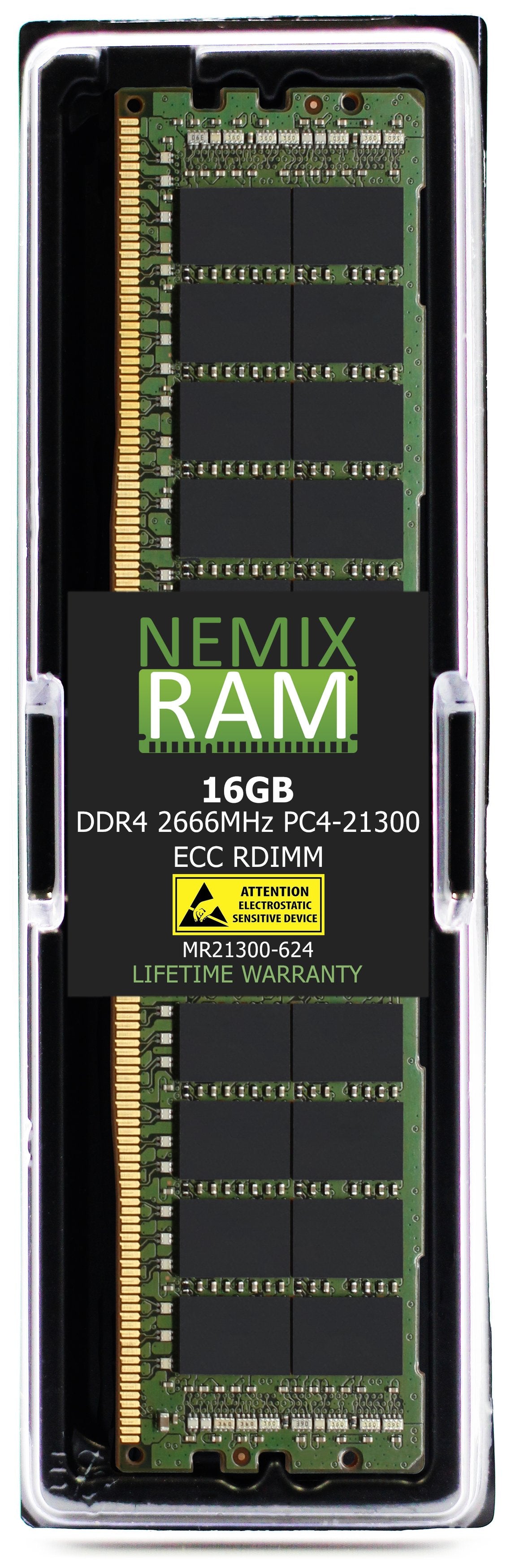
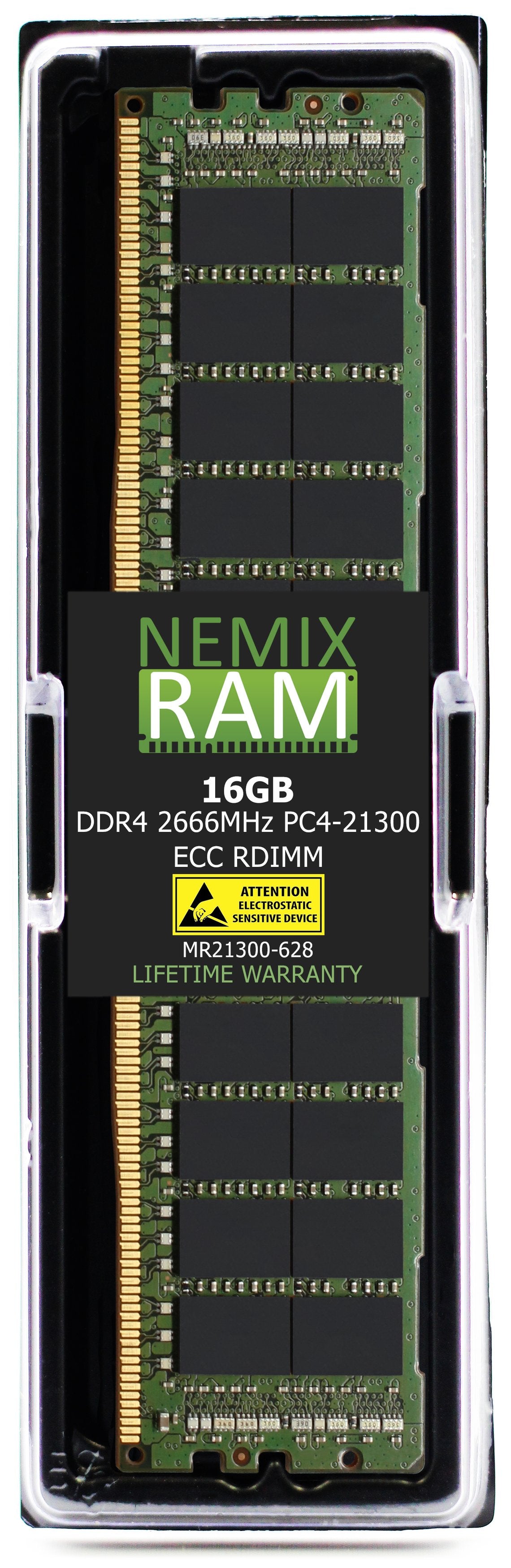
Gigabyte server boards are the larger half of this catalogue. The MZ-series (MZ73, MZ33, MZ01) EPYC and Xeon boards, G-series GPU servers (G294, G494), R-series rack systems and E-series edge nodes take ECC RDIMM — 54 of the listings here — with LRDIMM for the highest-capacity builds and ECC UDIMM on the entry boards.
AORUS and consumer boards — X870, B850, B650, Z890, B760 and the AORUS Elite and Master lines — take non-ECC UDIMM, and this is where the fastest kit lives: DDR5-6400 across the current AM5 and LGA1851 range.
DDR5 dominates at 78 of 98 listings. DDR4 is held for the B550, B760 and earlier server platforms still in service. Densities run 8GB to 64GB per module.
The mistake to avoid on Gigabyte is assuming the brand tells you the module type — it doesn't. An MZ73 wants registered ECC; an X870 AORUS wants non-ECC UDIMM; they share nothing but the logo. Use Shop by System Model to filter to your exact board, or send us the board model and we'll confirm it before you order.
Lifetime warranty on every module. Purchase orders, net terms and volume pricing for business, government and education buyers.
Memory by Gigabyte board family
Gigabyte's server boards carry a two-letter prefix that identifies the platform, and its consumer boards carry the chipset in the name. Between them they tell you the module type before you open a manual. Match the row, then confirm on the board's spec page.
| Board family | Examples | Platform | Memory |
|---|---|---|---|
| MZ33 / MZ73 (SP5) | MZ33-AR1, MZ33-AR0, MZ33-CP1, MZ73-LM1, MZ73-LM0, MZ73-HB1 | EPYC 9005 / 9004 | DDR5-6000 (9005) or DDR5-4800 (9004) ECC RDIMM · 12 channels per socket · 24 slots on the MZ73 dual-socket boards |
| MZ32 / MZ72 / MZ92 (SP3) | MZ32-AR0, MZ32-AR1, MZ72-HB0, MZ72-HB2, MZ92-FS0 | EPYC 7002 / 7003 | DDR4-3200 ECC RDIMM or LRDIMM · 8 channels per socket · 16 slots on the MZ32, 32 on the MZ72 |
| MZ01 / MZ31 (SP3, first generation) | MZ01-CE0, MZ01-CE1, MZ31-AR0 | EPYC 7001 (7002 with BIOS update) | DDR4-2666 ECC RDIMM or LRDIMM (DDR4-3200 modules run at the CPU's supported speed) · 8 channels · 8 or 16 slots |
| MS33 / MS73 / MS03 (LGA 4677) | MS33-AR0, MS33-CP0, MS73-HB0, MS73-HB1, MS03-CE0, MS03-6L0 | 4th / 5th Gen Xeon Scalable · Xeon 6 (MS03) | DDR5-4800 / 5600 ECC RDIMM (MS33 / MS73) · DDR5-6400 ECC RDIMM (MS03) · 8 channels per socket |
| MU72 / MD72 / MU92 (LGA 4189 / 3647) | MU72-SU0, MD72-HB2, MU92-TU1, MD71-HB0 | 3rd Gen Xeon Scalable (MU72 / MU92) · 1st / 2nd Gen (MD7x) | DDR4-3200 ECC RDIMM or LRDIMM (3rd Gen) · DDR4-2666 / 2933 (1st / 2nd Gen) · 8 or 6 channels per socket |
| MX33 / MX34 / MX32 (LGA 1700 / 1200) | MX33-BS0, MX33-BS1, MX34-BS0, MX32-4L0, MX32-BS0 | Xeon E-2400 (MX33 / MX34) · Xeon E-2300 (MX32) | DDR5-4800 ECC UDIMM (MX33 / MX34) · DDR4-3200 ECC UDIMM (MX32) · 2 channels, 4 slots · unbuffered only |
| MC12 / ME03 / MC13 (AM4 / AM5) | MC12-LE0, ME03-CE0, ME03-PE0, MC13-LE1 | Ryzen 3000 / 5000 (MC12) · Ryzen 7000 / 9000, EPYC 4004 (ME03, MC13) | DDR4-3200 ECC UDIMM (MC12) · DDR5-5600 ECC UDIMM (ME03 / MC13) · 2 channels, 4 slots · ECC operates with Ryzen PRO and EPYC 4004 |
| MC62 / WRX80 (sWRX8) | MC62-G40, MC62-G41, WRX80-SU8-IPMI | Threadripper PRO 3000 / 5000 WX | DDR4-3200 ECC RDIMM · 8 channels / 8 slots · registered only |
| TRX50 / TRX40 (sTR5 / sTRX4) | TRX50 AERO D, TRX50 AI TOP · TRX40 AORUS Master, TRX40 AORUS Pro WIFI, TRX40 Designare | Threadripper 7000 (TRX50) · Threadripper 3000 (TRX40) | DDR5-5200 ECC RDIMM, 4 channels (TRX50) · DDR4-3200 non-ECC UDIMM, 4 channels, 8 slots (TRX40) — the two generations use opposite module types |
| AORUS / AERO / GAMING / EAGLE / DS3H — AMD | X870E AORUS Master, X870 AORUS Elite WIFI7, B850 AORUS Elite, B840M DS3H, X670E AORUS Xtreme, B650 AORUS Elite AX, B550 AORUS Master, X570 AORUS Pro, B550M DS3H | Ryzen 7000 / 9000 (AM5) · Ryzen 3000 / 5000 (AM4) | DDR5-5600 UDIMM (AM5) · DDR4-3200 UDIMM (AM4) · ECC UDIMM accepted on most Gigabyte AMD boards; see the ECC note below · 4 slots (2 on the M-series micro boards) |
| AORUS / AERO / GAMING / EAGLE / DS3H — Intel | Z890 AORUS Master, Z890 AERO G, B860M AORUS Elite, Z790 AORUS Elite AX, Z790 AERO G, B760M DS3H DDR4, Z690 AORUS Pro | Core Ultra 200S (Z890 / B860) · 12th–14th Gen Core (Z790 / B760 / Z690) | DDR5-6400 UDIMM or CUDIMM (Z890 / B860) · DDR5-5600 UDIMM (Z790 / B760 / Z690 DDR5) · DDR4-3200 on the boards with "DDR4" in the name · non-ECC · 4 slots |
| G / R / E / H / S servers | G293-Z43, G294-Z43, G493-ZB3, G593-SD1, R283-Z93, R183-S94, R282-Z93, R272-Z32, E283-Z90, H273-Z82, S183-S71 | EPYC 9004 / 9005 (Z models) · 4th / 5th Gen Xeon (S models) · 3rd Gen Xeon and EPYC 7003 (x8x-series) | DDR5-4800 / 6000 ECC RDIMM (current Z and S) · DDR4-3200 ECC RDIMM / LRDIMM (R282, R272 and earlier) · 8 or 12 channels per socket |
| BRIX mini PCs | BRIX Extreme, BRIX Pro, BRIX S | Core / Ryzen mobile | DDR5-5600 or DDR4-3200 non-ECC SODIMM by generation · 2 slots |
Board lists are representative. The board's spec page and memory QVL are the authority; use Shop by System Model to filter to your board.
The 60-second module-type check
Three questions from the board name. Prefix: MZ, MS, MU, MD, MC62, and every G/R/E/H/S server are registered — RDIMM, or LRDIMM on DDR4. MX, MC12, ME03, MC13, and every AORUS / AERO / GAMING / EAGLE / DS3H board are unbuffered — UDIMM. ECC: the unbuffered server boards (MX, MC12, ME03) are ECC UDIMM platforms; the consumer boards are non-ECC by design, even where an ECC module is accepted. Generation: B760 and some Z790 boards exist in both DDR4 and DDR5 versions — "DDR4" in the name is the DDR4 variant — and TRX40 (DDR4 UDIMM) and TRX50 (DDR5 RDIMM) are opposite types despite the similar name. Get those three right and the rest is capacity and speed.
How to identify what is installed
- Server boards — GIGABYTE Management Console (BMC): Inventory → Memory lists every slot with capacity, speed, rank, manufacturer, and part number. No downtime required. GIGABYTE Server Management (GSM) exports the same across a fleet.
- Consumer and workstation boards — BIOS (Del at boot): the Memory Info / SPD Info page shows installed modules by slot with manufacturer and part number. GIGABYTE Control Center shows the same in Windows, as does CPU-Z's SPD tab.
-
From the OS:
sudo dmidecode -t baseboardanddmidecode -t memoryon Linux, orwmic baseboard get producton Windows. - On the board: the model is silk-screened near the DIMM slots or between the PCIe slots.
Population rules that matter on Gigabyte
- Registered and unbuffered never cross. An RDIMM in an MX33 or an AORUS board will not post; a UDIMM in an MZ33 or MC62 will not post. The socket decides; no BIOS setting changes it.
- Fill channels before doubling up. EPYC 9004/9005 has 12 channels, Xeon Scalable 8, Threadripper PRO 8, Threadripper 7000 4, Ryzen and Core 2. One DIMM per channel first, in the order the manual gives (server boards: A1 → B1 → C1 …; consumer boards: DDR5_A2 and DDR5_B2 first). A single 64GB module on an MZ33 leaves eleven of twelve channels idle.
- Four DIMMs on AM5 and LGA 1700 / 1851 costs speed. Two-channel platforms run their rated DDR5 speed with two modules; four modules train lower. For 128GB on a consumer board, 2×48GB or 2×64GB at full speed usually beats 4×32GB at reduced speed.
- Match capacity, speed, and rank across the board. Mixed speeds run at the slowest module; mixed ranks on registered boards can force a lower speed or drop supported DIMMs per channel. Identical modules across the board are the safe configuration, which is why we sell matched kits sized to the channel count.
- The CPU sets the ceiling. An MZ01 accepts 3200 modules but an EPYC 7001 runs them at 2666; an MZ33 with an EPYC 9004 runs 6000 modules at 4800. Check the processor before paying for the faster grade.
- JEDEC speed vs profile speed. The speed on this page is the JEDEC rating the module trains to automatically. XMP and EXPO profiles above it are overclocking, are not guaranteed, and do not exist on the MZ / MS / MX server boards, which run JEDEC only. Gigabyte's High Bandwidth / Low Latency toggles on AORUS boards act on profiles, not on JEDEC modules.
- ECC on Gigabyte AMD boards. Gigabyte's consumer AM4 and AM5 spec pages list "support for ECC Un-buffered DIMM (operate in non-ECC mode)" — the ECC module fits and runs, but error correction is not active. ECC operation requires the server-line boards (MC12, ME03, MC13) with a Ryzen PRO or EPYC 4004 processor.
Threadripper: TRX40, TRX50, and WRX80 are three different answers
Gigabyte's Threadripper boards are where the most expensive wrong-type orders happen. TRX40 AORUS (Threadripper 3000) is a desktop-style platform: DDR4-3200 non-ECC UDIMM, four channels, eight slots. TRX50 AERO D and TRX50 AI TOP (Threadripper 7000) moved to registered memory: DDR5-5200 ECC RDIMM, four channels. MC62-G40 and the WRX80 boards (Threadripper PRO) are DDR4-3200 ECC RDIMM on eight channels. The board names sit one digit apart and the modules do not interchange in any direction.
First boot on AM5 and DDR5: what is normal
On a new AM5 build or after a memory change, Gigabyte boards run DDR5 memory training on the first POST. It can take one to three minutes with the DRAM debug LED lit and no display; that is training, not a failure. A subsequent cold boot is fast because the result is cached. The DRAM LED staying lit past five minutes, or the board cycling repeatedly, is the actual fault signal: reseat the modules in A2 and B2, clear CMOS, and retry with one module. Z890 and Z790 boards train too, more briefly.
What "compatible equivalent" means here
A NEMIX RAM module listed for a Gigabyte board matches the board's qualified spec on every attribute the memory controller checks: DDR generation, capacity, ECC status, buffering (registered, load-reduced, or unbuffered), rated JEDEC speed, rank organization, voltage, and pin count. It is built on DRAM from the manufacturers on Gigabyte's QVL and tested in the board family before listing. Gigabyte boards do not check for a memory brand; the BMC or BIOS reports the module's manufacturer and runs it at spec. Mixing NEMIX RAM with other modules of the same spec is supported. Every module carries a lifetime replacement warranty with free US-based technical support.
Fleet, government, and education purchasing
NEMIX RAM is a registered federal supplier (UEI GV8MMYNDJ5J1, CAGE 59AB2) and accepts purchase orders with net terms for business, government, and education buyers. For G-series GPU nodes, R-series racks, or MZ/MS board builds, send the model and node count, or a BOM, and we return a matched set sized to the channel count and shipped together. Volume and reseller pricing is available on request.
Frequently asked
The module isn't on the Gigabyte QVL for my board. The QVL lists modules Gigabyte happened to test, not an exclusion list, and it is rarely complete. The NEMIX RAM module matches the spec of the QVL parts for that board and is tested in the board family; the lifetime warranty covers it.
MZ32-AR0: RDIMM or LRDIMM? RDIMM unless you need the capacity ceiling — LRDIMM exists to reach 4TB across the 16 slots with 256GB modules. If the board already has one type, that decides it.
Will an ECC UDIMM run ECC on my B550 or B650 AORUS? It fits and runs, but per Gigabyte's own spec it operates in non-ECC mode on the consumer boards. If error correction is the point, the MC12 (AM4) or ME03 (AM5) server board with a Ryzen PRO or EPYC 4004 is the platform for it.
Z890: UDIMM or CUDIMM? Both work; CUDIMM is required only for the high overclocked speeds Core Ultra 200S supports. At JEDEC 6400 a standard UDIMM is fine.
My board isn't listed. Send us the board model and we confirm the fit before you order.
NEMIX RAM can deliver any Configuration your Fleet Requires
Speak to a Sales Representative